<%= partial('partial-article-list-sections', {
id: 'category-' + category.id,
parentId: '#sidebar-article-navigation',
sections: category.sections,
activeCategoryId: activeCategoryId,
activeSectionId: activeSectionId,
activeArticleId: activeArticleId,
partial: partial
}) %>
<% }); %>

Comments
10 comments
What drone & controller, and what phone
Phone Honor 50
Drone and controler MAVIC AIR 2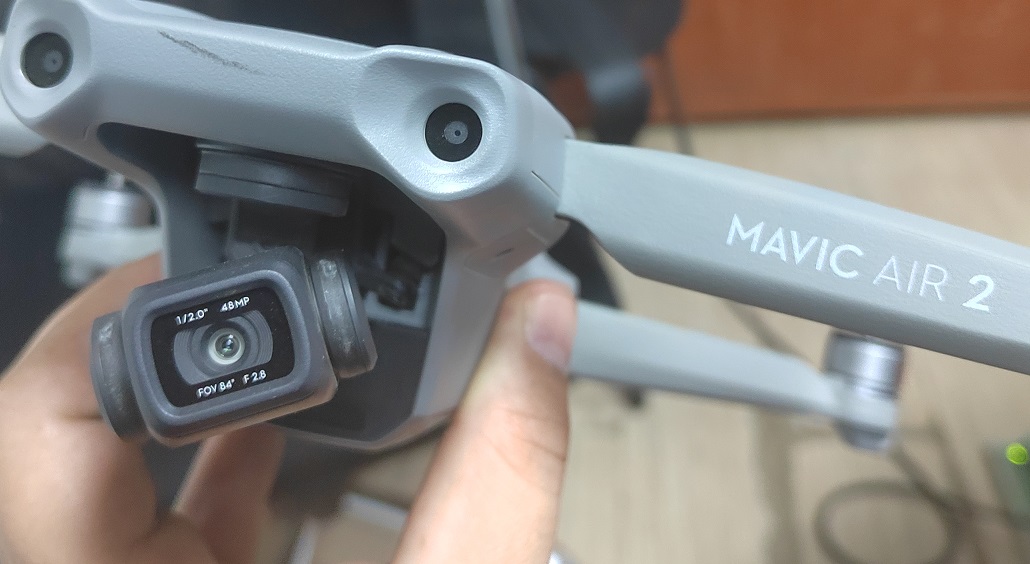
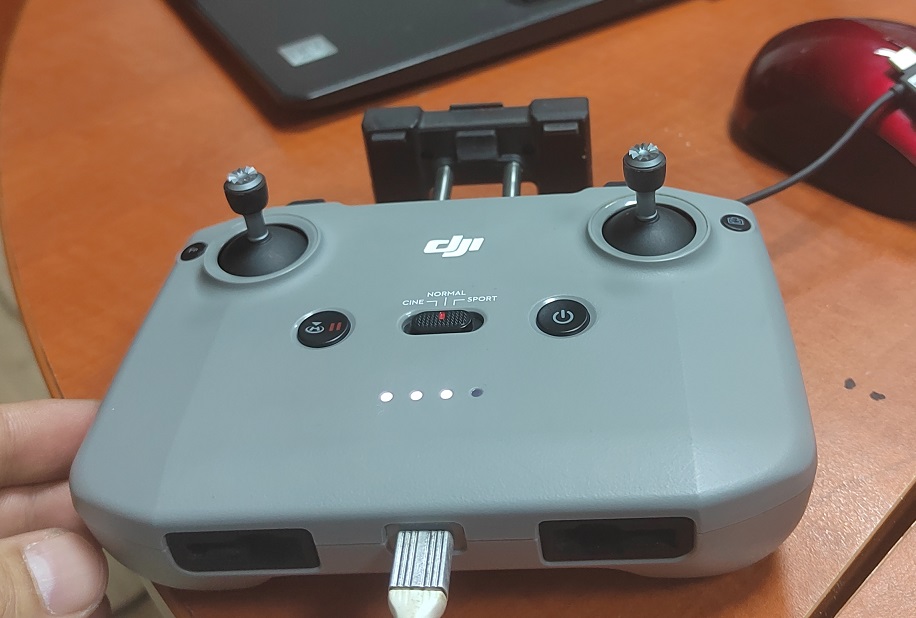
Not sure if the picture is meant to show how it’s connected or not. If so then you using the USB-C port on the bottom of controller ? That’s for updating firmware and charging. If not then check these links for additional assistance. Android devices need to have correct version if downloading the APK directly.
https://support.dronelink.com/hc/en-us/articles/360025829933-What-are-the-system-requirements-
https://support.dronelink.com/hc/en-us/articles/360035825593-How-do-I-install-the-native-app-
No just the controler he is not conected.
Ok. Check the links. I don’t know whether the phone is an issue or not since I’ve never heard of anyone using that model. Also with Android devices it asks for a lot permissions. Try deleting the app and reinstalling and ensure you grant all permissions.
https://support.dronelink.com/hc/en-us/articles/360033103354-Why-does-the-Android-app-ask-for-so-many-permissions-
Are you able to fly a mission, even with the error message?
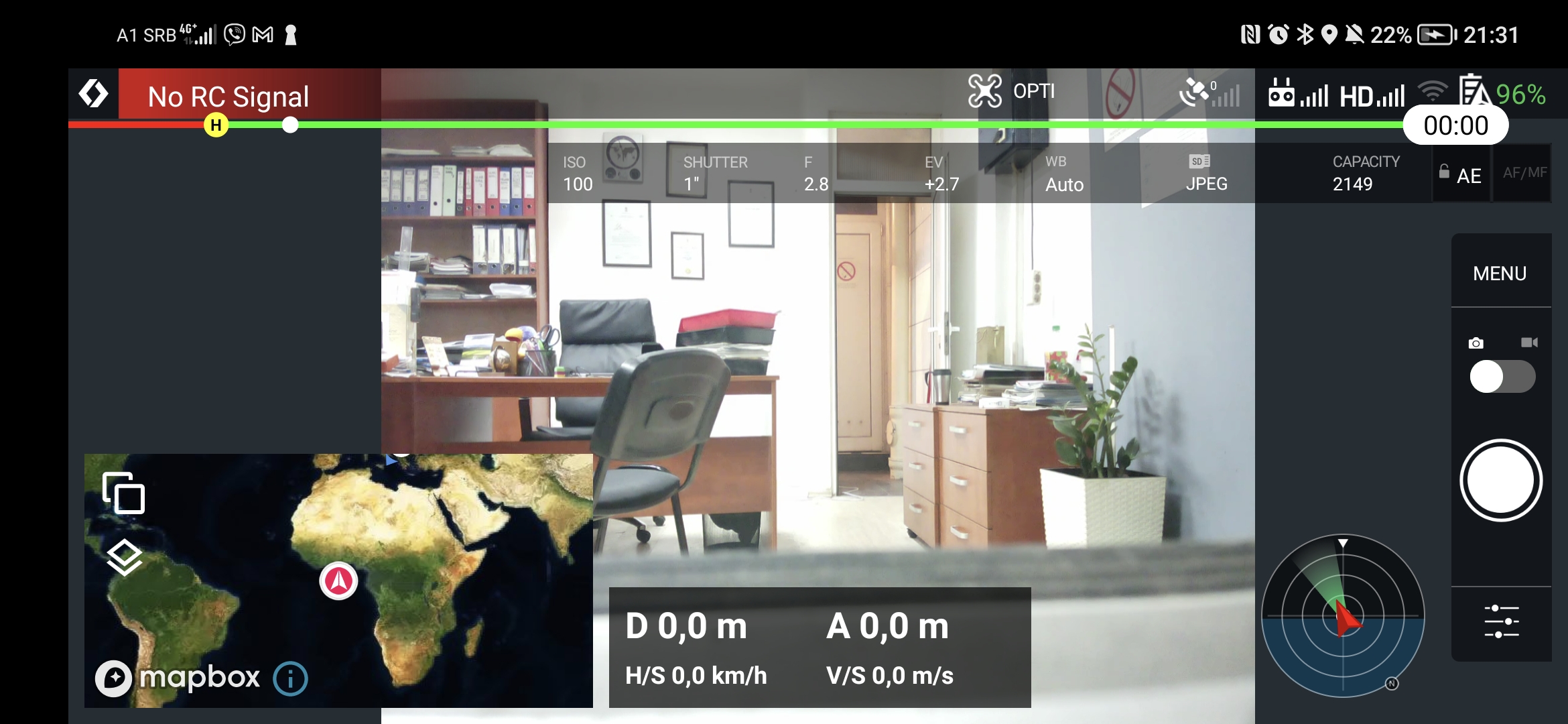
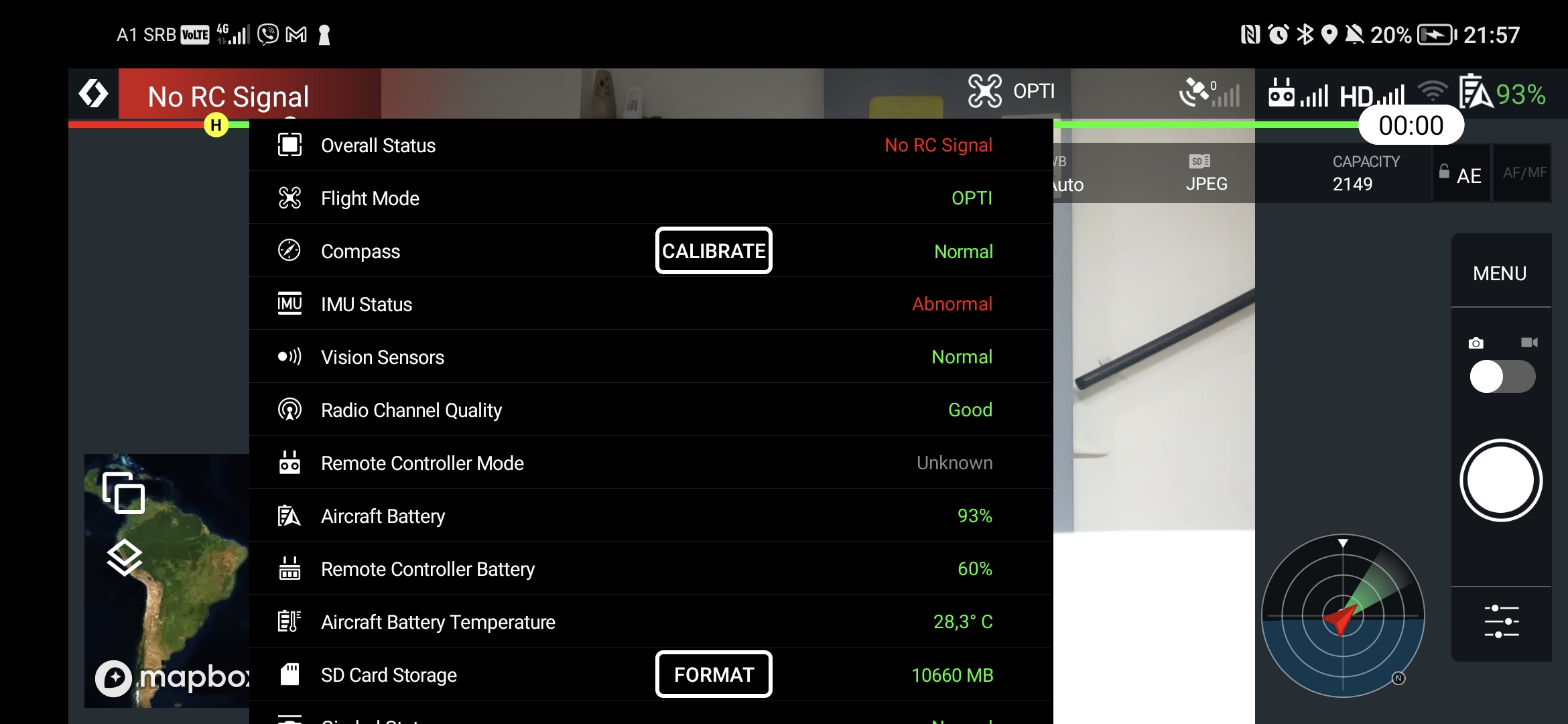
He starts counting down to start the mission and blocks there. If there is no RC signal how is it possible that I can see the camera display on the device?Just looking at the original screenshot again, if you check out the icons on the right, they show 0 satellites and a full 5 bars for both RC & HD signal strength which is contrary to the no RC signal message🤔
Did you grant all permissions?
Good catch Martin. I missed that on the screenshot. There are Zero satellites. Also the camera feed will work even without satellites since the drone is connected to the controller as the screenshot indicates. Can’t fly without satellites so you need to figure out why you have Zero. Until you figure out why, you won’t be able to fly. As Jim and I pointed out, try deleting the app and make sure to grant all permissions as the links we sent indicate. If still an issue then there may be something else going on with drone.
Please sign in to leave a comment.