DJI Mini SE, Samsung Galaxy A16, DJI Fly + Dronelink not connecting

DJI Fly connects to drone just fine with controller, Dronelink doesn't connect. Attempted multiple restart options from https://support.dronelink.com/hc/en-us/articles/360052025194-Why-is-Dronelink-unable-to-connect-to-my-drone . Checked for correct versions. Confetti test about 1/2 speed.
DJI Fly
Version 1.17.4
RC Firmware 01.00.0602
Aircraft Firmware 01.02.0000
DroneLink
paid starter plan
Galaxy A16 5G
SM-A166U
One UI 7.0
Android 15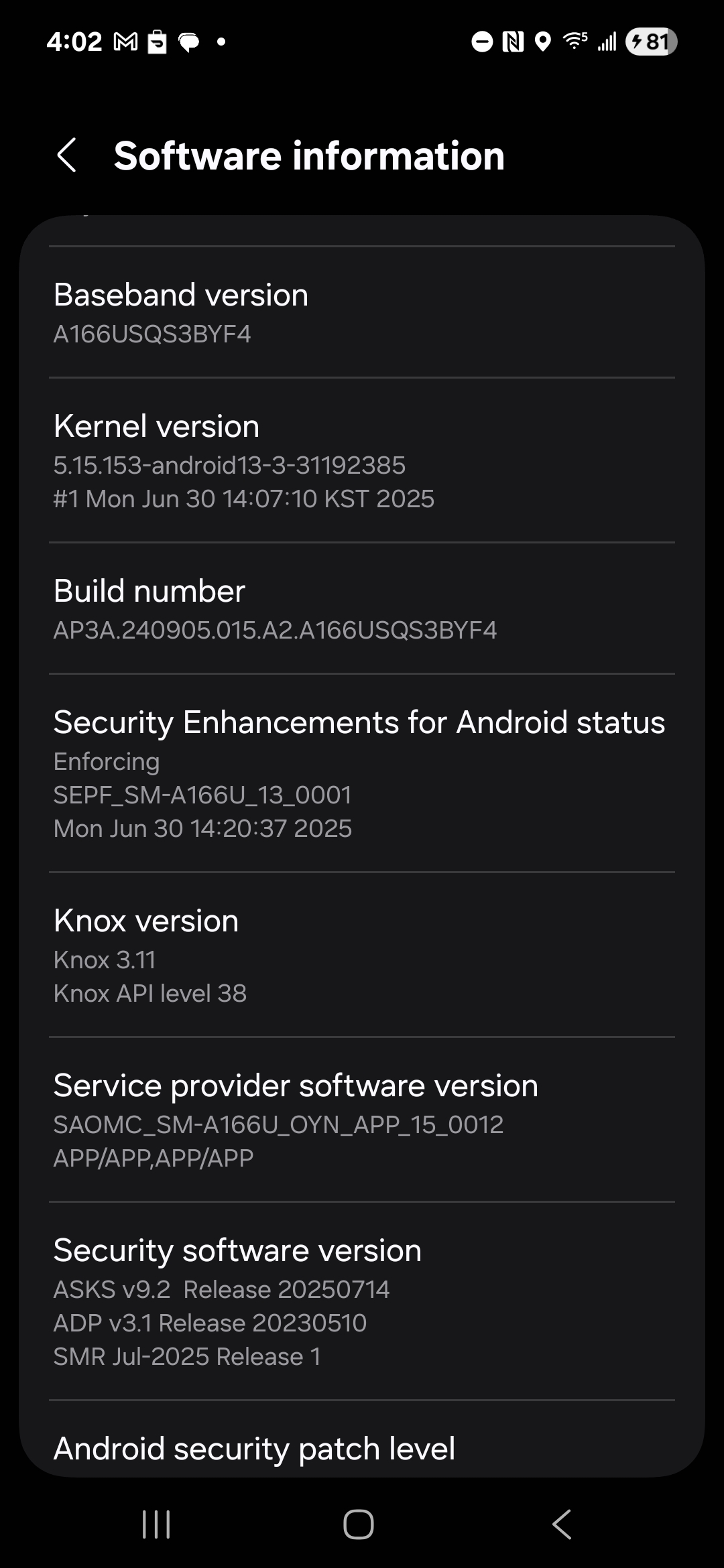
Comments
14 comments
Ok,to start off with, let's check which drone we are specifically talking about as there are 2 mini drones with the SE designation
a full list of supported drones can be found here
https://www.dronelink.com/supported-drones
Hello how can i make plan
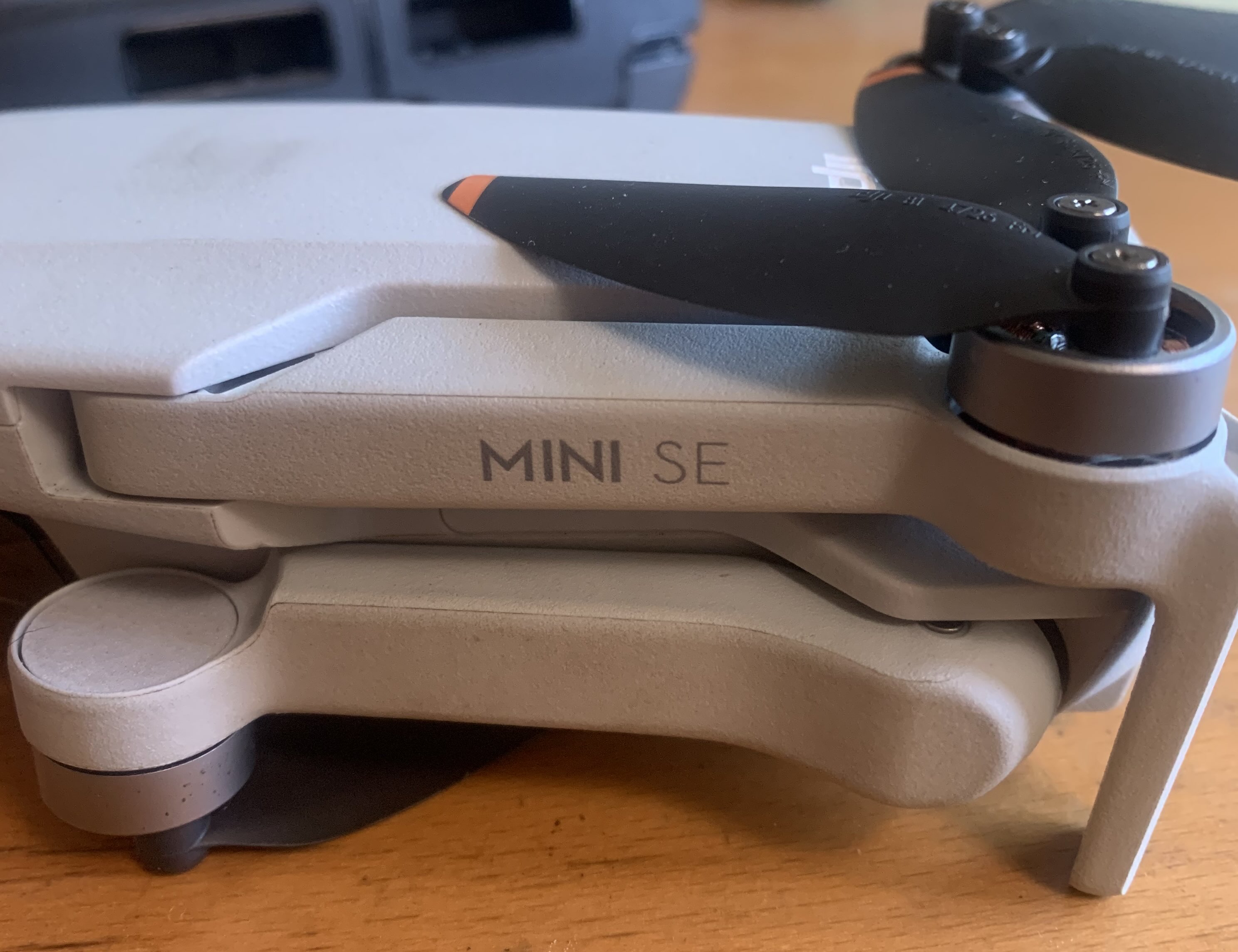
Mini SE. Flown for about 4 previous projects using Dronelink on iPhone.
Check to make sure all permission have been granted and also force stop the DJI fly app. About 90% of the time it’s number 3.2 in the support article link you sent. You cannot just swipe up to force stop like with with your iPhone or any IOS device.
Ok, good too know it's a supported drone, so a couple more questions
Are you sure you're using the correct app, DRONELINK,rather than DRONELINK DJI
When you turn the controller on do you get a pop up similar to the one below
Went through https://support.dronelink.com/hc/en-us/articles/360052025194-Why-is-Dronelink-unable-to-connect-to-my-drone
quite thoroughly, on local Wifi:
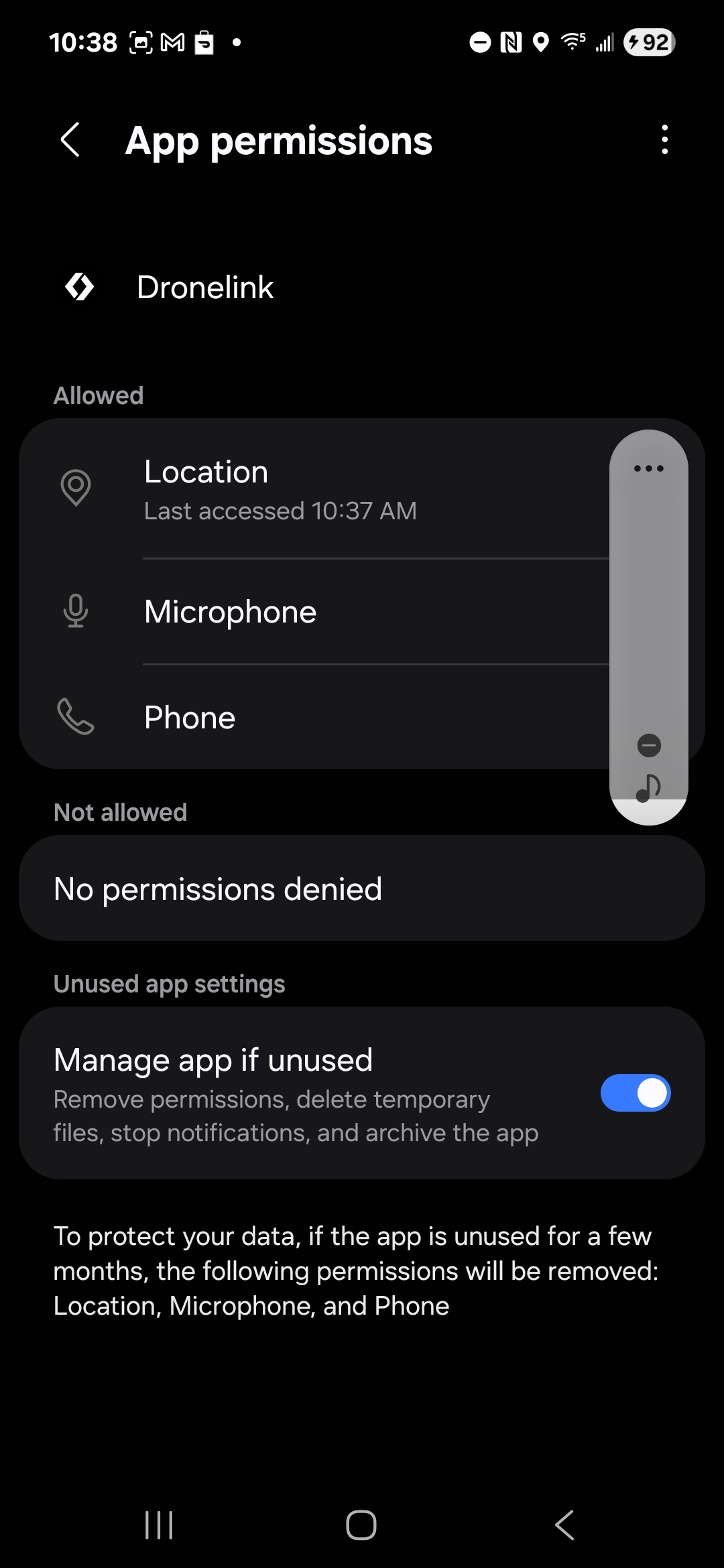
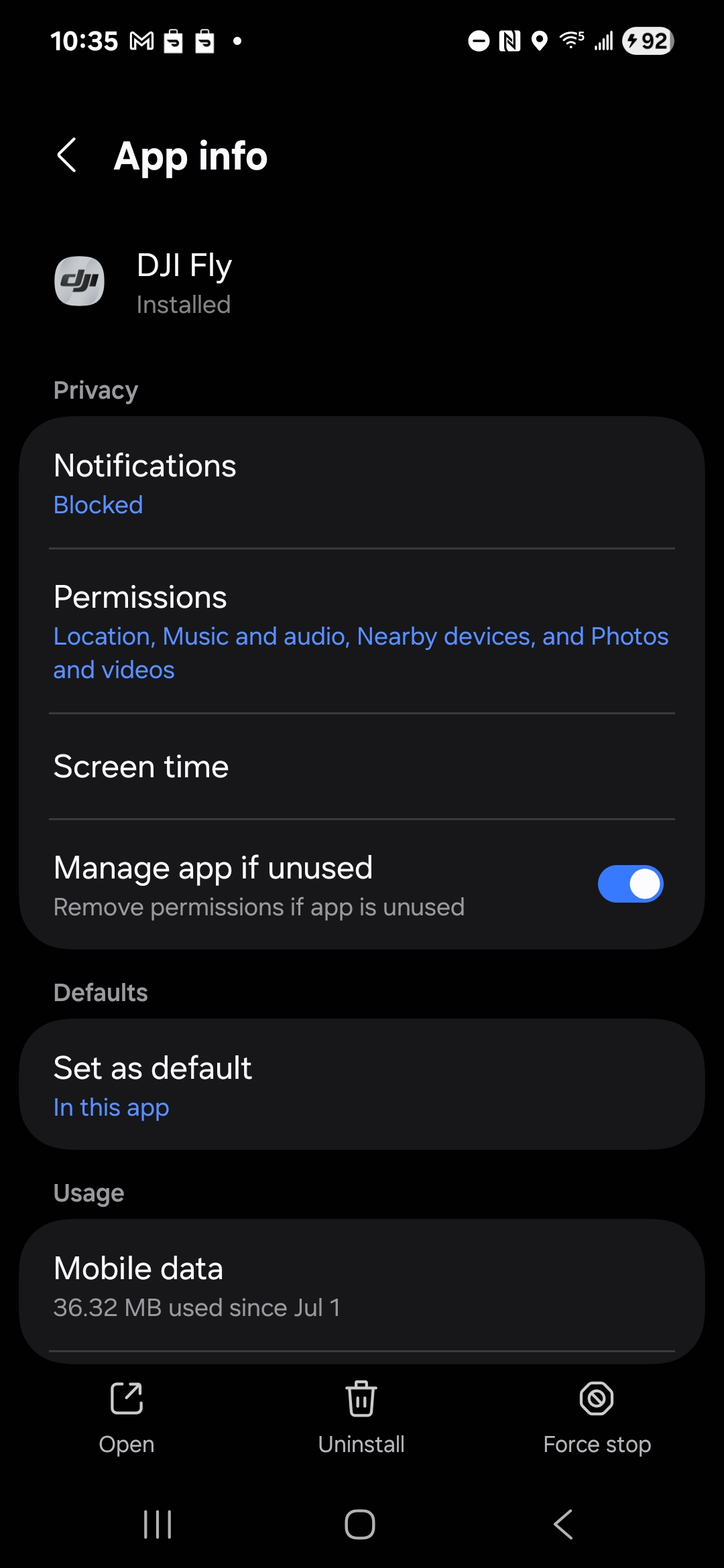
1. Dronelink re-install from "download" for Mini SE on Google play store
a. bypass app auto-start options on cable plug-in
b. Enable all permissions
2. Start DJI Fly
a. Enabling access while bypassing auto-start
b. Confirming drone connection and camera output
c. Using "Force Stop" from App Info
3. Start Dronelink App
a. open flight project
No Connectivity
No need to do anything with DJI fly, in fact try uninstalling it
Yeah, that worked. Fixed.
Great to hear that you got sorted 👍
After solving this issue - can you recommend the Samsung Galaxy A16 for flying with Dronelink app?
How much RAM do you have installed on the A16?
Im asking because im considering buying the A16 especially for DL due to the missing dji SDK for IOS for my Mini 4 Pro.
Thanks!
Manfred Maraun. It’s a modern hardware device so it should work. The RAM isn’t that important as most devices have more then enough. It’s all about the processing power of the device.
https://support.dronelink.com/hc/en-us/articles/360025829933-What-are-the-system-requirements-Supported-drones-and-devices
Thanks Mike for confirming. I assumed the A16 would be great for this purpose as it’s fast, has a bright display and most affordable if you just need the device to use dronelink.
Your welcome. The only possible issue you could run into is if you create and run large mapping missions around 50 to 100 acres or more. This is why the DL Web app warns you once the size gets to about 100 acres and always recommends using a high performance device or splitting the plan into separate smaller missions. Paths, Orbits, Photo components etc… don’t need the same processing power to run those. Enjoy.
Please sign in to leave a comment.