Mission preview

When engaging mission preview my screen goes from a google earth view to a black page with just the mission. Anyone have an idea of why this is happening?
When engaging mission preview my screen goes from a google earth view to a black page with just the mission. Anyone have an idea of why this is happening?
<%= block.description %>
<% } %>
Comments
12 comments
Can you share the mission plan and a screenshot?
Jim it did not just happen with one mission plan, it happened on at least two and it happened several times. I shut down microsoft edge several times and turned back, and it kept happening. I stepped away from computer for a while, after writing into forum, and it has not happened since.
Just had this issue happen again. https://app.dronelink.com/robert-scheffler/back-yard/plan/HSqYjaC1JsoJ2vBia5B4/m0oxahvZY7Zl2vxSCQAm. Link to mission and 2 screen shots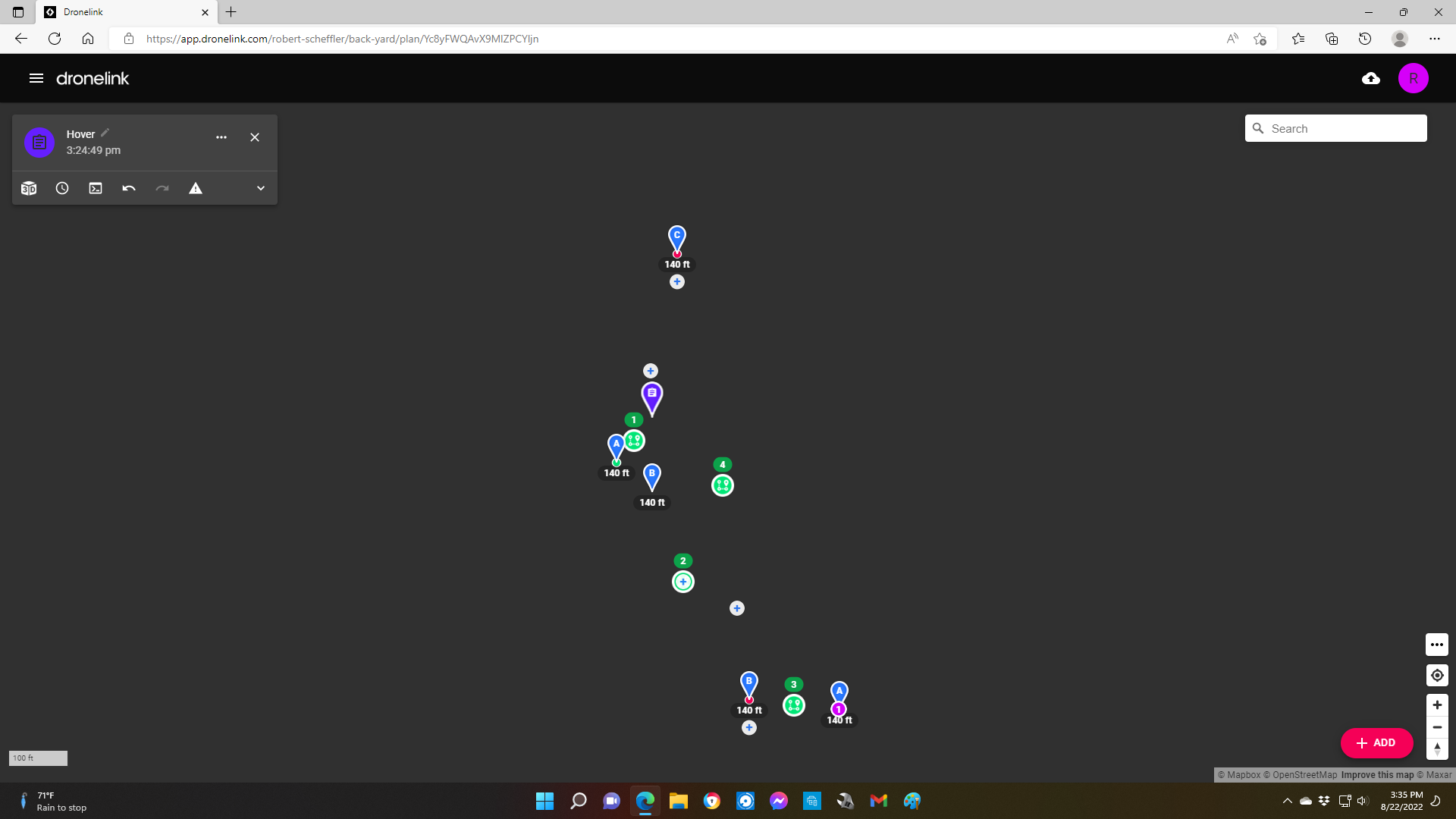
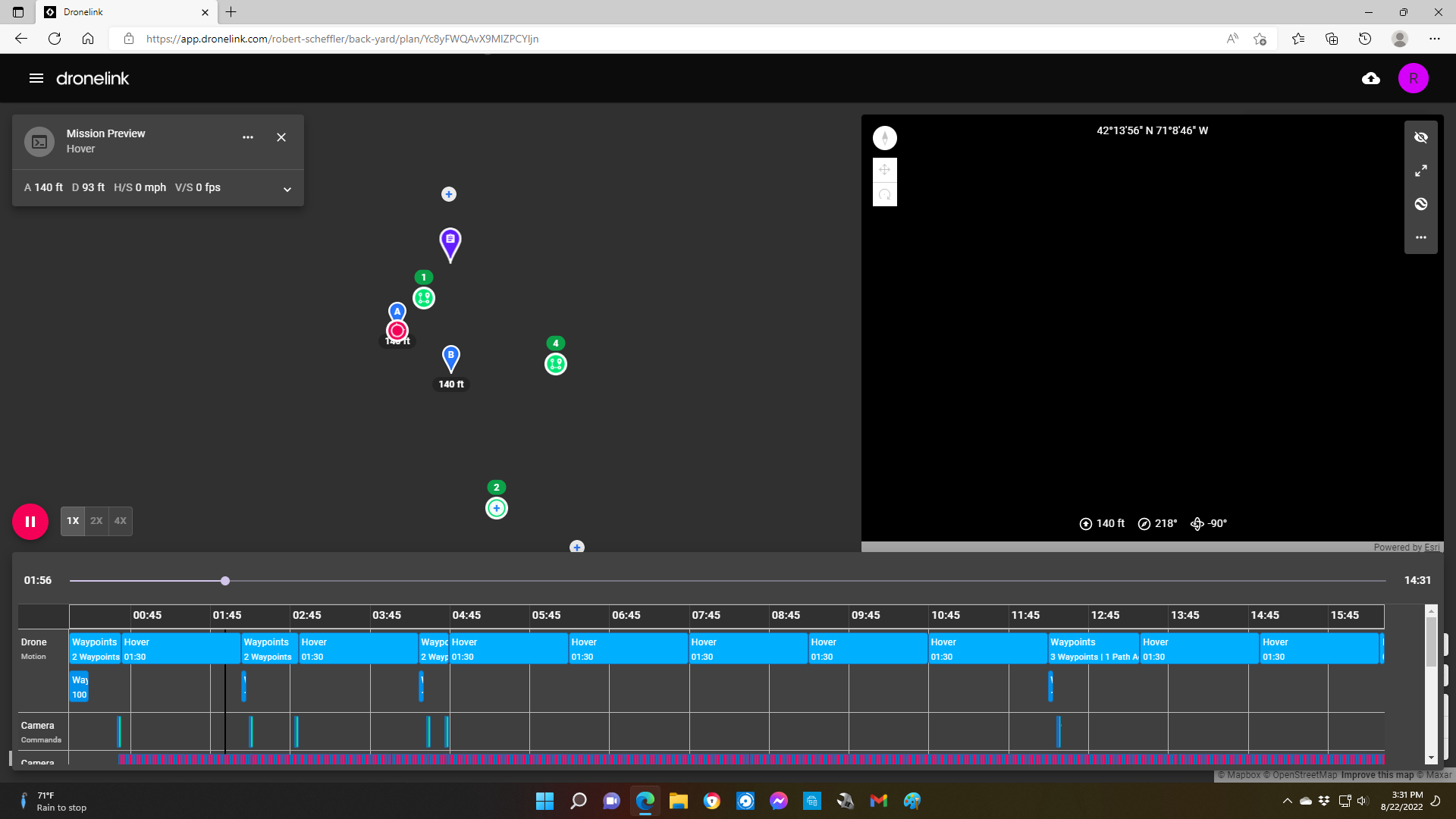
Sorry! Wrong mission https://app.dronelink.com/robert-scheffler/back-yard/plan/Yc8yFWQAvX9MlZPCYljn/S1OTU9hM706ygEIKEDcr The two screenshots are one is the active mission preview and the second is after closing out the mission.
Bob Scheffler, neither of those links wants to open here
I’m sure you may have tried but did you clear everything out like the browser history, cache etc. I’ve had the mission preview not load using Firefox a couple times and once I cleared everything it worked again. It was just the mission preview though, not the map. Also have you tried another browser ? Only other thing to try is reinstalling the Browser. Sometimes it’s a simple fix. Can’t hurt to try. Also I noticed the little moon in the bottom right corner which I believe is “Do Not Disturb”. Not sure if it’s enabled but I’m Curious if that will not let the map load and that is usually set to specific range time range. Just throwing out some ideas. Good luck. 😃
I have never used Microsoft Edge but just tried and it worked without any issues. Map and mission preview. Version 90.0.818.62 (Official Build) (64 bit).
As far as not being able to access missions, I think I screwed that up by deleting them and starting over. As far as the browsers, I clear the history occasionally, I think that also clears the cache, at least I could not find a was to just clear cache. But at any rate I cleared the history in both browsers and I think that kinda worked, the program froze once but I got a blank screen with an error msg. from the browser asking to re-load the page.
By the way Mike, DJI gave me a brand new (not refurbished) mini with a paid one year DJI Care and refresh insurance policy.
Mike, the little moon is my computer telling the phase of the moon.
Good to hear Bob. With everything you have gone through I’d think this one should work. 🤞🏼
On the same "Mission Preview" but on mobile devices, can we get some notes on the "number of batteries" that will be required for the mission when we expand the dropdown?
Also if it is possible that we can see the projected/estimated locations where the battery replacement will occur, especially if your workflow is purely on a mobile handset.
Please submit new threads for each feature request here.
Please sign in to leave a comment.