Include the standard Google Map functionality for Mission Preview Panel

For Web App - Include the standard Google Map functionality for Mission Preview Panel.
Its not working in Chrome, Edge or Firefox.
Here is view not defaulting to Google Maps: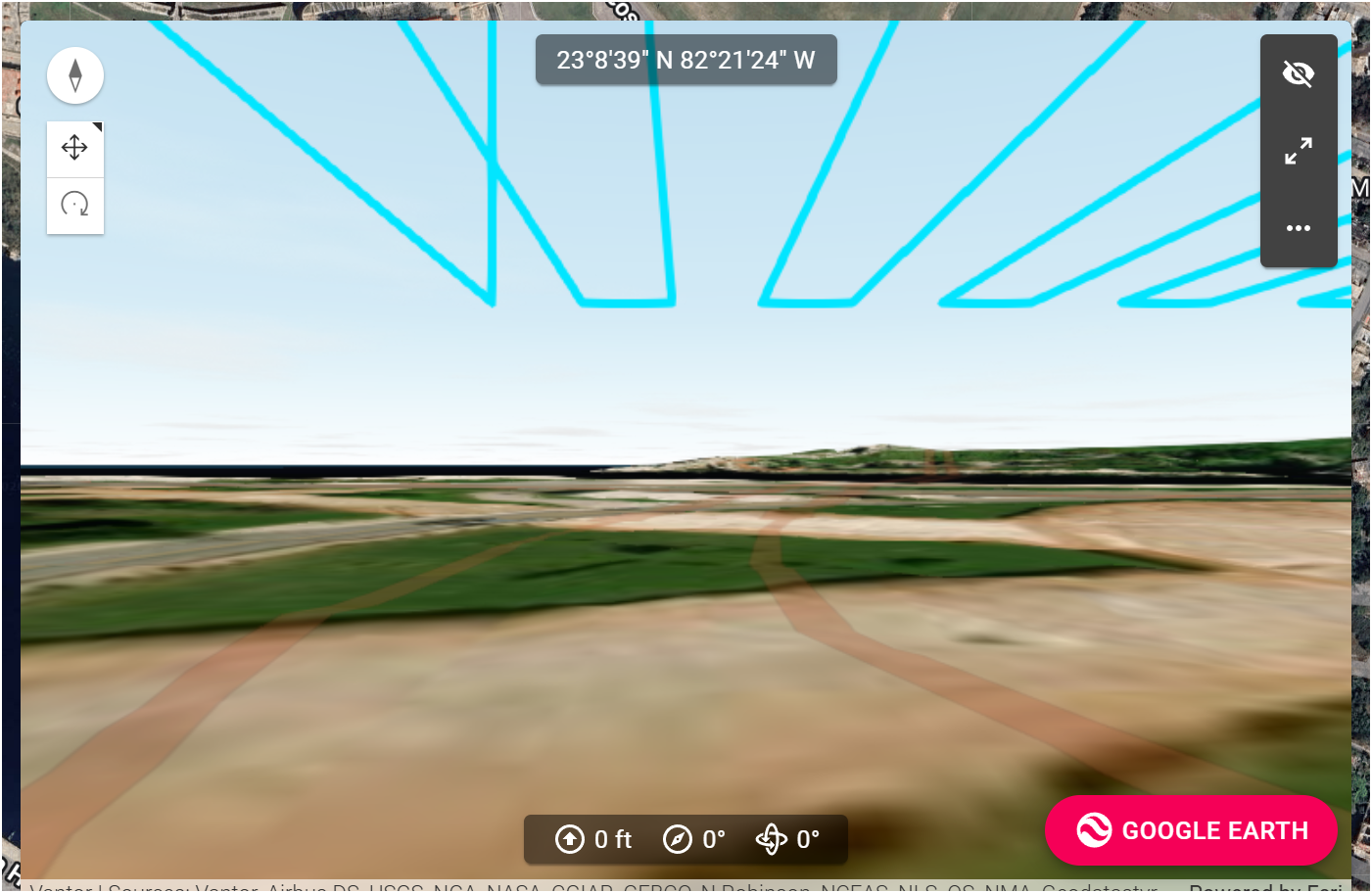
For Web App - Include the standard Google Map functionality for Mission Preview Panel.
Its not working in Chrome, Edge or Firefox.
Here is view not defaulting to Google Maps:
<%= block.description %>
<% } %>
Comments
29 comments
Expectation is to go world class, compare to the current Litchi Functionality - Completely interactive mission Preview using 3D Google Maps views showing Paths, Waypoints, Shot Framing, etc. See sample: This is a frame grab from the Preview video showing drone moving along flightpath with Waypoint and framing in view. Observer location / viewpoint is completely interactive and can be positioned anywhere in the airspace interactively. Very good for safety assurance.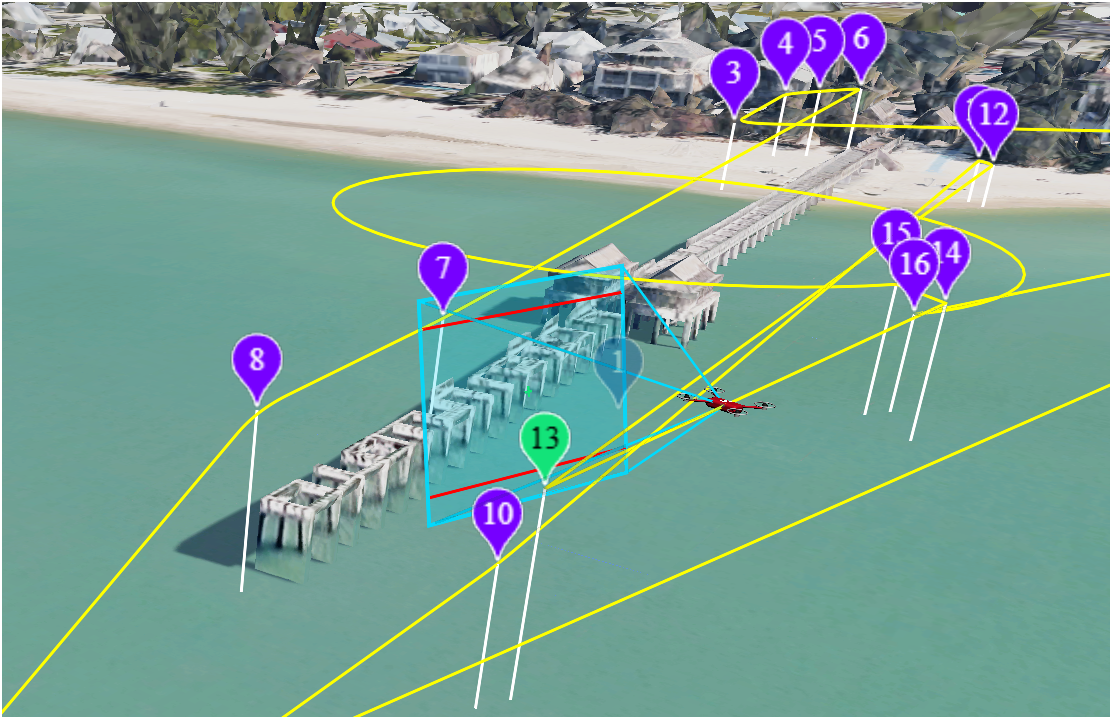
We added Google 3D as an option in the 3D preview window. You can try this in beta here: https://dronelink-225116--beta-fm3qkgdr.web.app/
Checked out the Beta Preview using Google - HUGE improvement. Great first step. Now can we free the forced lock of the view to the drone view and allow free positioning of the view?
Not sure what you mean, it already supports that.
Good, please explain how i can zoom out or view the running mission from an arbitrary location in the preview pane (while mission simulation is running in the preview pane). The Preview pane view seems to not allow independence from the drone position. Thanks.
If the mission preview is running it assumes you want to see what the drone will be seeing. If you set the view to something else is the point you just want to see a drone icon moving along the 3d path for some reason?
Yes, the idea is to offset the view and see the drone fly though the airspace. to ensure it's not crashing into trees, flag poles, cell towers or buildings. If the view is from the drone and the drone is flying sideways through the airspace you can't detect a possible collision from the side. You need to view the drone's path in 3d from a distance away. Litchi's simulation using Google Maps is setting the bar. If you can, run the new Litchi Hub in Free Mode and watch as the drone flies through the 3d airspace. Incredible simulation.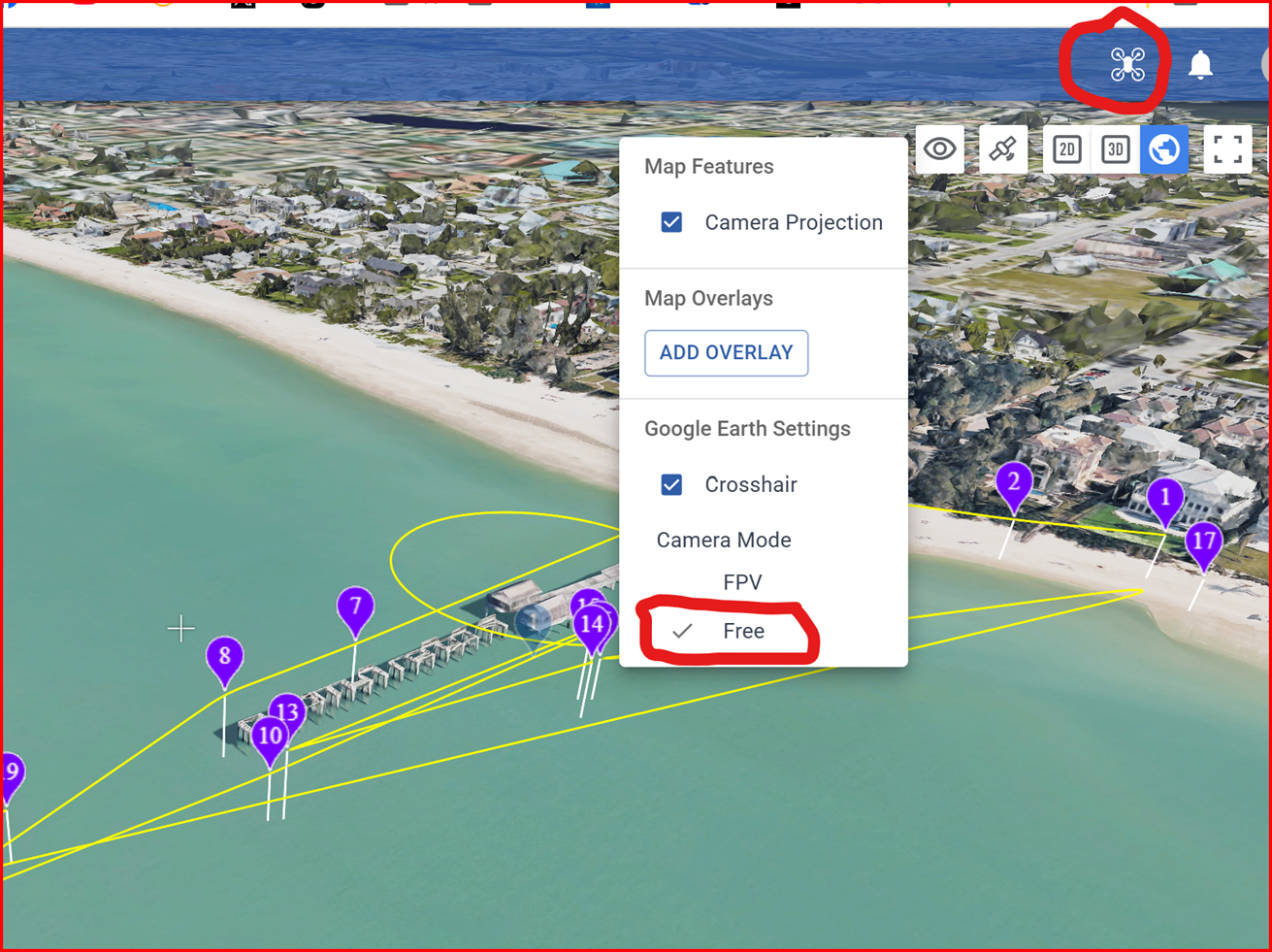
Hi Daniel Snyder
If you pause the simulation in Dronelink then you can pull back, move around, etc. and view from any angle with the blue line showing the flight path.
That seems to cover the safety aspect of what you are looking for, unless I'm missing something.
If you start playing the simulation again it will jump back into the FPV view. I guess what you might also be asking for is for the simulation to be able to be viewed as it is playing either from the FPV view or from the external view (equivalent to Free in Litchi).
Thanks Barry, Looks like the capability is "almost" there.
Ok refresh and let me know what you think now.
That was quick!
So, what we now have is:
Good stuff!
OK, great - but I do not see it. I am on ver. 5.3.0 of the web app, but I am not seeing 3d non-fpv views. I can't change the locations of my POV in the preview pane. But it sounds like significant progress is being made which is goo. It's just I can't see it. Do I change something here?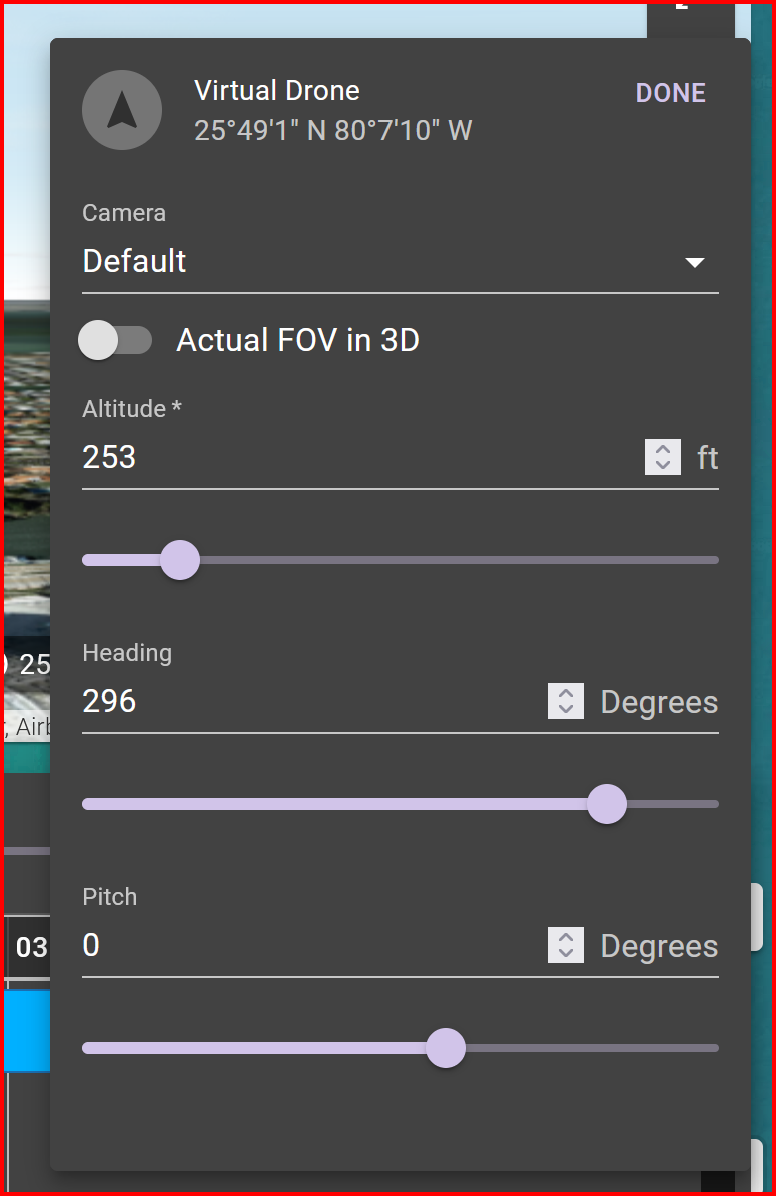
That worked. HUGE upgrade! Very useful. (now is it possible to do same for mission planning view in the web app? Thanks Jim. Thank you!
Can you be more specific about what you want?
Exactly the same function as in the GMaps Preview Beta has now. 3d View of the planning screen, with ability to switch out of FPV mode and arbitrarily adjust viewpoint - altitude, azimuth and inclination pitch at the scroll of a mouse. Make sense? This is so close now.
Nothing showing in preview, just a static image
What browser are you in? Can you force refresh?
Jim, I'm using Waterfox as usual, it was working fine the other day, I'll try it in edge and see if that's the same
Refresh and back in to it just did the trick 👍
Daniel Snyder
The preview now gives the FPV/non-FPV view you were looking for.
You also have the ability to see the flight path using the 3d planner view
And when viewing that way, adjustments to the plan are made in near real time into the preview window.
Does that give you what you need?
Preview is now fantastically improved! (Thanks Jim and Developer Team). Here is the beta share. Try scrolling out and around to different POV's while the simulation is running:
https://dronelink-225116--beta-fm3qkgdr.web.app/daniel-snyder/aaa/plan/GIwUj0ptWjJYmYXcPuXF/94UXrCpSoklSSG10aTYr
Now if we could get the same 3D POV functionality in the actual mission planning screen we will have entered Utopia!
Example of the 3D POV shifting while running preview in real time: Note the extra inclusion of geolocations and camera framing. Bonus extras for sure.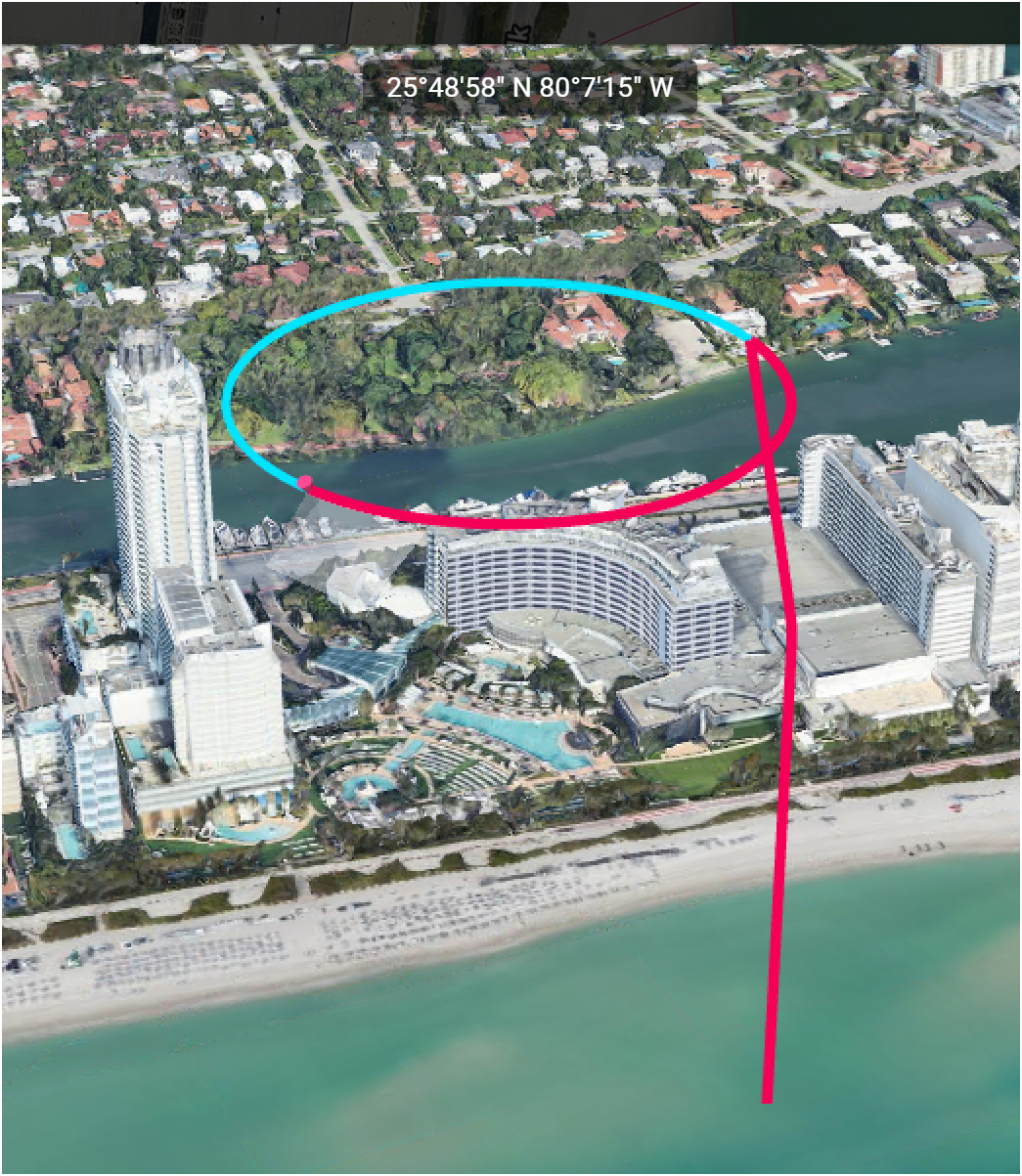
Have you tried all of these options? https://support.dronelink.com/hc/en-us/articles/6529977980179-3D-Planner-3D-Preview-and-Virtual-Drone
What is missing?
Yes, but I was referring to having the same 3D interactive POV functionally applied to the Mission Planning window (not just the preview pane), now that Google Maps is the default view (with 3D capability).
So you want a mission preview without it actually having to generate a mission preview?
To frame it more accurately, it would be far more desirable to plan the mission directly, in 3D, Interactively, rather than indirectly just view it in an adjacent window. But yes. One interactive mission planning screen in 3D.
Barry sent me a video of how the Litchi 3d planning experience works and while it does let you open waypoint properties from the 3d, it doesn't seems like it actually lets you drag the waypoints around in 3d. Am I missing something, or are you asking for more functionality than even what Litchi is offering?
Allowing mouse-based interactions in 3d can get pretty complicated (see UGcS) and probably goes beyond the scope of what we are doing for this feature right now. Obviously you can just make the 3d planner full screen already and use the add waypoint button to get the exact view, but when it comes to editing waypoints you've already created, you of course have to fall back to 2d, which is basically what Litchi does.
Yes, true, but the benefit is toggling in a single screen, not separate panels. Much smoother workflow and more intuitive as you are visualizing the airspace while actively planning the mission - not swapping out panels and screens.
A full, 3d mission planner (hopefully with offline support) is possible, but it will require a rewrite so I think I'm going to put a pin in this for now, and we should probably start a separate feature request thread.
Please sign in to leave a comment.