How to set elevation to my land corner.

How can I manually set my corner elevation ? I have a property on a hill, and it pretty flat terrain overhall but it goes down, and I want to tell my drone to follow a certain path. I clicked on my different corner, and I have GPS position, but I do not have elevation option on them. That going to make me a pretty bad map of my land of I do anything with this.
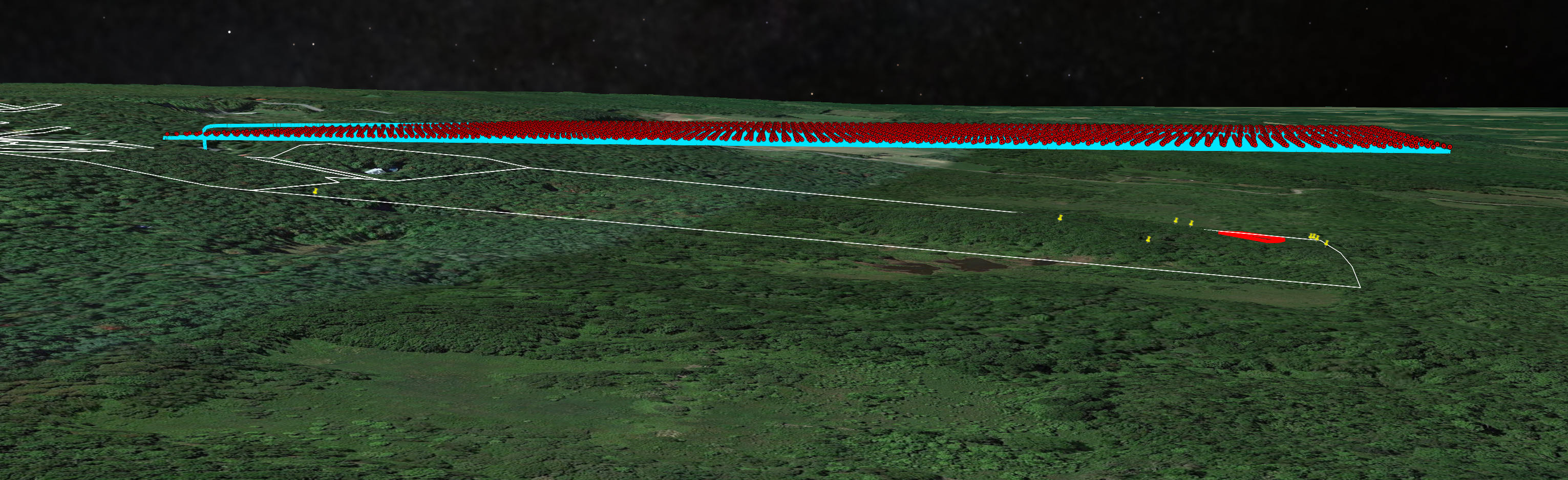
This image just give an idea of the problem. That map elevation is not accurate, so I will have to manually fly my corners of the land and register the height I want it to capture, but you get the idea.
Comments
3 comments
DL has a ton of help articles. Suggest bookmarking this section for future assistance.
https://support.dronelink.com/hc/en-us/articles/6896503977363-Terrain-Follow-AGL-in-Map-Missions
So if it not possible with my account, I would like to be reimburse.
https://support.dronelink.com/hc/en-us/articles/1500000580482-How-do-I-cancel-my-account-and-or-get-a-refund-
Please sign in to leave a comment.