Low battery

I thought I had posted this question before, and I do not think I got an answer. Today I tried to fly and again I received the message that the battery was too low, the aircraft will not fly and indeed I can not launch even manually. But if I change to DJI Fly I can launch. The battery was at 87%. The last time this happened I got the 2 screenshots below. This time I did not get a screen shot. When I change the battery it will fly at 90%
Comments
13 comments
Forgot to post the screenshots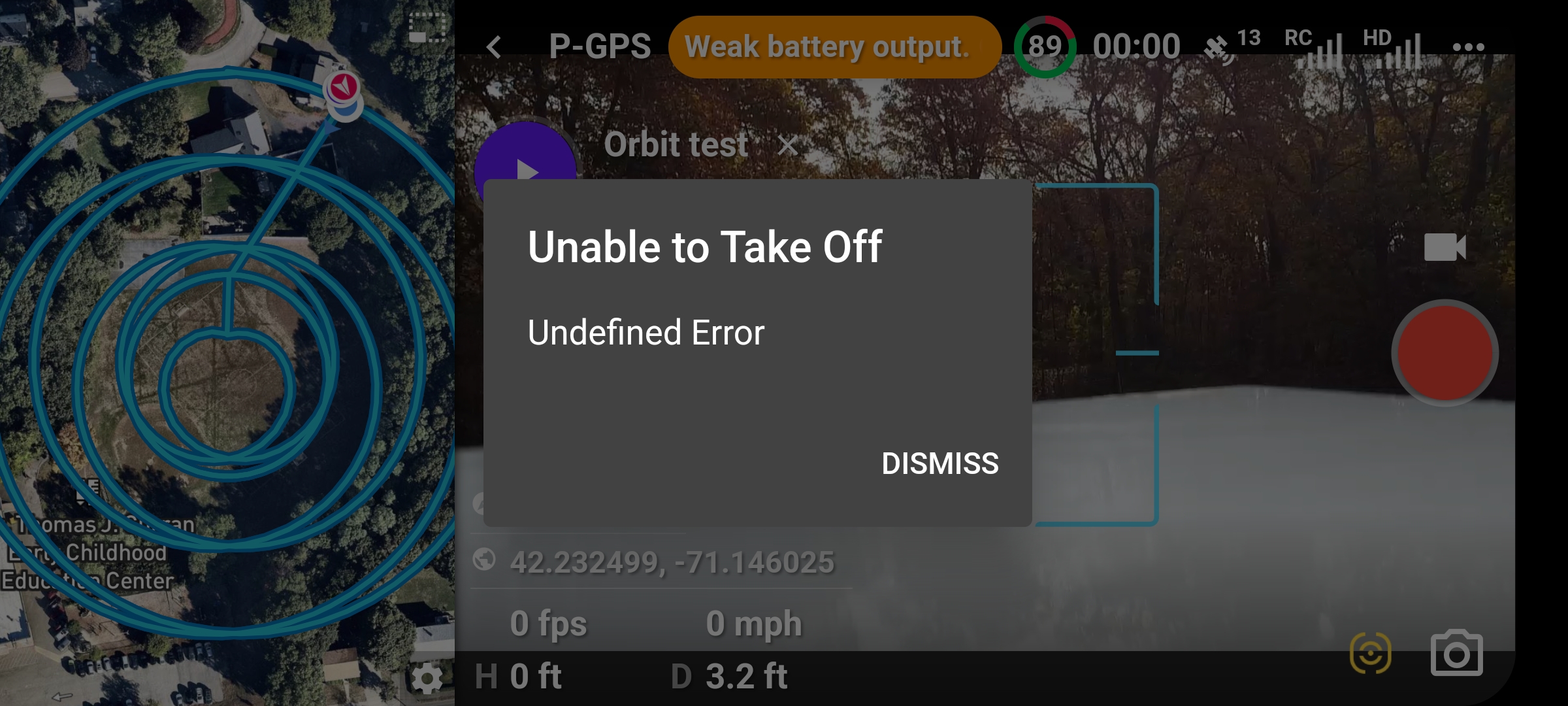
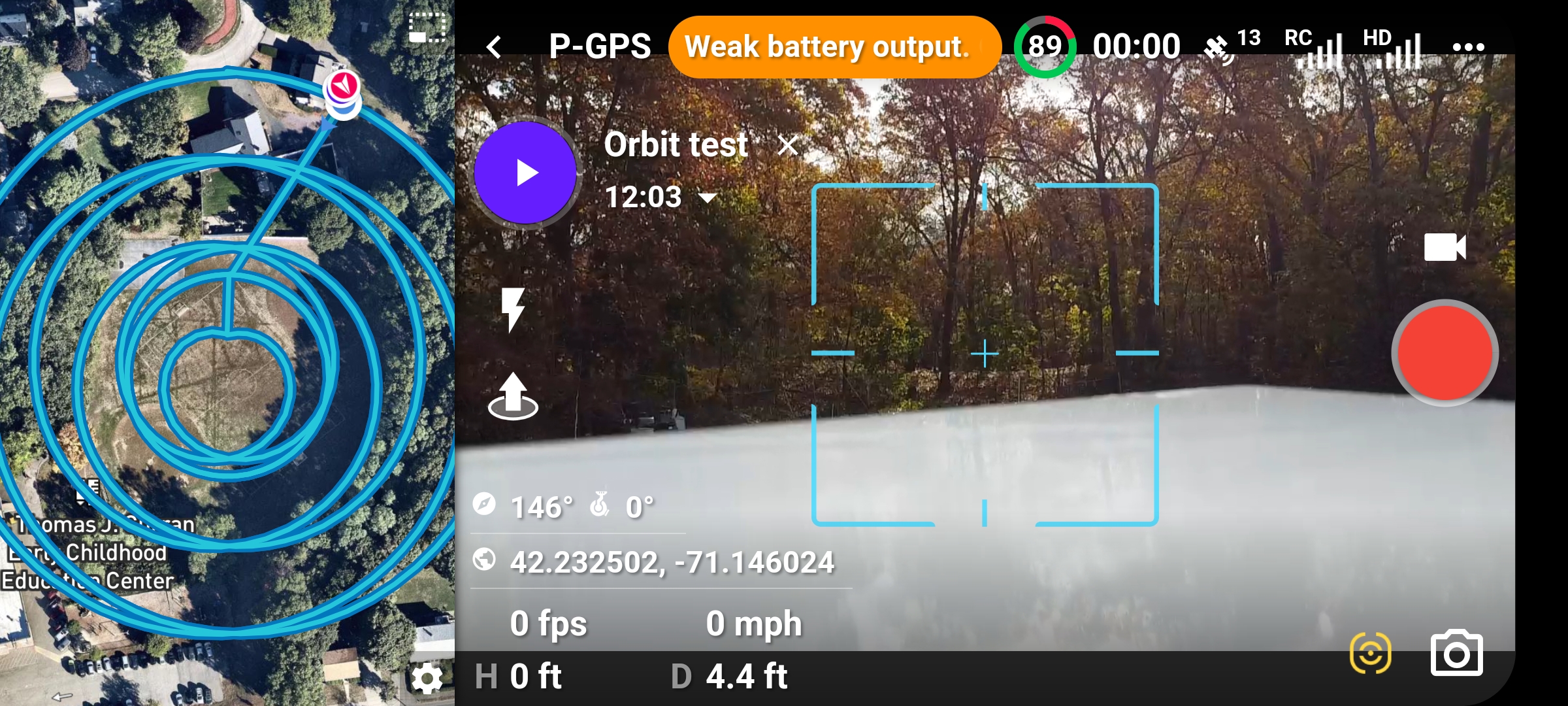
Bob Scheffler, can you check the airdata report to see what that say's about the battery, also is the battery firmware up to date
Usually I get a msg from DJI saying to update battery firmware, I haven't. And why could I fly with DJI. There is no flight record because I could not fly. Weather permitting I will try tomorrow to replicate
No ide bob, just chucking possible ideas in the ring, do you have an airdata flight log for the flight that this happened on, as loads of info in it for the batteries
Are you able to takeoff manually in DL (with the RC sticks)?
No, aircraft will not launch manually under DL and therefore does not generate a flight log to review in air data. It will fly with the same battery with DJI and it will fly with DL IF I change the battery.
Sounds like a duff battery, what does the log say about that battery when you fly with DJI fly app?
Ok I just did some experimenting. I launched with a battery that was at 100%. I flew it to 87% and disconnected it and shut everything down and then re-started with the same battery at 87%. Worked fine. I took a different battery that had not been used in a week or two and it opened at 90%. The first screenshot shows the error msg. "Check battery and temperature level". For some reason the JPG was 2.1mb and I cannot post it but I snipped it to get it on: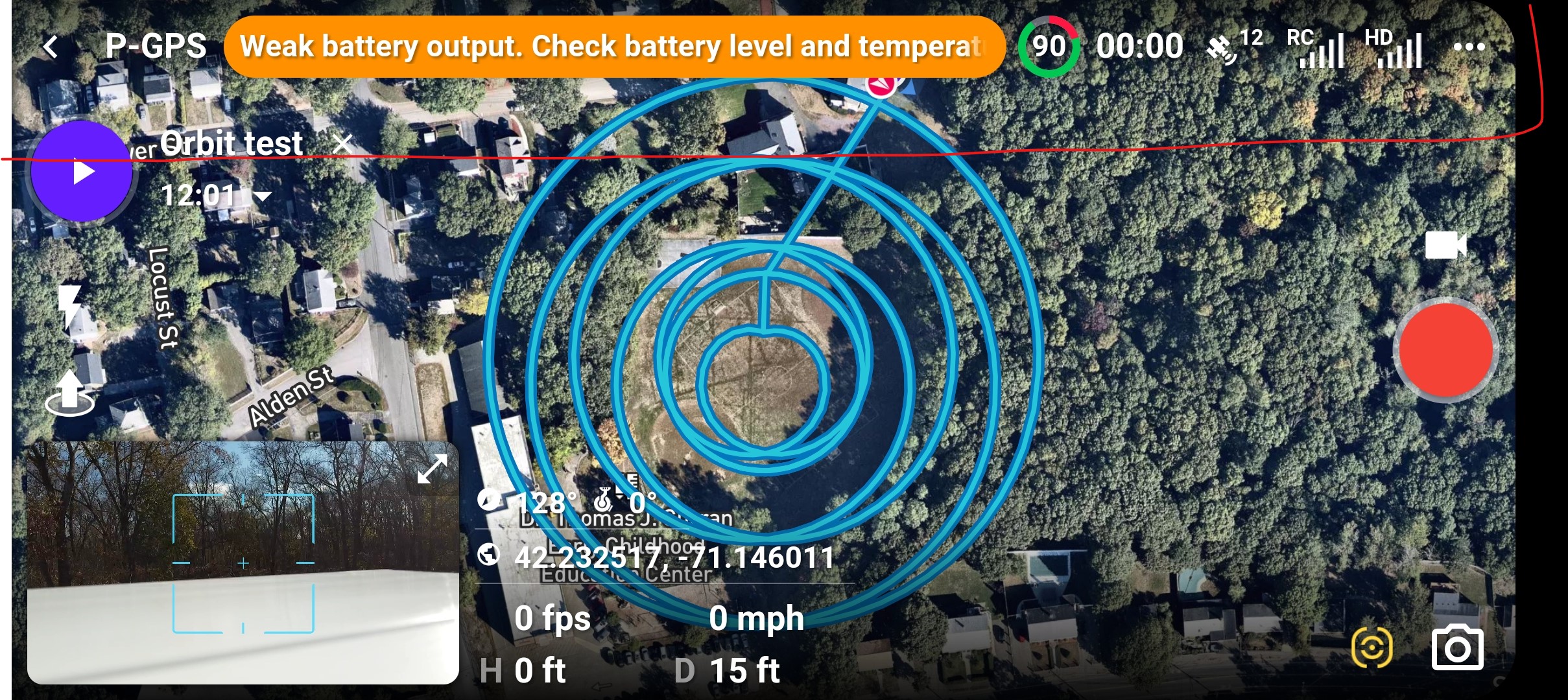
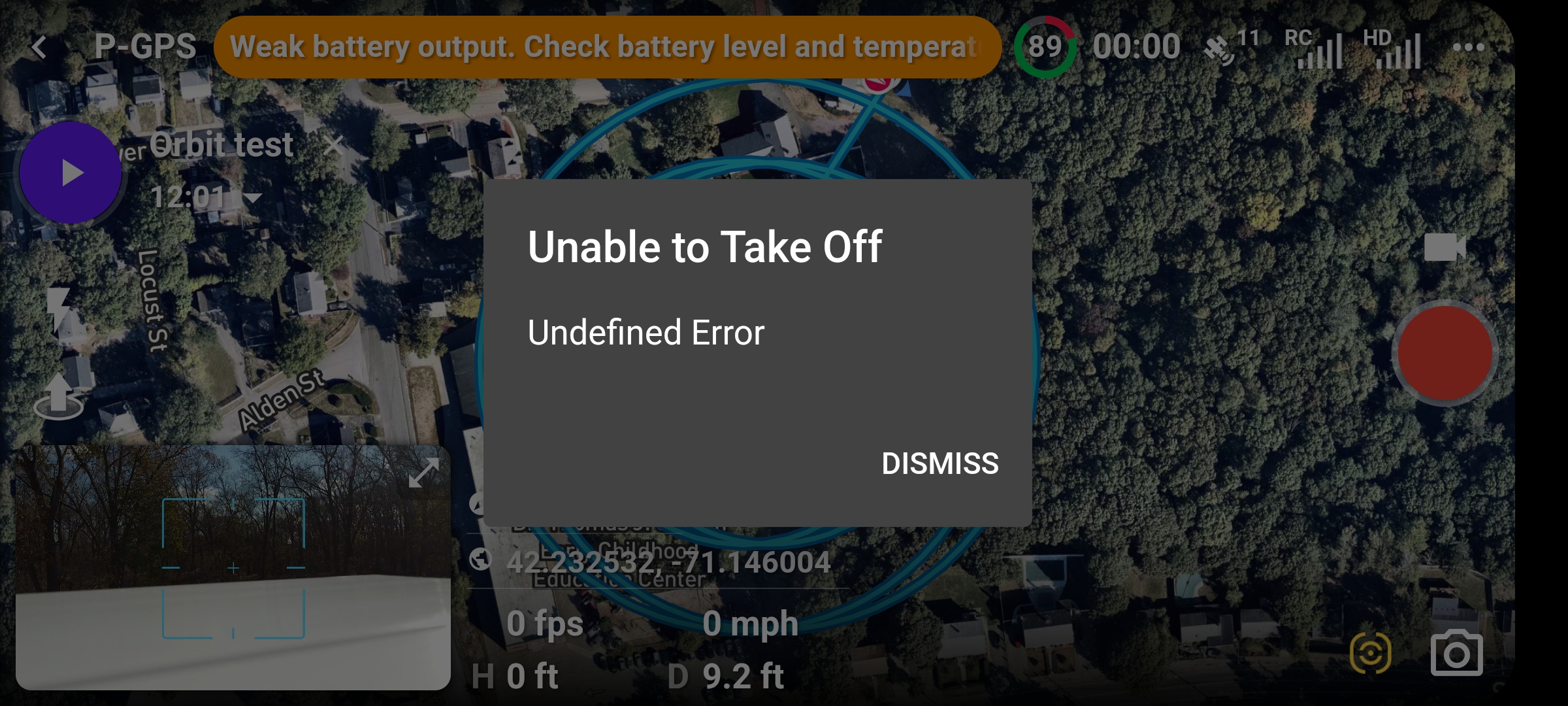 The above screen shot was what I got when I tried to fly with DL. I could not manually fly either. I then closed DL and re-opened it and got the following:
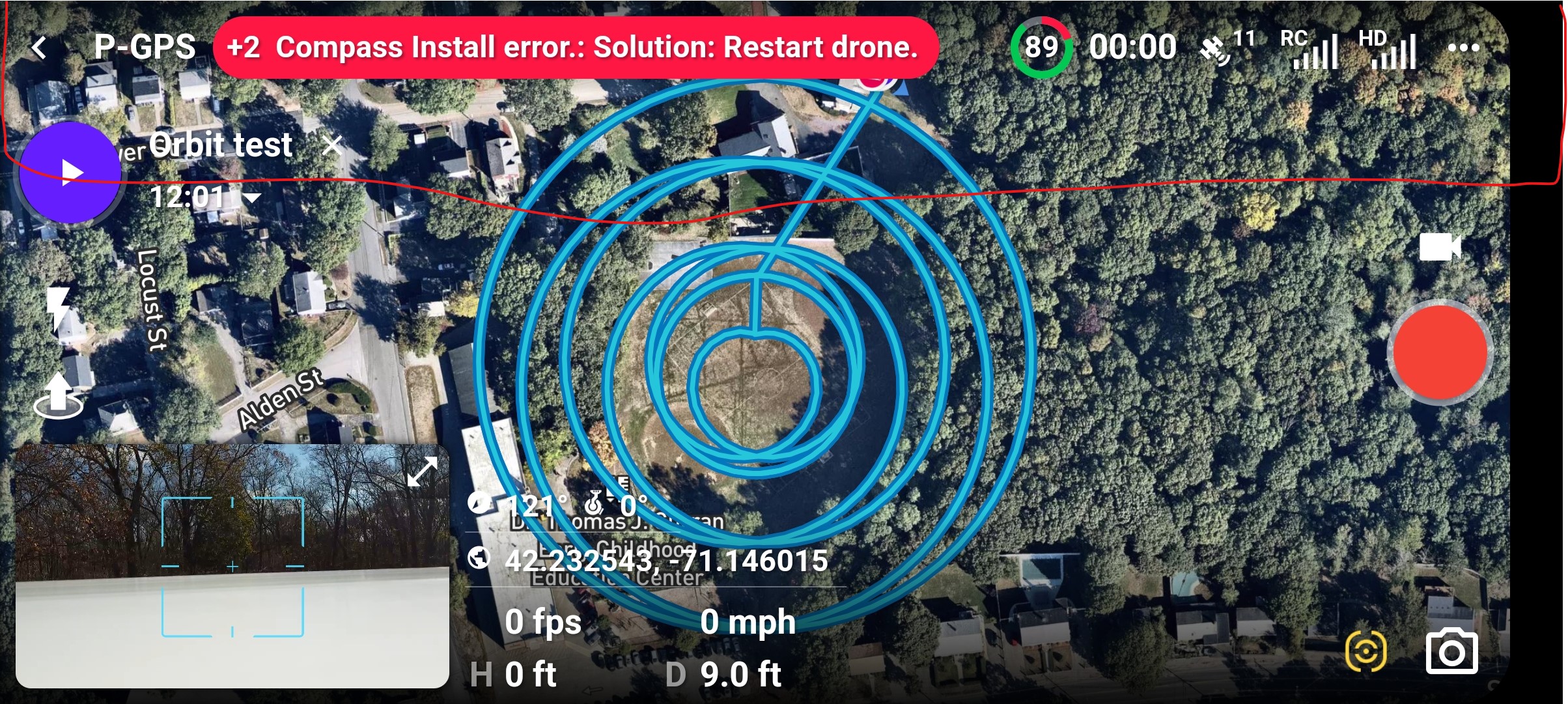 I re-started drone and opened with DJI and got the following msg:
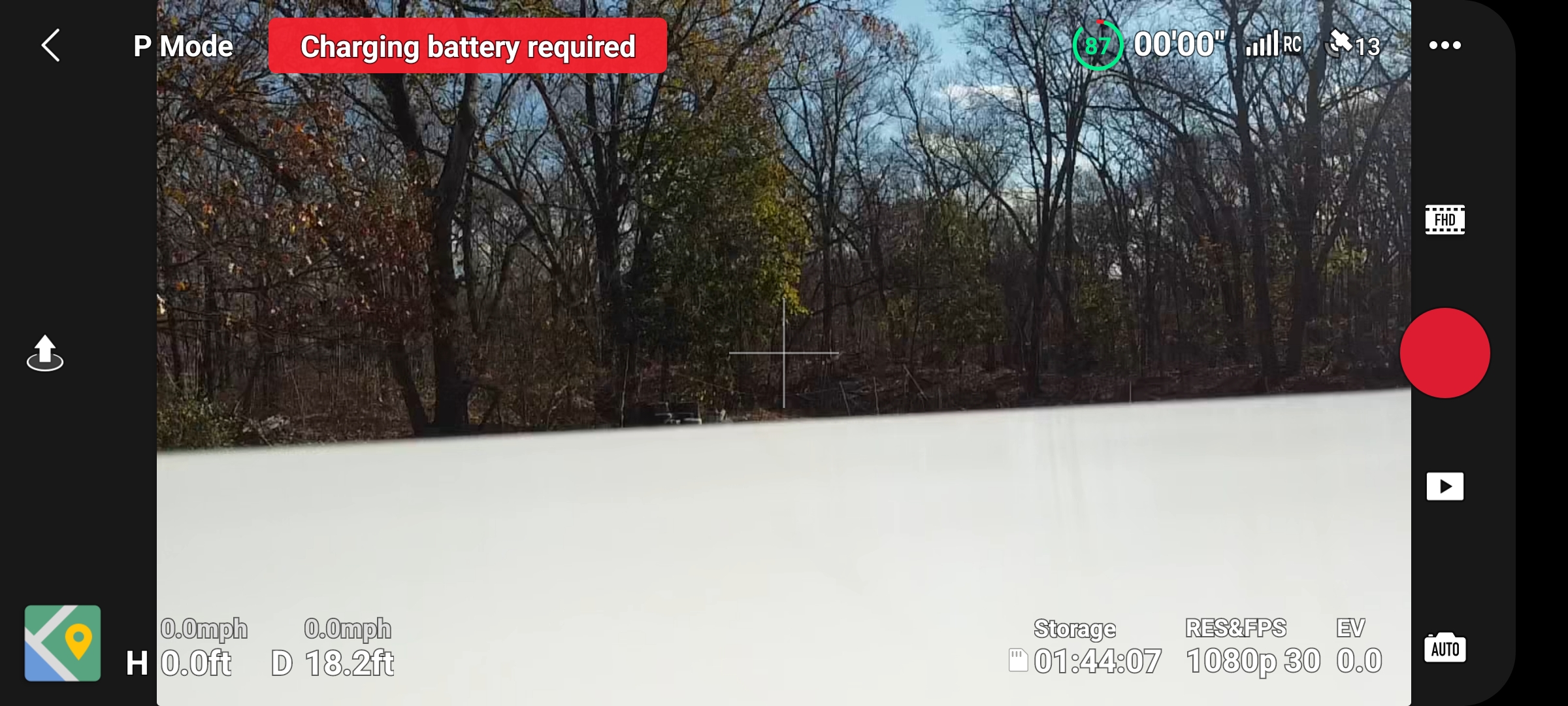 At this point I could neither launch through DJI or manually. I have another issue but I will re-post for that.
Have you tried refreshing the firmware on drone and controller. As always I’d calibrate the IMU & Compass as well. Also delete the DJI fly app and try after everything is completed. I’m obviously no expert with software but may as well eliminate the simplest first. Since it’s an issue using with DJI app too it must be something with either drone or app software. Can’t hurt and doesn’t take long. You know what I say about the technology age. Nothings perfect and stuff happens without any rhyme or reason. Lol…..
To me if this is happening only with a particular battery and you're unable to use it with either DL or DJI Fly it indicates to me that its something wrong with the battery, how old is it, can you find an airdata log when you last used that battery, and check what it says under the the battery info tab
Also check what it shows on the cells graph
I thought that I already answered both suggestions here but I see no response. Mike I checked all the software and everything is up to date and calibrated compass and IMU. Martin I do not have the paid version of AirData so I do not get anything about the batteries.
This is what I have done so far to find out why this happened. First of all it happened twice one day apart, 2 different batteries but I do not know which out of 5 because I foolishly did not mark them. I have, since the incident, charged all 5 batteries and used all 5 down to about 85%. I then took all 5 batteries which were at or below 85% (I used 85% because the 2 times it happened the batteries were at 87 and 90%) and tried each one and there were no issues. I have now marked all 5 batteries and I labeled 2 not to be used until Dec 2. The reason I did this was because this incident happened after not flying for 2 weeks. It seems that if the batteries sit too long and discharge that this is when it happens. This is a wild guess but at this point I have no other theories to go on. I do not know where the cut off is that the programs will not allow take off to occur, but I do know you can't take off at 20% but you can at 50%, not 87 or 90%. At any rate, I do not think it is a Dronelink problem, I think it is a DJI thing that Dronelink is just passing on. Martin have you ever seen an AirData battery report that shows a battery is no good. Maybe I should subscribe just to see?
I think I just figured it out. I do have one bad battery, went bad on Oct 12. I finally found where in AirData you can check the batteries and I found one that had "Major deviations" in the cells. It had 37 charges so it was one of my original batteries.
Unless there is something wrong with that particular battery which is possible, Major deviations are fairly normal. I just bought two brand new MA2 batteries and they indicate major deviations. I know it will take several full charges or more from a low percentage to a full charge to get them balanced better. Since this is not a DL issue I sent you an email if you want some more info about batteries which may help. I have one battery with 113 charges and still working with some major deviations. Since the battery works with DJI app it could be something with the DJI software DL is using and reporting an issue which isn’t correct. I’m curious if that error can be disregarded like the other false errors using modern dashboard. Not sure if that is possible with this type of error though.
Please sign in to leave a comment.