Need Update for Air 2S Firmware

I installed the new firmware update for my air 2S only to find dronelink will not allow it to launch now. Can we get an update very soon that is compatible with the new firmware? Thank you.
I installed the new firmware update for my air 2S only to find dronelink will not allow it to launch now. Can we get an update very soon that is compatible with the new firmware? Thank you.
<%= block.description %>
<% } %>
Comments
69 comments
Greetings, an inspection mission was executed and all was well, mission completed. And 1.8 is out but I'm not going to update.
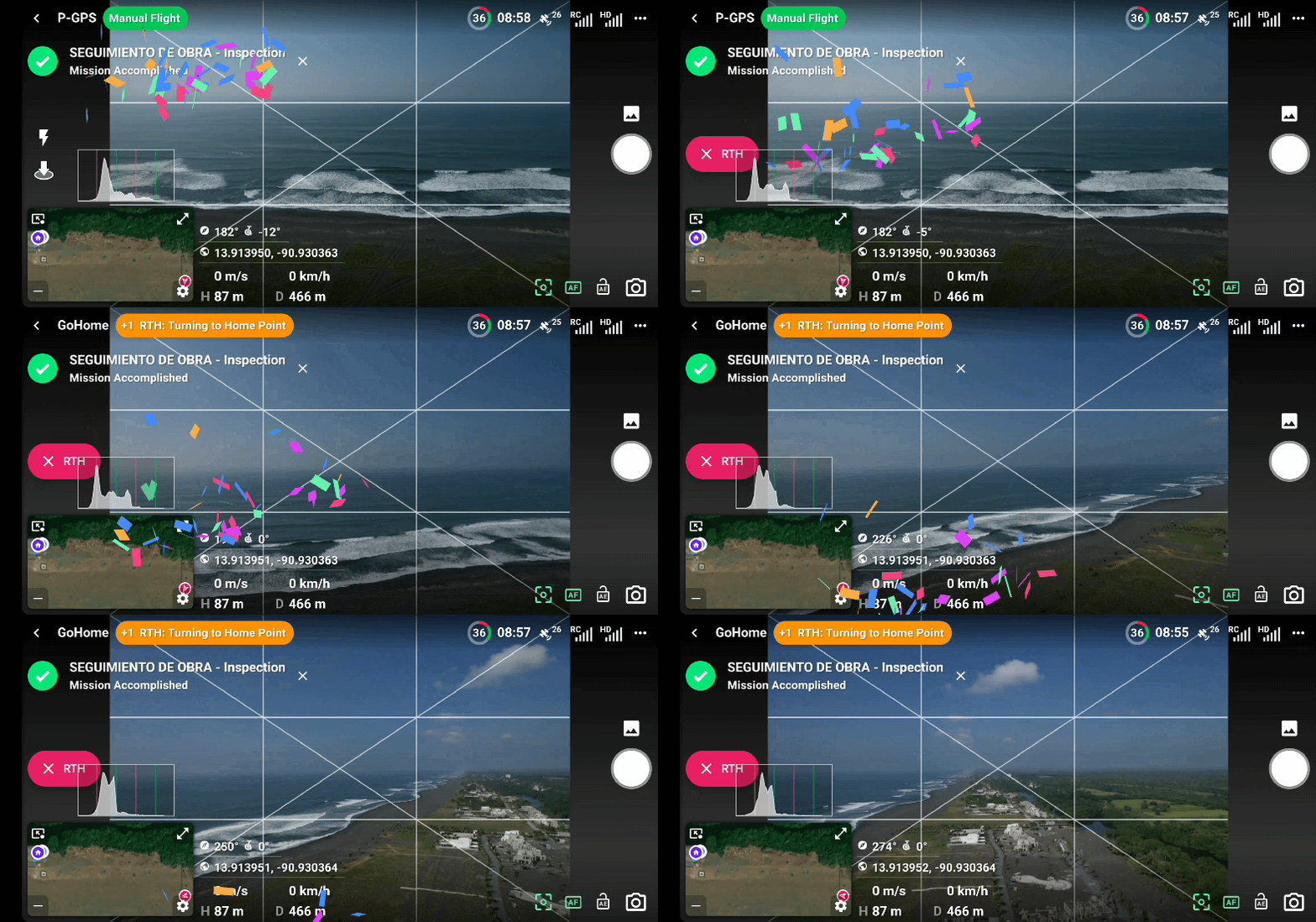
aludos, se ejecuto una mision de inspeccion y todo bien mision completada. Y ya salió la 1.8 pero no voy a actualizar.
Alejandro Dabroy what firmware version do you have?
Firmware 02.04.2320
dji fly 1.7.8
I just checked my dji fly app it's showing a update I'll downloaded when I get home.and I'll let ya know how it went
I just did a mapping mission and started the drone manually everything Good now.just that when I did manually a error code pops up but goes away and it allows you to fly manually.plus I was getting a +9 NFZ message Near Restriction Zone.but it did the full mission fine.
The iOS beta of drone link worked. I mean it takes off now which was the only issue I had.
this is also with the newest version of the DJI Fly app that was released today November 2, 2022.
this is also with the newest version of the air 2S firmware released on the same date I believe
sorry I don’t have the version numbers here I already disconnected everything
The DJI Fly app won’t effect DL so no reason to not download to 1.8 but pilots choice. Also when using the DJI Fly and there are no errors indicated then it’s more then likely giving false errors and has been discussed before. If no errors are reported with the DJI App then you can turn off the false error notifications in the DL Native App using Modern Dashboard.
About all i use DJI fly for these days is firmware updates
https://photos.app.goo.gl/e9QFa52hMMQvTRdT6
Everything good just this NFZ message and a error code but it went away and I was able to start drone manually and fly the mapping mission
Will the iOS update appear in the App Store soon? The beta worked
https://photos.app.goo.gl/5wCTjjJRpKDq9ydXA
Well everyone bad news I went to the mountains were I came across the Mapping problem is back can't take off or do anything.
I believe the NFZ issue is not a DL problem though. If your near a restricted zone it may work if approved and sometimes it won’t. This has been discussed before and not much they can do. You can search for other threads regarding this. As far as the false errors just do what was explained in modern dashboard.
Mike The NFZ was yesterday in a different location this one was at the mountains were I encountered the problem I'm getting that error code 180.i put a link of the screenshot
Fingers crossed. Really could use that this week :)
Anything yet Jim ?.I just came from trying a mapping mission again error code 180 and 162.kind of sucks
I will post when it is fixed.
Ok Thanks
I just purchased a subscription and my Air 2s took the firmware updates as I was setting up some locations to map. I went out to try everything out and I have the same issue. I'm having the same issue, I hope it wasn't a waste of 99 dollars. I am an android user and REFUSE to go to IOS just to map with a drone.
It’s my understanding that the Android BETA is usable other than some annoying pop up errors but it does Launch and function if I read other users posts correctly. You can join beta testing and download that version for free and use it while you wait for the final fix.
@JS how do I get the Beta until DL fix the problem ?
https://support.dronelink.com/hc/en-us/articles/360033520874-How-do-I-join-and-test-the-Beta-app-
228 is rolling out to beta with DJI's fix for this issue. Please confirm if it works for you.
Is that all that's in 228 Jim McAndrew, anything for non A2S
228 has a truckload of other stuff lol.
@Jim I have the app on my android do I need to delete it and install it again or that 228 gonna be there already.
228 has a truckload of other stuff lol.
I see what you mean, its just shown up here on google play store
That isn't even all of it. Google play limits the total number of characters you can put in that field.
Sounds like, have to get out and have a good play as well as do the follow up video on minimum orbit radius👍
Not sure if this is all of it but IOS list these. Looks like19 total.
Please sign in to leave a comment.