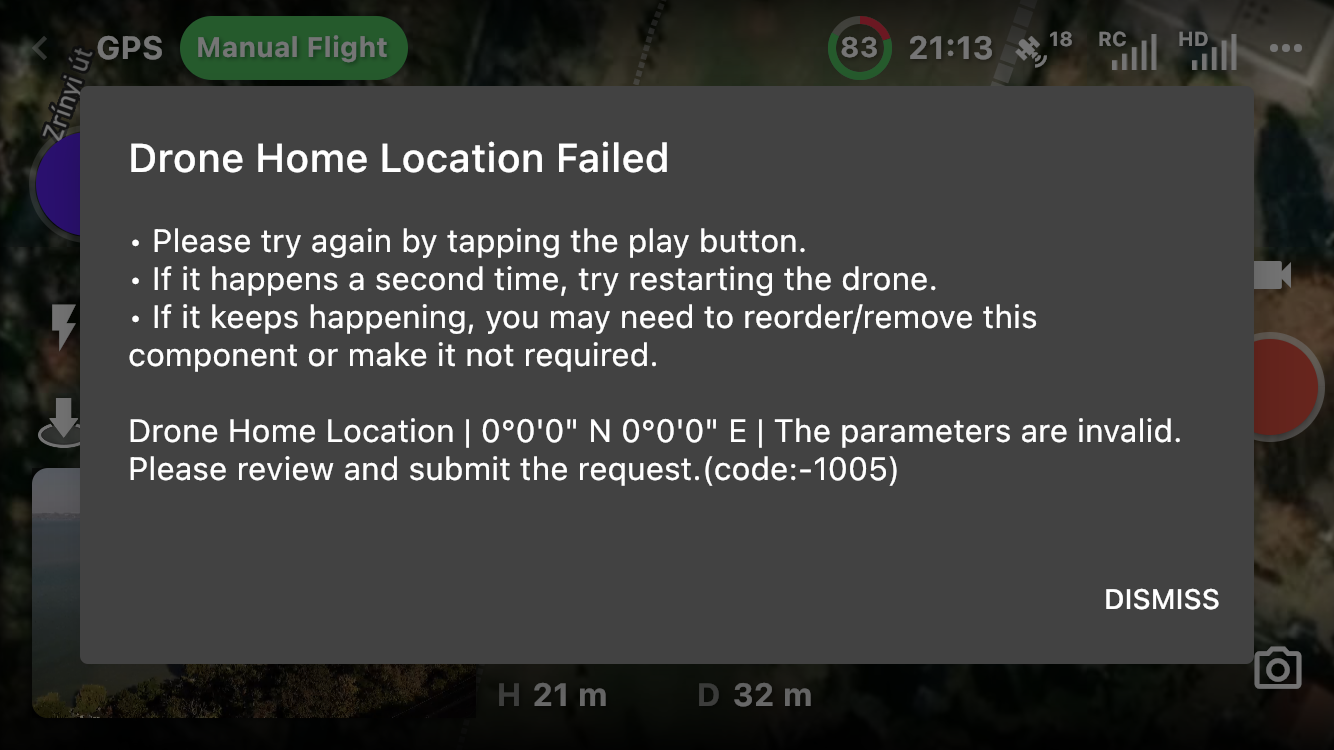
Drone Home Location Failed

Hi there,
I wanted to test two new (for me) features (dynamic home point and disangage)in DL, but unfortunately I received an error message before the first component (orbit) starts. Please let me know what could be the problem with my plan?
Drone: Mavic mini (1)
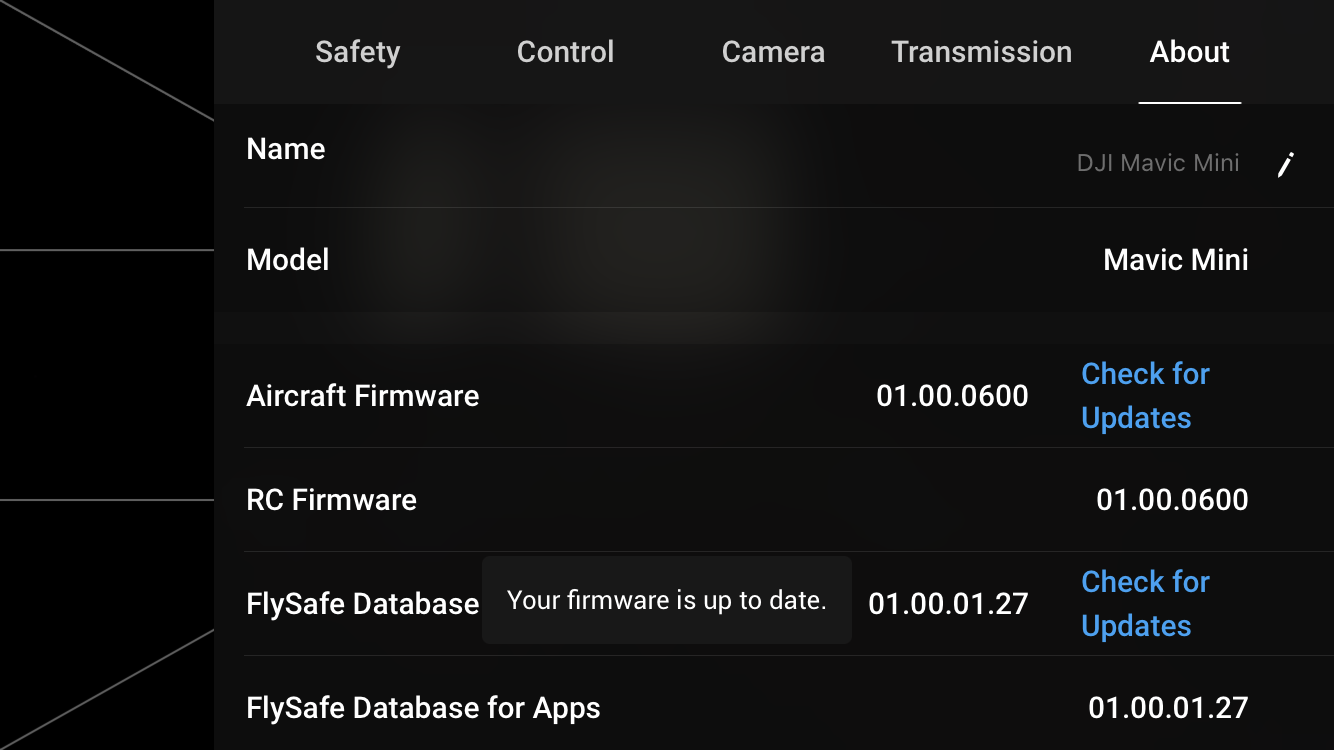
Drone firmware version: see bellow. i tried to upgrade, but received an information that I have the actual version
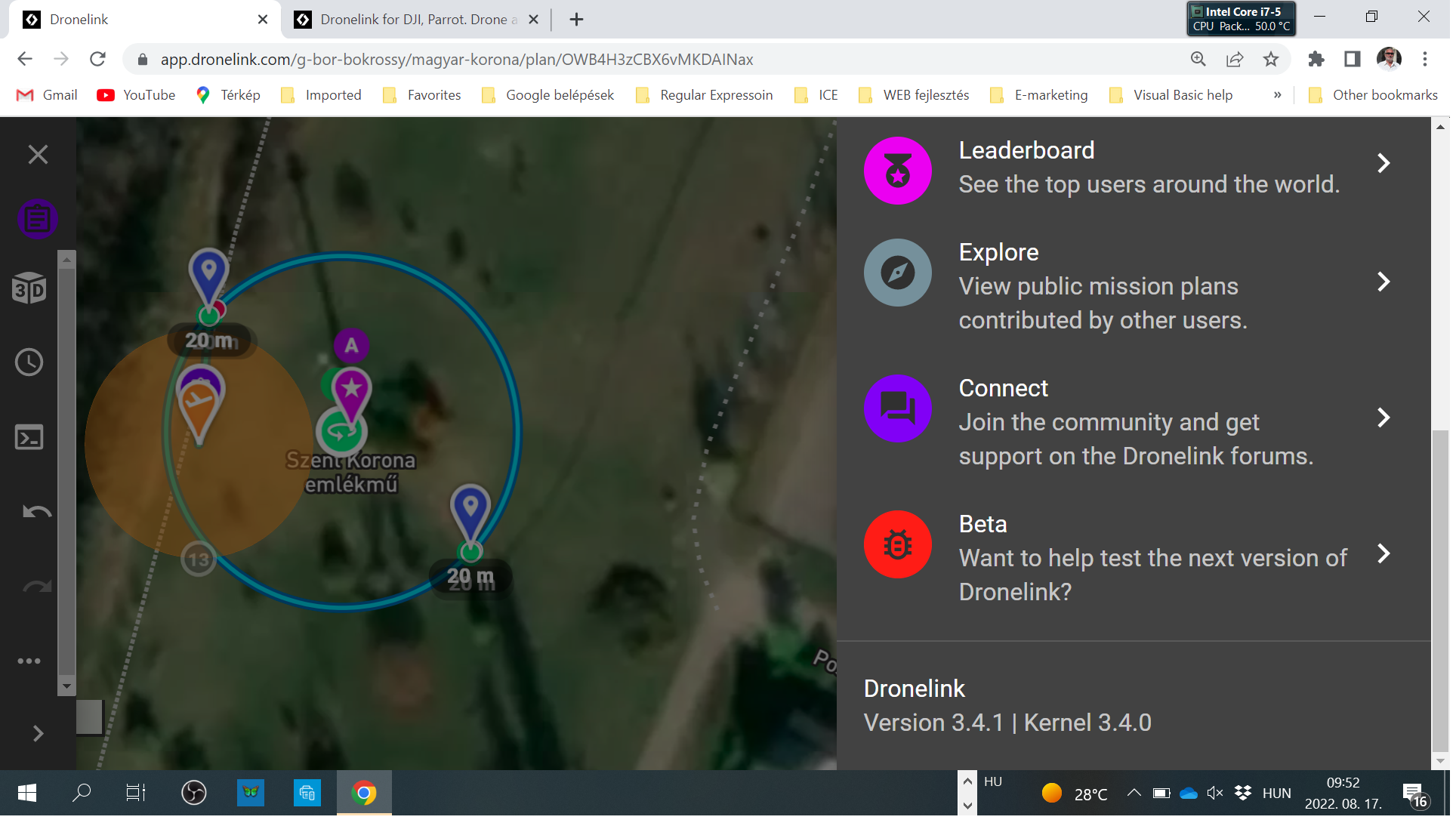
Dronelink WEB app version: see bellow
Dronelink native app version: see bellow
Error message: see bellow
I made a repository public to check my plan (if you want). The key to this repository is: magyar-korona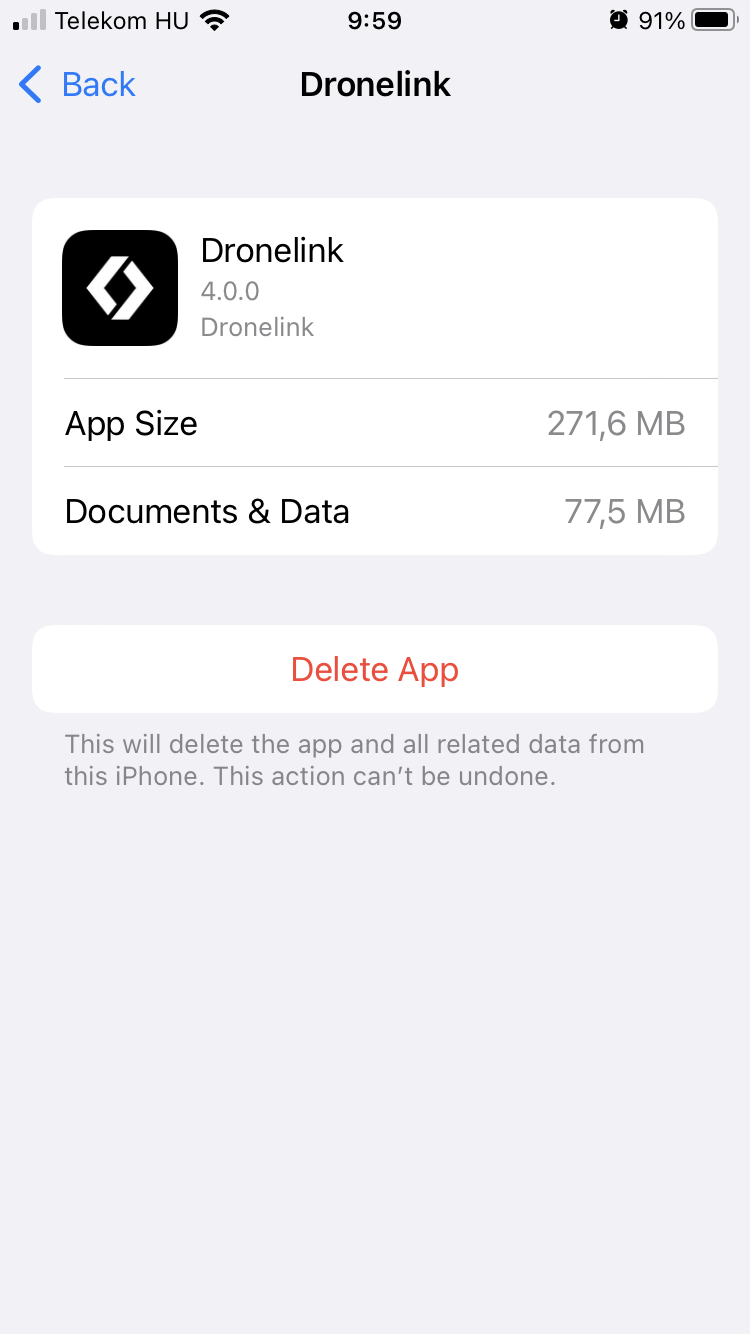
Comments
12 comments
Gábor Bokrossy, you need to share a link to the mission itself so we can check it out,
Hi Martin,
Here you have the link: https://app.dronelink.com/g-bor-bokrossy/magyar-korona/plan/OWB4H3zCBX6vMKDAINax/F3byjUSsq61SRX4QSqcv
The error message sent is on the end of my bug repost.
Cheers,
Gábor
Repost = Report
Gábor Bokrossy, looking at that message, it almost looks as though it hadn't got GPS lock properly to set the home point before you launched the drone, however I can see it shows 18 satellites, and theirs nothing in that drone safety check list component that should effect it
To be honest to you I have restarted 2 times the drone (as the error message asked) and also the native app and the RC. The result was the same. I suspect the dynamic home point, but I could not try it due to limited time. Anyway I will chech it again...
Have you tried running a version of the mission with the dynamic home point turned off
I wanted to try it, but I could not because I was in a hurry. I think the drone GPS position was O.K., but when the native app wanted to setup the GPS position of the RC some problem happened. I use iPhone SE 2 and I am using it for navigation on the daily base. I never experienced any problem regarding GPS usage of my phone! Unfortunately I am leaving the area now and will return after 1 - 2 days...
Did you disallow access to the iPhone’s location when you installed Dronelink?
Hi Jim,
When I have a problem I always endig with you! :)
My dronelink native application was installed automatically, I tried follow on the flight function before and had no problem with it! Now I checked Dronelink app sertings and found “Location” parameter “Never”. I changed it to “While Using”. I hope it will help!
Thank you for your advise!
Hi Martin, thank you for your effort to solve my problem!
Gábor Bokrossy, you're welcome, permissions never crossed my mind
Dear Jim,
After changing in Dronelink app settings “Location” parameter from “Never” to “While Using” the problem disappeared! Thank you for the hint!
If I may suggest something to you: it would be nice if you could introduce a small development in the next version of native application. Before starting to use the RC location (dynamic home point, follow ...) the native app could check whether the Location service is allowed or not. If not, you could send an error message: "Please allow to use "Location" service to the native application". If it looks too much work please insert a sentence into the current error message: "Please check if the usage of "Location" service is allowed for the native application".
Please sign in to leave a comment.