Incorrect Coordinates

Hi,
I have a serial of points located in QGIS (I have georeferenced some images to a coordinates system (WGS_1984_Web_Mercator) and when I want to translate them to Dronelink, there is a big offset from the real coordinate to the position in Dronelink.
At first, I thought it was some error with the projection system (I didn't find anything about that in the Documentation, I have assumed the maps are using Web Mercator because that is what Mapbox is using), but if I open that same coordinate in OpenStreetMap or similar, the position is correct.
For example:
This coordinate: 41.36062345, 2.14460074
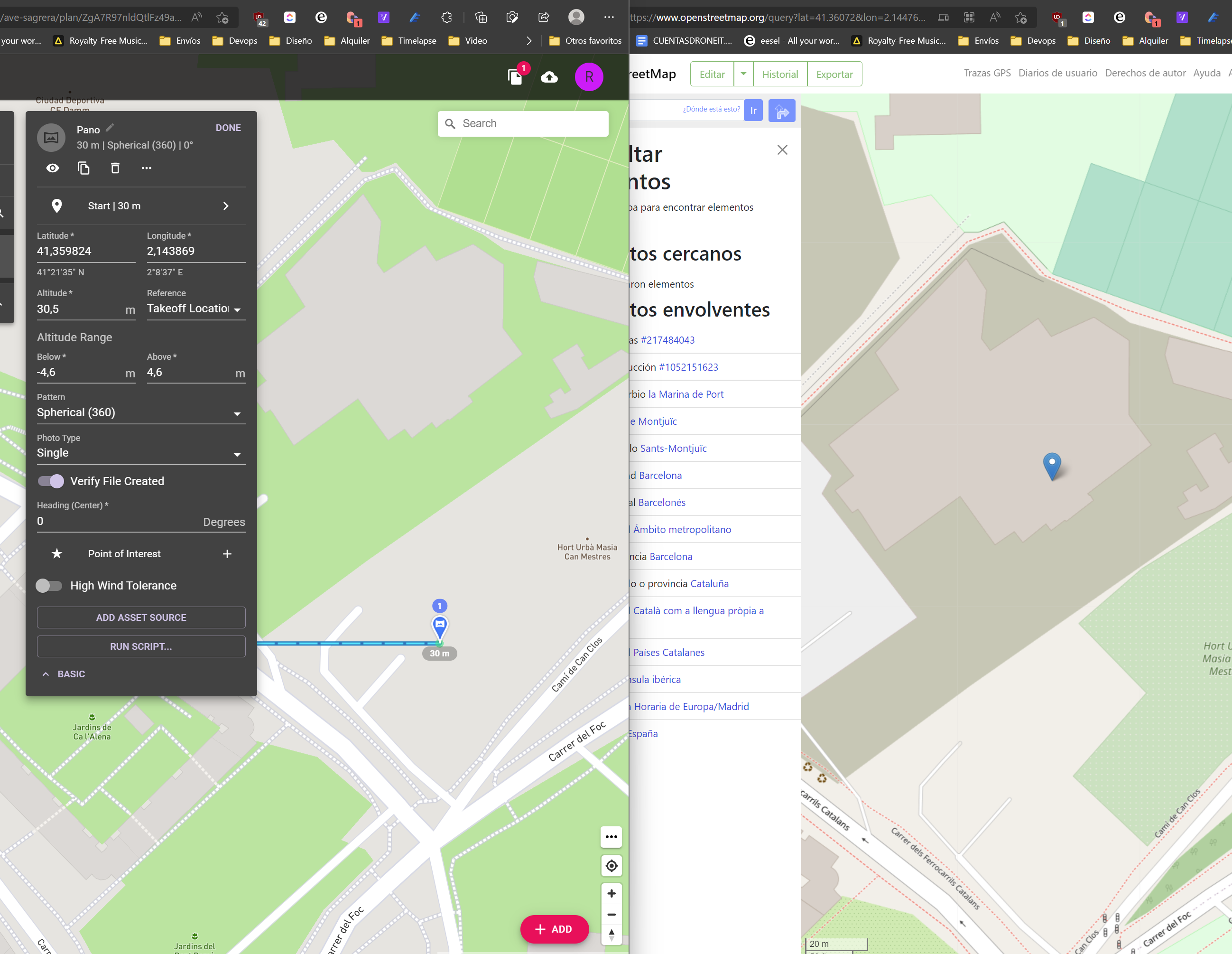
When I try to introduce it in Dronelink, it automatically gets corrected to that coordinate
And this is what I need: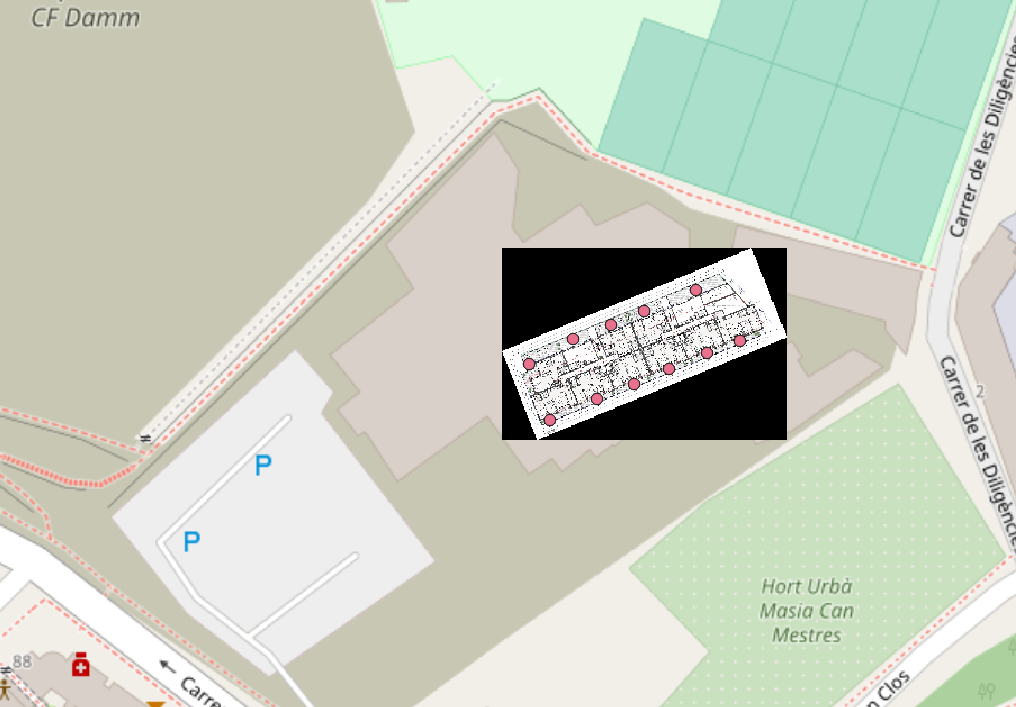
Comments
13 comments
Just upgraded for importing from KML and I'm getting the same result, all the points are way off
I also tried to upload the same .kml to Mymaps and Google Earth, and both show the points in the correct position. Even if I export the map from Mymaps, Dronelink keeps importing them offsite
Can you share the KML file?
Sure, here it is: https://mab.to/CbrDhQX0V
The coordinates appear to be the same to me:
I see this too, up to 200 meters shifted! This is a huge problem for me, as I can't manipulate the coordinates in Waypoint mode, and I need to use QGIS for planning distances, view overlay etc.
I want to buy the 1-year plan, but this is honestly putting me off.
Here is the KML: LinesTransekter.kml
Just opened your kml in Dronelink and have no problem
That is pretty interesting! What browser and OS ?
Waterfox G6.02b and windows 11, get the same results in Edge as well
I'm on Chrome 115.0.5790.173 and win 10 22h2. Also tried on Edge, where it first gave the offset. Then I tried once more, and success, no offset.
Then tried on Chrome again, now also works. That is pretty darn odd. Will test some more.
Let us know how you get on. personally I wont have chrome on my PC's
So, what was the solution for this coordinate shift issue? I used Samsung Internet browser on tablet and the shift was about 10 meters (the grid corner was supposed to be on the field corner).
DL supports Firefox, Chrome, Safari & Edge. Any other browser may not work correctly. I’d suggest switching to Firefox as it has been proven to work the best.
Please sign in to leave a comment.