Boundary Points Lettering

I recently started using Dronelink after watching several videos over the past couple of weeks for Map missions on the Air 2S. In the videos, I always see the letters on the Boundary Points (A, B, C, etc), but when I go into my Planner they are not there. Is there a way to enable the letters to show on the map? I found this to be very helpful instead of having to go down the list in the Components section. I'm subscribed under the Hobbyist Elite plan.
Comments
6 comments
Can you possibly post a picture of what you're seeing, as you can see from the screenshot below, the boundary point letters show up fine here
They only show in Jim mode.
Jim McAndrew How do I access Jim mode? This is how it looks now under Expert mode.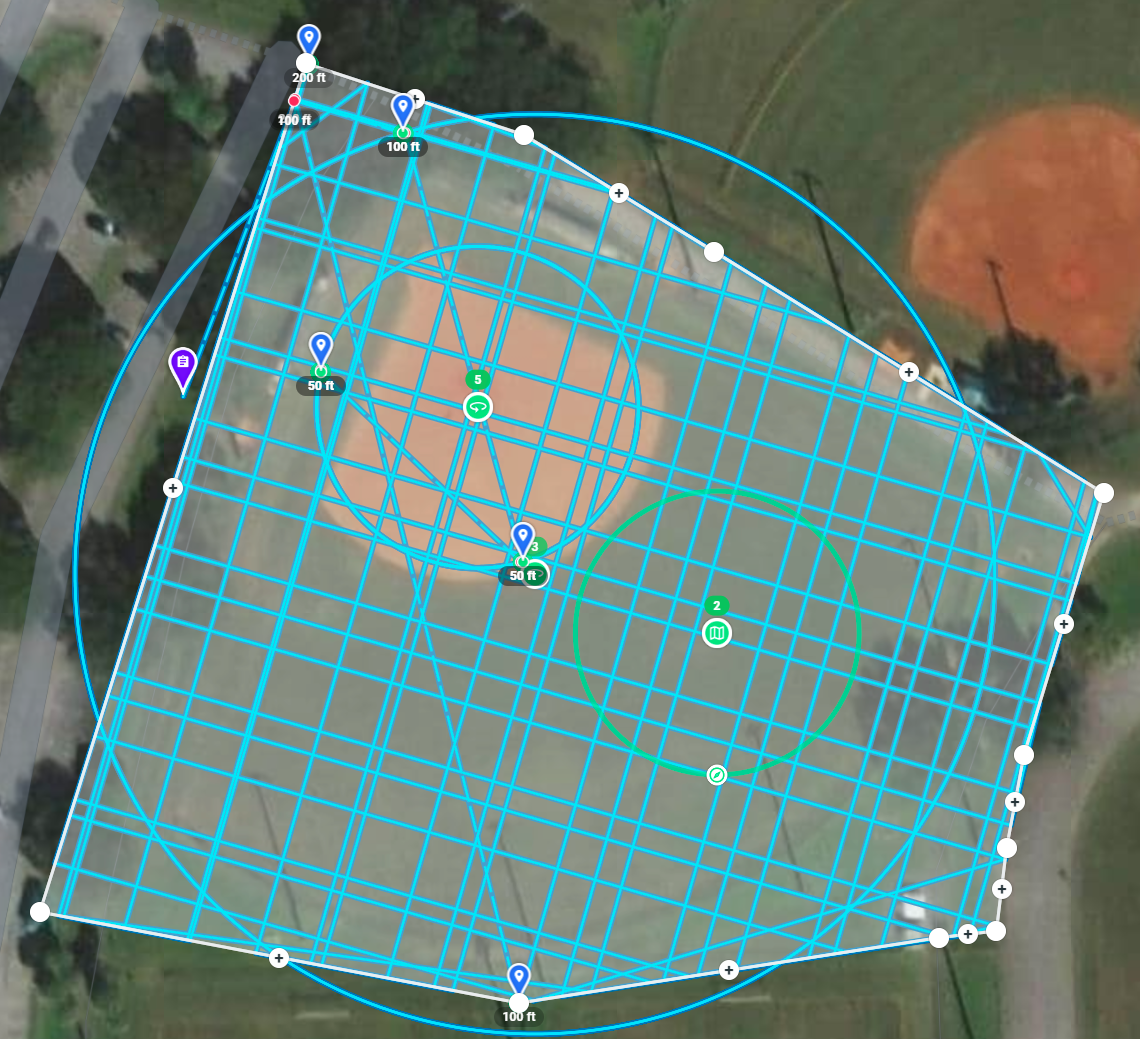
ScoobyDooBopBop, in the web app click the hamburger menu top left, scroll right to the bottom and click on the version # 7 times
Awesome it worked, thank you Martin Reading!
ScoobyDooBopBop, that's what we're all here for, to help each other out
Please sign in to leave a comment.