build 217 - Aircraft Encoder Error follwed by unresponsive app and Forced Stop

Aircraft: DJI Mavic Air 2
Aircraft Firmware: v01.01.0920
DJI Fly app: v1.6.9
Dronelink for PC Web app: v3.4.1 | Kernel 3.4.0 running on Windows 10 Pro in Firefox
Android v12 on Samsung Galaxy A71 5G
Dronelink for Android app: v4.0.0 (217) | Kernel 4.0.0
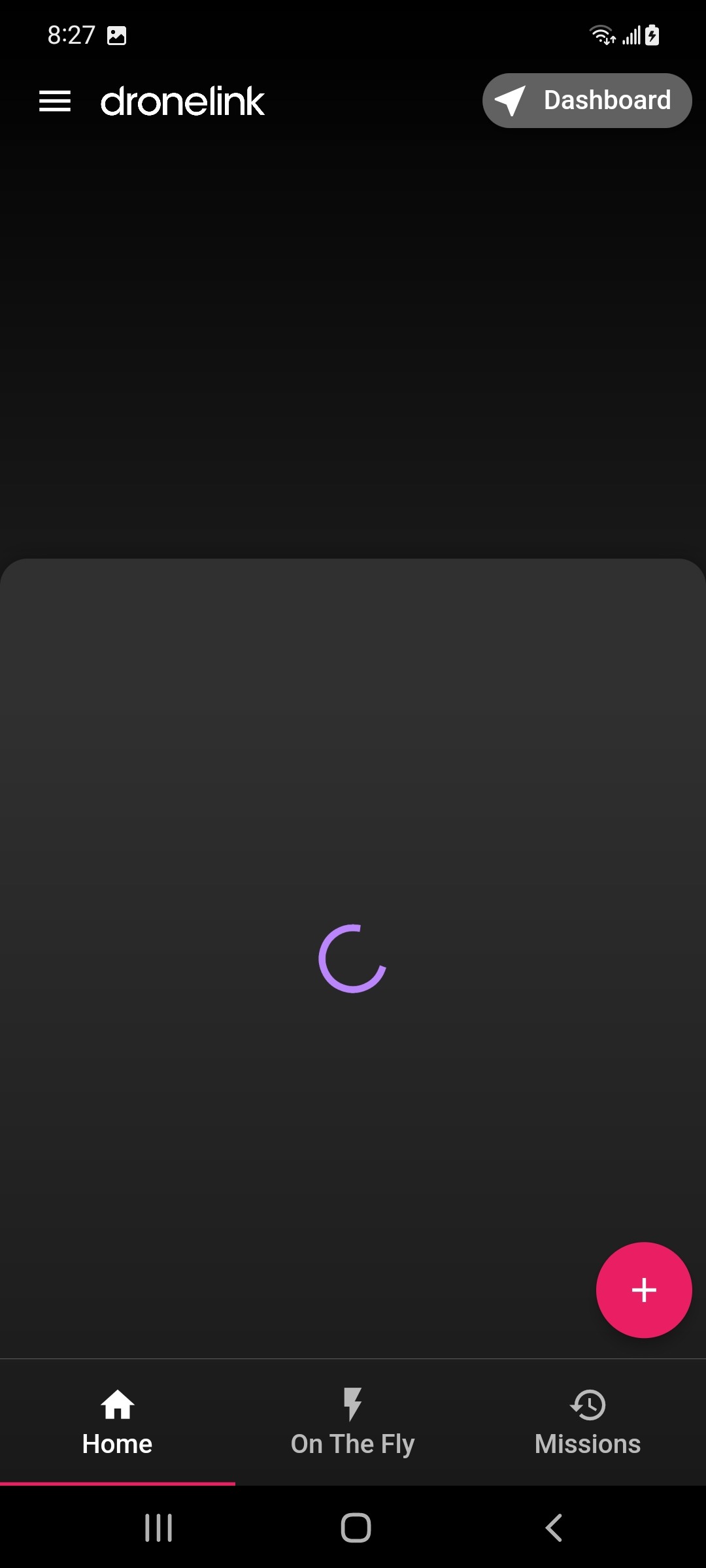
20220803 0826 - Fourth test of Dronelink for Android app: v4.0.0 (217) | Kernel 4.0.0 began in normal fashion with the choice presented between DJI Fly and Dronelink, followed by the reminder to turn on location on my Android device, which when I manually set off to do found location was already turned on:

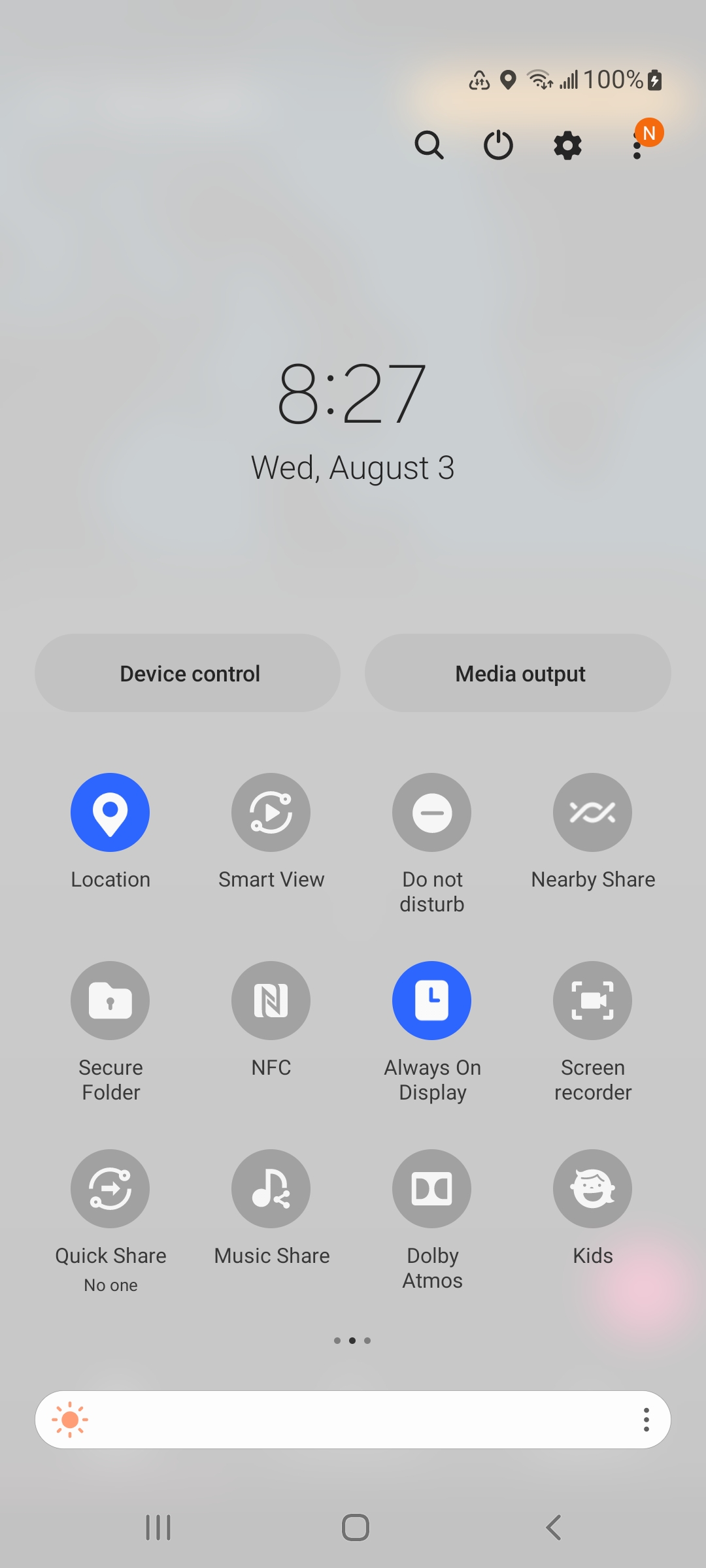
Curious note: Screenshots typically get automatically named most often associated with its respective application, except in the case above where the named file is
Screenshot_20220803-082710_Google Play services.jpg
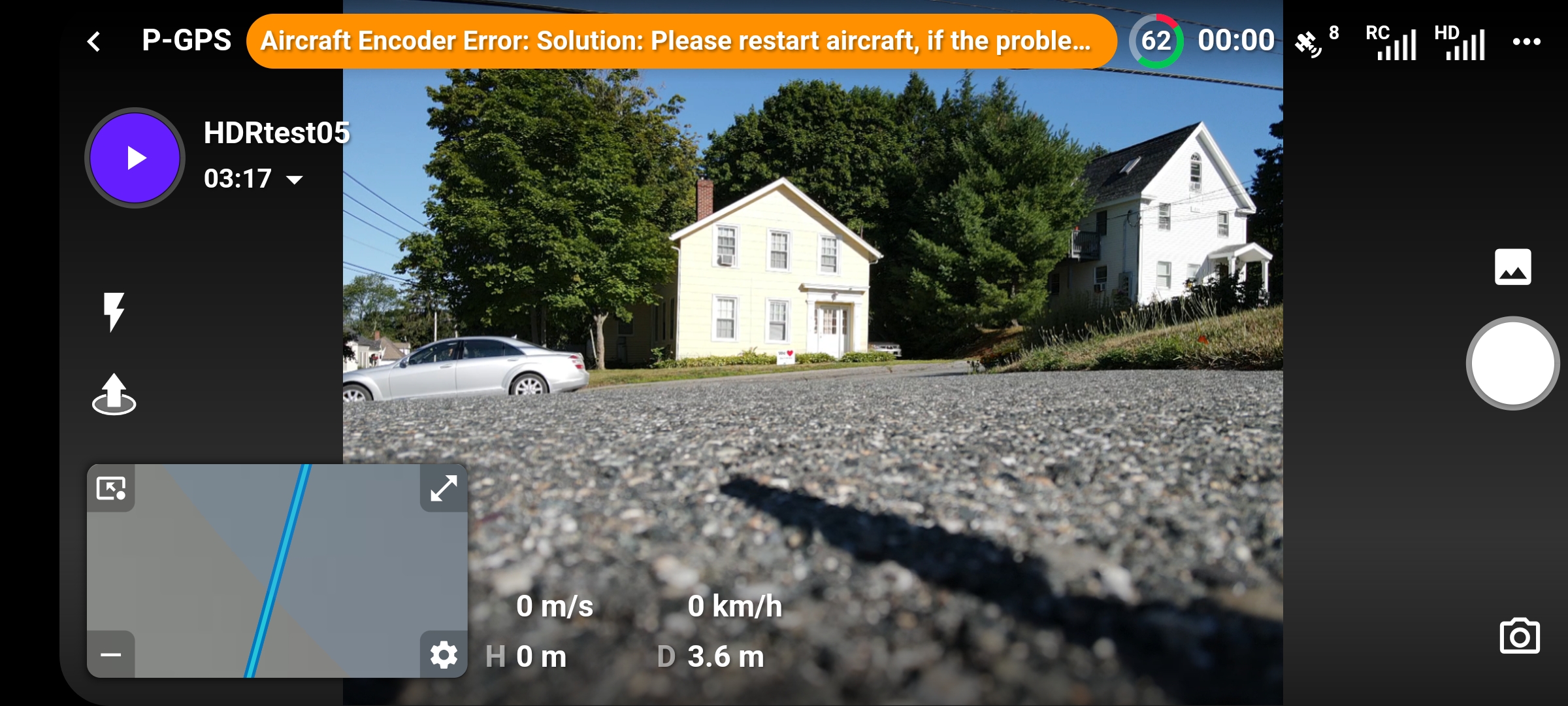
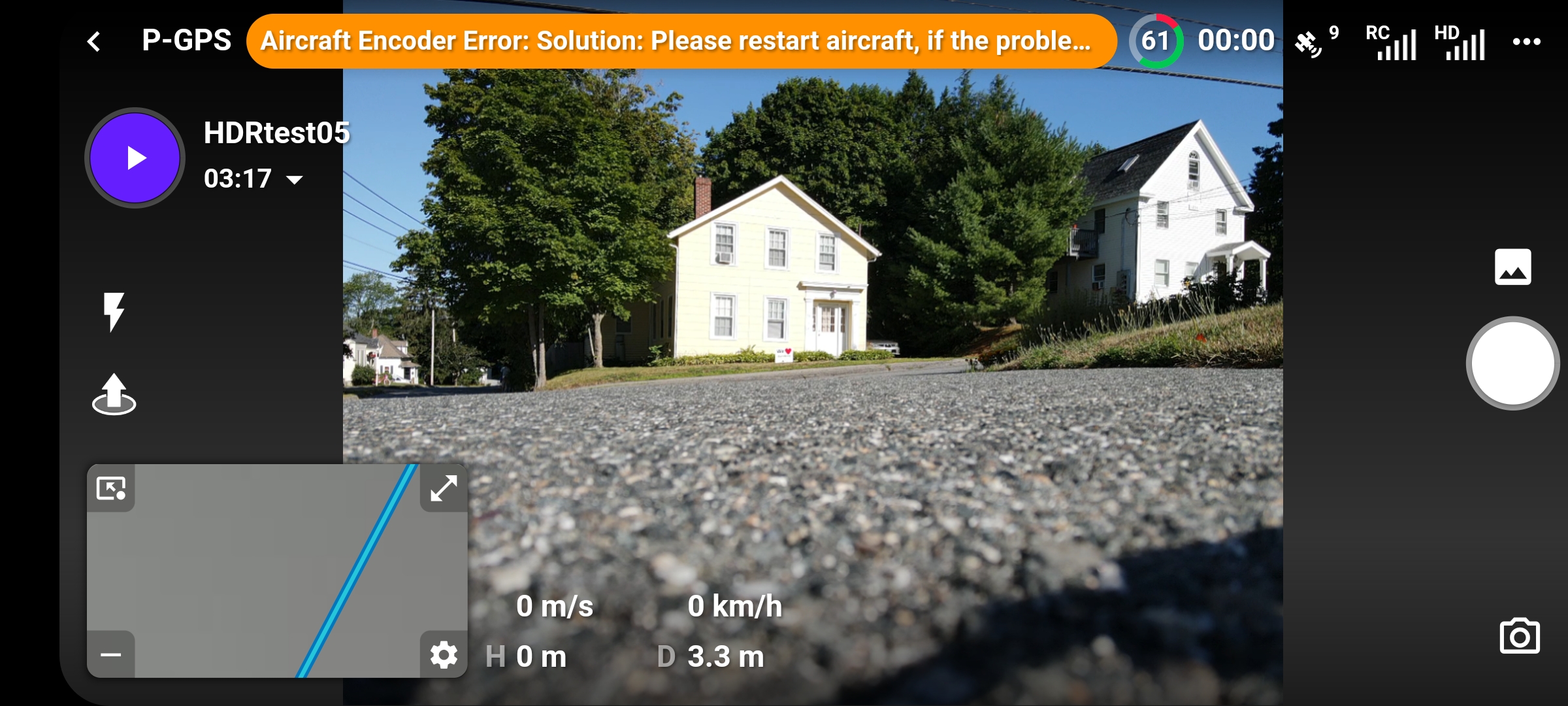
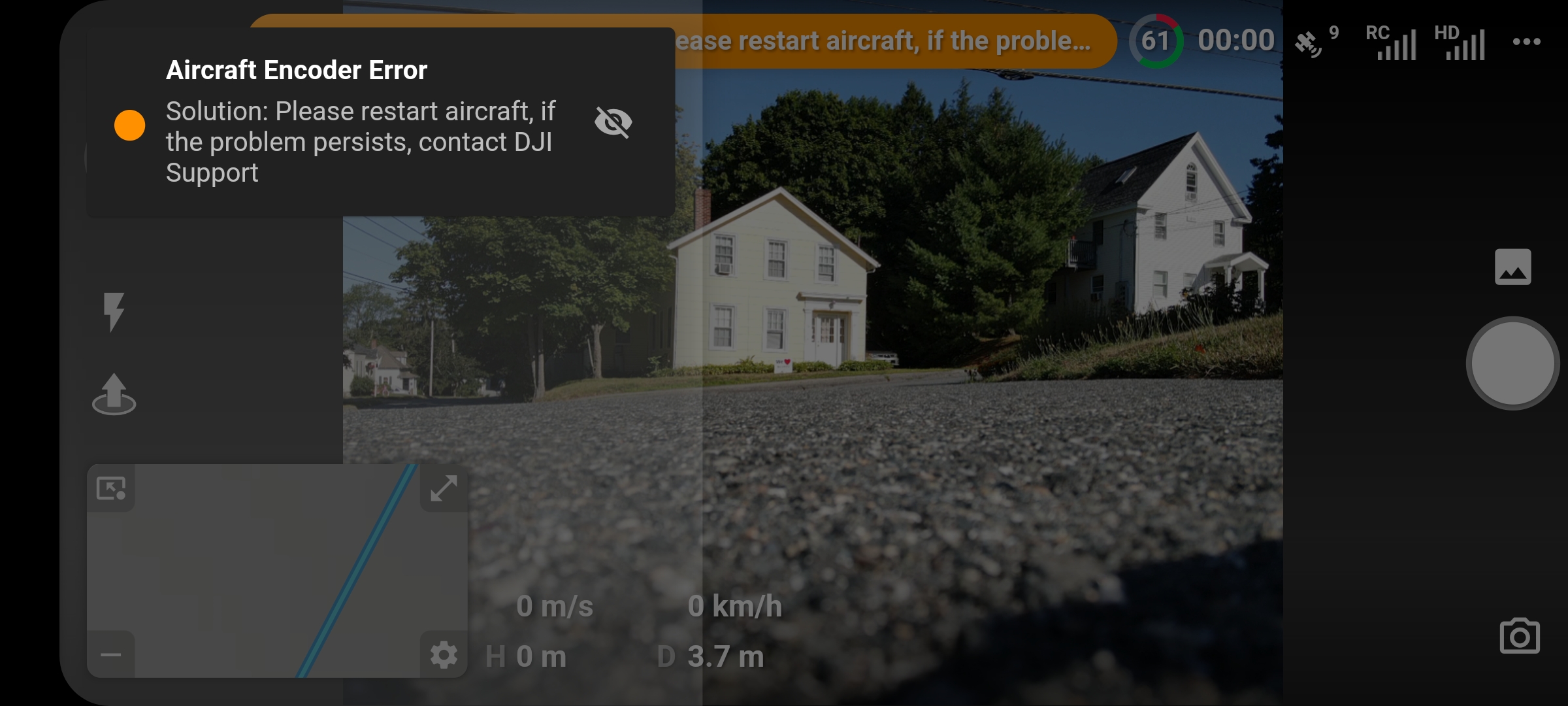
Dronelink opened, followed by my loading mission HDRtest05, then the aircraft encoder error message was displayed again.

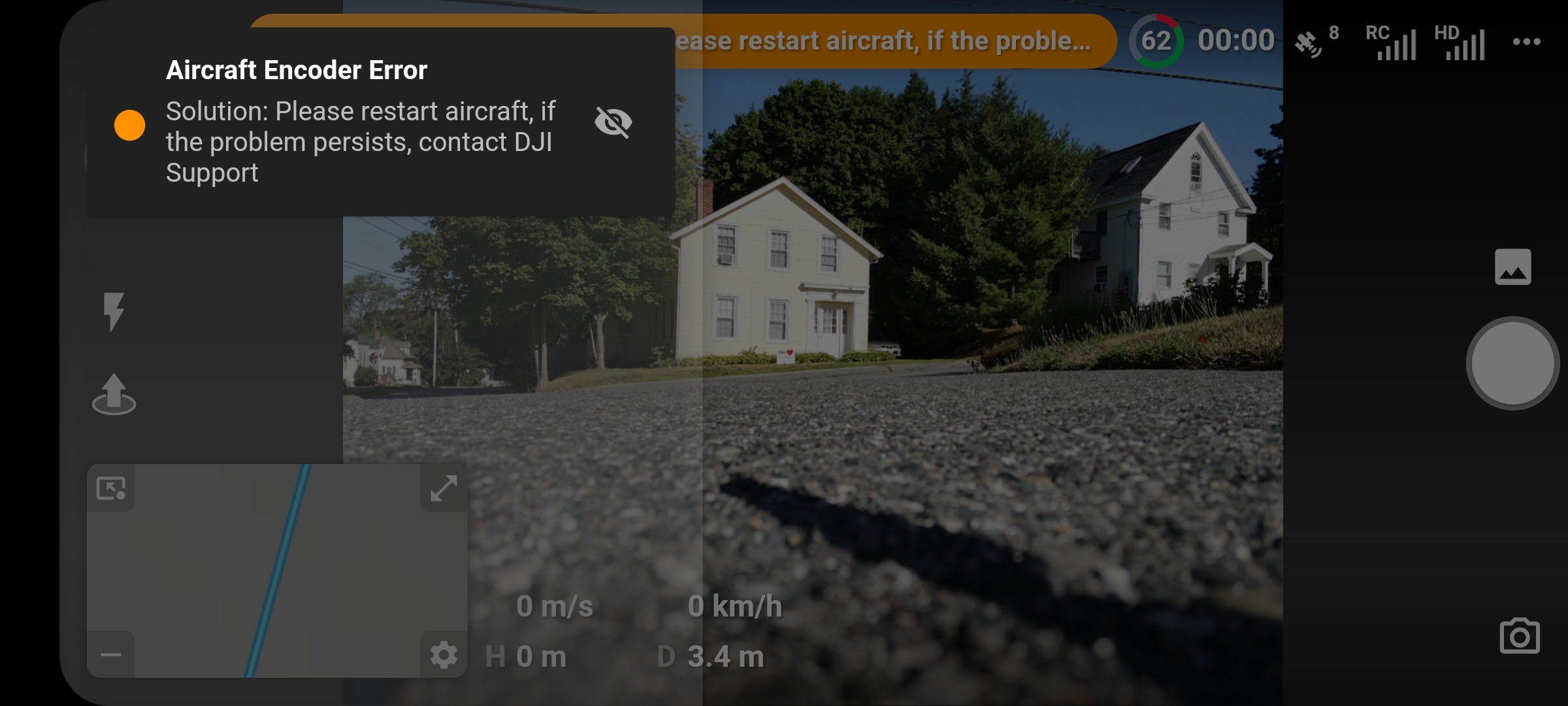
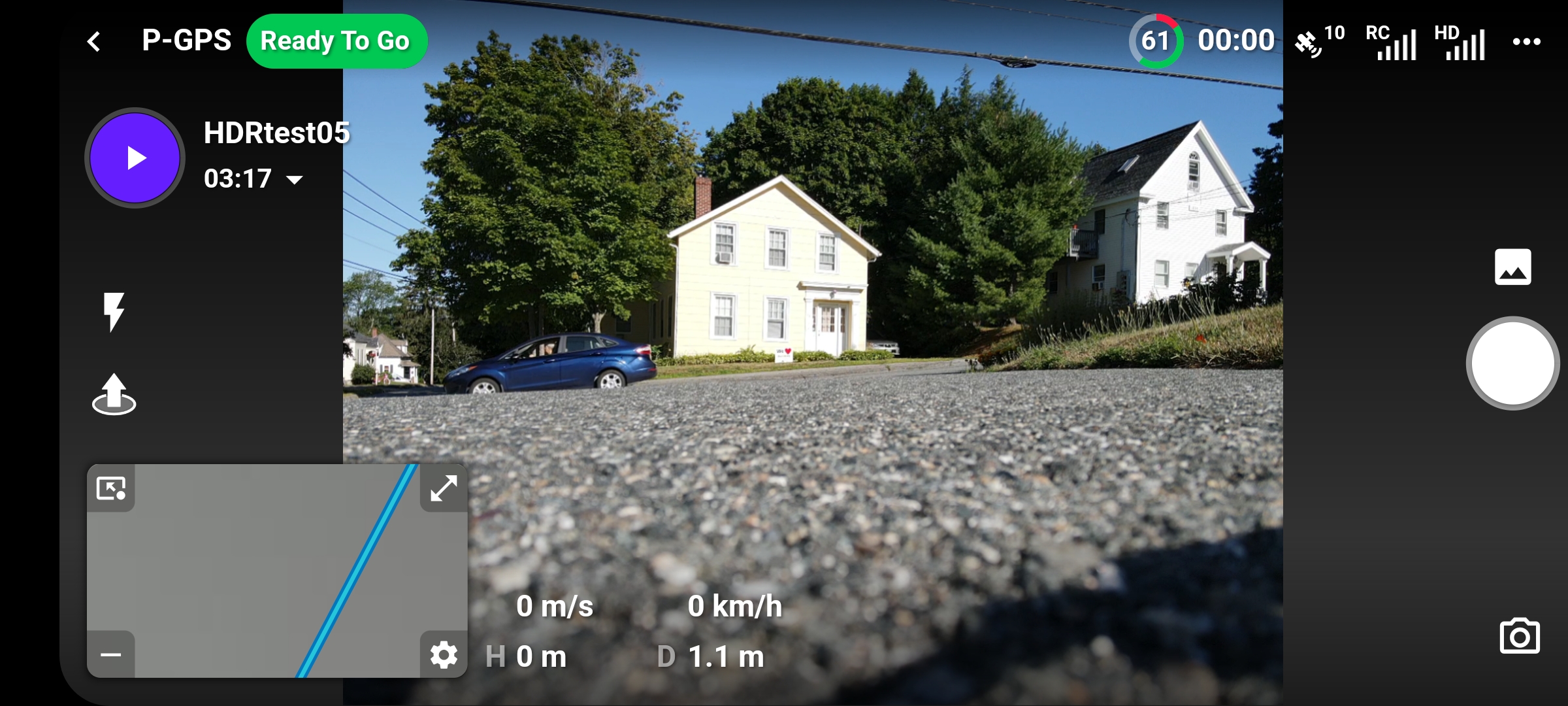
Turning off the aircraft and then turning it back on resulted in the Ready to go message being displayed albeit briefly before being interchanged with another aircraft encoder error message
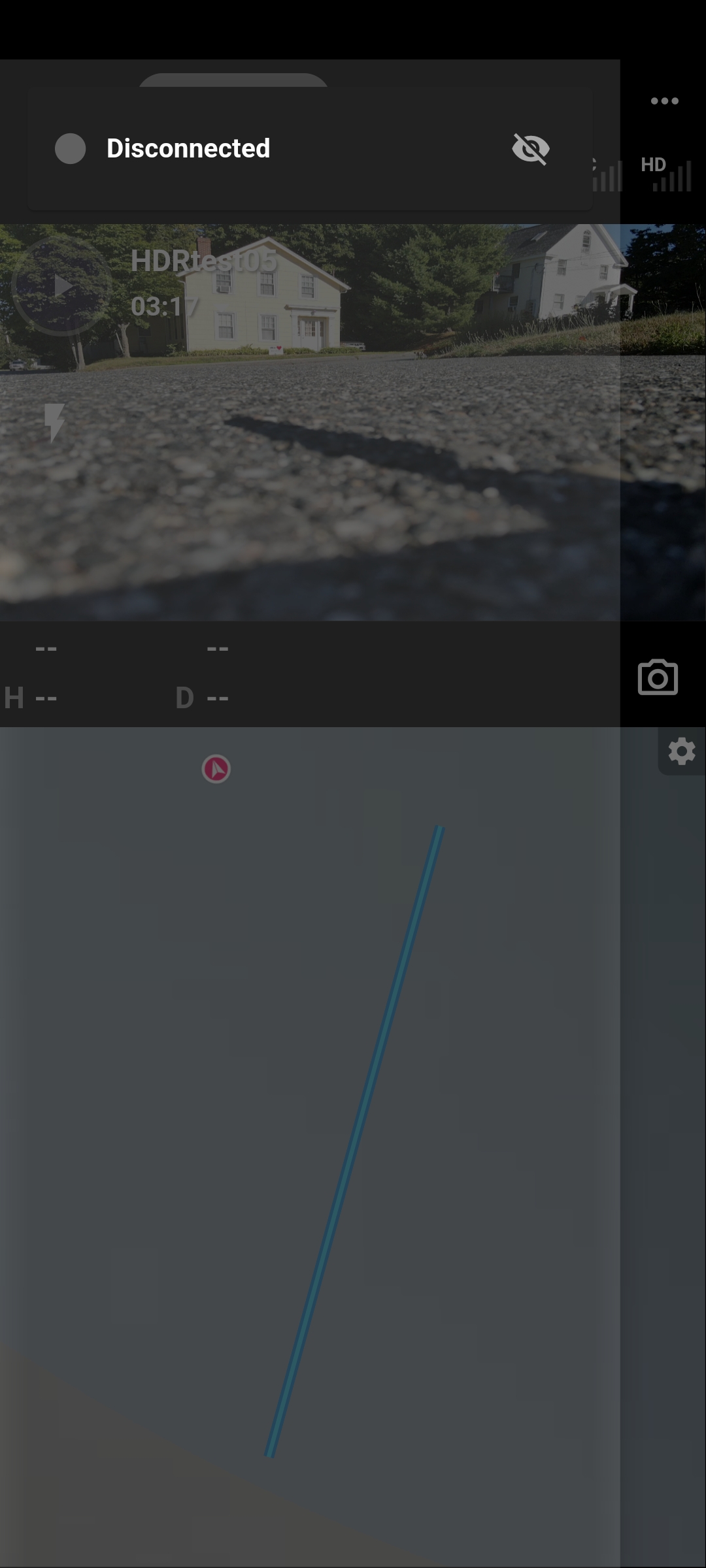
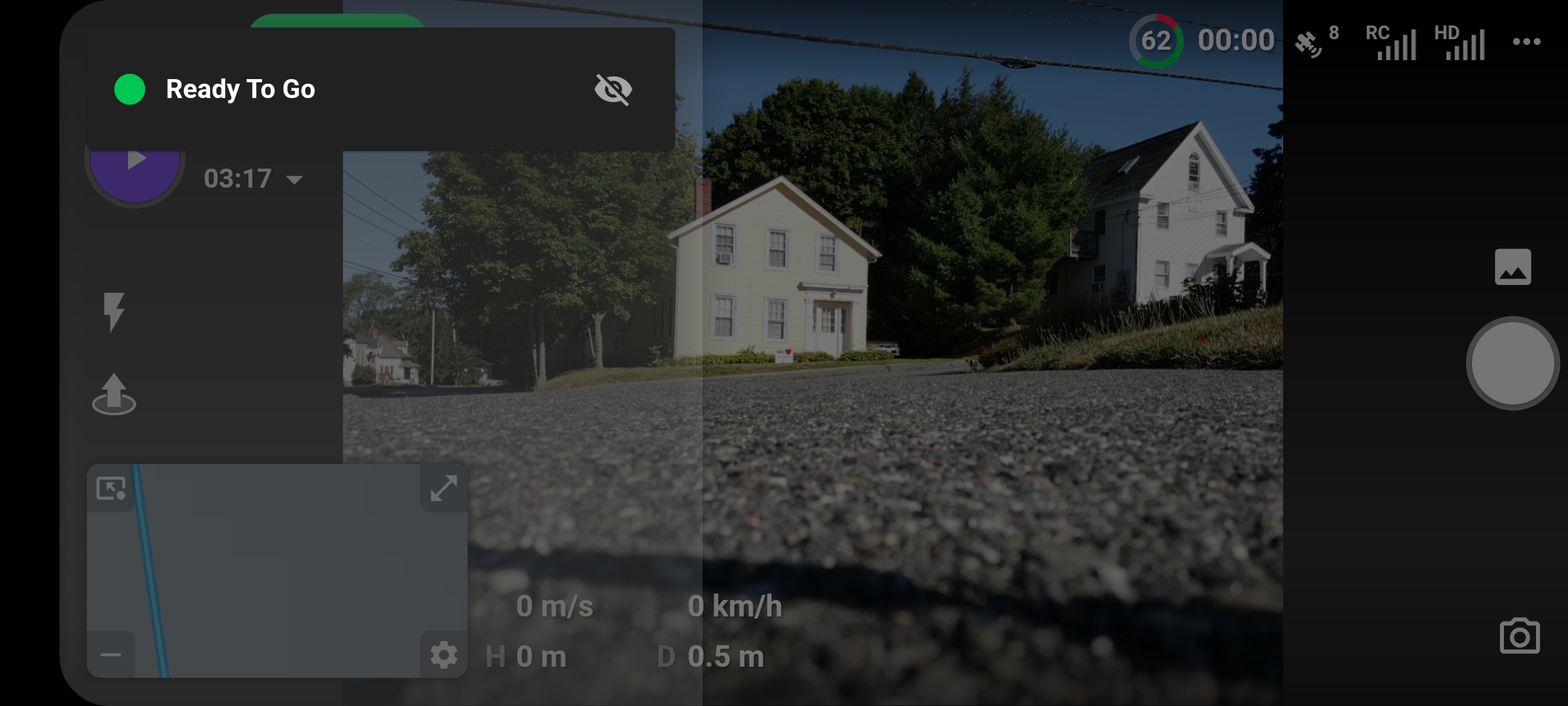
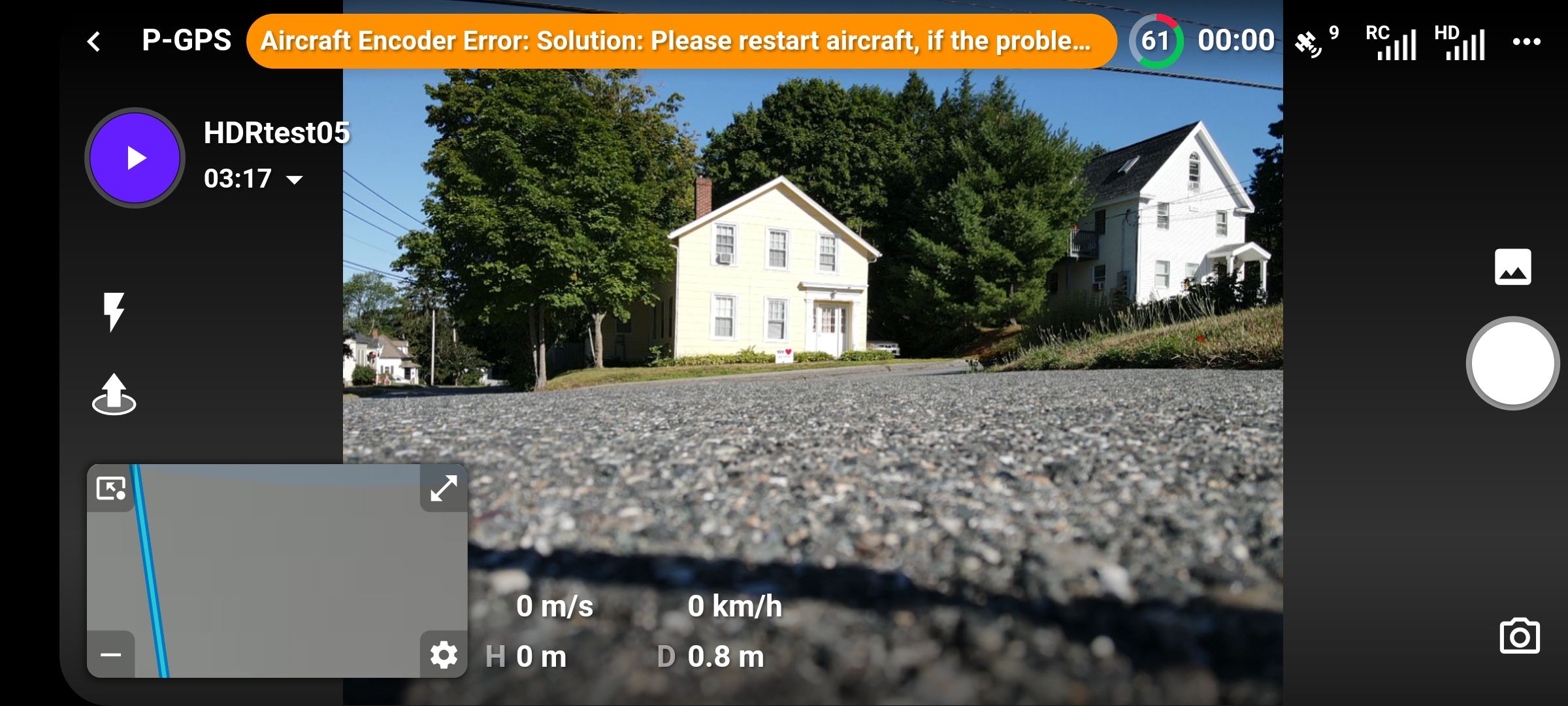
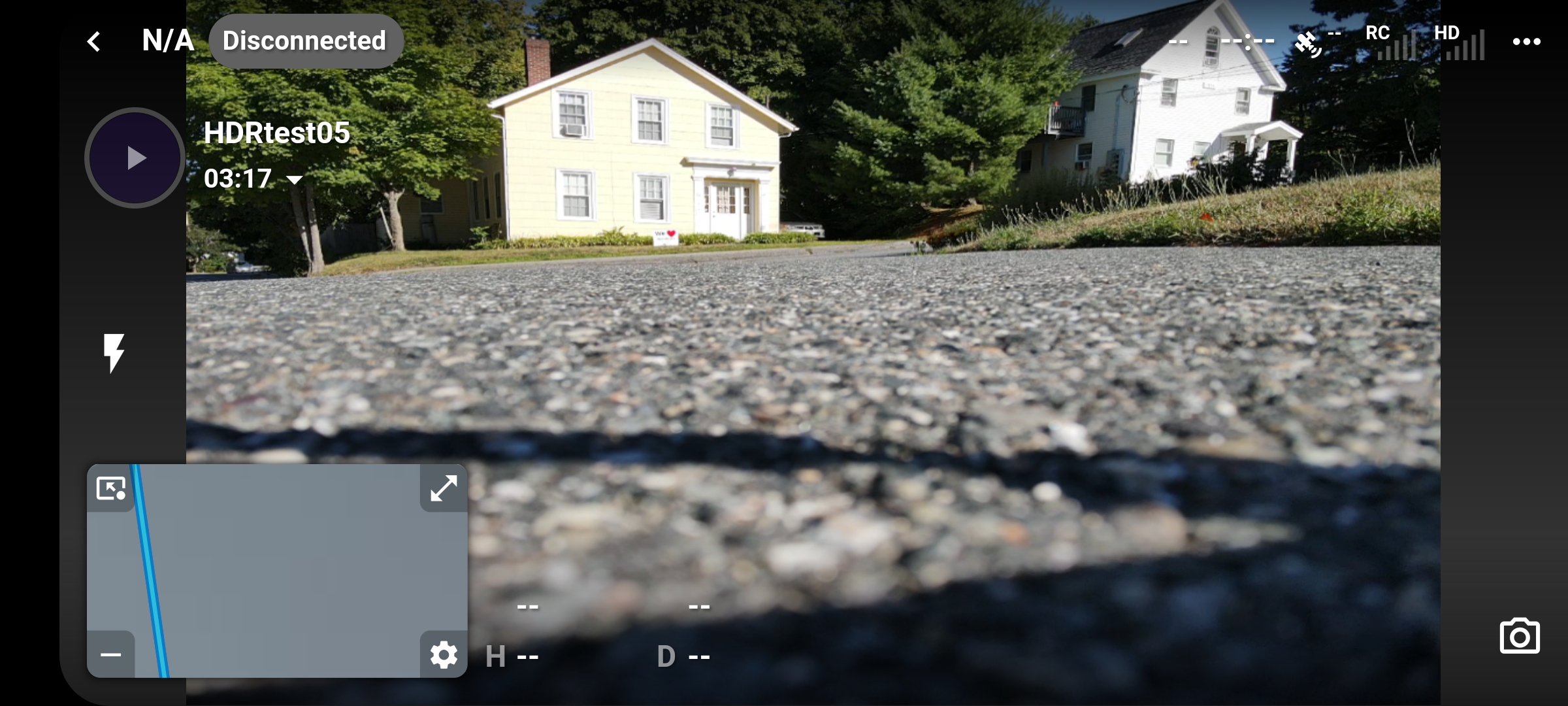
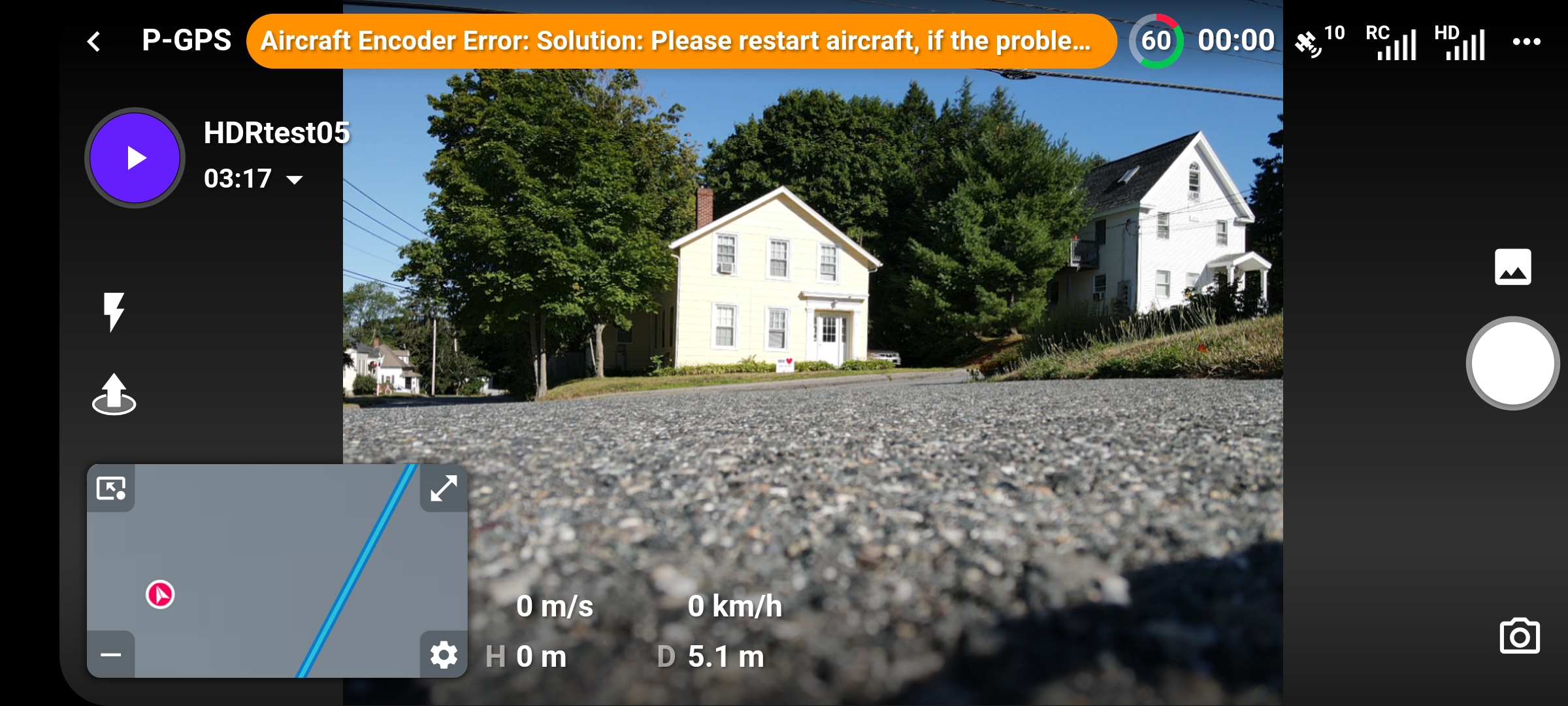
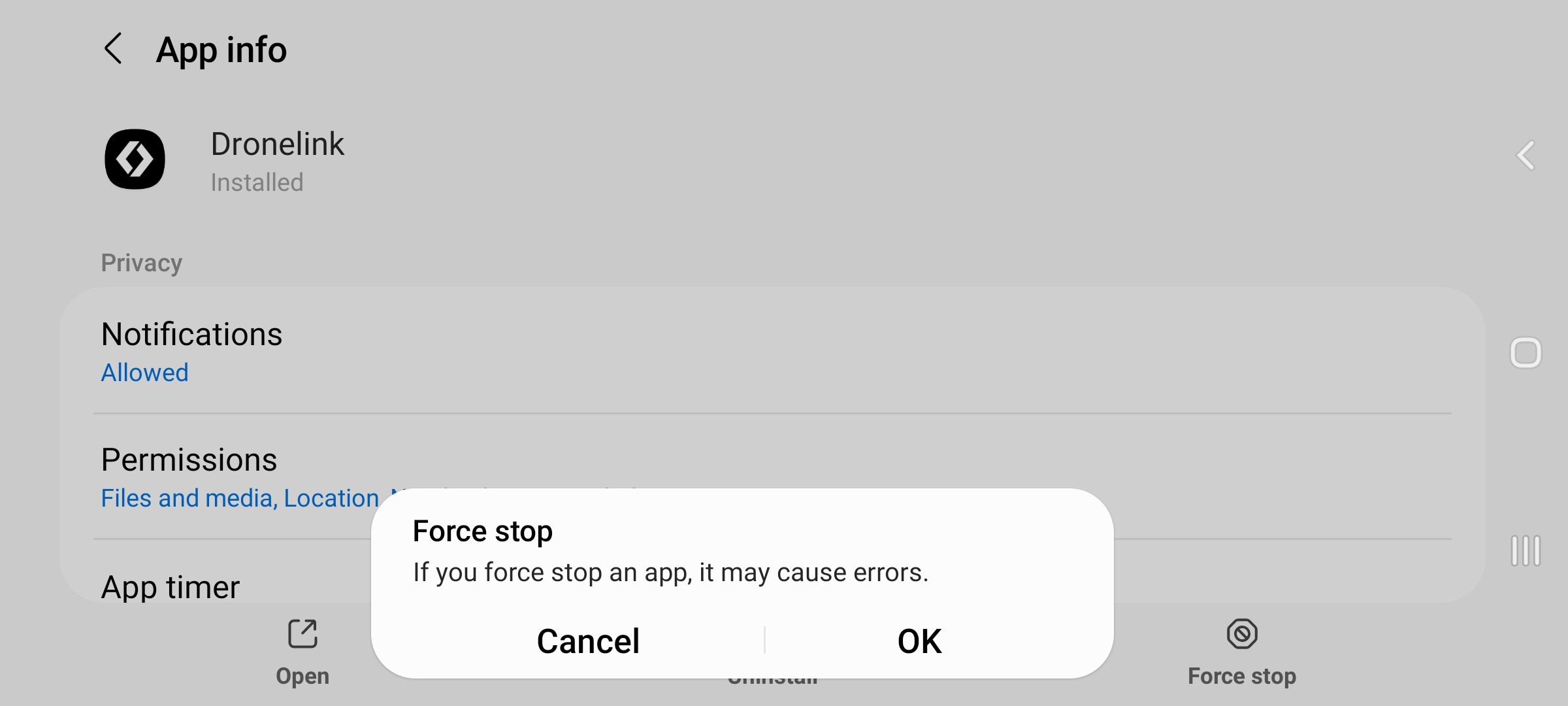
Again powering off the aircraft and then powering on the aircraft resulted in the same thing described immediately above, but this time with the new behavior of the application becoming unresponsive and ultimately requiring a Force Stop.
Comments
13 comments
Do you mean that 217 is not mature enough ?
v4.0.0 build 217 is still in beta so I'm not sure what is meant, but it doesn't seem to me to be a proven and safe release candidate, if that's what you meant by mature.
For now, I'm going to leave this to the experienced pilots already familiar with the ins and outs of Dronelink, and go back to using the current release version of Dronelink for Android.
You are having a lot of issues Kelly. Just a thought but at least part of the issues may be something wrong with the cable or Aircraft. I’ve never had any big issues like yours using only the Beta versions with both my MM and a lot with my MA2 for a long time, maybe 7 to 8 months or longer. No encoded error, weak signal, black screen/ no video feed, no connection etc. If possible to try a different device just to see if all the issues still exists. Still could be an Aircraft issue and or a cable but If not I’d suggestion to invest in a iPad. I know it’s more money and some don’t like IOS devices but not worth all the headaches. I believe it will solve a lot of the problems you have had. I Loaded DL Beta build (217) and everything is fine with my MA2.
Good luck
Do you have google services uninstalled?
On the aircraft encoder error message - that comes straight from the DJI SDK so there isn't much we can do about it. That is why we added the "hide" option on the messages, and eventually we might add a "hide forever" if you know it is a faulty message.
What’s the link with google services ?
I was not aware of that option (hide). Apart from tutorials and so on, is there a kind of dictionary listing and describing all possible options ?
Some people run a version of Android that has all Google things uninstalled, which does not work with DL.
We have tons of written documentation here, but the new flight dashboard isn't included yet because it is still in beta and we don't like to waste time documenting things that are still changing.
I have no idea, and I have not knowingly/ personally done any messing with google services.
I have never seen such an error message when using the DJI Fly app, if that helps you in anyway.
Did you try refreshing firmware, That’s one if the first things DJI will recommend. I’d also delete the DJI and DL apps and reinstall. Try to eliminate the easiest things first. Doesn’t take long.
If you mean: Check for Updates, yes; otherwise, I don't know about what you're referring to, please explain.
So firmware's up to date, you haven't got any hacks installed have you
I've uninstalled the v4 beta b217 for now and may try testing it again later sometime.
@Mike - Got it, using the DJI Product PC tool, DJI Assistant 2 for Mavic - thanks!
😃🤙🏼
Please sign in to leave a comment.