Menu items missing when on laptop & in Native app

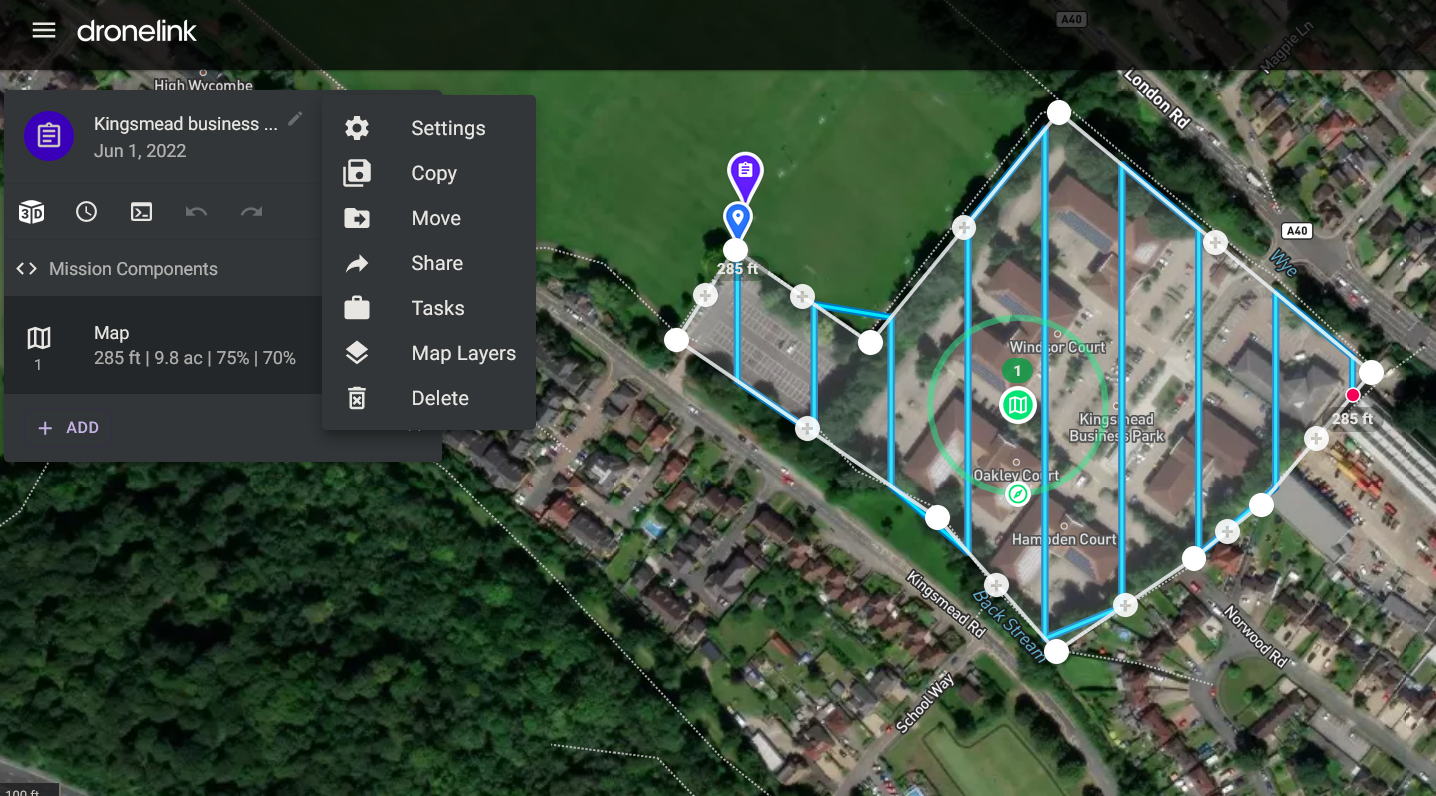
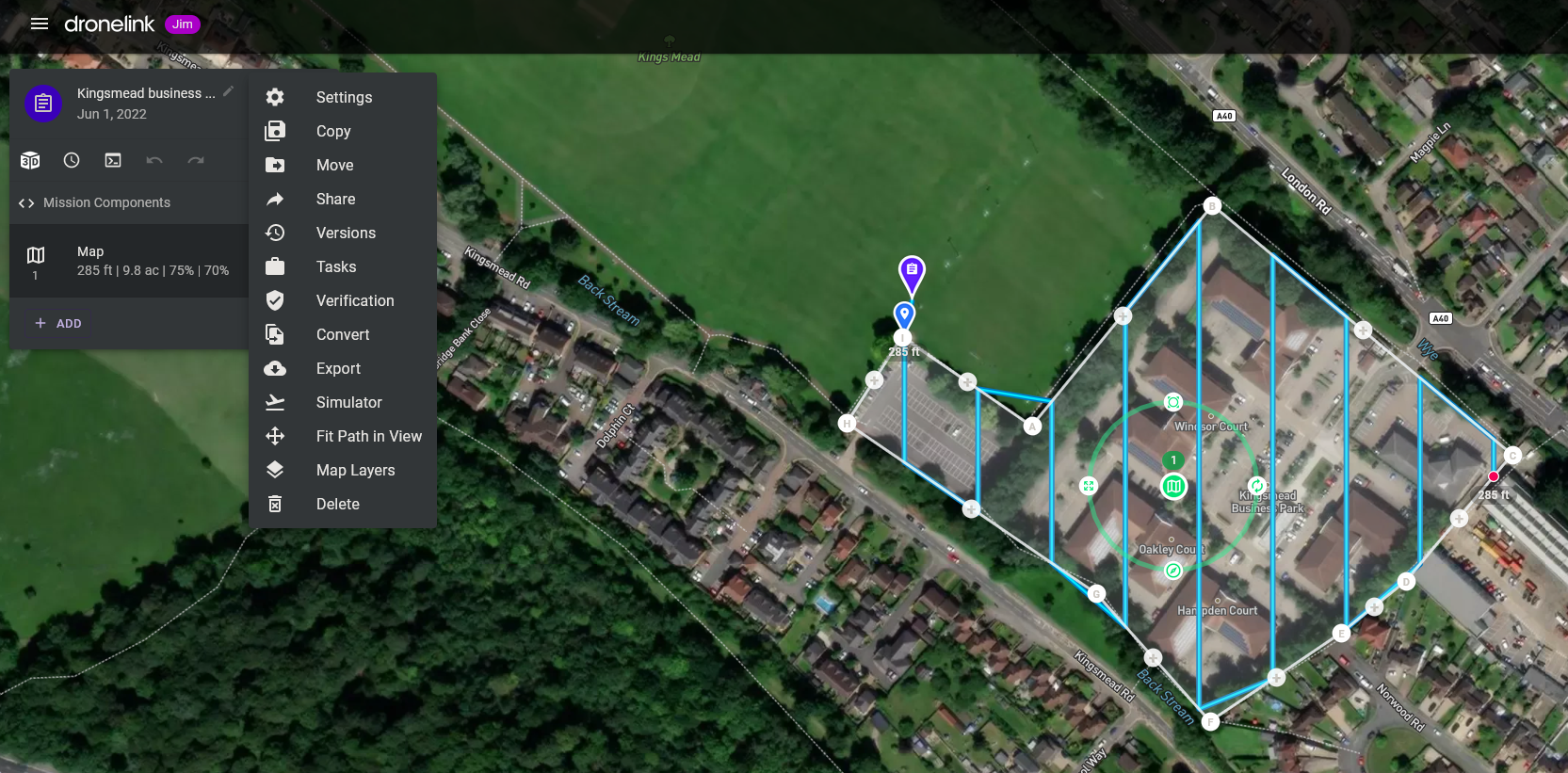
I was working on a plan earlier on the laptop, and went to fit the track on display and couldn't find the fit to display command where i thought it was, went to the desktop and sure enough it was where expected along with a few more as per screenshots below:
Laptop
Desktop
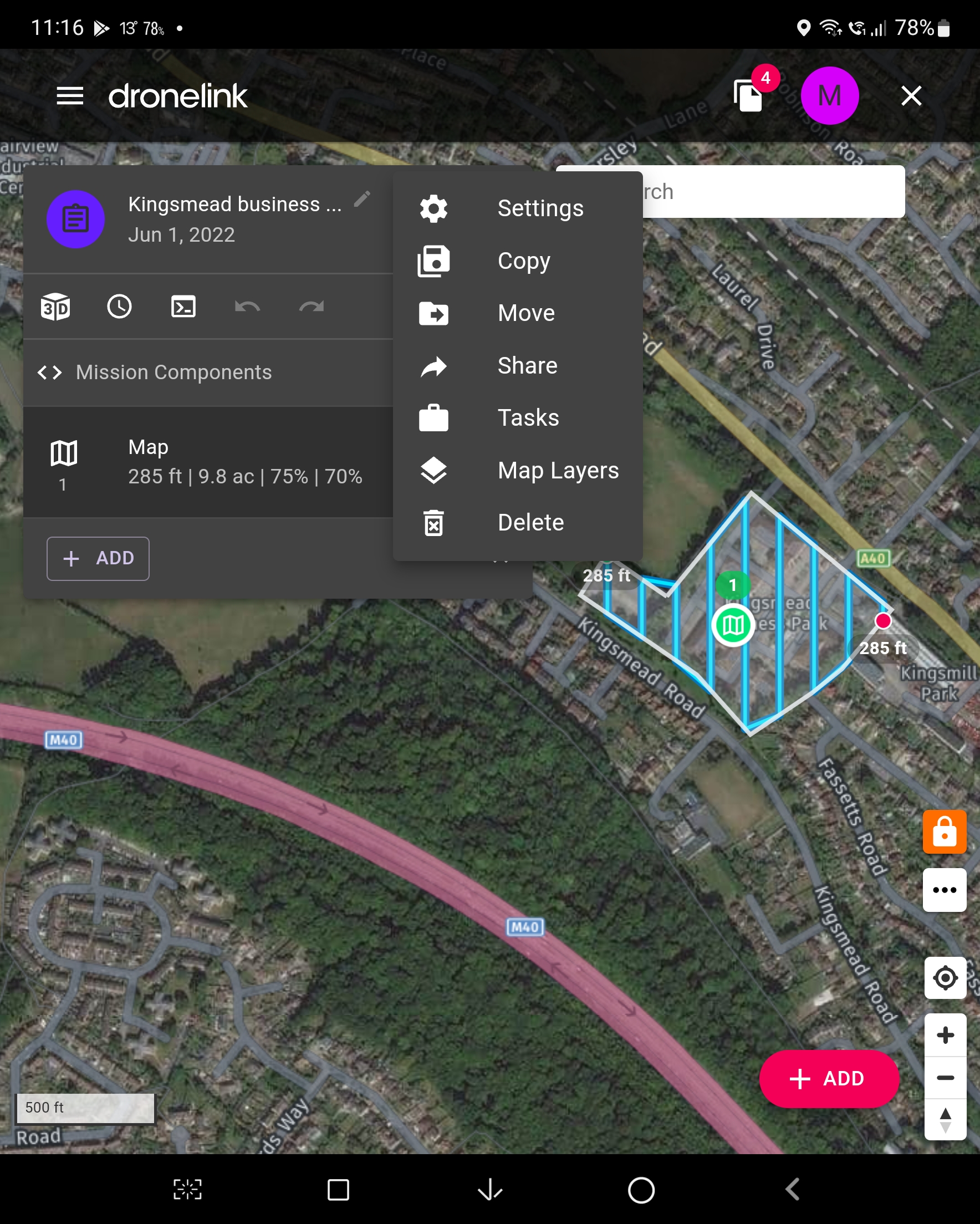
The same problem occurs in the native app
Comments
4 comments
Your desktop is in Jim mode and the others are not. Do you actually prefer running in Jim mode or is Expert typically enough? To put it another way, which settings in Jim mode do you wish were really in expert?
I should mention, we are updating the editor mode setting to be tied to your user profile so you only have to change it once and it will sync across all browsers.
ok Jim McAndrew , I'll take a look, but yes having access to those settings (aka Jim mode) would be good
This is working great
Please sign in to leave a comment.