Dronelink App GPS Error with Mini 2 & Apple Ipad Air 3

I am new here so go easy on me if I missed something. Been waiting to buy until support for the Mini 2 was ready primarily for the follow me function. Purchased and downloaded the App Ver 3.3.1. Running DJI Fly Ver 1.5.10. Using a Apple Ipad Air 3 Ver 15.3.1 for the display. Took it out today for a first flight to test follow me. Got the following message when I click Get Started. I googled the message but never found a single link.

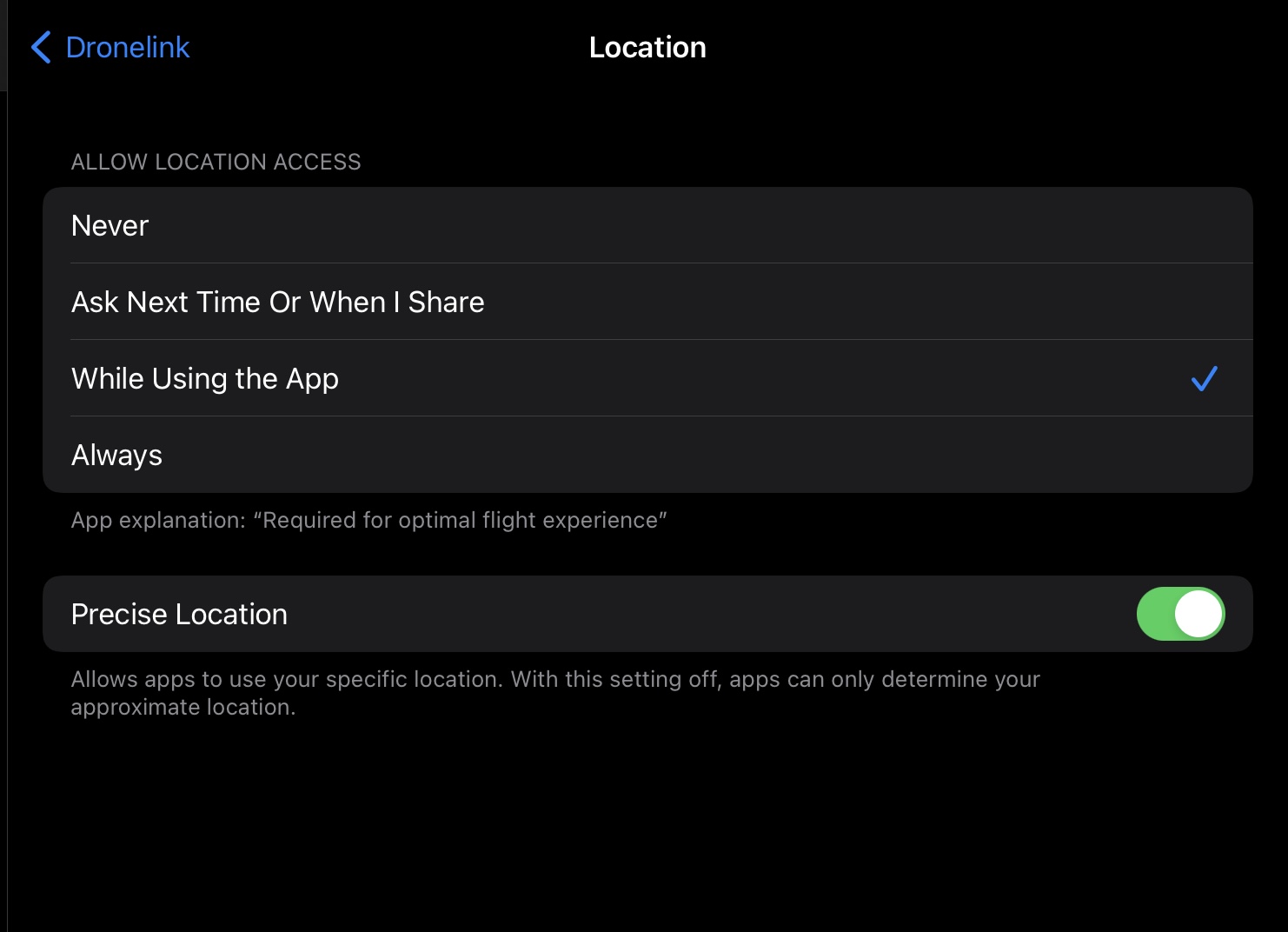
I confirmed that the app has location access. I power cycled the Ipad and Mini 2. Tried again and get same message. I searched here for any error like this and found nothing. I have never had an error with gps using this same setup before trying Dronelink. Any ideas??
Comments
7 comments
Your iPad probably doesn't have a GPS (wifi only model), then that's why you would get that error. Try it with your phone instead to see if you get that error again.
Taylor is Correct. The On the Fly “Follow” mode function needs a device with GPS since that is what the drone will follow, not the controller. So whichever device you use for that specific function must have it. All your actual created plans in DL don’t need a device with GPS. I use a Wi-Fi only iPad Mini 5 for all my flights and if I utilize the Follow mode I just switch over to my iPhone 8 Plus. Enjoy…
Thanks for the replies. I do have the basic Ipad Air 3. No cellular just wifi. But it has gps...atleast it looks it. I can turn off wifi and open maps and it basically shows my location.
Now I installed the Dronelink app on my phone. Problem is I can't get DJI Fly as it isn't supported on the Samsung Galaxy A10e. When I open Dronelink I get the disconnected message at top. I assume that's because I need to have DJI Fly installed as well?
If you have an iPad that doesn't have cell service then it doesn't have GPS either. It can give an approximate location, but it is. It GPS
Well looks like I learned something today. I seem to be stuck then. I at this point don't see me upgrading phones just to have the follow me function. I will need to see if the other features of the basic plan are useful and if not see if I can have a refund/credit done. Thanks for the input.
Don’t need DJI app installed for DL to work. If the Galaxy A10e isn’t supported for the DJI app then there is a reason why. That may be the same issue with DL as well. Any device you use should be a newer device to ensure DL will work properly since it needs a powerful and capable device to run it. See attached link:
Did you grant all the permissions when installing the Native app on the A10e. Android has a good amount of them to go though.
https://support.dronelink.com/hc/en-us/articles/360025829933-What-are-the-system-requirements-
Wi-Fi only devices use your home router to load the map. Once it has been loaded/ cached it will still work without active Wi-Fi as long as it has been recently loaded. Wi-Fi only devices will not be as accurate as internal GPS but still gives an approximate location.
Also as I stated above using my Wi-Fi only iPad Mini 5, all the other DL functions and features don’t need GPS to work. All plans with paths, orbits, maps, destination components etc. work fantastic. You may want to try creating a couple plans and try them to see how incredible the DL app is. Good luck Anton….
Please sign in to leave a comment.