Thanks for reporting this - the issue should be corrected now. Can you try again? You may need to open the mobile app and let it upload, or even run a new mission. If you load the app upload the old ones can you tell me if they show up or not? We are trying to figure out if it will auto-recover the old ones or just fix new ones going forward.
Hi Jim all good now, opened the app first, then checked for the old ones, and they showed up, so then flew another mission and as can be seen below that is all good as well

Comments
9 comments
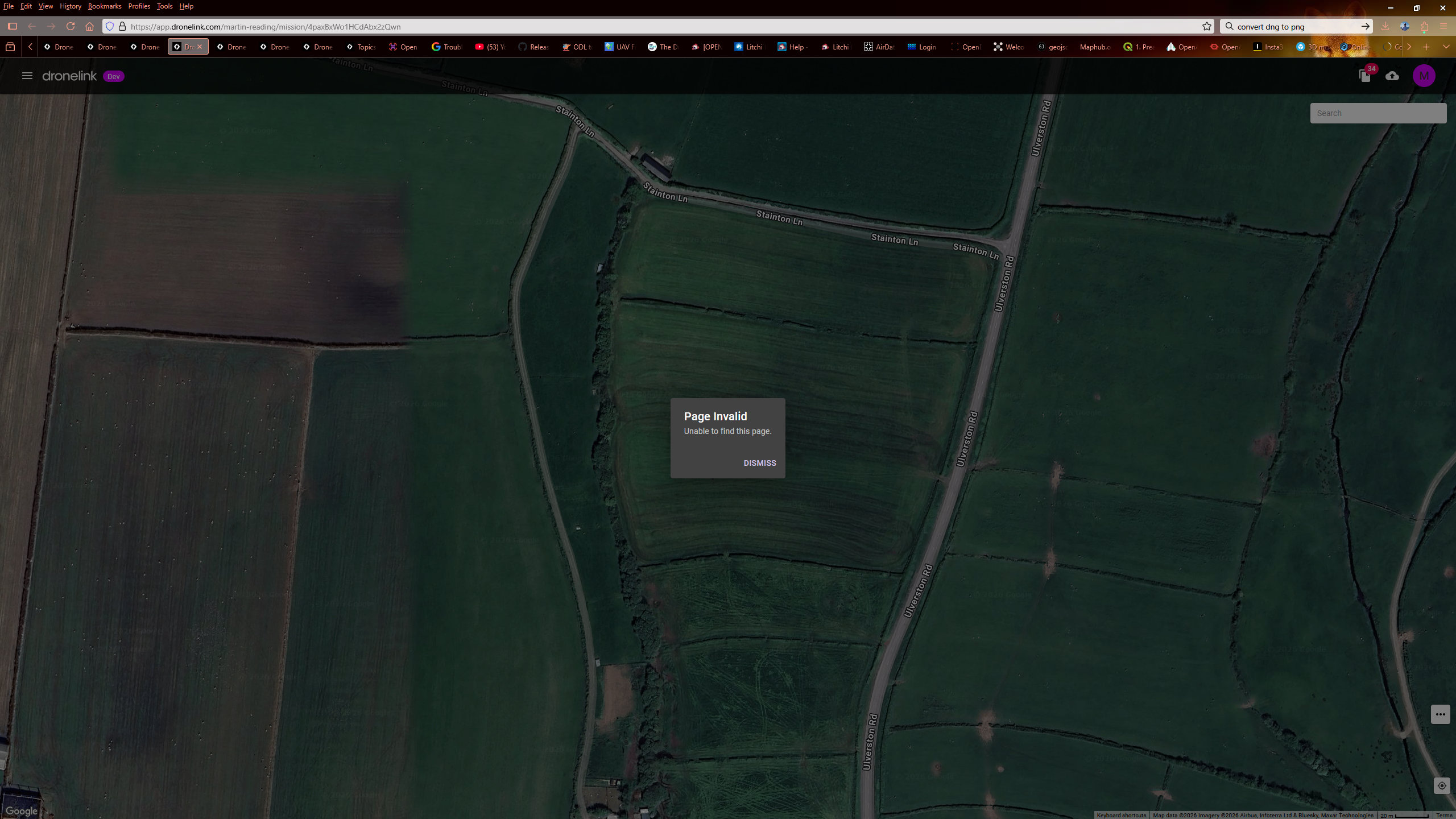
I don't see a message in that screenshot, but was the app able to successfully upload the mission details?
Hi Jim, just updated the screenshot, the flight actually shows in history list
Is it just this one mission or every time?
Just this one Jim, normally no problem, I'm going to fly another one shortly, see what happens with that
Just done the same
Thanks for reporting this - the issue should be corrected now. Can you try again? You may need to open the mobile app and let it upload, or even run a new mission. If you load the app upload the old ones can you tell me if they show up or not? We are trying to figure out if it will auto-recover the old ones or just fix new ones going forward.
Hi Jim all good now, opened the app first, then checked for the old ones, and they showed up, so then flew another mission and as can be seen below that is all good as well
Excellent, thanks for the report!
You're welcome Jim 👍
Please sign in to leave a comment.