<%= partial('partial-article-list-sections', {
id: 'category-' + category.id,
parentId: '#sidebar-article-navigation',
sections: category.sections,
activeCategoryId: activeCategoryId,
activeSectionId: activeSectionId,
activeArticleId: activeArticleId,
partial: partial
}) %>
<% }); %>

Comments
2 comments
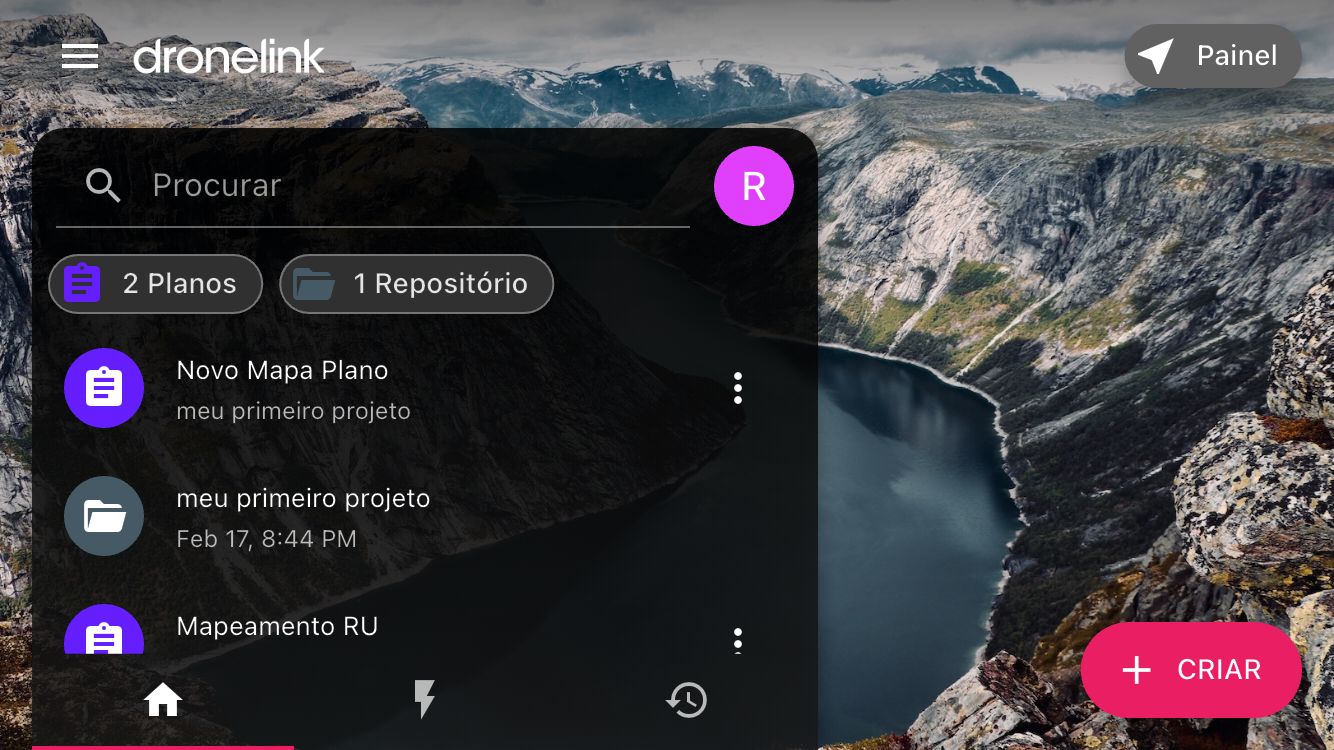
Gostaria de um tutorial de como conectar!
Hi Rodrigo. Please remember to use the search function at the very top of the support home page for answers before posting a new thread. There are literally dozens of threads regarding the drone not connecting. Also if you click on the “drone not connecting” message in the Mobile app it will take you directly to the link I’m sending. Since you’re new to the DL App I suggest spending some time looking through the DL support articles. There is a ton of information available in their support section and even some tutorial videos which will answer the majority of your questions. If after searching the forum and looking through the articles you can’t find the answer then of course you can post a question and get assistance here. DL has fantastic support and many pilots to assist you here when needed.
About 90% of the time it’s due to the DJI Fly app running in the background. Swiping up will not fully close the app, It needs to be force closed in the devices settings. Follow the instructions on how to force close the Fly app. DL is a very powerful app with so many features/ functions it will take time to learn much of the apps capabilities. I’m sure you will enjoy the app once you understand most of the apps capabilities. Enjoy.
Check number 3.2 on how to force closed the Fly app.
https://support.dronelink.com/hc/en-us/articles/360052025194-Why-is-Dronelink-unable-to-connect-to-my-drone
Please sign in to leave a comment.