5.3.0 (313) orientation lock not working

As the title suggests, the orientation lock is not working, I've got it set to landscape, but it still turns to portrait
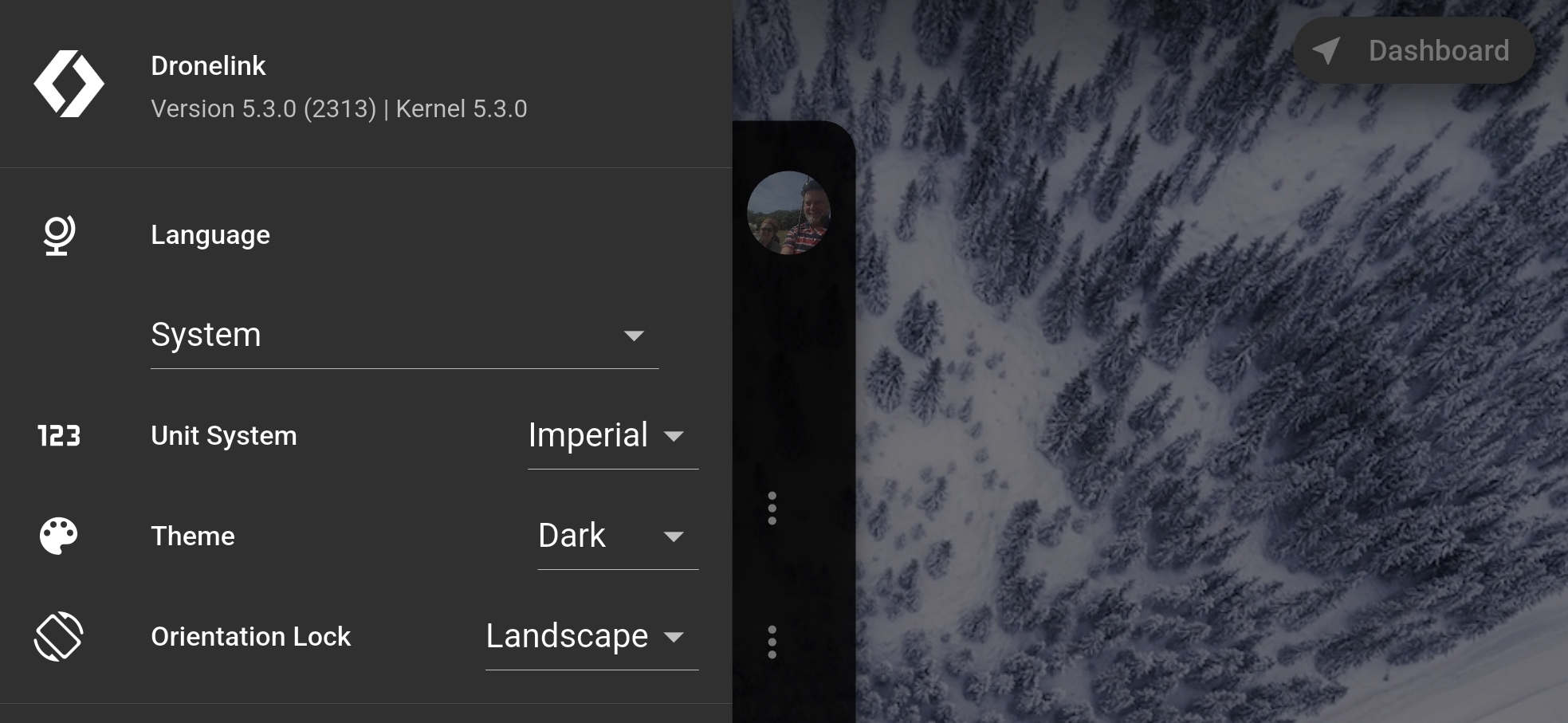
As the title suggests, the orientation lock is not working, I've got it set to landscape, but it still turns to portrait
<%= block.description %>
<% } %>
Comments
8 comments
I am not able to reproduce this. Does it happen on other devices or after you reinstall?
Hi Jim McAndrew, I've got this happening on both my Z fold7 and my galaxy tab S10 FE+, both running android 16, here's a short screen capture showing it on the Z fold7, this is after a reinstall
https://youtube.com/shorts/ayZYrgsazQo
I wonder if it’s something to do with the fact that this is a folding screen that is basically a square, or maybe it’s tablet specific and the fold is treated like a tablet.
I tried it on my tablet and it locks just fine. Is anyone else able to reproduce this?
I've got a normal phone, my old LG V50, I'll try it on that
Ok, so LG V50, and my tab 9fe has no problems, and works as it should
When selecting Disabled for the Orientation Lock setting, here are screenshots of the mobile phone held vertically...
...and when the mobile phone is held horizontally.
The display changes automatically.
A suggestion for Dronelink developers would be to set Orientation Lock to Disabled by default.
This would make it easier to discover the portrait orientation.
Ok I've sorted this, under apps in the system settings, the aspect ratio was set to full screen changed it to apps default and all is good
Please sign in to leave a comment.