testing of focus, orbit and follow

I am new to drone flying, approximately 6 months with the Mini. Really new at using these Beta features, like never, so I probably did not understand a lot. The first test was the Follow mode. Tested in an open field at first with a height of approximately 10 feet. It seemed really "jerky" in this test and the program completely froze and I had no control of the drone. I had to completely shut everything down and open DJI fly and then I only had 2 options, 1) Land or 2) Go Home. Since I was in an open field I chose land and then I had control of the drone. So I felt comfortable knowing I could regain control so I tried a different test. I put the drone up to 130 feet to clear all trees and I walked through woods in my back yard. It performed great at an altitude. I reviewed the video and it was much smoother. It seems to keep the sun at it's back because as I walked through winding paths it would change it's relative position so that my shadow seemed to always be on my left. Is this part of the programming? Or just my imagination? As I said I never used these programs before so I did not know what to expect. I thought I would be able to pick an object or subject to follow like in the Orbit program. My next tests of Orbit and Focus were not so successful. I probably did not do it right but I had a problem of assigning the "Mark". I used myself as the mark and was always have a problem with the program box being in the way. Even when I moved to the side and put the mark on myself when I hit execute the drone just pointed down to the ground and circled around an imaginary spot. Same thing with focus. Lastly when I reviewed the videos for Orbit and Focus I had 5 regular videos and 24 items that had file names all starting with AQT and 34 numbers and letters, these files could not be opened. I did not have these weird files when I reviewed the follow files. I am sure I did something wrong when testing both Orbit and Focus, will you be generating some training videos for these programs? Also the program froze when testing Orbit also, but not Focus.
Comments
5 comments
Thanks for the feedback, can you please post what mobile device and drone you were using?
As for some of your questions:
I was flying the DJI Mini (1) and using a Samsung S9
1) I was experimenting with the program so I was within 10 feet and then moved up higher until I was eventually at 140 feet, I was moving and looking up and down at the phone and I did briefly see something about sensory inaccuracy but at the time I was not sure what it was.
2) Loosing control. I am using the mini so I do not have the options as stated in the article you referenced and I believe I tried hitting every button when I lost the program. The drone was just hovering so I was not in any dire need to regain control and I was very close to drone. I believe I hit the RTH button but I am not 100% sure (I will try to duplicate). I eventually shut off all programs and re-opened DJI Fly and I had control.
3) I do not have the follow option with the mini and therefore no tracking option.
4) I think I misunderstood how the Orbit and Focus programs work. I thought you were supposed to put the computer generated box on screen over a subject or object and then click "Mark" and the drone would focus on that object or person. When I was trying to do this mission activation box was getting in the way of seeing what I was aiming for. I will play with these programs a little more.
5) I understand you do not want to waste time creating videos for something that may change. I appreciate the effort made in creating the Beta versions and I will keep experimenting. Sending screen shot, not too legible though. This was one session of flying. I could not open these files.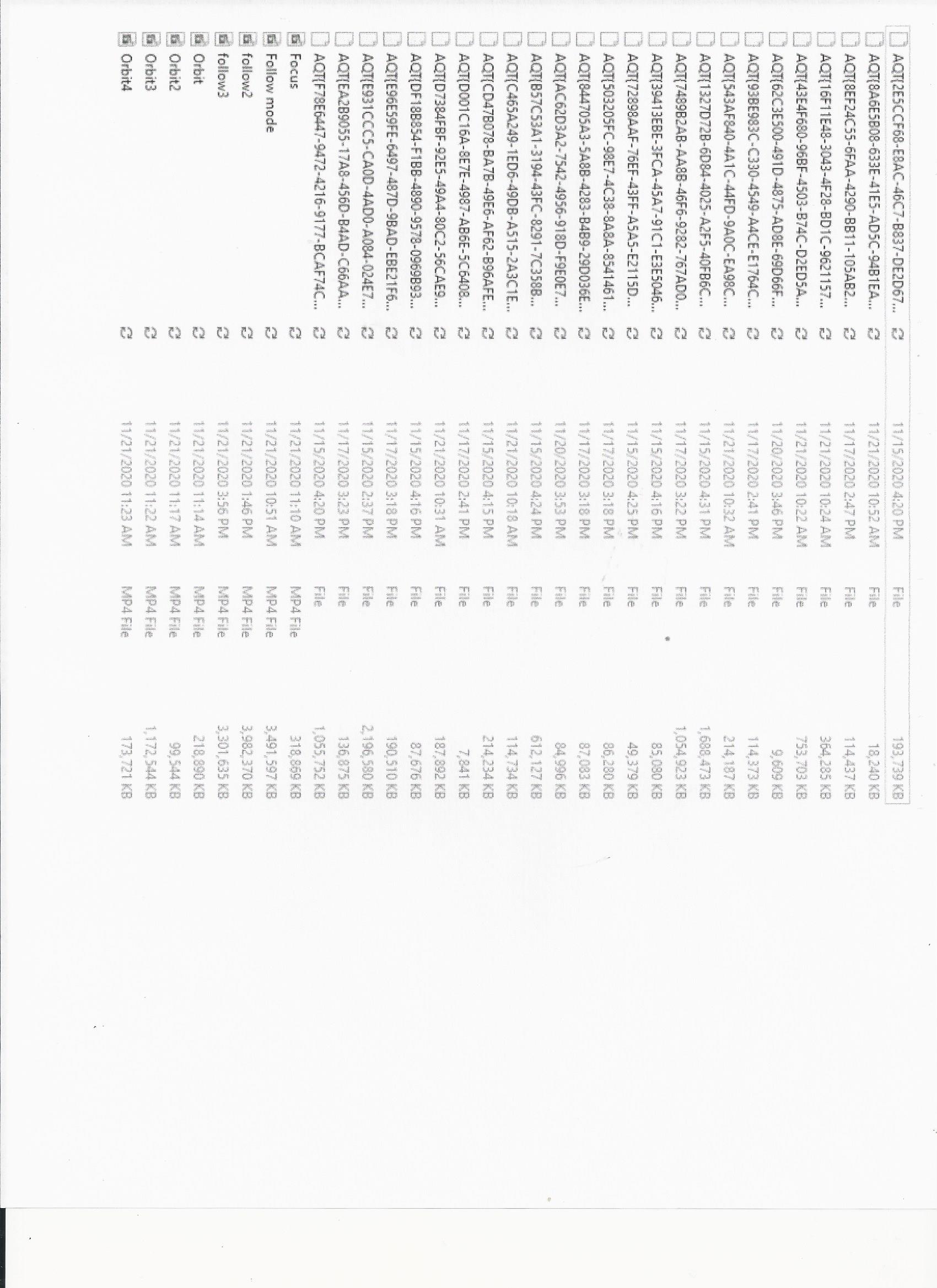
I have a clearer picture of the files from my mini, obviously the files on the top starting with AQT are the ones I have no idea what they are from.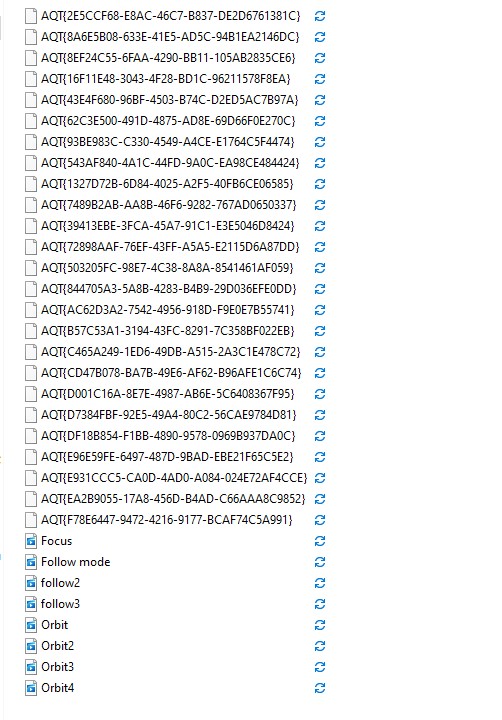
On taking control with the mini, that is what this note at the bottom of the article is for:
Important: Some remote controllers, such as the Mavic Mini, do not have a flight mode switch or a pause button. In this case, you can press the RTH button and once RTH activates, press it again to deactivate RTH and take control.
On those files, not sure what those are but Dronelink does not generate them. In fact, the DJI SDK doesn't give third-party apps direct access to the SD card even if we wanted to.
So I have to assume they are being generated by the DJI Fly program. I will as them.
Please sign in to leave a comment.