“Control Override Joystick” in follow mode

After approx. 10 min of perfect following my bike flight I got the message “Control Override Joystick” with the option to dismiss.
Here after I had no control and the distance read 633m so I didn't dear to touch rth.
Assuming I had a serious fly away situation of 633m in any direction I panicked and hurried back to RTH location hoping to brig the mini home.
On the way back I gladly heard the sound of RTH -pling from the controller. (Due to lost wifi i learned later).
I arrived to RTH location just prior to my Mini and managed to hand land i manually. Arms up :-)
Later airdata showed the it had been hoovering safe right above me and I failed to spot it before rushing to RTH :-(
The bottom line is everything was perfect besides the frozen app with “Control Override Joystick”
If you want to look into it, I have put flight log here: https://we.tl/t-83TUXYMScO
Best regards
Per
Comments
10 comments
There are many reasons you might see control override as discussed here.
As for taking control without it returning home, see the note at the bottom of this article.
Let me know if you are able to reproduce the app freezing issue (what mobile device are you using?).
Thank you for the links to info.
I use Samsung Galaxy S7 and normally I'm comfortable with pressing rth-button twice.
The control override was new to me. So I figured I would bring an anecdote from real life and hopefully some debug info.
Control override will newer p... me off again :-)
Since you are using the S7 which one of these screen shots does yours look like?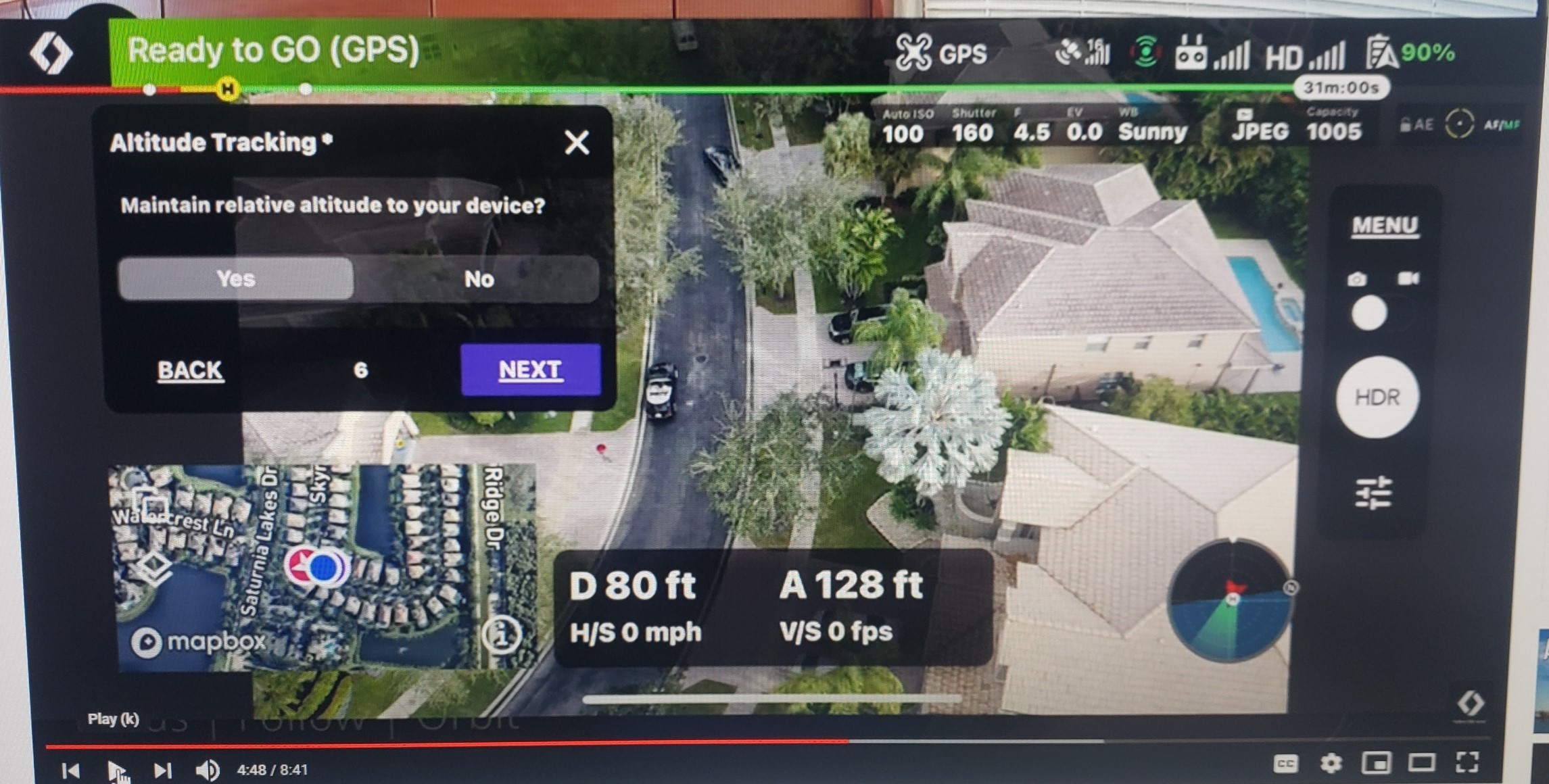
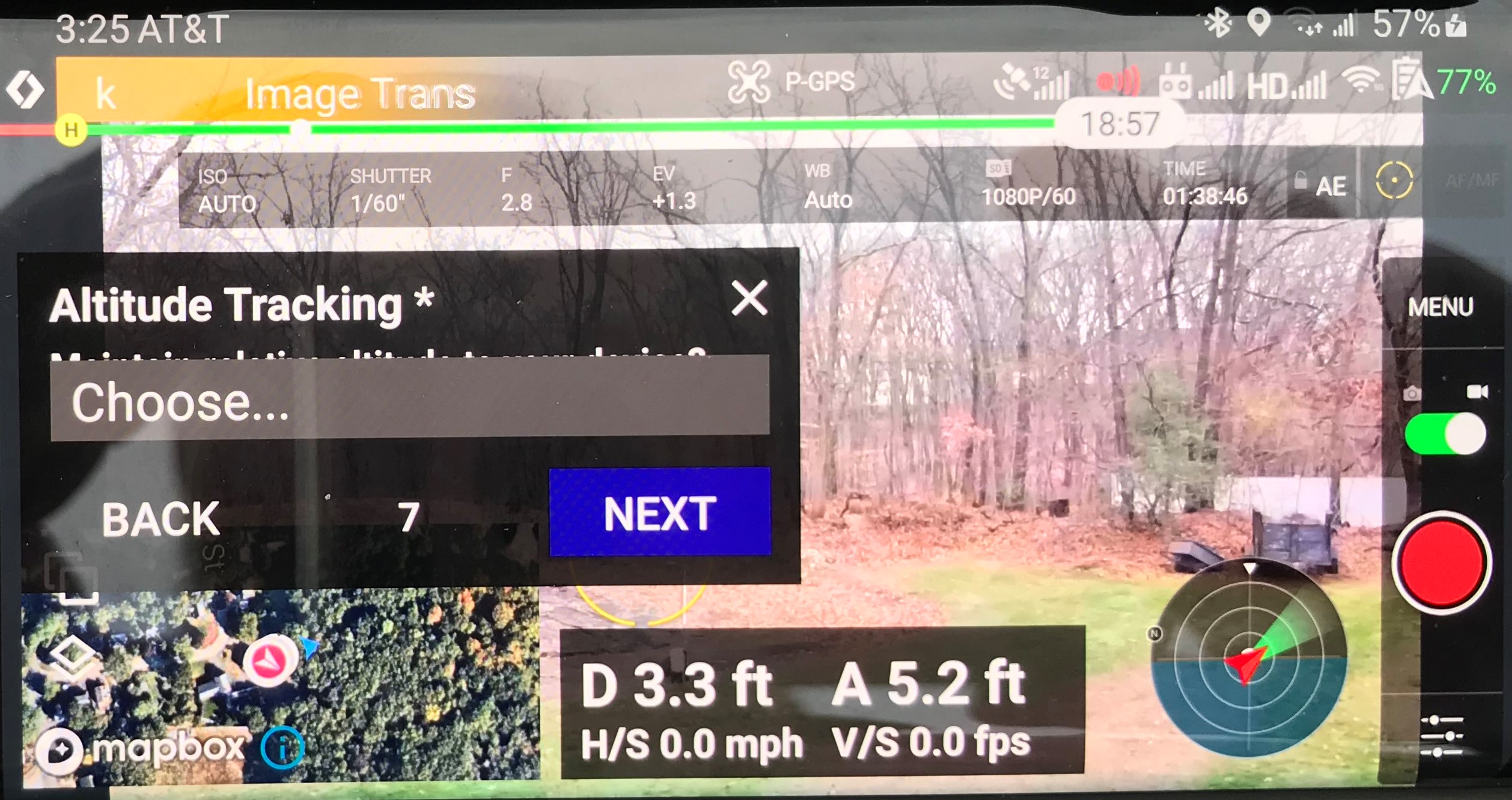
My S7 screen looks like:
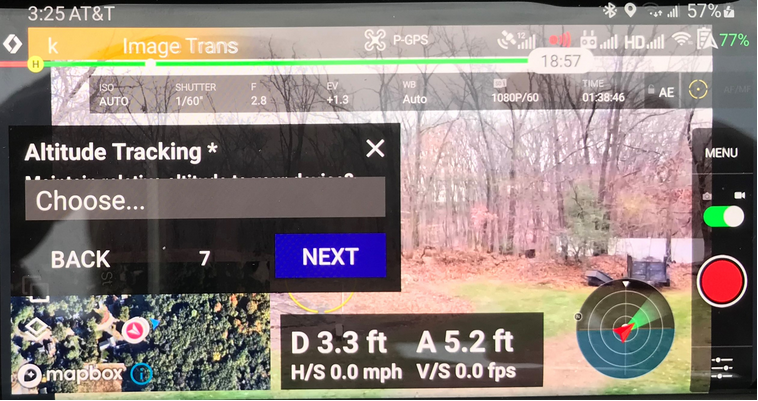
Glad to assist
Per
Apparently Android operating system is not fully compatible with Dronelink software. Notice how the mission box is much bigger than the other picture and all the other items are bigger which cause less view area. The mission screen even goes over the map on the left. The "Choose" button is even blocking some print underneath. Have you ever seen this screen? We don't have it, or at least I can't find it.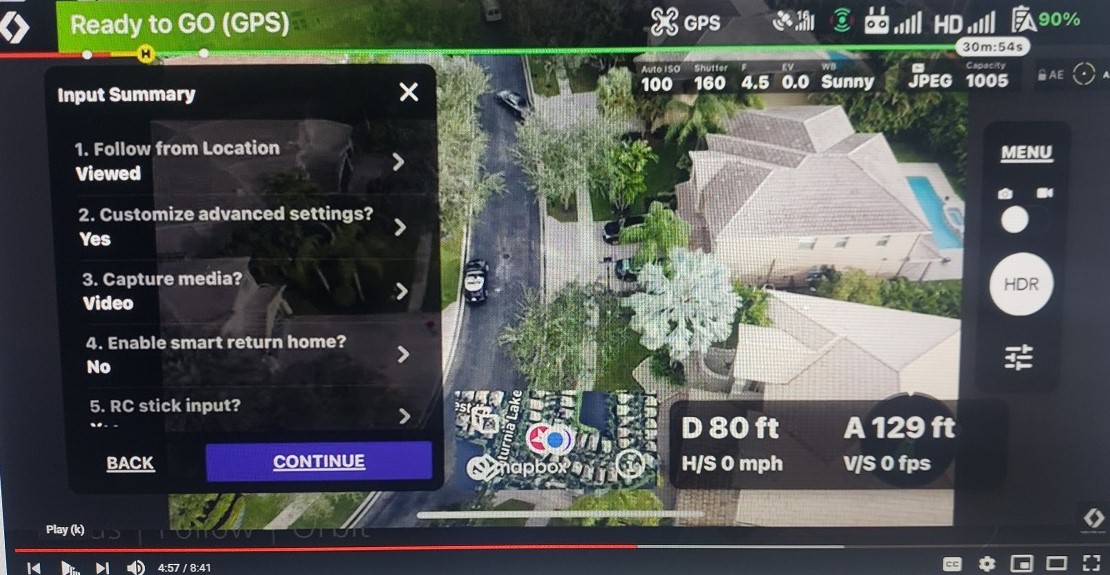
I don't remember the exact look of these menus.
However I will be happy to grap some screenshots for you next time I'm airborne.
I use Dronelink a lot to semi automate HDR photography so any effort that will enlarge my view area and help me to compose the image exact is greatly appreciated :-)
The first one is iOS and the second one is Android. If you want more screen real estate, consider getting an iPad :)
Thanks - Can I show this to my wife as proof for necessity for additional toys :-)
I am aware and respect that my photographic need of "clean" view area is besides the intended use of Dronelink
however I believe an unobstructed view at the center is important to most users when setting e.q.
the center point in orbit mode or many of the other excellent on the fly missions.
The idea of a function to toggle between a "clean" view area with hidden controls and normal view is hereby born :-)
We have a 3 finger swipe up gesture that does just that - on iOS only though...
Great then there is hope in due time, perhaps :-)
Please sign in to leave a comment.