GPS in Mission Hub

Ok, simply question, when I open the mission hub page (home base) it always shows my gps position as 50 metres from where I actually am. could this be a problem when creating missions.
Ok, simply question, when I open the mission hub page (home base) it always shows my gps position as 50 metres from where I actually am. could this be a problem when creating missions.
<%= block.description %>
<% } %>
Comments
6 comments
Could you please post a screenshot to make it clearer what you are talking about, as mission hub sounds more like Litchi than Dronelink
Hi Martin, White arrow me, blue dot GPS position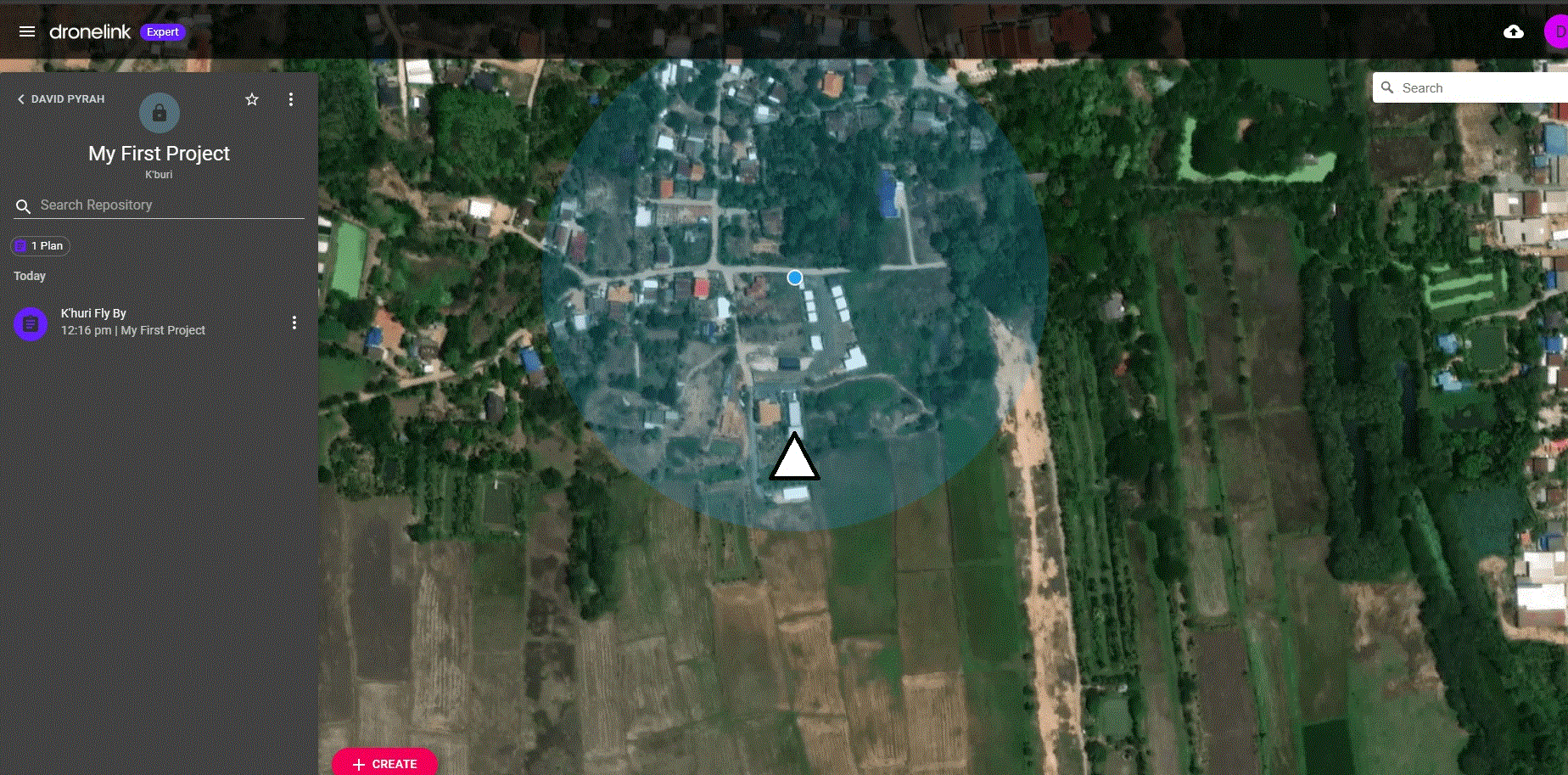
What device are you using?
What device are you planning on, normally planning is done on the pc in the Web app, this is what I see for me on mobile app
It doesn’t matter. That is just an approximate location of the PC or Device and has nothing to do with any plan or mission. You can check the Browser settings and see if the Precise location is enabled but I always click the location button in the bottom right and disable it. It just gets in the way and sometimes can be off by several feet to 50’ or more depending on what deceive PC you’re using. All that does is center the map to your approximate location and will never be that accurate.
Many thanks all your replies, I understand now.
Please sign in to leave a comment.