Program to merge photos together after a mission

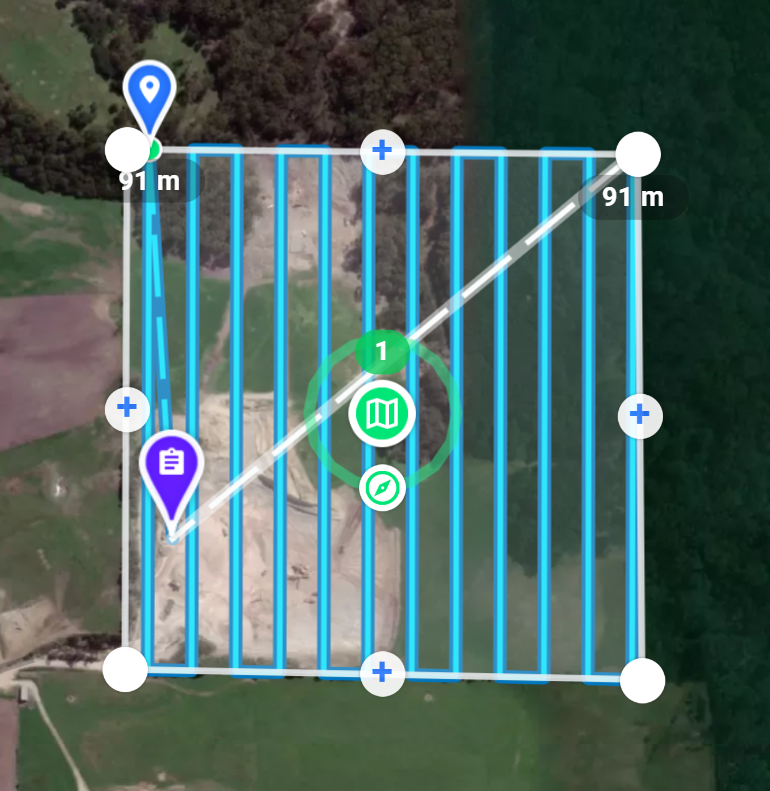
I have conducted a flight & have 200 odd pictures that need to be merged together of a quarry , does anyone know of a good program & being a standalone program that would merge or stitch the pictures together after a mission like this below.
Comments
6 comments
Any help would be grateful
There are many out there but one very common software pilots use is WebODM.
Webodm is a great program that is free or cheap (depending on how you install it)
This playlist has a selection of videos to get you started
https://youtube.com/playlist?list=PLK_joCFfIhJ84Uu5n6EML4VHDsSpjp4qs&si=U8AquifMgp4_tO7z
There's a lot of drone mapping / stitching software options available - but which one will suit your needs depends on your requirements.
For an affordable solution I would recommend looking at Drone Mapping Software - OpenDroneMap™ - specifically WebODM for an easy to use affordable solution.
Also look at https://www.mapsmadeeasy.com - they have both pay as you go and subscription options...
Drone Deploy and Pix4D are more commercial orientated options - extremely powerful and versatile - but with a learning curve and pricing to match their complexity...
Other options are linked here (I have no relation to this site - just a fairly complete list I found - but always beware of download links and go directly to the source if possible): 15 Best FREE Drone Mapping Software 2021 (With Videos) – Hobby Henry
For purely a stitched picture (with no geolocation, etc), Microsoft Image Composit Editor (ICE) could be useful - it's been retired/discontinued years ago, but is still a very workable panorama stitching solution... Image Composite Editor - Microsoft Research
Hope this helps!
Heinrich
For creating an orphophoto I and many others use WebODM
It seems WebODM is the favorite here - and I also highly recommend it. I've used both the free manual install version (but get the paid installer that makes it much easier), as well as the cloud based pay as you go option (https://webodm.net/pricing) without any issues (well, I missed some images that caused gaps, but that's not their fault :-))
And review all of Barry's videos - he provide excellent instructions and tips.
Please sign in to leave a comment.