Flying wrong version

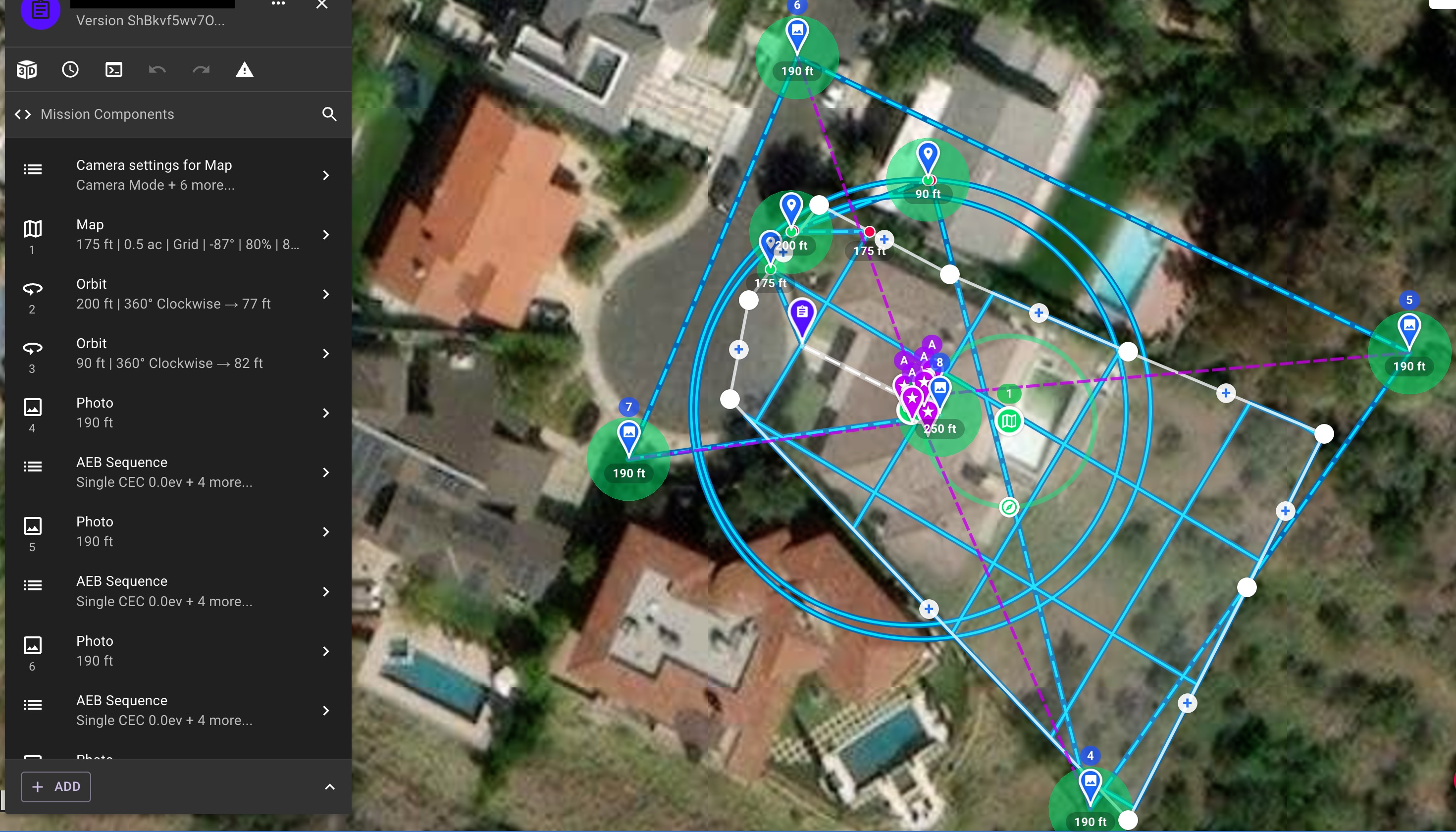
I had a mission the other day that reverted back to a version that was about 10 days old and flew that one instead of the new updated one. Is there any reason that you can think of this happening even though the mission on screen was the new lay out? It completely skipped a map and did my orbits the old way. I couldn't figure out why until i got home and opened an old lay out and realized thats what was flown.
Thanks 
Comments
6 comments
Did you partially fly the mission previously, and then choose to resume that mission instead of aborting and reloading it when you resumed?
Also Looks like you have two completely different named plans. You may have selected the incorrect plan. Go into your flown missions and select the plan and then select “view latest plan.” It will open the plan with the one you flew and you can check the name of it to compare.
Those are the two version names. They are automatically created.
I for sure had the newest one on the screen but going back to look at the pictures I could tell it started from the old versions starting point. Probably just a glitch with having it open on my phone from before and then running it on an offline iPad. Also if the speed of the drone is set too fast will it skip photos ever? Even if it’s set to overlap priority and distance not time?
So had the Ipad been on line since the plan had been updated on your phone, if not how is it going to get the updated version?
It had. I always sync the night before. Also the iPad was on a hotspot to stay up to date at the site
If it was updated correctly then I’d say that’s the technology age we’re in where nothing is perfect and you’re bound to have unexplained glitches. I have small things happen on rare occasions but unless it’s repeatable I don’t worry about it.
Please sign in to leave a comment.