uncontrollable drone crashed to a roof

Hi Dronelink,
I recently purchased an expert license and I am using
- Dronelink DJI beta version of 4.8.2 (274) Kernel 4.8.1.
- DJI Mini 3 Pro with the latest kernel
- RC-N1 with a Galaxy S23 Ultra SM-S918B/DS
The Dronelink app normally works ok in manual mode, but during some of the grid mapping missions the app crashes and I have to restart it. When this happens the drone stops in the air and when the new app instance is started up it continues.
BUT I have a specific mission,
https://app.dronelink.com/adrian-kalaszi/my-first-project/plan/oHcskuJB9DT9FDtjKnzi
which when I am trying to fly, the drone does not take up vertically, but rather in a slightly elevating slope into a random direction with high speed. The drone also did not listen on the pause mission button that I was pressing on the app during that 3-5 seconds before crashing.
Eventually, the drone crashed a roof and all of its rotors got broken. Luckily the drone itself survived.
I understand this is a beta and such buggy behavior can happen.
Do you have any suggestion what I should change on the mission settings to avoid such drone crashes for the beta app?
Please, lmk when will be any newer version for the beta available?
Is there any ETA for a proper release?
Thx,
A.
Comments
8 comments
Current version since a couple of days 👇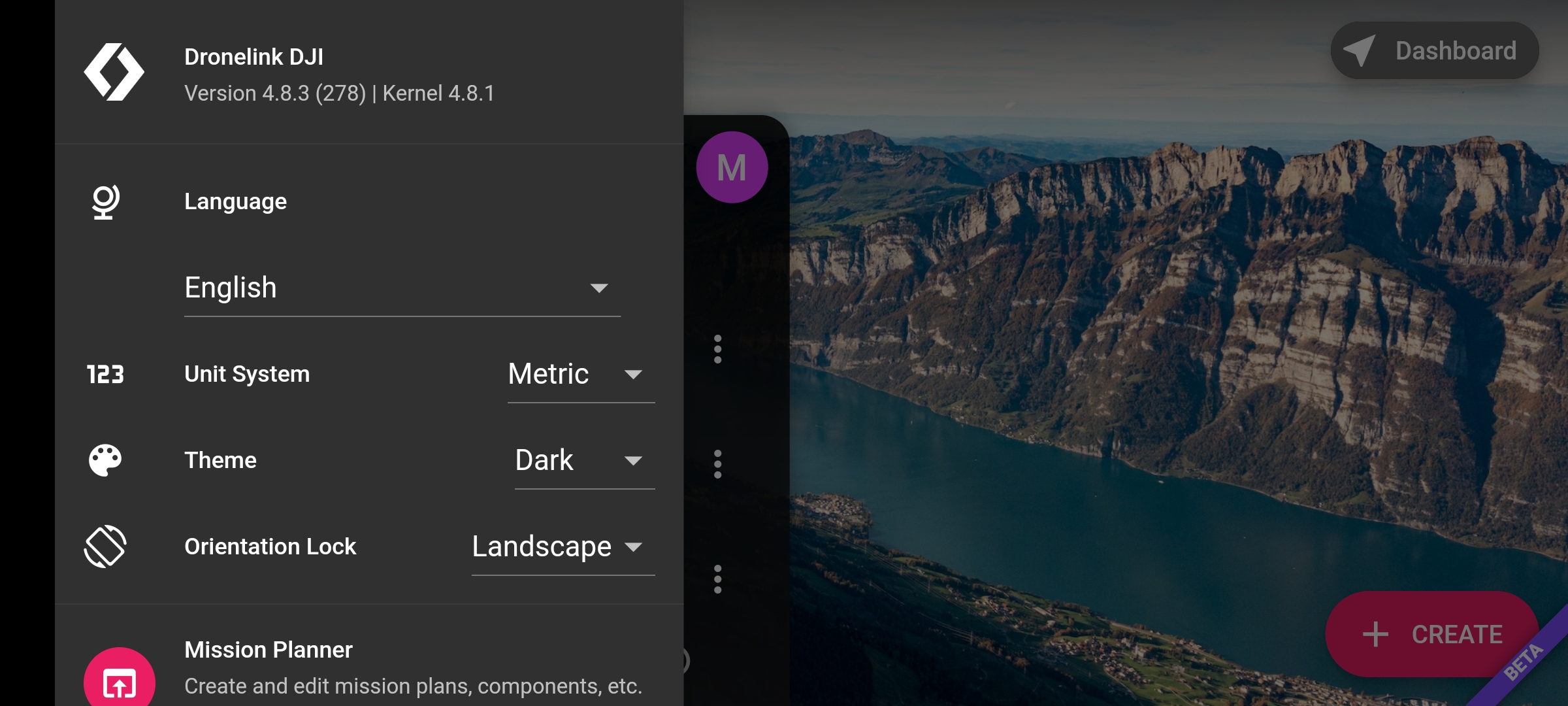
Thanks Mats,
I am a bit hesitant to try a version with only one bugfix version difference.
Can someone from Dronelink confirm that the release notes here below includes the fix for the bug reported above?
https://docs.google.com/spreadsheets/d/1BhEFrDV7UHM7fDJKq_4kpFbIa3_egmPv10ucvi1BA9c/edit#gid=0
Do you have any suggestion for a panic button that I can press when I see my drone is approaching a wall?
just hit the pause button or change into either cine or sport mode both of which will pause the mission, but you should really know this already before you start flying in an automated mode
This has been corrected in the latest beta as discussed here.
See the discussion linked above.
Very sorry to hear that your drone crashed but glad it survived!
I assume you mean not like as indicated in the mission preview?
If so, it is important to note that flying around buildings can cause a signal interference phenomenon called GPS multi-pathing: https://ieeexplore.ieee.org/document/5606130
The Dronelink flight controller is only as good as the data that is available, and when you are flying near buildings that can cause GPS multi-pathing, you have to be hyper vigilant and ready to take over if you see erroneous flight behavior such as what you experienced. The closer you fly, the smaller your safety margin, and thus the smaller amount of time you have to take over before a collision.
It sounds like you were ready to take over, and I assume you mean the on-screen pause button by this statement? If so, if you fly a test mission somewhere else and tap the pause button does it respond, or in other words, are you able to consistently reproduce this?
One approach in scenarios like this is to manually takeoff and get above the buildings (and even nearer to the actual mission start point) as it will reduce the likelihood of GPS multi-pathing once the drone is at altitude and has a chance to get a better GPS lock.
Using hardware buttons is always faster / more reliable (learn more).
Thank you for the great support.
"I assume you mean not like as indicated in the mission preview?"
Yes, first it should have gone up, then horizontally to the starting position. Instead of that the drone elevated to ~3m AGL then started shaking a bit, then started to fly to some random direction.
Next steps I will try:
- download the newer version
- test the stop button in a clean field without any obstacles around
- manually move the drone to the mission starting point high above the buildings and start the mapping from there.
Thanks again,
Adrian
maybe give this FAQ a read as well
https://support.dronelink.com/hc/en-us/articles/360036830214-How-do-I-take-over-control-during-a-mission-
I notice you are using AGL mode (altitude at ground level), have you tested what happens in ATL mode
My own advice : I prefer to start a mission, drone being already in flight, close to the starting point.
Said differently : not from the ground.
Please sign in to leave a comment.