POI Altitude offset has no effect with Photo component on gimbal pitch

While trying to use the POI Altitude offset to get some more sky in a photo I realised that it was having no effect, so below are some screenshots to demonstrate the problem
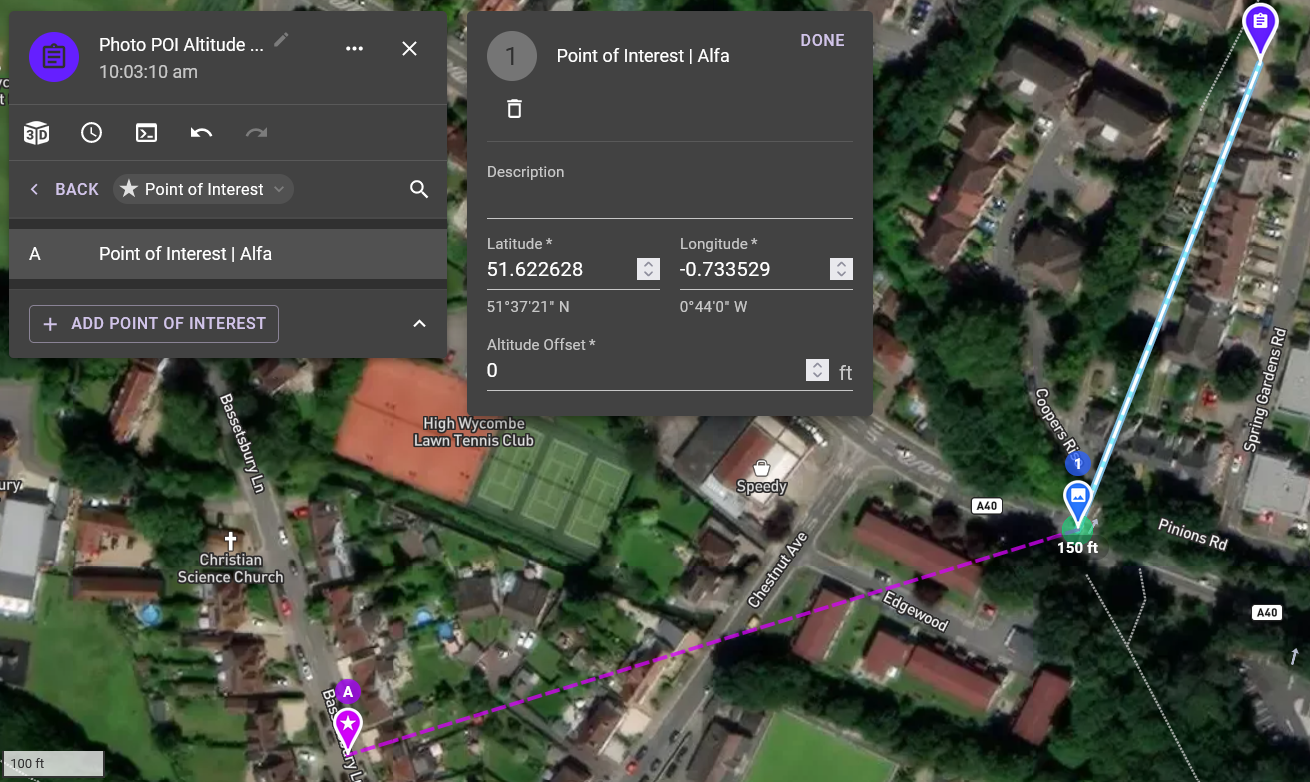
Screenshot showing 0 altitude offset
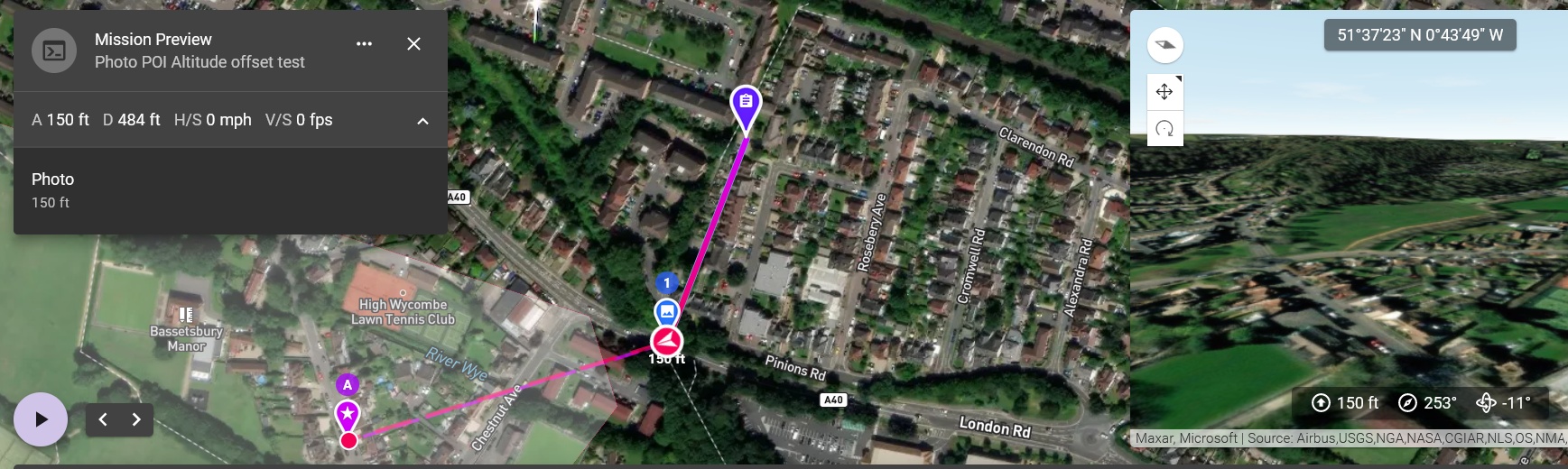
This gives a gimbal pitch of -11
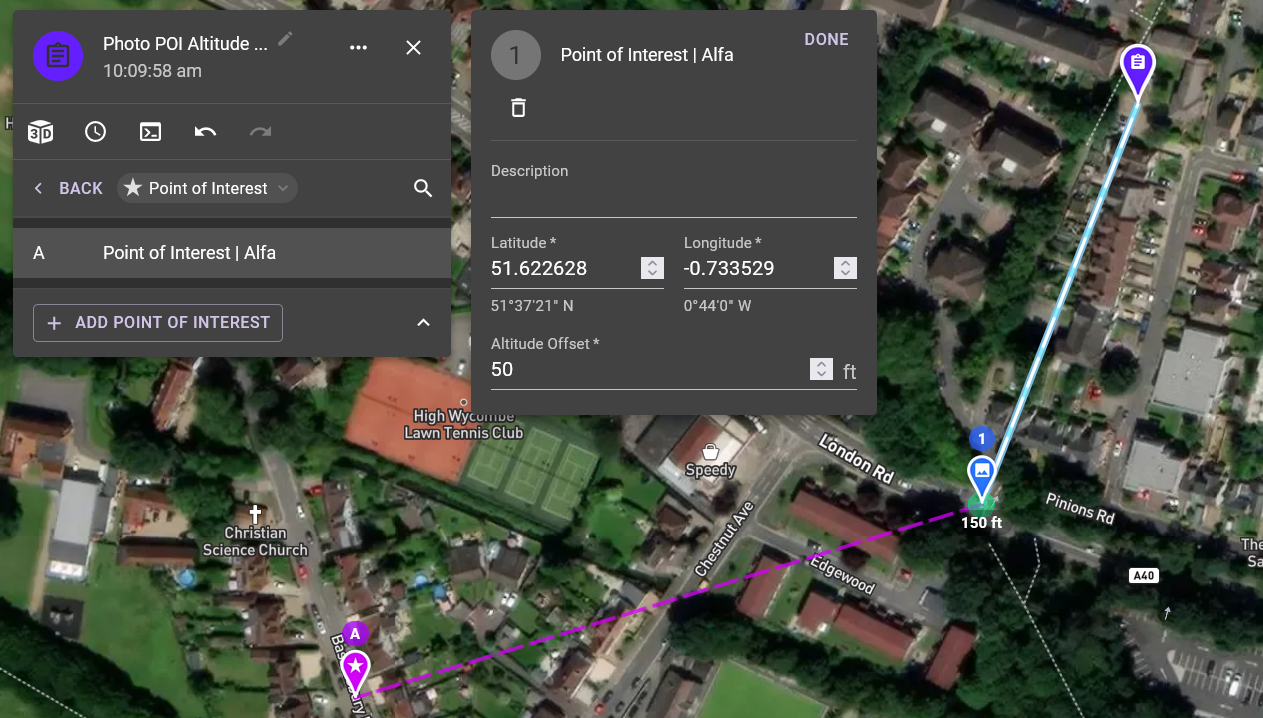
Altitude offset changed to 50 feet
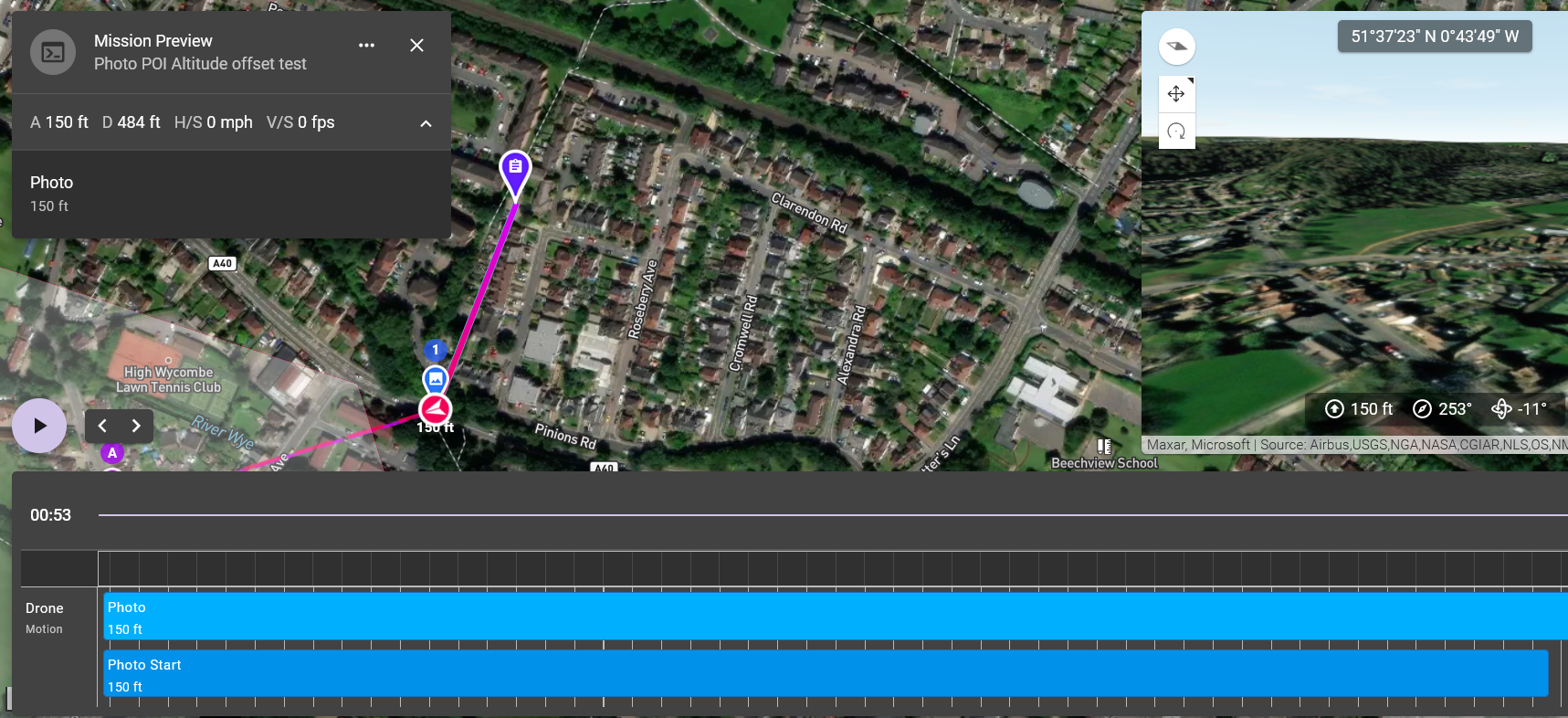
Still showing -11
So I then thought I would see what happens using the waypoint component, below are the corresponding screenshots
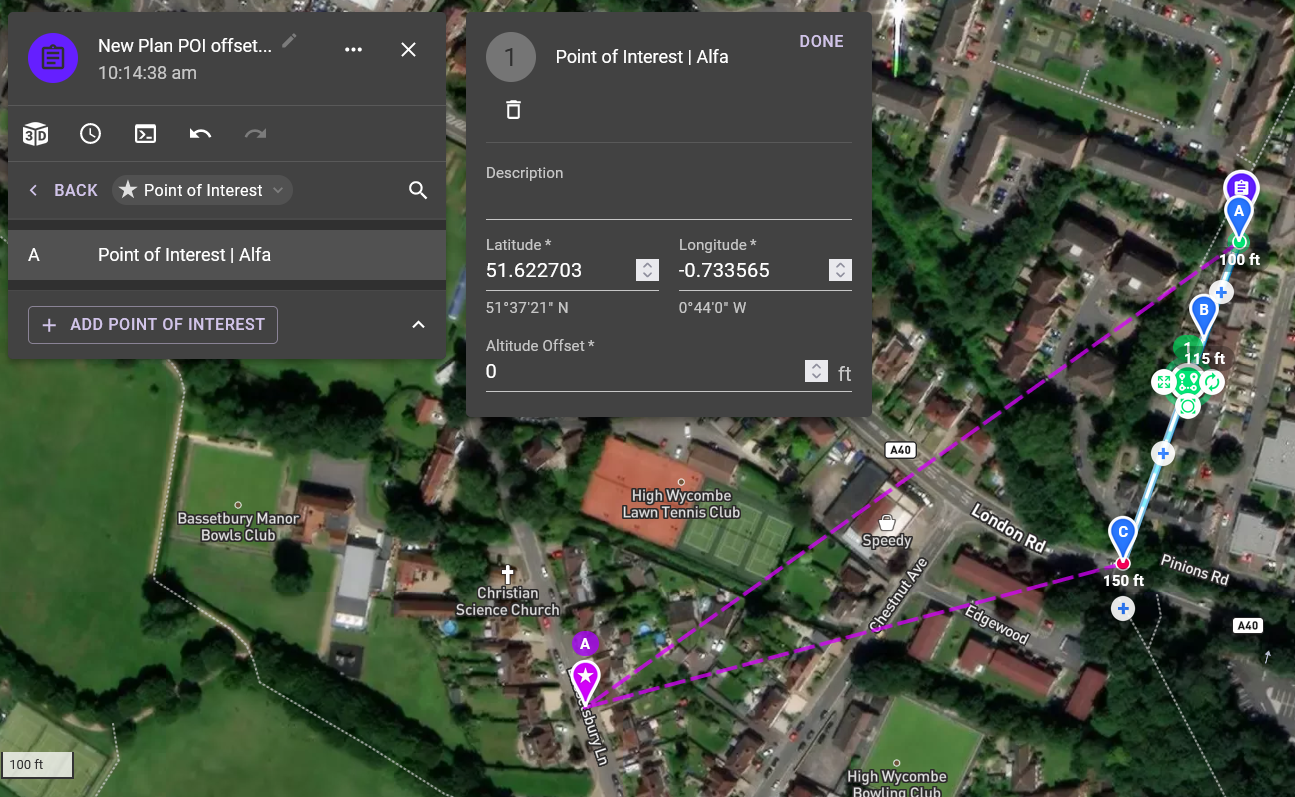
Screenshot showing 0 altitude offset
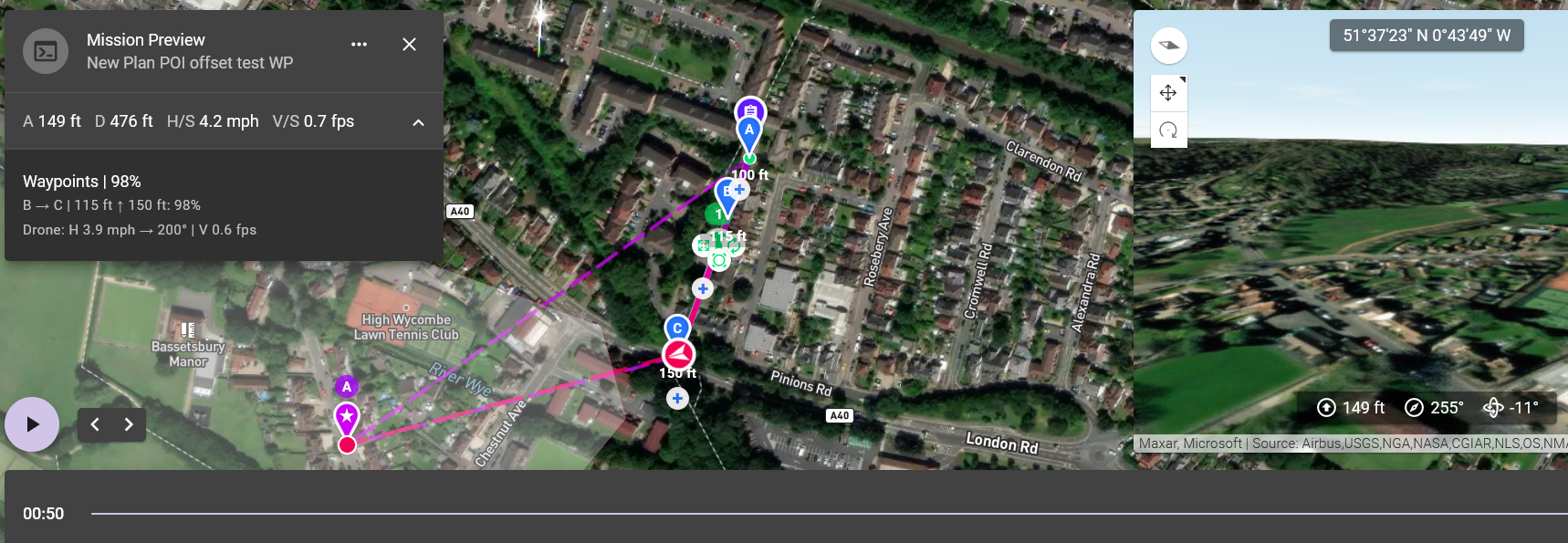
This gives a gimbal pitch of -11
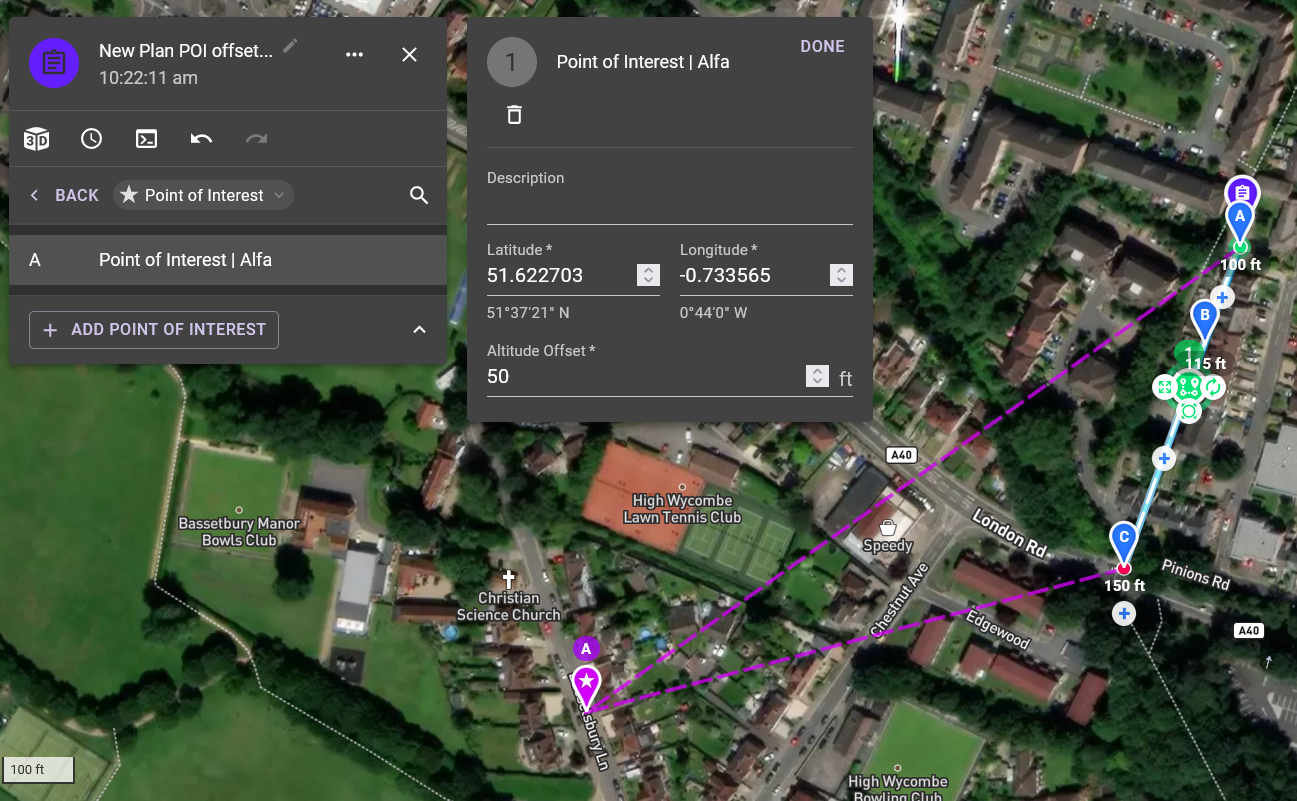
Altitude offset changed to 50 feet
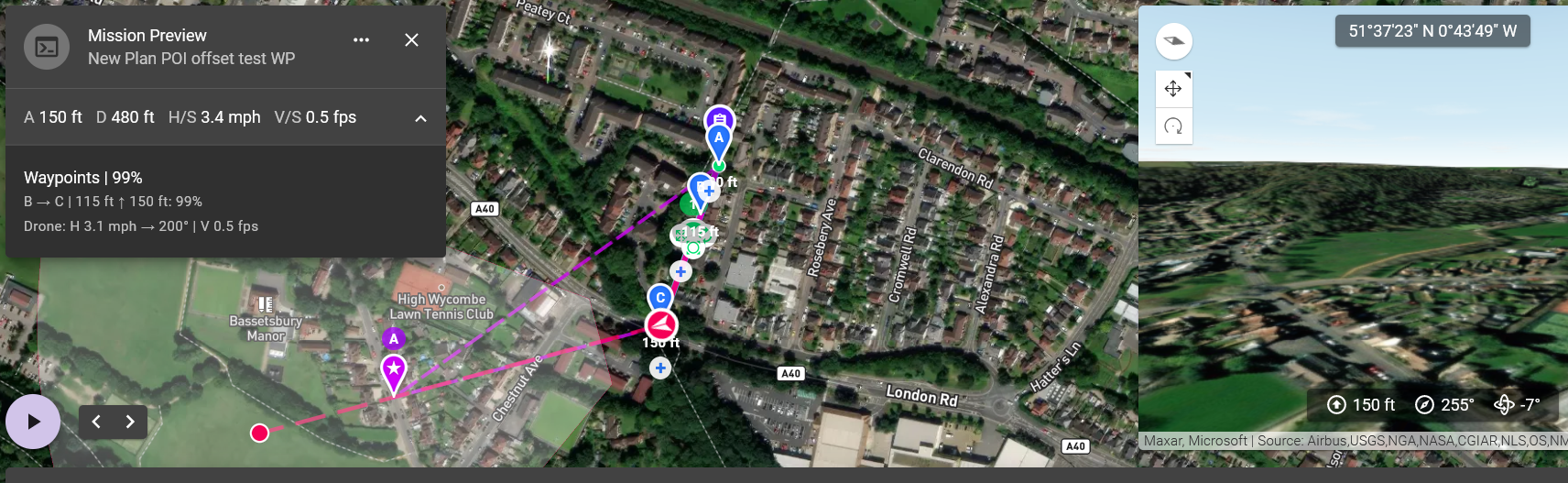
This gives a gimbal pitch of -7
As can be seen when increasing the altitude offset on the waypoints component the gimbal pitch changed as expected
Comments
10 comments
Thanks for the report.
No problem Jim McAndrew happy to help
This will be corrected in the next release (4.8.2)
Cheers Jim McAndrew
just installed 4.8.2 (276) and not seeing any change, web app showing kernel 4.8.0
The web won't be fixed until it is released to production.
Understood, cheers Jim
Hi Jim McAndrew I know you said the web wont be fixed till it hits production, however should it be fixed in in the app as per the release notes because it doesn't seem to be, check out this screen recording https://youtu.be/CuLRPV2DyQg
Strange, just tested it again and it is working for me. Here is a beta web link if you want to check the gimbal angle working in the web first: https://dronelink-225116--beta-uhs3vds1.web.app/
Ok Jim McAndrew, ran it in beta web app and all ran well, so stepped outside with the drone and all is good, so no idea what happened this morning
Please sign in to leave a comment.