Minor problem using dynamic home point with restricted take off zone

while I was flying a mission today I lost signal so the mission was paused
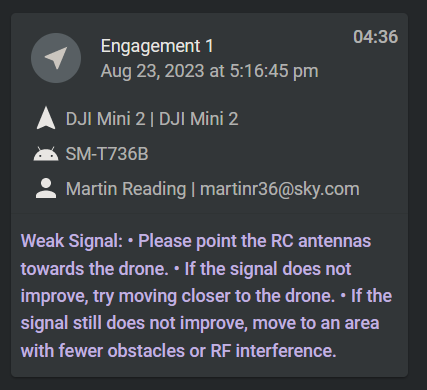
on receiving the message above, I moved closer to the drone and then hit the resume button, and proceeded to get a message that the drone was 38 feet outside the takeoff zone (the last position the homepoint had updated to due to using dynamic homepoint), the only way i could get the mission to resume was to hit the RTH button, land the drone (within the restricted take off location), then hit the resume button
Comments
3 comments
When a drone connects, the system see it as a new session and it doesn’t know where the drone took off from for that session. We do have an internal feature request where the system could be smart and assume that if you connect to the same drone within some time limit (maybe 30s) and it is already in the air, just assume it is the same flight as the last session and pull the takeoff data from that.
My Drone seems to want to crash into nearest wall at max velocity. Not responding to control.
Having trouble with WiFi router. Have to wait for replacement in mail.
Please sign in to leave a comment.