Drone not flying straight on path in mapping mission

Hello Group,
Flew my first mission with Dronlink last night and most went well save one detail The path I have set in Dronelink...and confirmed in Google Earth....did not fly in the same straight line in the actual mission. I even tried calibrating the compass on site. Never had this trouble before with the Inspire 1 using Ground Station pro. Ran it for years. Not sure what the issue is...hoping it's something simple I missed that can be corrected.
Mavic 3ET. I'm not running RTK.
Thanks in advance. Tell me I'm a bone head and did something wrong! I need this to work badly.
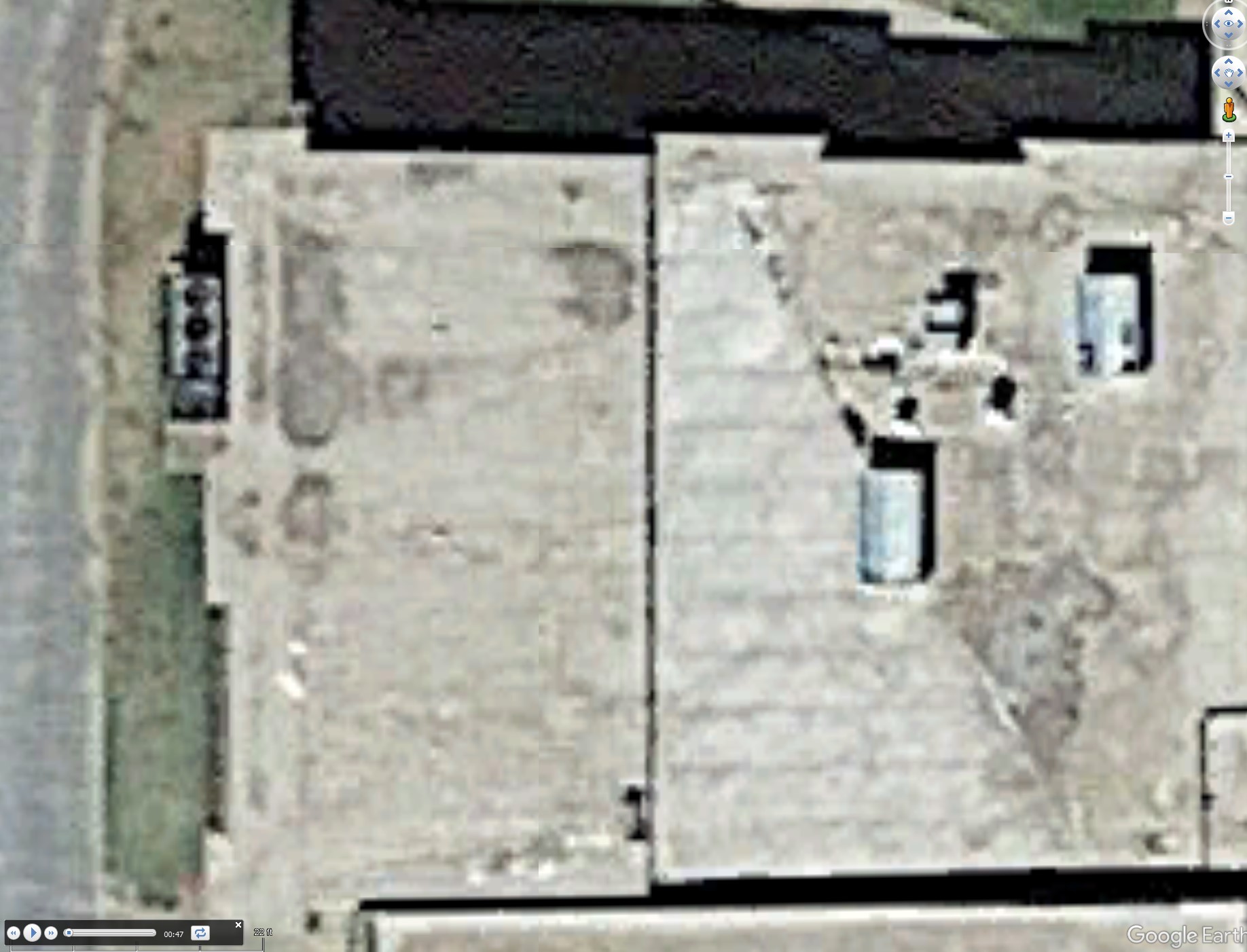
Mapped path
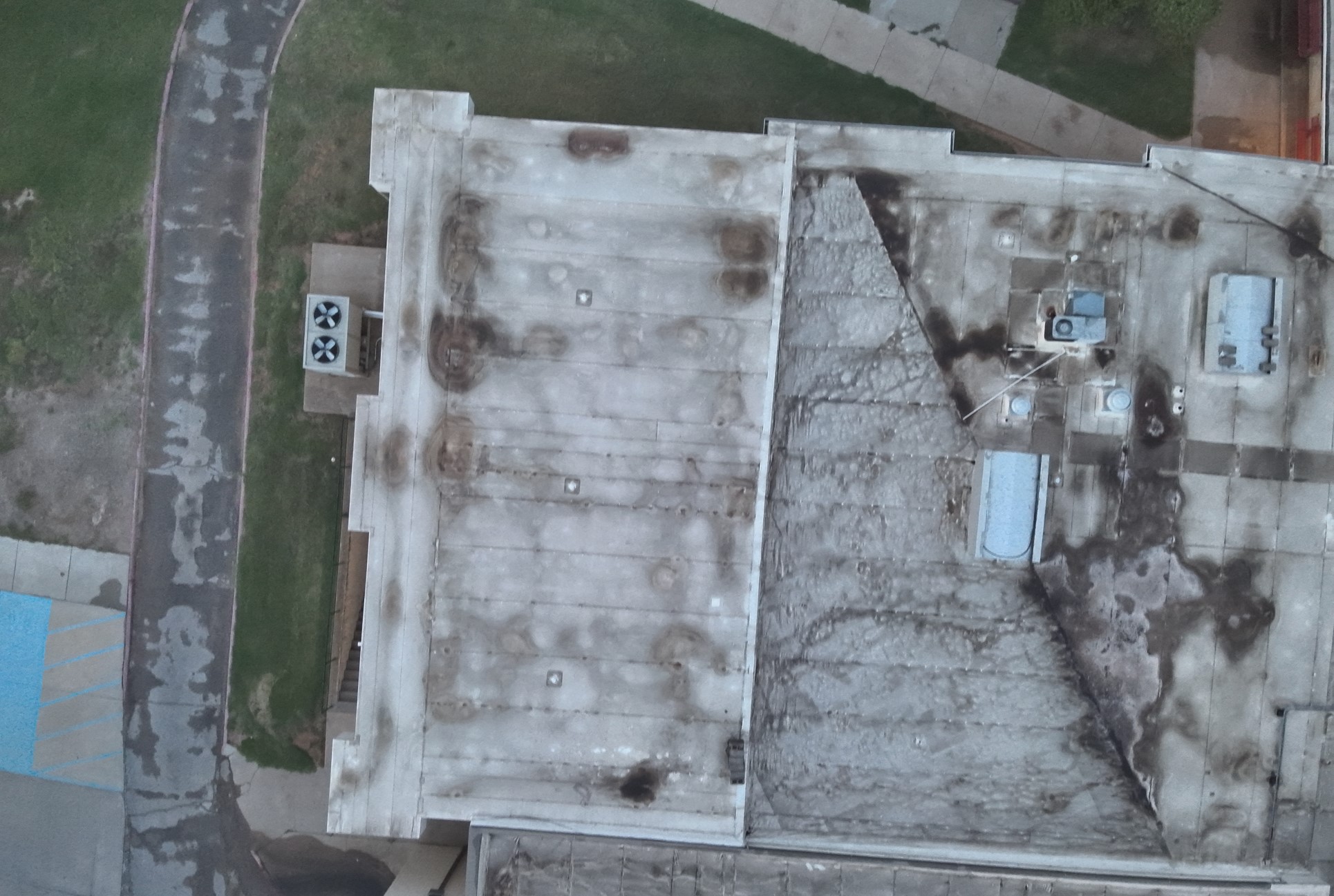
Actual Path
Comments
6 comments
It appears that the gimbal is misaligned.
Great observation Jim. I should have noticed that! Never had this happen before. Ill have to go and figure out how to get it aligned in the drone. Thanks for reply. I'll get to digging into this.
Love the software, Thank you again
You forgot to say Bonehead! :)
Corrected and works great! Thanks Jim
That is rather nice
Ty Martin! Appreciate all the help in the group!
Please sign in to leave a comment.