Feedback for Beta (Mini 3 Pro) - Performance & Stability Non-flight regime - UPDATED!!!! NOW FLOWN

Hello All:
I wanted to give some feedback as to non-flight regime software stability and performance status during my navigating of the Dronelink software while connected to my DJI Mini 3 Pro. Hardware/software listed below (as of 4-25-2023):
- DJI Mini 3 Pro with v01.00.0600
- RC-N1 Controller with v1.10.1
- Moto G Power 128GB running Android 12
- 128GB SD Card in both the Smartphone and Drone
- Dronelink DJI App (for modern DJI drones) v4.6.0 (254) Kernal 4.6.0
PLEASE NOTE: I HAVE NOT TEST FLOWN THE DRONE - THIS IS A STATIC TEST AND I'VE NOT PAID FOR HOBBYIST OR PROFESSIONAL ACCESS. I was simply trying to connect my drone to the Dronelink app to get telemetry, camera image, and play with settings.
Issues Detected:
- Once connected to the drone and loading up the telemetry/map interface, going from menu to menu (camera, gimbal, etc.) causes a crash. This seemed to happen ONLY WHEN I was connected to a wifi source other than the drone's. In other words, if I disconnect from wifi sources (say my home's wifi) and the phone is only connected to the drone's wifi, this crash does not occur. So make sure you are not connected to any other wifi source when connected to the drone via Dronelink's app. This also must be done in order to use DJI's own Quick Transfer of files from the drone to your phone.
- DJI's Fly app definitely needs to be killed before using the Dronelink app. This has been already indicated but I can confirm it as well.
- Dronelink's app needs to be killed before using the DJI Fly app. If I do not kill the Dronelink app, DJI's Fly app will load but will not connect to the drone. The introduction screen showing the Connection Guide, Album, SkyPixel, etc. will only load and the drone will not connect to the DJI Fly app.
Interestingly, Map Pilot Pro also makes an app similar to Dronelink but I cannot use it as their website indicates the following:
- DJI has limited the Enterprise version to only support Android versions 7 through 11.
I can verify this to be the case with their app because as soon as the MPP app detects my drone, a message stating that my phone isn't compatible pops up (and indeed I am running Android 12).
I find it odd that DJI would not support the latest Android versions. Had I know, I'd not have updated my phone.
This is for now. I am hoping to purchase the Hobbyist Premium plan or become a Beta tester.
Anyway, hope this helps.
Comments
261 comments
Build 270 / Kernel 4.8.0 still crashing. I wonder if the crashes are related to screen draw? The screen is always glitchy pre-crash and it's worse on low performance devices. Anyway to turn off the video (similar to how map can be turned off) to test the theory? I realize a drone app with no video is of limited use, but it maybe it will narrow the problem down?
Hope your flutter project is not too painful Jim!
4.8.0 doesn't address the crashing, but rather it uses the new libraries required to create the example project. Once the 4.8.0 libraries go to production we will have something that can be sent to DJI but we don't want to do that until we make sure there are no regressions as this was massive surgery.
4.8.1 (271) is available for download (based on MSDK 5.6.0) if you guys want to see if it is any better.
Will give it a try ASAP.
Initial testing looks like it may be a little more stable, but there is definitely a new error that the MSDK introduces having to do with saving media files. It appears that stopping video recording can cause it to happen which causes the app to crash.
After further testing, we definitely recommend downgrading to 270 (you can install from the production link) as this build is not any better and probably worse.
Ok, it looks like there may have been something corrupted in the previous 271 build. Just uploaded another 271 if you guys want to take another shot at it.
Did a short mission this morning w latest build. Works flawlessly on Xiaomi Mi 11T Pro as advertised. No whatsoever app crash.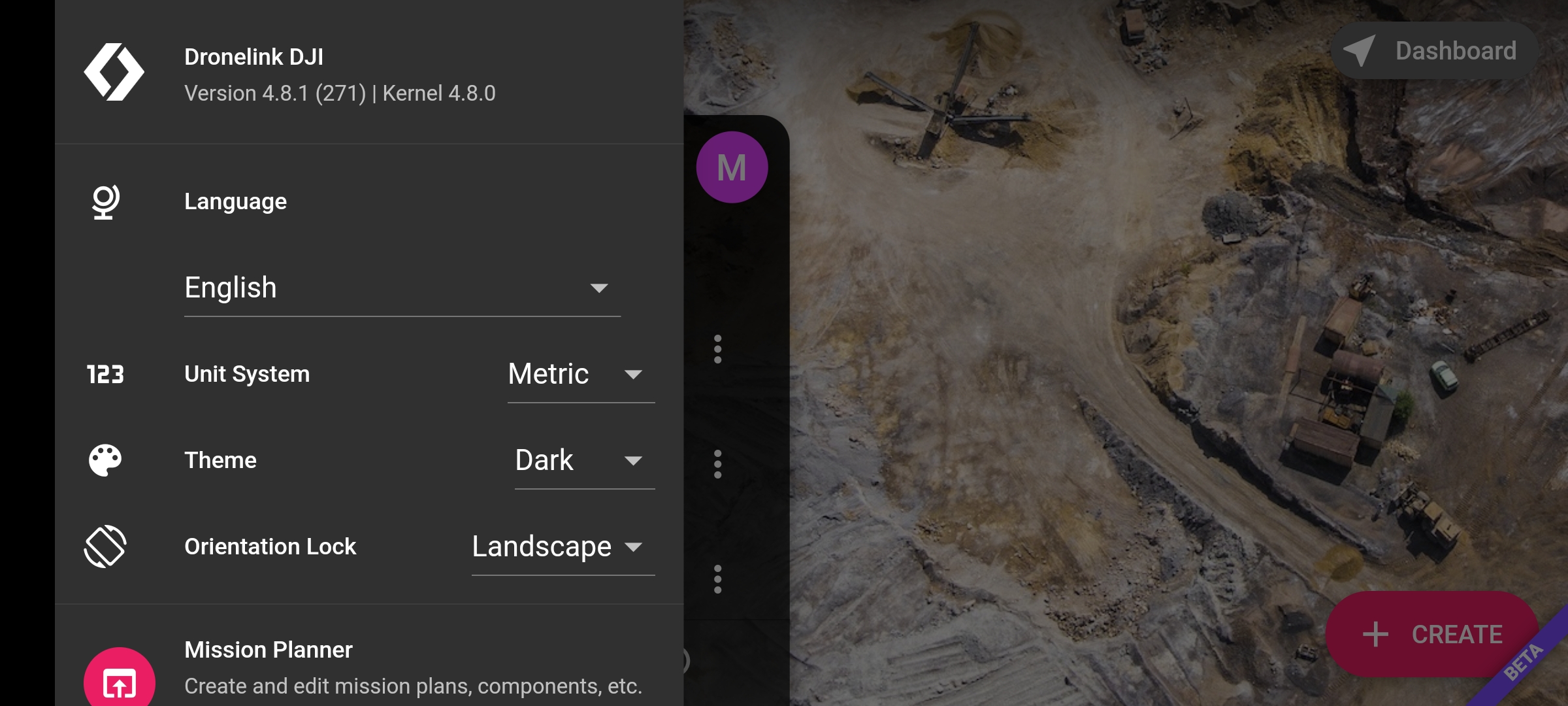
Mini 3 Pro w DJI wide angle lens.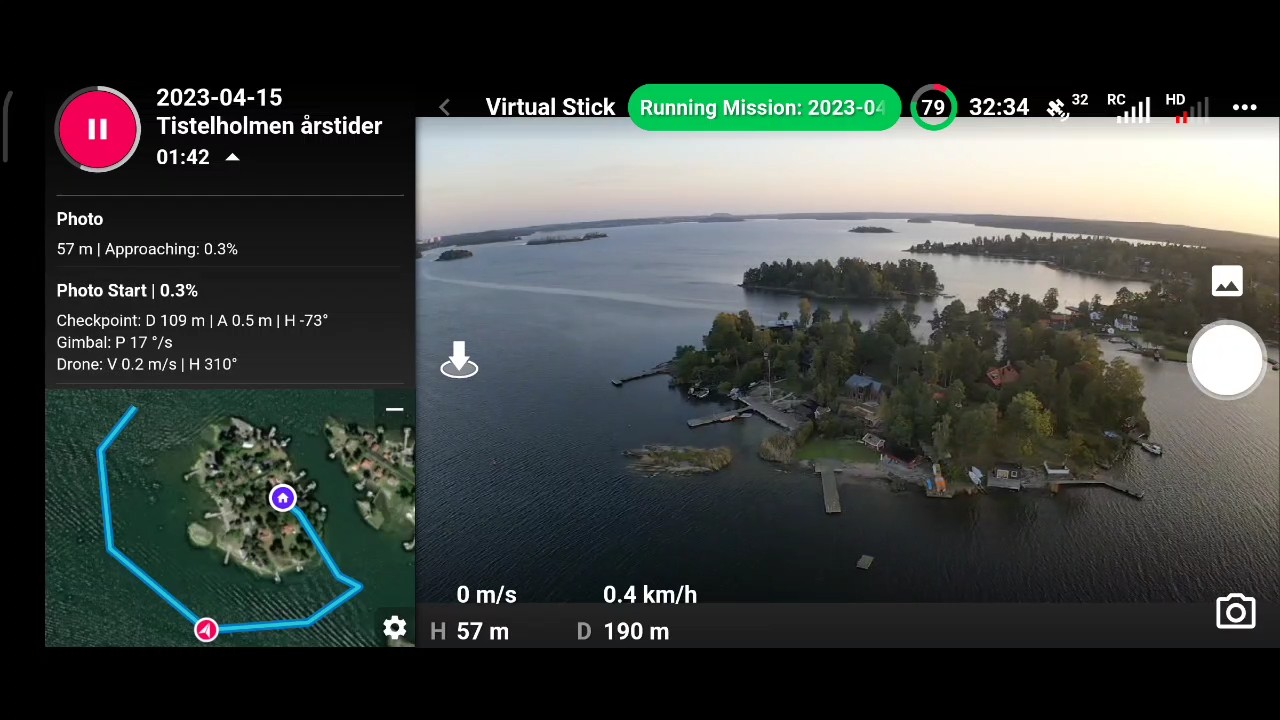
I had high hopes and I don't like being the bearer of bad news, but I had multiple crashes on 2 separate mapping missions with the latest 271.
Some additional feedback: I notice that occasionally the map will stop updating the position of the drone. i.e. the arrow stops moving even though the drone is flying.
Seems like some are having a slightly better experience while others are not. Doesn’t really surprise us as DJI didn’t correct anything in this version to specifically address this issue so back to the salt mines.
Seems like Dji does not make big effort.
Feedback: 272 and 273 seem to take longer (much longer) to load a mission than previous builds.
Mini 3 Pro
Pixel 7 Pro
Hey Matt. When you say loading do you mean just loading it first or actually when it's hovering and trying to execute it ? This may not be the issue but are any of those mapping plans larger or a grid pattern ? If so depending on the size, (acreage) those will usually take longer to load and then once started and hovering it takes time to execute it and run. Just a thought.
I was stuck on this for quite some time after recovering from crashes. Progress circle stops spinning and occasionally get the "Dronelink stopped responding... Wait/Close" message from the phone.
I'm not necessarily looking for help. It was just an observation I thought worth mentioning.
Ok. Since you can load any mission without actually connecting to the drone I figured I try a couple. I made a couple quick 75 acre maps both with normal pattern and grid pattern and they both load within seconds with my iPad. Do you have any apps at all still running which haven't been force closed. I'm not talking about the DJI App I mean any other apps still running at all. If so they can effect the resources needed and causing it to run slow. Can't hurt to check and then once every app has been forced closed I'd restart the device and try fresh. It is possible it's only with Android since I have no problems. Good luck Matt...
Buongiorno Mike
Ho letto che hai caricato le mappe con iPad
Ma Dronelink quindi funziona su iOs?
Mi è parso di capire che per mini 3 pro l'app funziona solo su Android.
Inglese Mauro. I'm not uploading any maps. We are talking about just loading a mission plan in the DL app so the drone doesn't matter. Testing to see how long it takes to load any plan.
Hi, i try using the Beta App 4.8.1 , A41, with Mini 3 pro and RC-N1 , unfortunately i have no success , after a couple of minutes app crashes within mapping mission, after retry same result. I read there is 273 out, how can i download different versions ?
If you go here https://www.dronelink.com/download select the mini 3 pro then click on the RC-N1 controller it will take you to a download for the latest version
Thank you Martin, it seems i have the newest version , but it don't work with it.
Patrick, you can also check which version you have by clicking the hamburger menu
then you'll see the version top left
Martin , i have 4.8.1 (273) Kernel 4.8.0 installed , think it is the latest ?
Yep that will be the latest, Patrick
If you are wanting to use the Mini 3 then you need the Dronelink DJI app.
Yes i use the Dronelink DJI app ! connection works with mini 3 pro, but app crash during mission al the time.
The app crashing all the time is what this beta is all about 🤪
Unfortunately yes, but it's no fun using Dronelink. Mapping takes a lot preparation time, but it's frustrating when the app keeps crashing without any picture saved. In addition, I don't know what the problem is or what I can do to complete a mission.
The problem is described in this thread, but we did also provide a few more details here: https://support.dronelink.com/hc/en-us/community/posts/21630304590611/comments/21685381585555
We don’t recommend using the beta for production use cases right now - just testing / feedback only.
Please sign in to leave a comment.