Mini 3 Pro - DL v4.5.1 (249) Android no longer sees drone

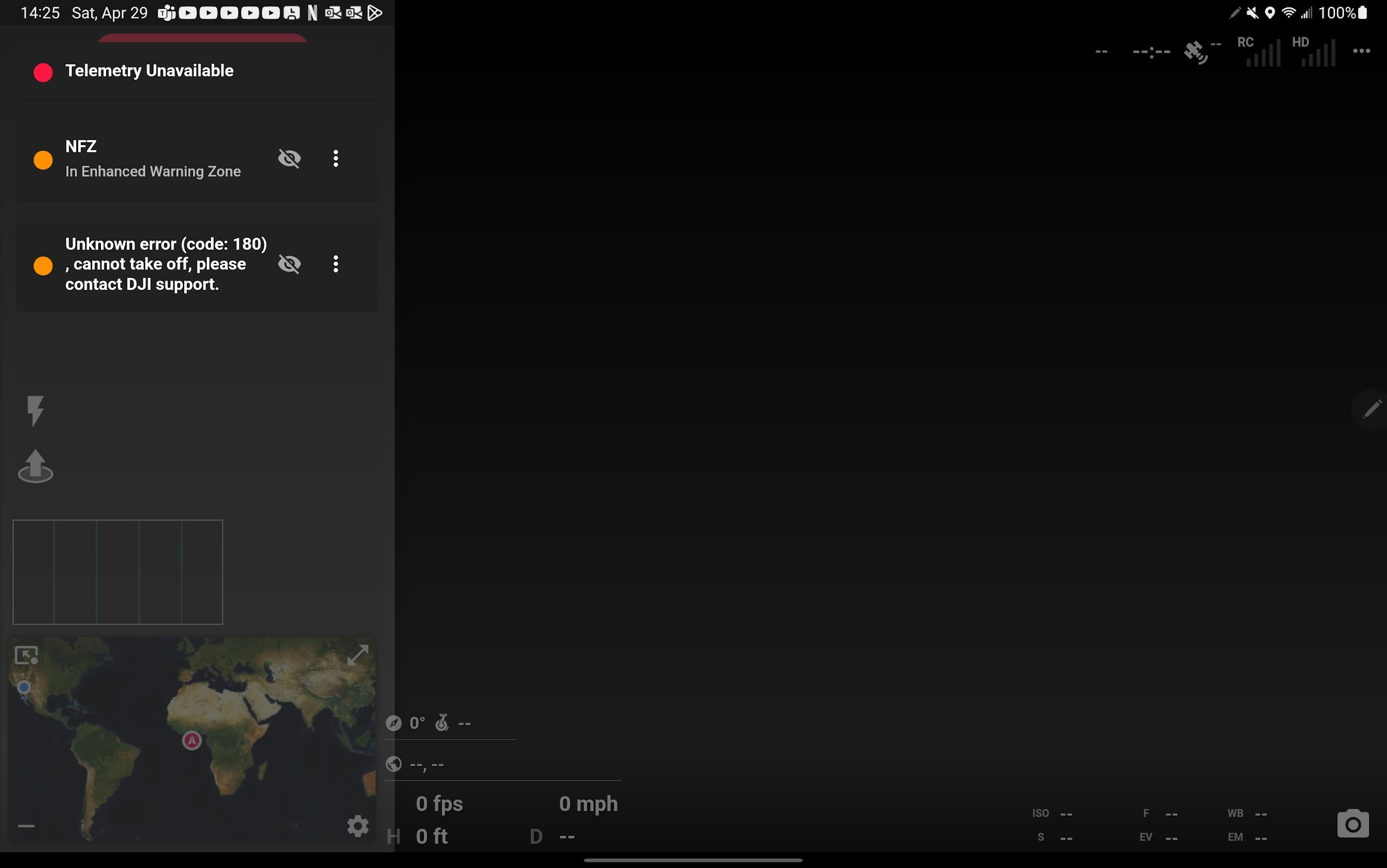
I updated to the current version of DL and now it won't link with my M3P. I can see it just fine in the DJI Fly app and fly w/out any issues. I full close and try DL, and errors. See attached pics:
Comments
15 comments
Looks like maybe you installed the wrong APK.
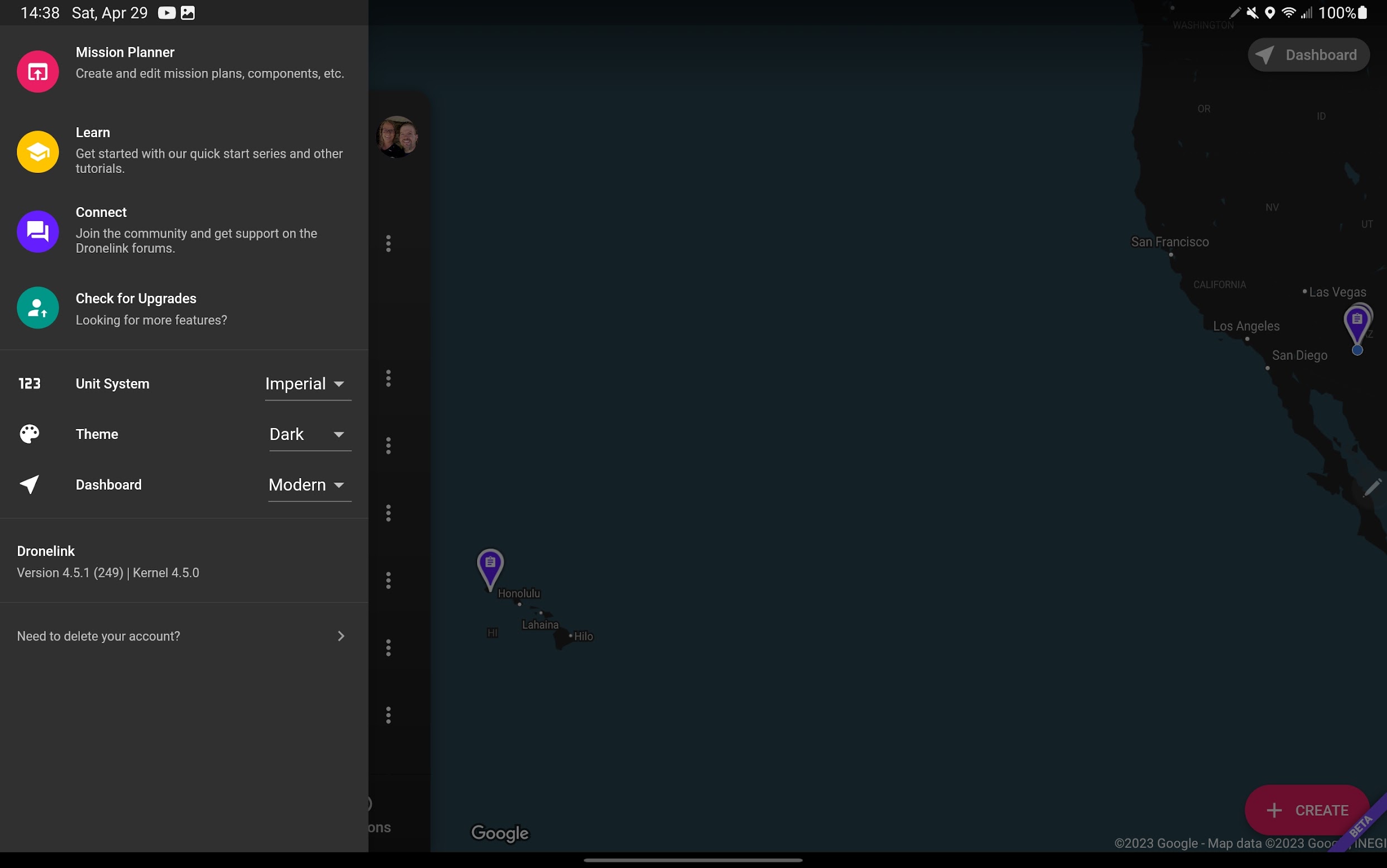
I'm using the play store beta opt-in; all the updates came via that. I just deleted it and reinstalled via the play store and no change. I figured using the play store vs the manual APK would be better since I'd be notified up beta updates more reliably. Attached pic:
The app in Google Play does not support the Mini 3.
It did if you do the beta. That was the way I did it before. I can install manually and test now.
Not sure what to say. The version that supports the Mini 3 (Dronelink DJI) is based on MSDKv5, which doesn’t currently support an Android API level that can create apps that Google will distribute in the Play Store, so it has always just been a direct APK download.
Ok deleting and installing the APK worked. I swear that it was working with the Play Store beta. But I did do this the first time around:
I installed the APK manually on day one and then used the Play Store beta. So I uninstalled the APK and used the PS version. It worked, then at some point broke, so I wonder if the APK left something behind that made it work with the PS Beta.
I will keep using this manual APK version now that I know the API limitation you mentioned. Is there a way to know when you update the Android APK version or would I have to download and reinstall to see?
Jim, also, thank you so much for your timely response. You saved my weekend. Top notch support!
If you installed the Play Store verison after the APK, you would have had two apps installed at the same time, one called Dronelink (from Google play) and one called Dronelink DJI (the APK). Both apps automatically display a banner in the app when there is an update available.
I fully uninstalled the APK "DroneLink DJI" version before switching to the PS Beta version. I didn't articulate that properly above.
Hi, I have a dji mini 3 pro... where do I download the software on My Android phone Xiaomi M11 Lite 5G? And can I also make a fly route with waypoints on my computer (and later use it in the field?)
I have already the playstore version on my phone. Do I have to remove this version before adding the Beta version?
Hans,
Visit https://support.dronelink.com/hc/en-us/articles/360033520874 for the beta.
You must remove the PlayStore version and install the APK linked above. The installed app will appear as "Dronelink DJI"
Jim McAndrew, when will I know when to upgrade my tablet's APK DroneLink DJI app? The link has no version listed in the filename or webpage?
When new build is available, u're prompted in app I believe? Been that for some time now due to my findings ❤️
Here is what it looks like:
Please sign in to leave a comment.