Beta 4.5.1 (249) not on Google Play store & running Dronelink & Dronelink DJI on the same device

Ok I'll admit upfront this post comes about by a small foo pah on my behalf, in the early hours of this morning, i was catching up with things on here and saw a post that stated that 249 was the latest beta, so i fired up the tablet and sure enough at the top of Dronelink was the message that 249 was available, so I clicked on it and got taken to the Dronelink website https://support.dronelink.com/hc/en-us/articles/360033520874 , having landed there, I checked google play store to find it wasn't available there.
Having found it not available on the Google play store, i then went back to Dronelink and not really paying a lot of attention I clicked on the link for Dronelink DJI and downloaded and installed it, I then set the drone up quickly (Mini2) and fired up the controller which of course is when i realised my mistake as I was offered the choice of Dronelink DJI in addition to the other normal choices to connect to.
I decided to choose Dronelink DJI and once it fired up I turned the Mini2 on and it connected fine, apart from just a black screen with no video feed
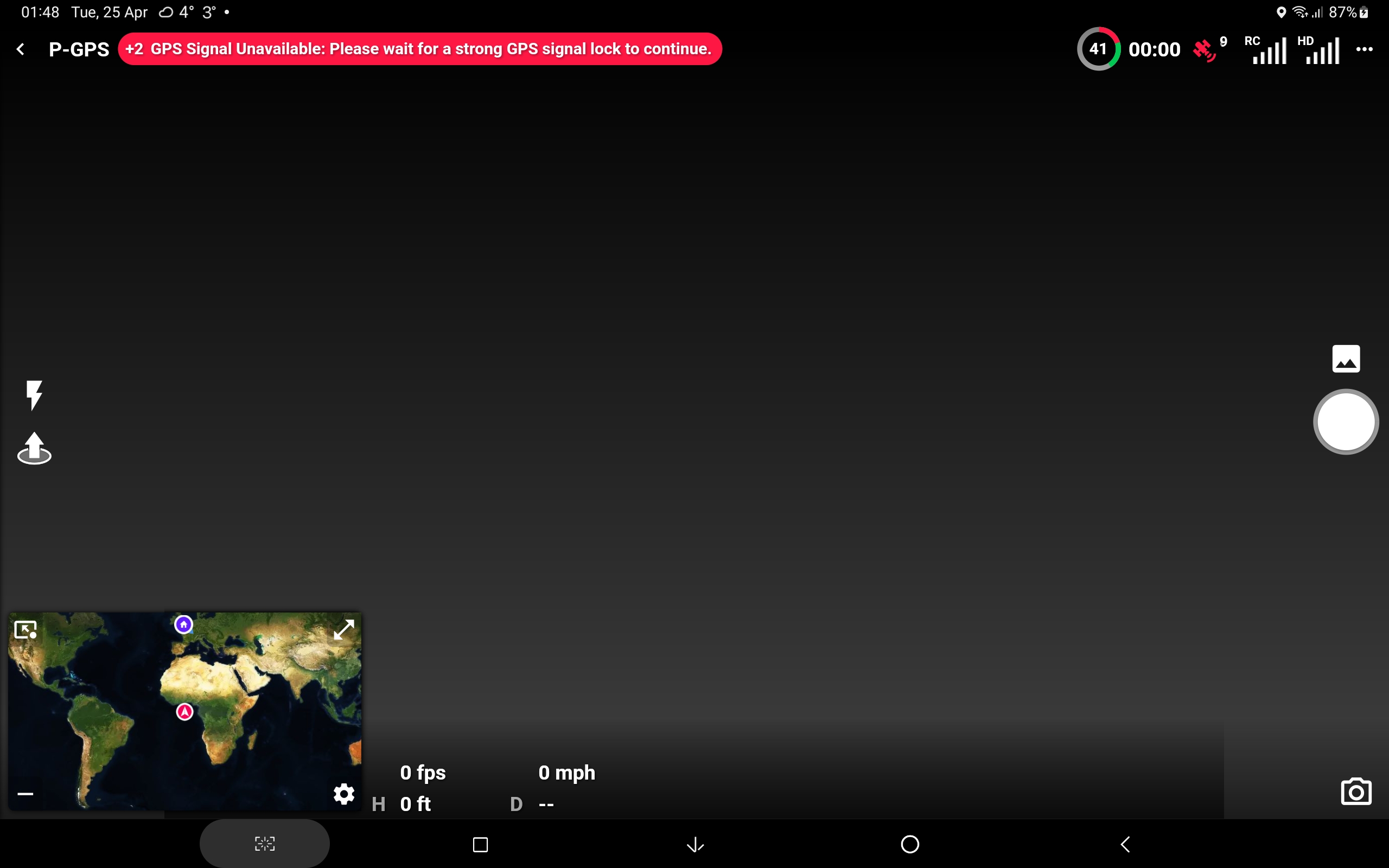
I've since downloaded the correct 249 to my Fold Z2 and installed it on that, after removing the play store version that was on there (248), and it looks fine (maybe get to try it later in the week), so should i remove Dronelink DJI from the tablet and update that with the correct version of 249 from the Dronelink website, or leave it at 248 and wait for a later update to become available in the play store (if the latter I can still leave 249 on the Z fold2 and do testing with that), baring in mind I've no intention of getting a Mini3 pro or mini3
Comments
7 comments
If possible you should install from Google Play as it is the easiest. If you are chomping at the bit, you can go the APK route as the APK usually comes out sooner (no review process), but it requires a bit more thinking. If you are using MSDKv5 drones (M3E, M30, Mini 3, etc) then you have no choice but to go the APK route and thus you will have to think. DJI’s remote controllers don’t support Google Play, and even though the N1 supports external Android devices that do have Google Play, MSDKv5 doesn’t support a recent enough version of the Android SDK to publish apps to the Play Store. Unfortunately we are just playing the hand we have been dealt by DJI. We are planning to update the download page with pretty pictures when we finally release the Mini 3 to hopefully reduce the need to think.
Cheers Jim McAndrew, I'll keep the tablet on the google play store version (248) and uninstall 249 as I wont be going down the M3P route
Not that easy to follow.
Will both versions msdkv4 (dronelink) and msdkv5 (dronelink dji) be applicable even in the future ?
Not sure I understand the question.
Question is to know if 2 versions of dronelink will remain in the future. One version for legacy drones and one version for new drones (mini 3, m3) ?
Sadly, yes:
MSDKv4 and MSDKv5 cannot sit side by side in the same APK due to a technical decision made by DJI.
Its n ow on the play store and installed from there on all my devices
Please sign in to leave a comment.