how can you enter coordinates to Drone link to be able to elaborate a work plan?

Josafat Baez
hello, good afternoon.! Thanks for the application, it has helped me a lot in my study of photogrammetry. One question, how can you enter coordinates to Drone link to be able to elaborate a work plan in the coordinates that you need? I have the elite plan And what coordinate system should it be? Thank you very much, I looked for it in frequently asked questions and forums but I did not find anything. thank you very much for your help
0

Comments

3 comments

  • Comment author
    George K
    I hope I understand your question, and you can easily enter any boundary or waypoint manually.
    Just enter it in the "Latitude" and "Longitude" setting area. I copy & paste into these all the time. I like to do this to get my North and South and East and West paths exactly the same.

    Use the format as shown, remember the "-" if your location requires it!
    There are many conversion tools if you need to convert from one format to another.


    0
  • Comment author
    John Brainerd
    • Edited

    I found this post because I'm trying to do the same thing and I don't see these fields in my waypoints.
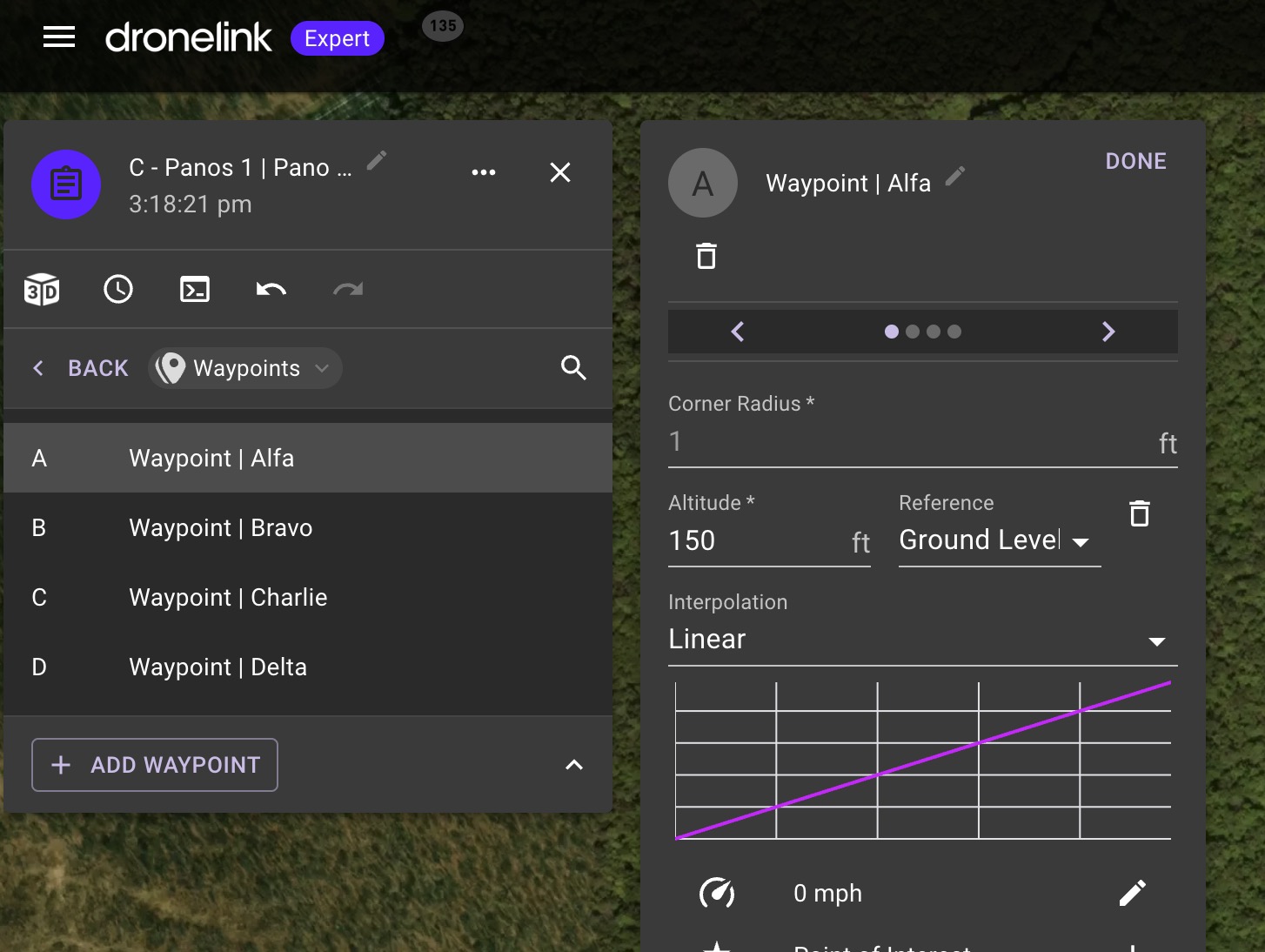
    0
  • Comment author
    Jim McAndrew Dronelink Staff

    Expert mode: https://support.dronelink.com/hc/en-us/articles/6440699906707-Mission-Planner-Mode-Normal-Expert

    0

Please sign in to leave a comment.