Linear mapping - corridor width

When using corridor width in linear mapping, there doesn't appear to be an increase in the width of the on screen component as you increase the corridor width setting, see screenshots below
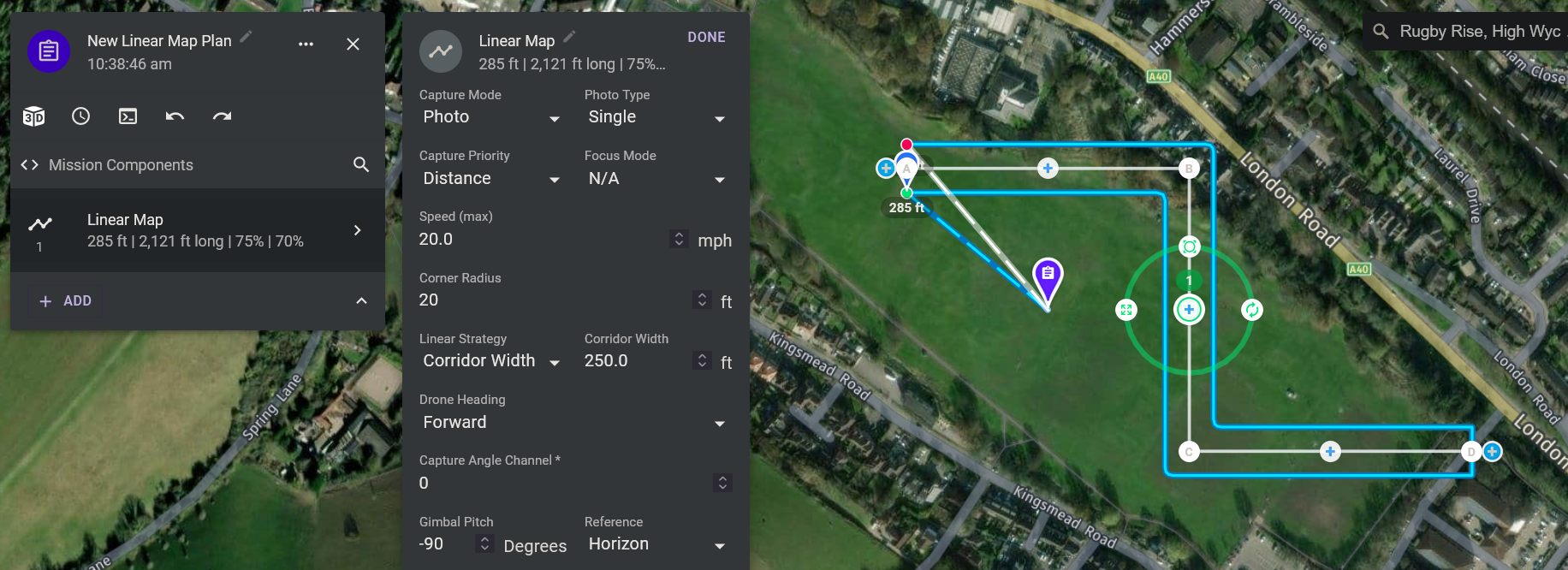
250 feet (default)
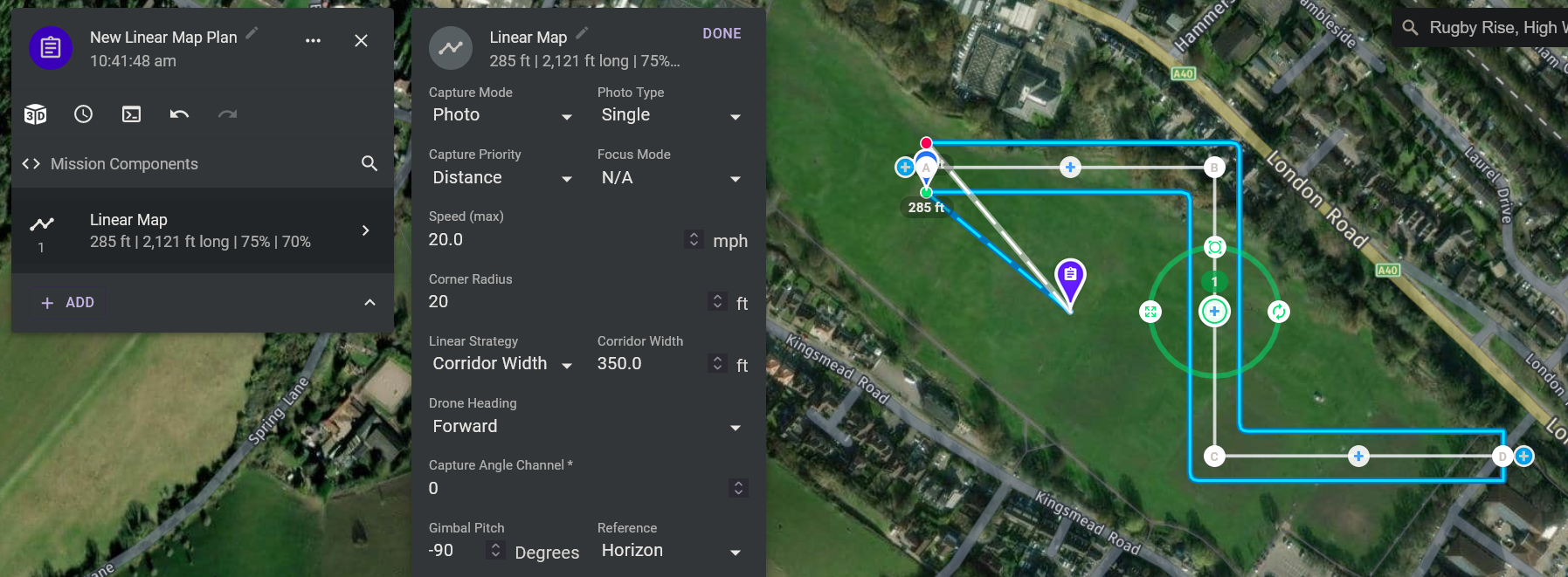
350 feet
However, when you open it up to 363 feet it then expands to a 3 pass width component

363 feet
Comments
5 comments
If it can still accomplish the minimum side overlap then it doesn’t have to add any passes.
Yeah, I get that Jim McAndrew, so why not just have the number of passes setting (default), rather than number of passes and corridor width
Do you mean not even have the corridor width option? Some users have a requirement that the total width cannot exceed a certain number (due to no fly-zones, flying over people, etc).
Gotcha, but in that case wouldn't it be beneficial, if they could see on the plan the path the drone is actually flying on, for instance in the first screenshot with a corridor width of 250 feet I would assume its flying 125 feet either side of the center line, then in screenshot 2 it will be flying 175 feet either side of that line but still appear the same width on screen up to and including 362 feet corridor width, then at 363 feet where it has to go to 3 passes to achieve the overlap the corridor shows as being half as wide again as as it was at 362 feet
It spaces out the paths evenly such that the edge of the frames aligns with the edges of the corridor. In earlier stages of development we had a transparent overlay that would show the corridor with during planning, but there were performance issues with it so we disabled it to get the feature released and will eventually come back to it. For now, we are focused on other stuff such as adding support for RTK configurations.
Please sign in to leave a comment.