Big White Spot on 360 Pano

Just completed 3 360 pano's. 1 at 75', 1 at 100' and 1 at 150'. The 75' and the 100' had a BIG WHITE SPOT but the 150' did not. Can someone please tell me what I am doing wrong?
Just completed 3 360 pano's. 1 at 75', 1 at 100' and 1 at 150'. The 75' and the 100' had a BIG WHITE SPOT but the 150' did not. Can someone please tell me what I am doing wrong?
<%= block.description %>
<% } %>
Comments
9 comments
Hi Brian. Even though I don’t do may panos I Can’t say I’ve seen that on any I’ve ran. Can you share some screenshots of what it looks like. Also we’re all three done within a relative amount of time and have you tried again to see if it can be reproduced.
in addition to what mike said, what did you create the panos with after taking the photos, also what drone and camera settings were you using?
Panos taken with DJI Mini 2. All three panos taken in one mission plan. I used Image Composite Editor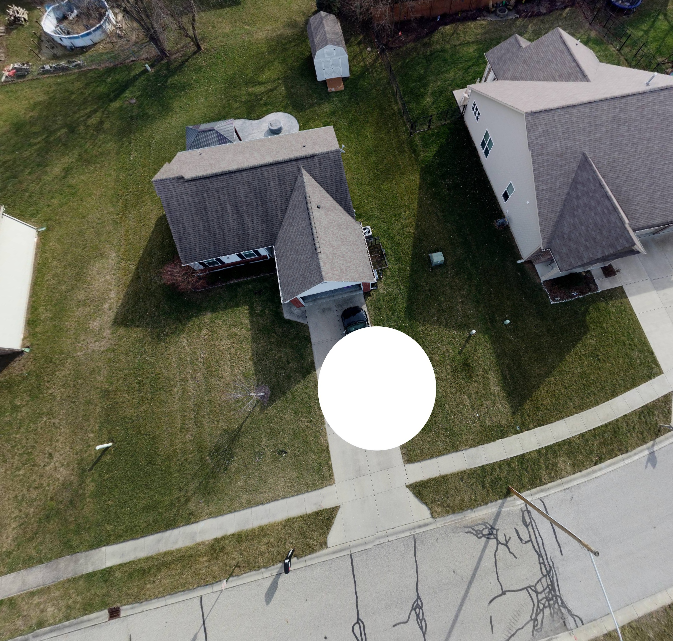
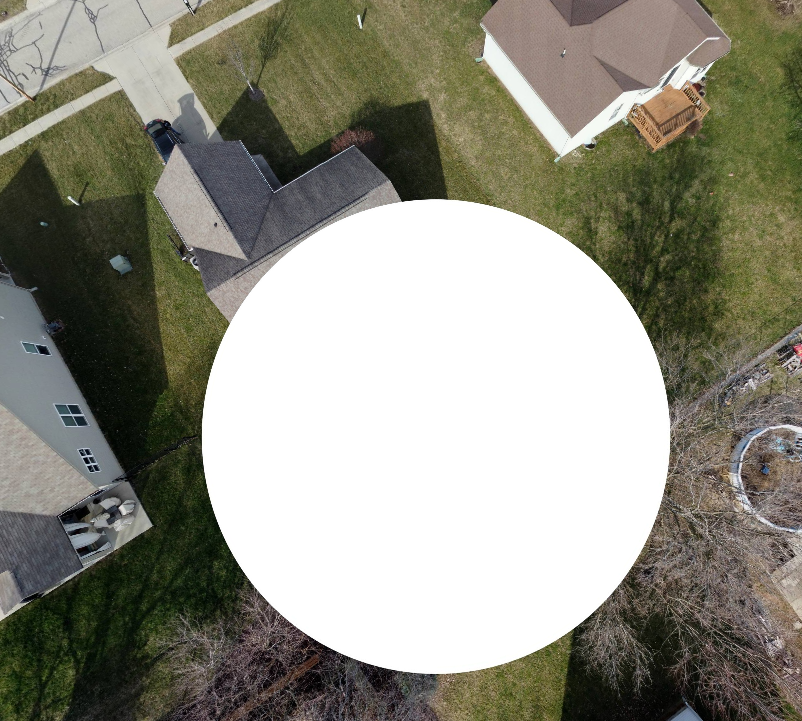
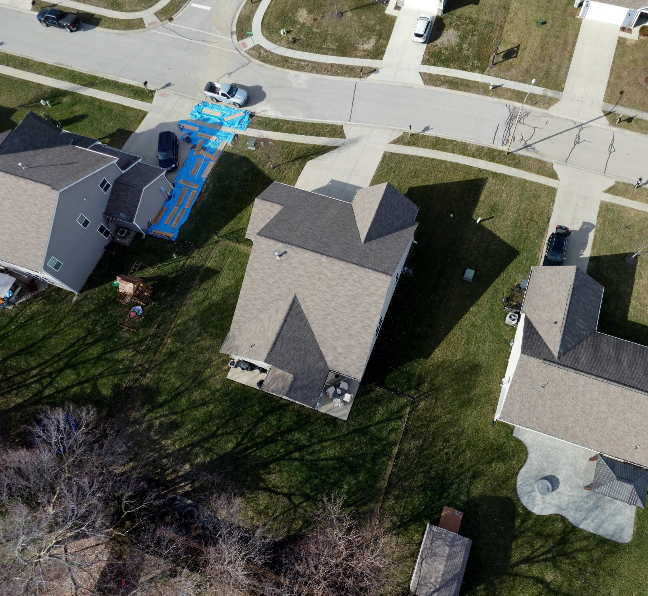 (ICE) to stitch them together and Kuula 360 as the viewer.
Are the first two actual single photos from the pano? Or are they a screen shot as seen in Kuula 360? I see on their website the free version adds branding to the output. Maybe that is what you are seeing? I also see it limits upload to 25 photos at a time. How many were in your original set? It could be the nadir images were dropped out and results in this. I do quite a few 360's and only thing close to this I've ever seen is some software intentionally adds a spot at the zenith and/or nadir points. Is it possible that is a setting in what you are using (not in ICE). Do you only see the white spot when viewing? Do any of the original individual photos show a spot? ICE normally does a great job on 360's. Did you use the auto crop and fill? Did the original full 360 look reasonable? Sorry, lots of questions, but since I have never seen this can only guess at a few things.
All good questions George, definitely looks something along the lines of photos missing from the nadir
I would add one more for Brian. Can you post the original 360 created by ICE? You may need to resize it if its to big, but thats not a big deal since we don't really care about having great resolution. I can, or others here can, put it into their 360 viewer and see if it is an issue. Actually I believe just looking at the full 360° photo will tell us if it is Kuula or not, which I really think is the issue
No the photos are just screen shots from Kuula. I am on the Kuula paid version so that is not the issue. There were only 3 pictures uploaded so that is not the issue. This is what I have found. Kuula will not take a stitched image larger than 16384 x 16384. Originally I downsized the stitched image in MS paint. That produced a "black" bar at the bottom. Kuula then changed that to white. Okay so that makes since to me. I reprocessed the images in ICE again and change the size in the processing to meet the maximum size that Kuula would accept. This produce a smaller "cropped" stitched image. Uploaded to Kuu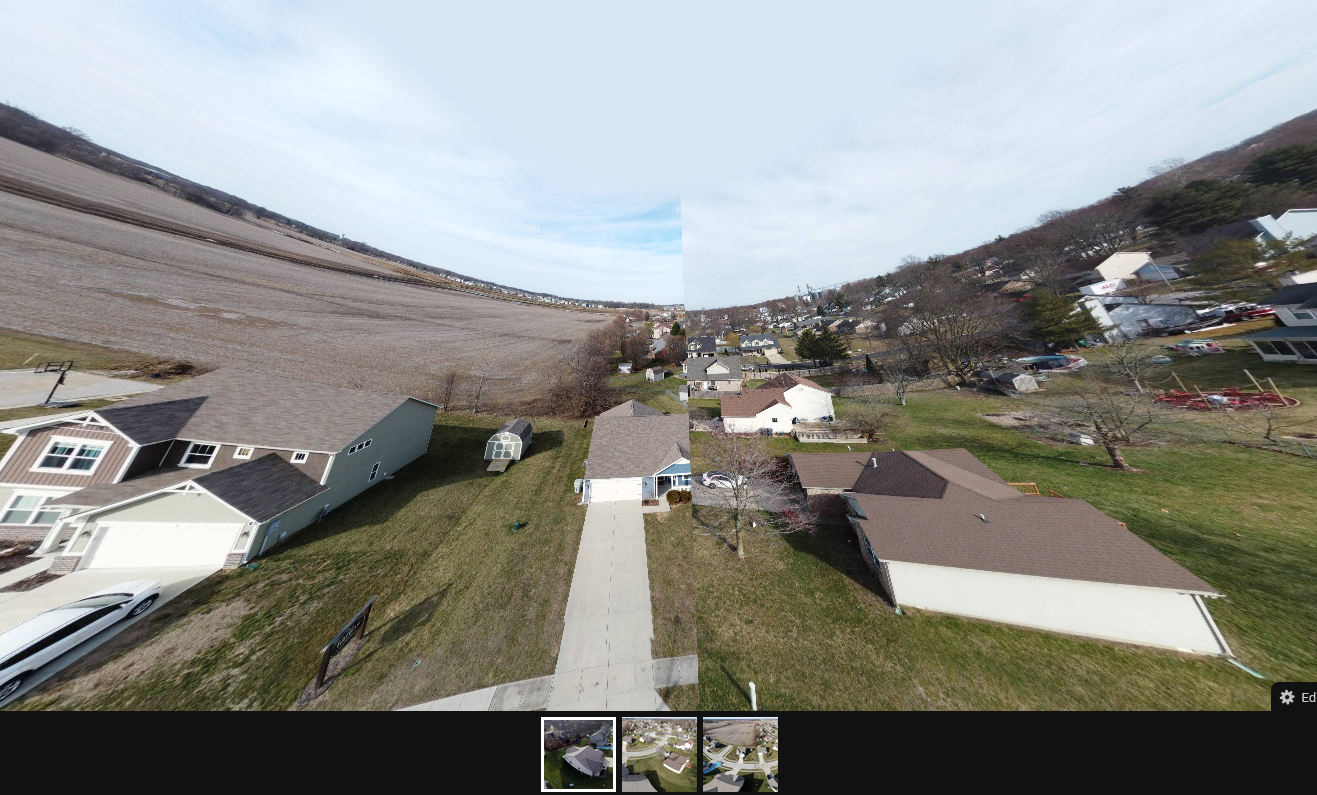 la and now it looks like the pano is missing a picture. All that said, I noticed that Dronelink takes 27 pictures for the pano and DJI takes 26. I have never had this issue using the DJI app. So is there a way to reduce the number of pictures that Dronelink takes in it's pano mission? Here is a link to my Kuula images https://kuula.co/share/collection/7FfgD?logo=1&info=0&logosize=78&fs=1&vr=1&sd=1&initload=0&thumbs=1
What does the original image from ICE look like? Can you add the original image?
Is there somewhere you can post the ICE image file AND the 27 images from Dronelink that I could download?
Can you post a link to the mission plan?
I believe you need to RESIZE your photo, not crop it. There is a difference. Similar to the "rule of 2" for the size of photo to be compatible with the most systems. i.e. 4000x2000 pixels.
Formats & sizes
Kuula supports full, partial & stereo/3D spherical panoramas as well as regular, flat images.
When you upload an image to Kuula, the system will recognize what type it is based on the EXIF and XMP meta data found in the file. Photos shot with popular 360 cameras, like Ricoh Theta, Insta360, GoPRO Max and others all contain this information. Aerial panoramic shots made with drones typically have it as well. Most 360 renders do not.
If the image doesn't have spherical meda data, the following rules apply:
width over 3840px & aspect ratio 2:1 → full panorama
width over 3840px & aspect ratio larger than 2 → partial panorama
width over 3840px & aspect ratio 1:1 → stereo/3D panorama
Any image that doesn't meet the above criteria is considered to be a regular (flat) image.
Please sign in to leave a comment.