follow me is borked 4.3.0(231) Android

So this afternoon I went down my local field to put together a video on setting up follow mode, so that you can control the drone with the sticks during follow mode, only to find that follow mode no longer works so i created a short video demonstrating the problems that were occurring, which can be watched here
I also took several screen shots to show the drones coordinates

start position
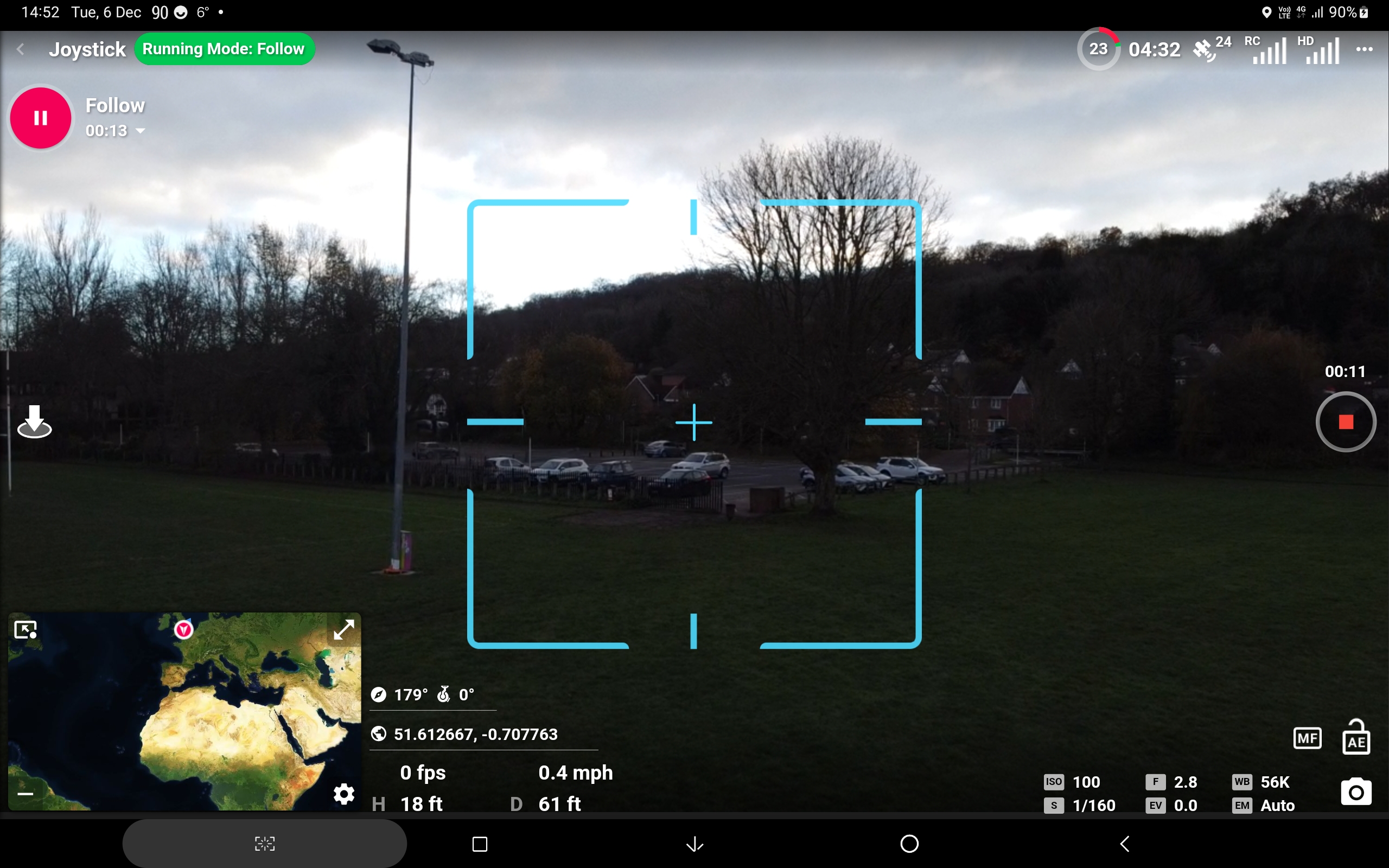
Position drone flew to as soon as I hit the "Play" button
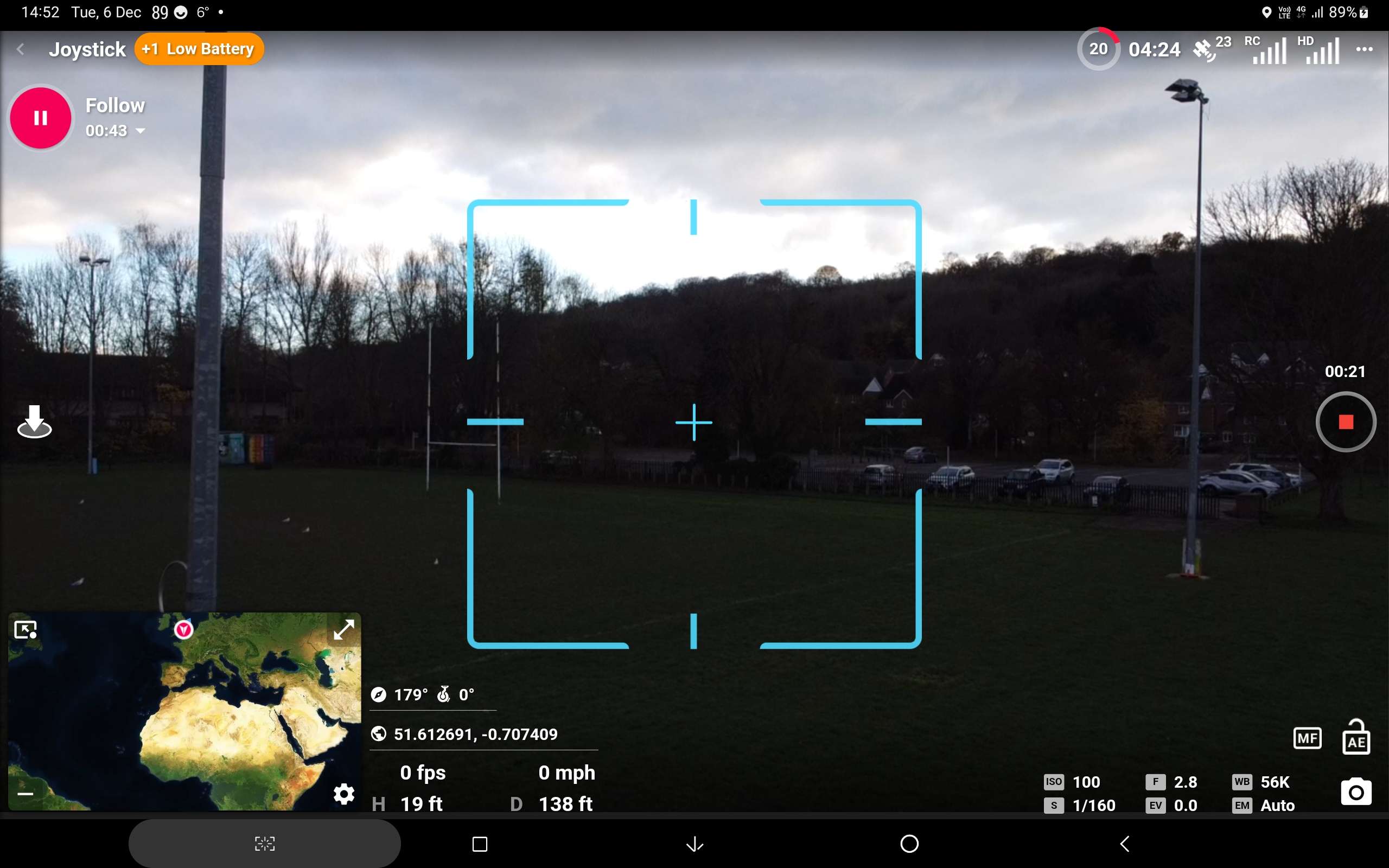
After the second screenshot I hit "pause" and this is where it ended up after i hit "Play" again, so seeing I'd got a low battery i called it a day.
Also as mentioned in the video while in follow mode I had no gimbal control using the controller, tried that in Dronie and could set it no problem
Comments
12 comments
It sounds like it doesn’t have location permissions anymore. We just tested it and it works fine.
I checked permissions as that had crossed my mind, all looks good, I'll do an uninstall/reinstall, try again and report back
Ok so I have some very mixed results to report:
Ok I've got a copy of the 228 build downloaded from Dronelink the other month, so I'm going to install that on the Tab 7FE and check that runs ok, then if all good I'll update it to 231 and see what happens then, probably wont be till Monday as got work between now and then
I don’t like when things get Borked either. Lol…. 🤪
I thought I'd get technical Mike...............lol
Hey Martin. Flew a follow mode with my iPhone 8 Plus and my MA2. Followed without any issues and I was able to use both sticks.
The Distance reference needs to be set to the Device which is what it follows since it has GPS. Need to figure out why the distance isn’t registering from your device. Something in the devices GPS settings or the DL app settings which is not allowing access to the devices GPS so it’s indicating nothing which is why it can’t follow the device.
If distance reference is set to Home as the first video shows that’s why it took off automatically back to home point. Home point is a static location. Hope this helps Martin.
Hi Mike, I got the distance reference working, by reinstalling, I've got several devices, that I can test with, so hopefully get out on Monday if the weather allows, cheers as ever for you input
🤙🏼 I’m sure you will get it figured out. Also it should not matter but I was using Beta 4.3.0 (231)
Yeah that's what I was using as well< I know it was working fine on the LG v50 on 4.2.0(228) as I used it on that at the end of last month
As long as it is indicating the distance to device it should work. Since the video I watched had no distance registering I’m sure that’s why.
Finally got out with the Drone again using 232 and all is good
Please sign in to leave a comment.