If you using a device that may be why. My iPad doesn’t display it when mission previewer is reduced. When it’s enlarged to full screen it is there. I asked about this issue about a month ago and here is a link which states about 4 days ago they will be fixing. If it’s a PC then not sure why since it seems to be displaying correctly.

Comments
6 comments
What's device is this on, it's definitely still there, this is latest version on my Galaxy Z fold 2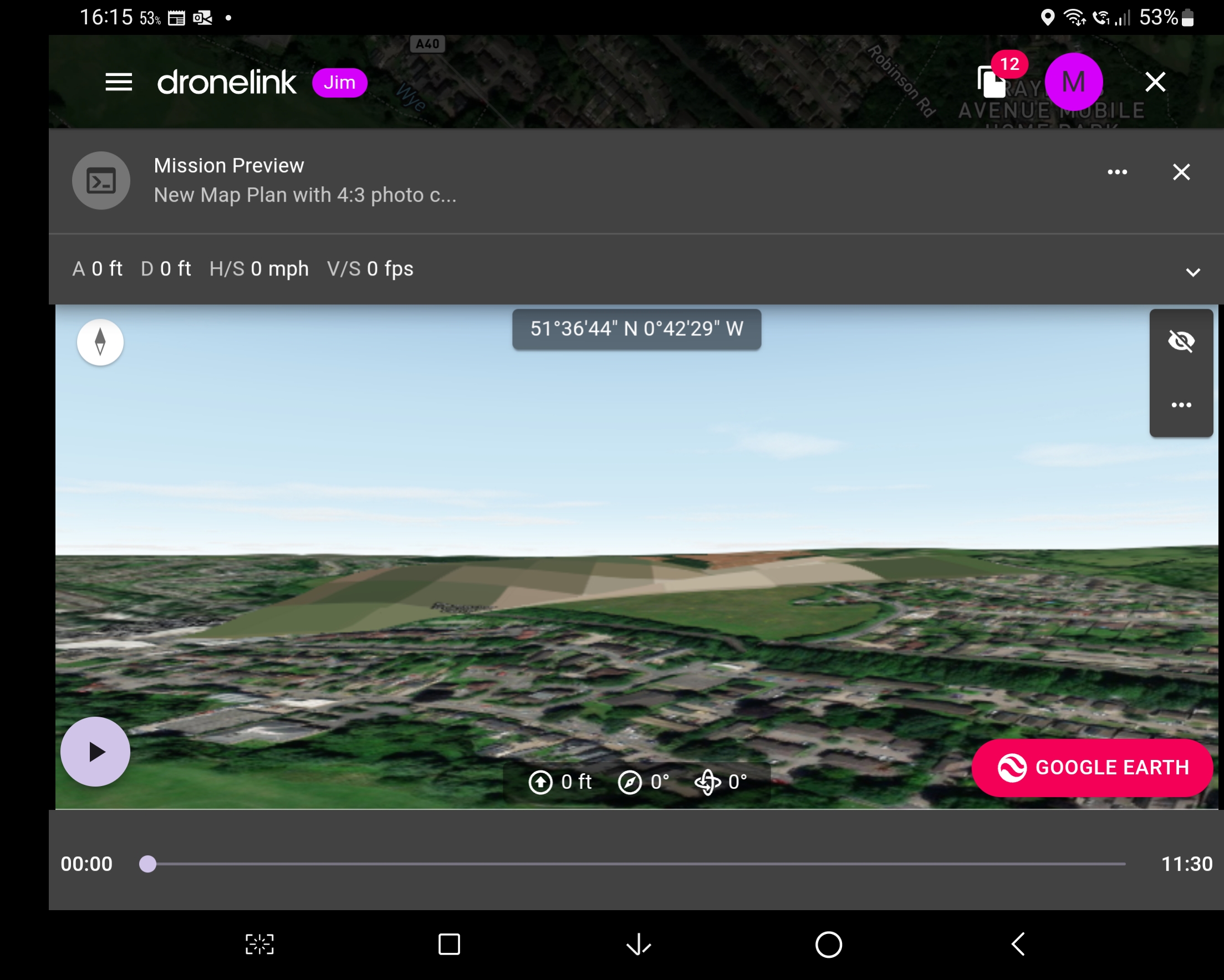
Ah, my screen looks like this at 2560 x 1080.
But if I resize it it looks like this. So at full screen, the graph overlaps the Preview window. Thanks for your help.
Click on the two expanding arrows below the little eye with the line in it - that will open that window and you will be back to the view you need.
https://support.dronelink.com/hc/en-us/community/posts/10307739323539-Mission-Preview-Display
If you using a device that may be why. My iPad doesn’t display it when mission previewer is reduced. When it’s enlarged to full screen it is there. I asked about this issue about a month ago and here is a link which states about 4 days ago they will be fixing. If it’s a PC then not sure why since it seems to be displaying correctly.
https://support.dronelink.com/hc/en-us/community/posts/10307739323539-Mission-Preview-Display
Sorry, thanks All, did a search, just didn't see it.
Please sign in to leave a comment.