Airdata KML import problems

I've come across a couple of problems While importing a KML file produced by AirData, these can be seen in the following screenshots:
- Imported Altitude is Height Above Sea Level (ASL), not Above Takeoff Location (ATL)
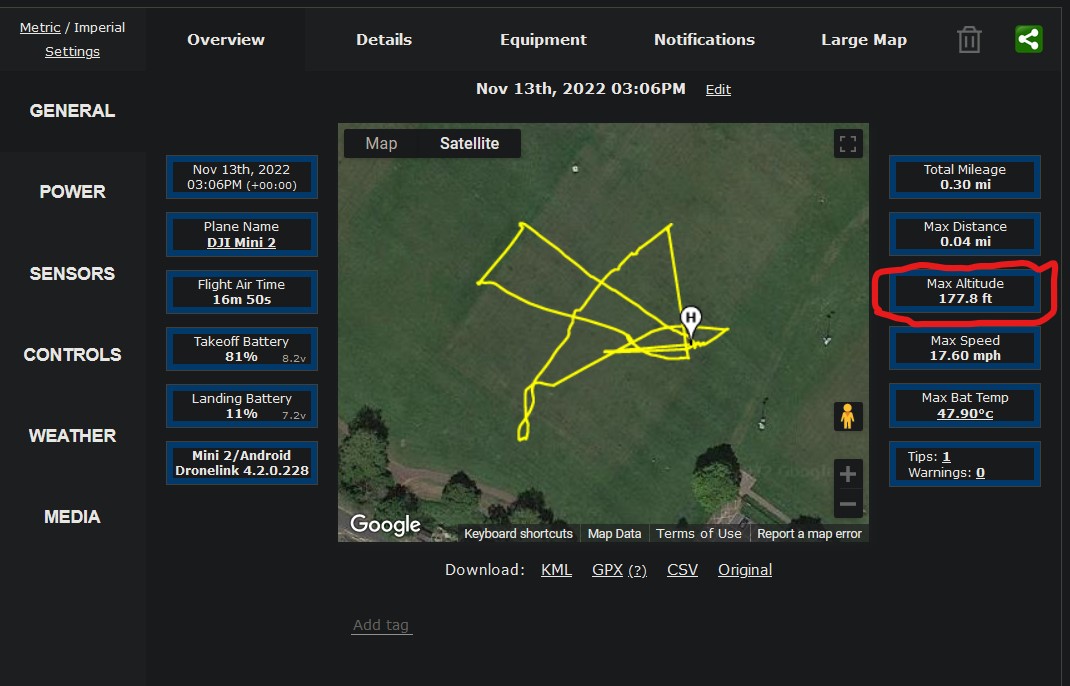
Maximum Altitude
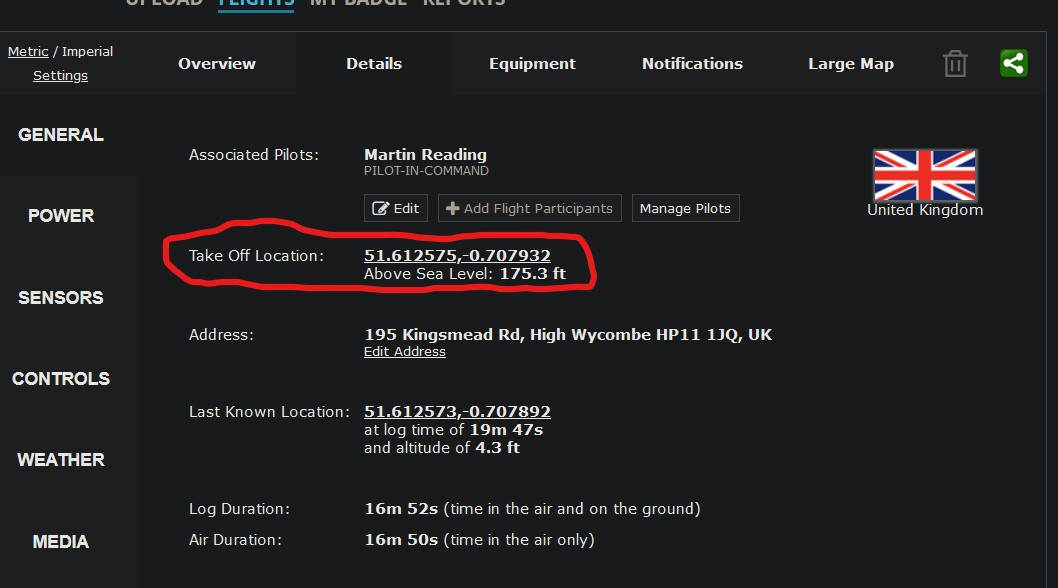
Site Altitude (ASL)
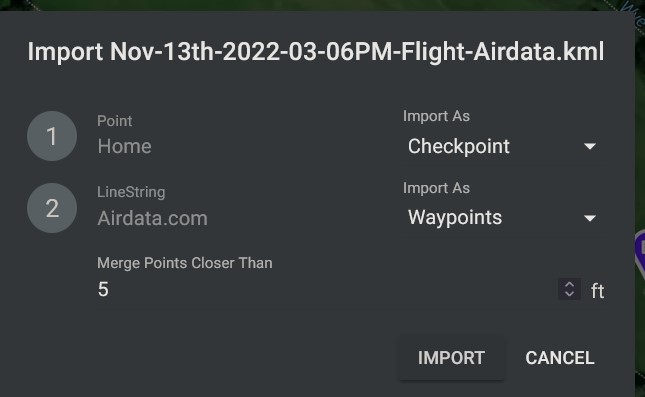
Import Dialogue
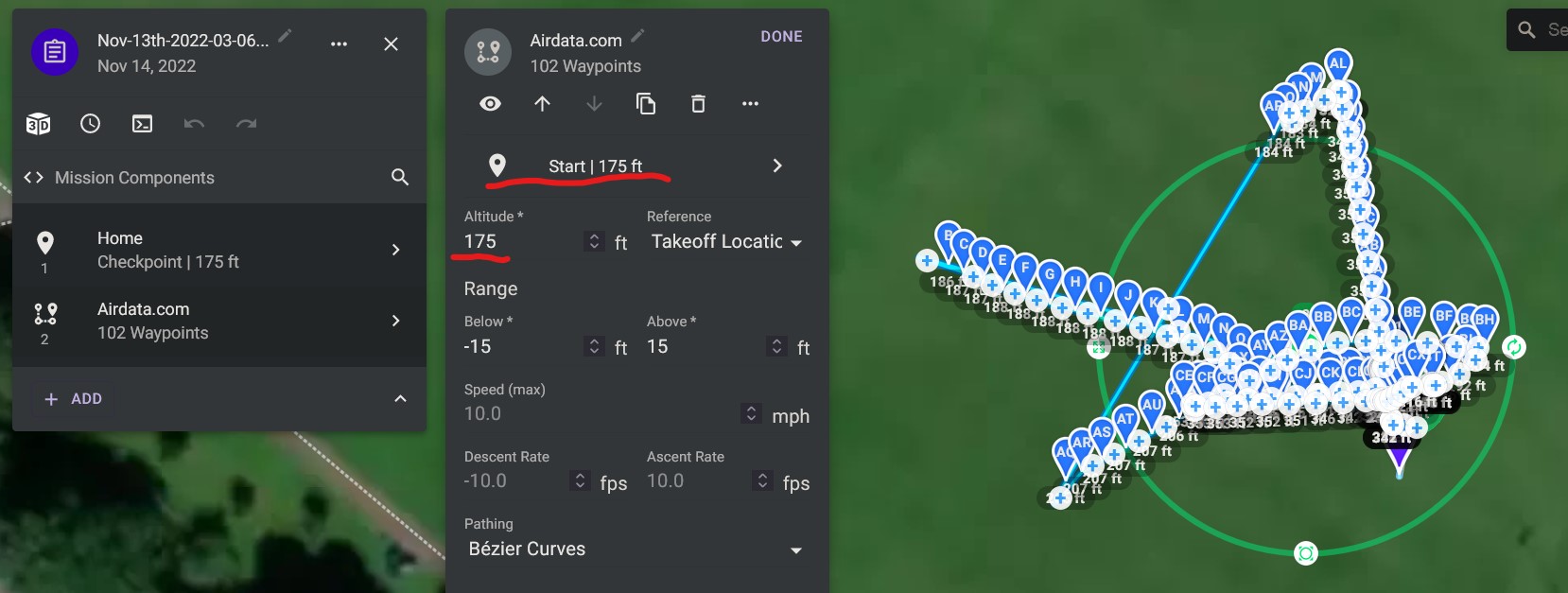
Imported Altitude
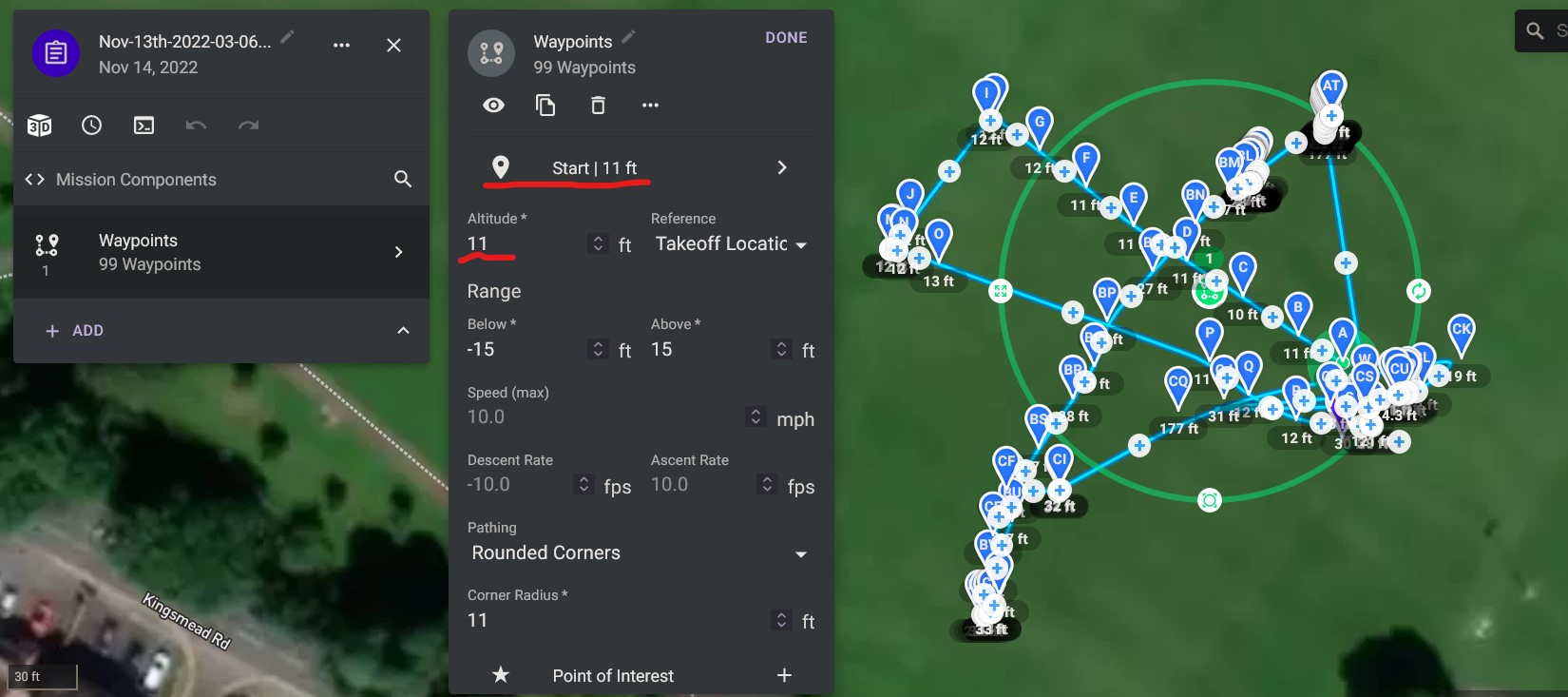
Flown Altitude (ATL), (This was produced from the same flight using a CSV export, converted using the online AirData to Litchi Converter)
- The other problem can be seen by comparing the last 2 screenshots, you will see that the flight path in the Imported Altitude (KML) screenshot bares no resemblance to the path in the Flown Altitude (CSV) screenshot, if the KML is opened in Google Earth it displays correctly
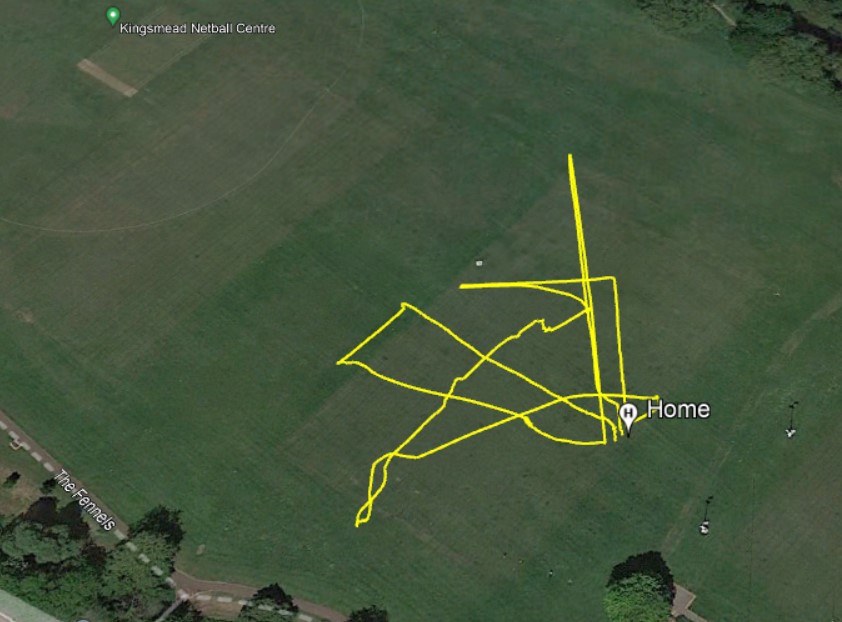
Google Earth
The KML can be found here https://www.dropbox.com/s/89rthyg6xl2ms1d/Nov-13th-2022-03-06PM-Flight-Airdata.kml?dl=0
The CSV can be found here https://www.dropbox.com/s/rkpkad30eaaap3y/Nov-13th-2022-03-06PM-Flight-Airdata-converted.csv?dl=0
This flight was flown using follow mode, which worked really well
Comments
4 comments
The importer doesn't really support this use case right now. Airdata exports from recorded flights contain way too many waypoints and MSL altitudes were remove some time ago in favor of either ATL or AGL. Moving this thread to feature requests.
Cheers Jim
Martin Reading
Did you try using my method?
https://vimeo.com/727001901
Hi Barry Houldsworth, yeah that's what I normally do, just thought I'd try with a KML export from AirData to Import into Dronelink, in fact the Actual Altitude screenshot was produced from a CSV created using the method described in your video
Please sign in to leave a comment.