Missing photo count in mission estimate window

I came across this slight problem when sorting this plan earlier https://app.dronelink.com/martin-reading/congleton/plan/SMlKaYskPXiw0GiHeS75/Hw6goEEeQEXAvSvJGHxK, on checking the mission estimate, I noticed that the 360 panorama photos didn't show up.
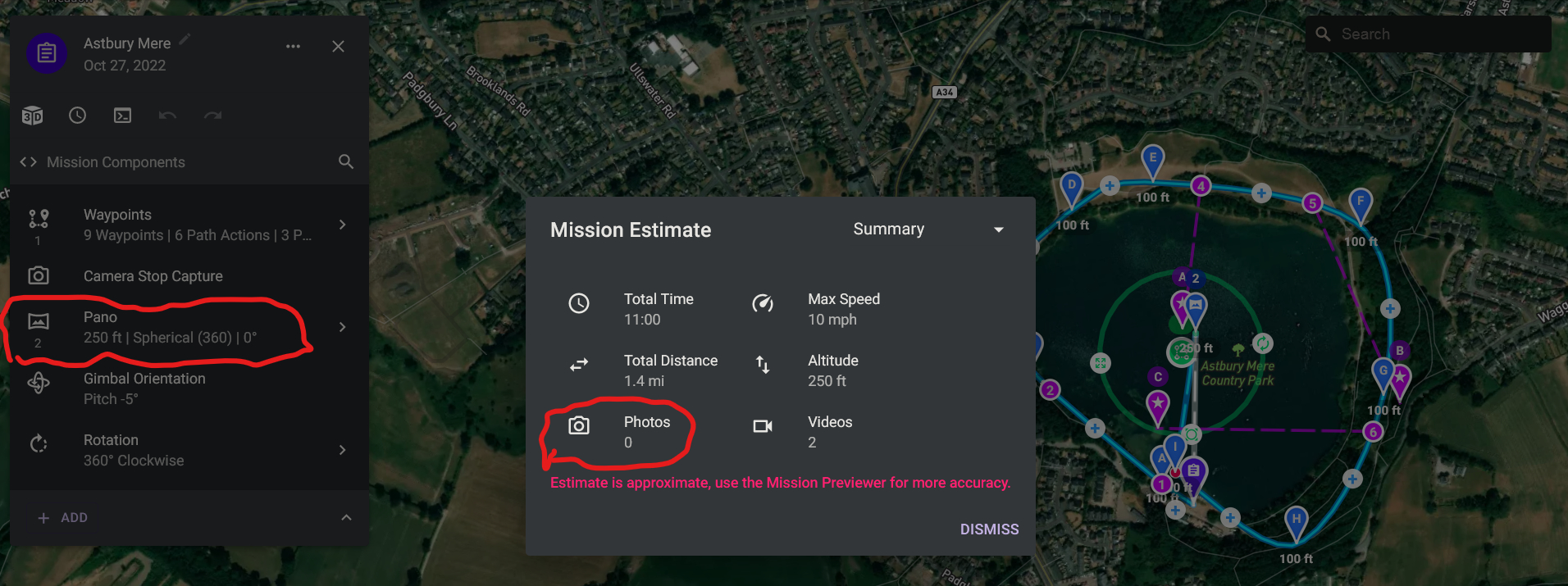
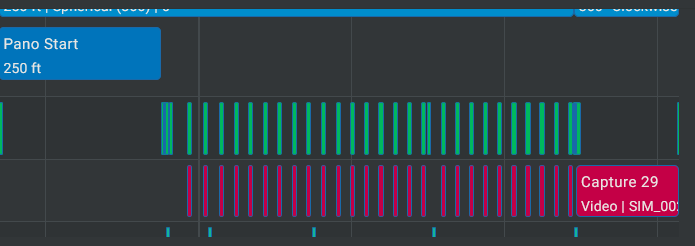
As I said this is only a slight problem as the photos show in the mission preview
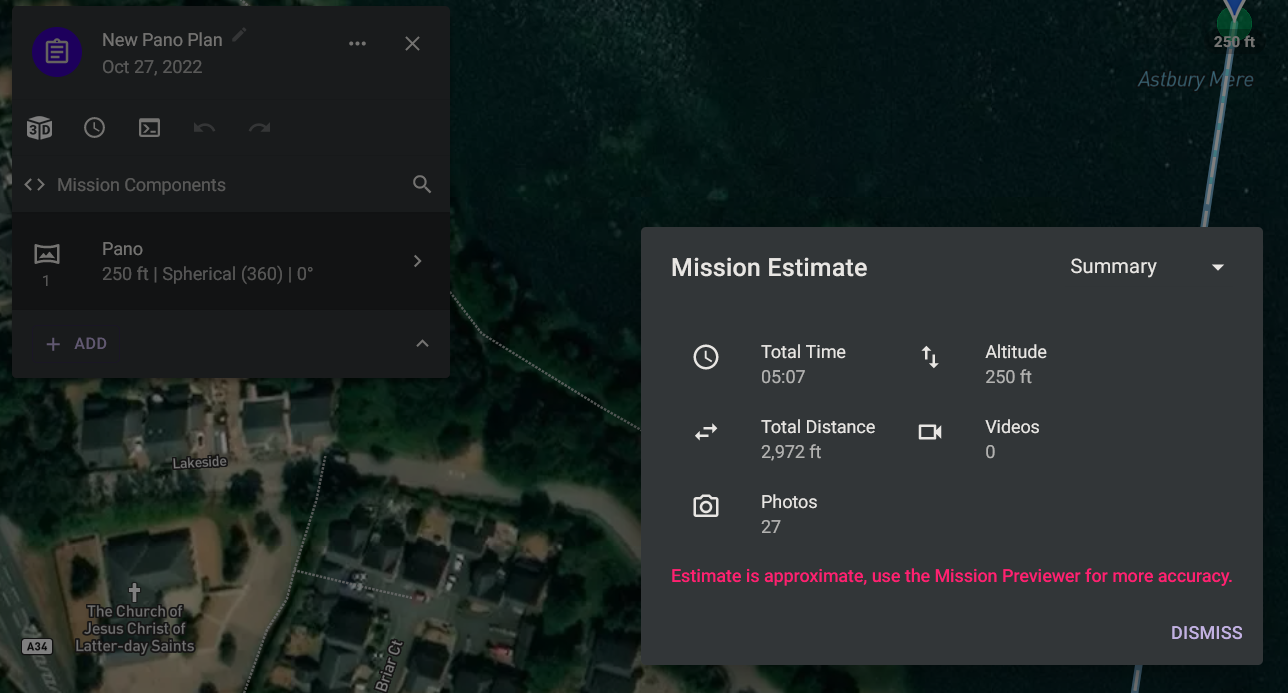
I then went to try and work out what was possibly causing this, so first I created a new plan, with just a 360and the photo count is correct at 27.
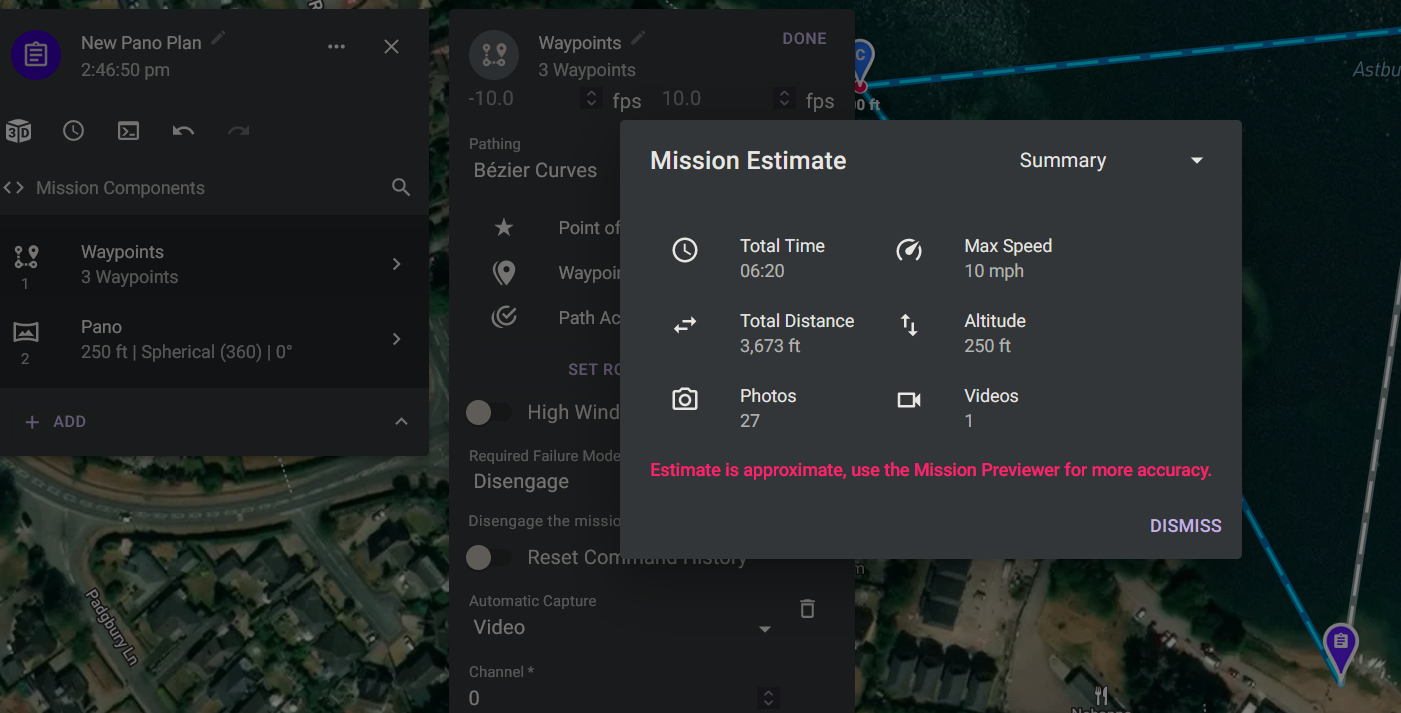
I then added a waypoints component before the 360 and set this to auto capture video, and both the photos and video show up
So then I removed the auto capture from the waypoints and inserted a list (Camera Stop Capture, Camera Mode Video, Camera Start Capture) before the waypoints component, and then a Camera Stop Capture before the 360 (this is virtually the same as the original mission, but in that the list is in waypoints start as a departure component), and this caused the photos to not be included in the photo count under mission estimates
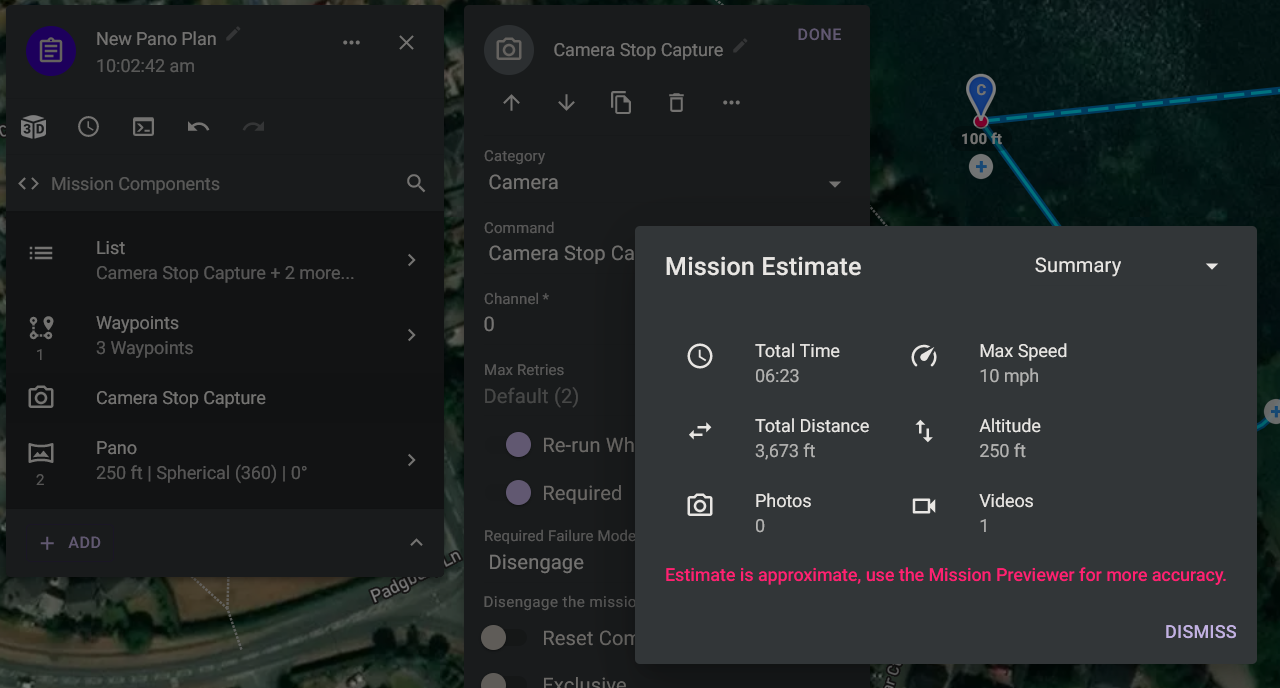
As a further check I then added a photo component after the 360 and this showed in the count
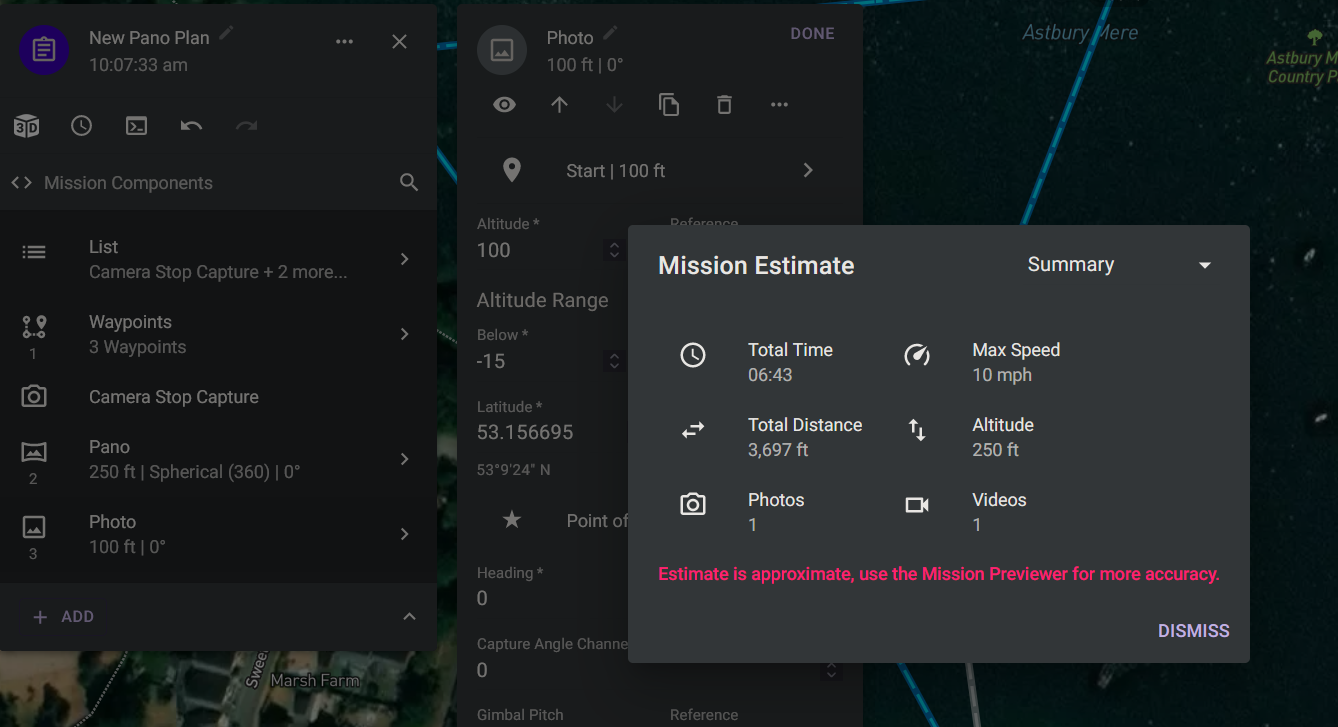
This only effects the pano component, as if i remove that and just leave the single photo that still shows, so it looks as though between the Camera Stop Capture, the pano and mission estimates something goes wrong
Comments
4 comments
I’ve noticed this a while back as well. 🤙🏼
Not just me then Mike
This will be corrected in the next release.
Cheers for the update Jim McAndrew
Please sign in to leave a comment.