Mission Preview appearance

The appearance of the mission preview suddenly changed on my PC. I don't know what could have happened, but at the moment the icon for displaying the graphs on the full page is not visible and I can't find an option in the system to do this. I can scroll the graphs at the bottom of the screen, but the clarity is lost!
Comments
14 comments
Hi Gábor. I hope I’m understanding you correctly. I’ve never seen the data displayed below when the mission preview window is in full screen, only when minimized to the smaller window. Almost two years and haven’t seen any Icon to display it. As far as the data being clear, I’m using Firefox and it all looks good. Maybe send a screenshot with more detail if this isn’t what your asking about.
Hi Mike, during the las week I made ~ 20 mission plans. After all plans I made a check in "Mission preview" and in the Google Earth too. I also checked the flight parameters on the graphs too. During this processes I always have seen a small icon menu where there was an element with a stylized graph. When I clicked to this Icon the graphs part becomes full screen. It was very good, because I could check the main parameters (drone commands, gimbal commands, altitude, Horizontal Distance (from takeoff) ... in one screen together. After a time I could not see this feature anymore! Maybe I managed to stop something against my will in Google Chrome or in Dronelink, but I don't know what. Of course, it is also possible that the developers changed the system, but I would find this strange. I inserted some pictures about how my screen looks like now.
Hi Mike, I found the real answer to my problem: the menu with graphs icon is visible only if the Dronelink window is not maximized.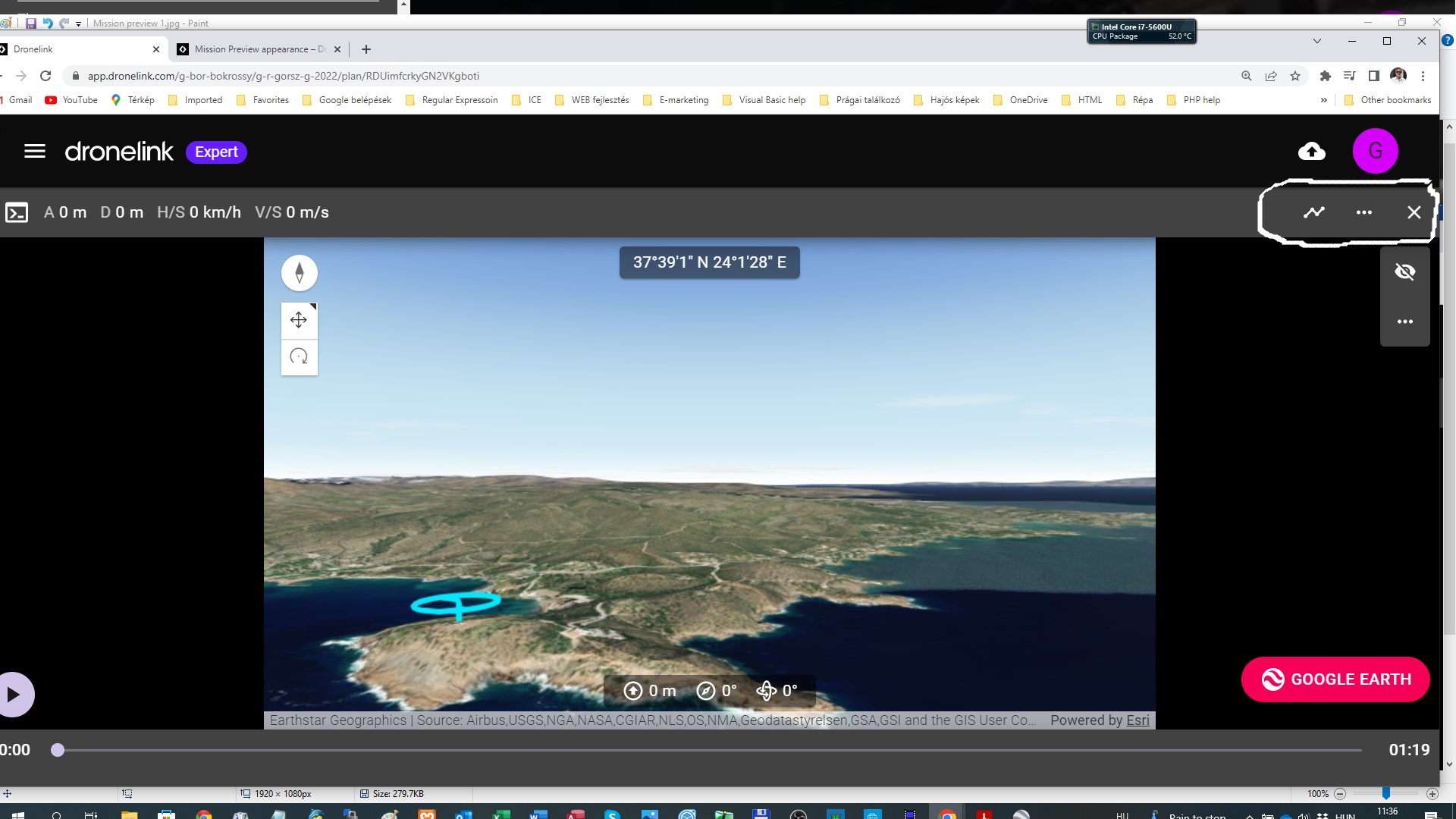
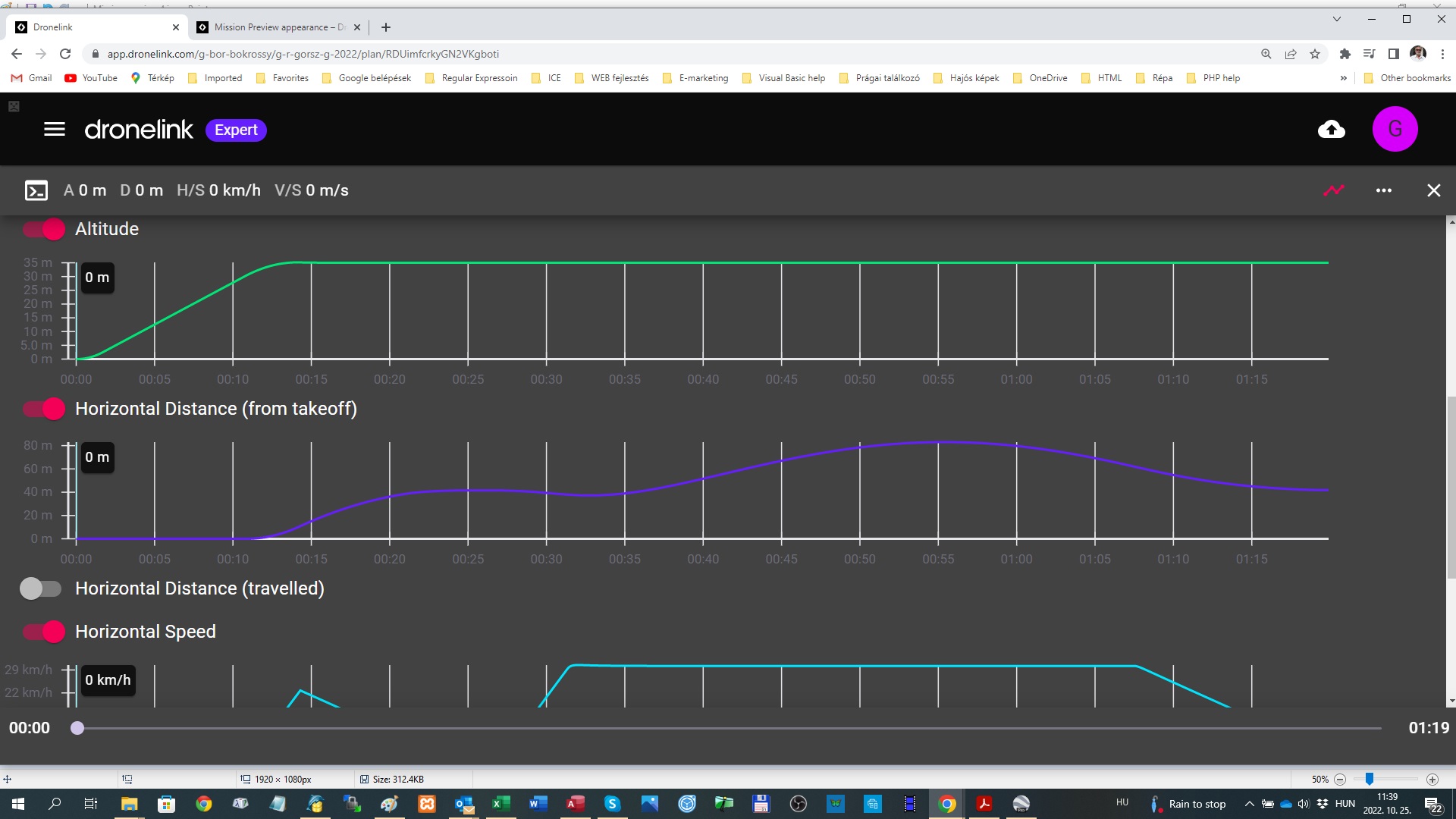
This must be a resolution thing, as whatever I do. I don't see that icon
My experience is that this extra line with the icons appears if the full Dronelink window is not touching the top of the screen neither the bottom of the screen...
Nope still Dont see it. never mind, it isn't to much hassle to scroll down
It appears that you are somehow being served the phone version of the web app, even though your screenshot appears to be a desktop.
Jim McAndrew, who are you referring to
Gábor Bokrossy
Hi Jim, I normally started the WEB app on my notebook by typing into my browser (Google Chrome) dronelink.com. Can I help to you somehow how it could happen?
Is there some option to request the desk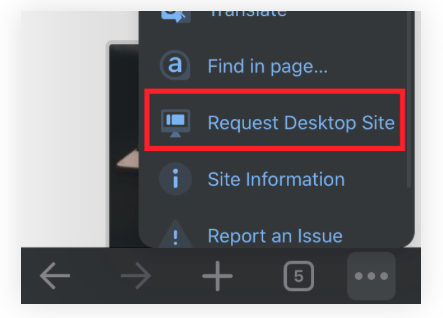 top site:
I am not really familiar with this part of technology. I think this function is working on mobile devices, but I am using notebook with Windows 10 and Google Chrome browser. Please let me know where can I find such menu elements as I can see on your picture. I think it is possible also that your software feels that the browser is not working on the maximized window and decide to run the software as I used it on a mobile device...
First time I’ve seen that. Very Interesting……
To be honest to you I like this (mobile) appearance on my PC. To see the flight parameters together is a good option!
Please sign in to leave a comment.