Turn on capture markers in the mission preview to see the locations of data capture.
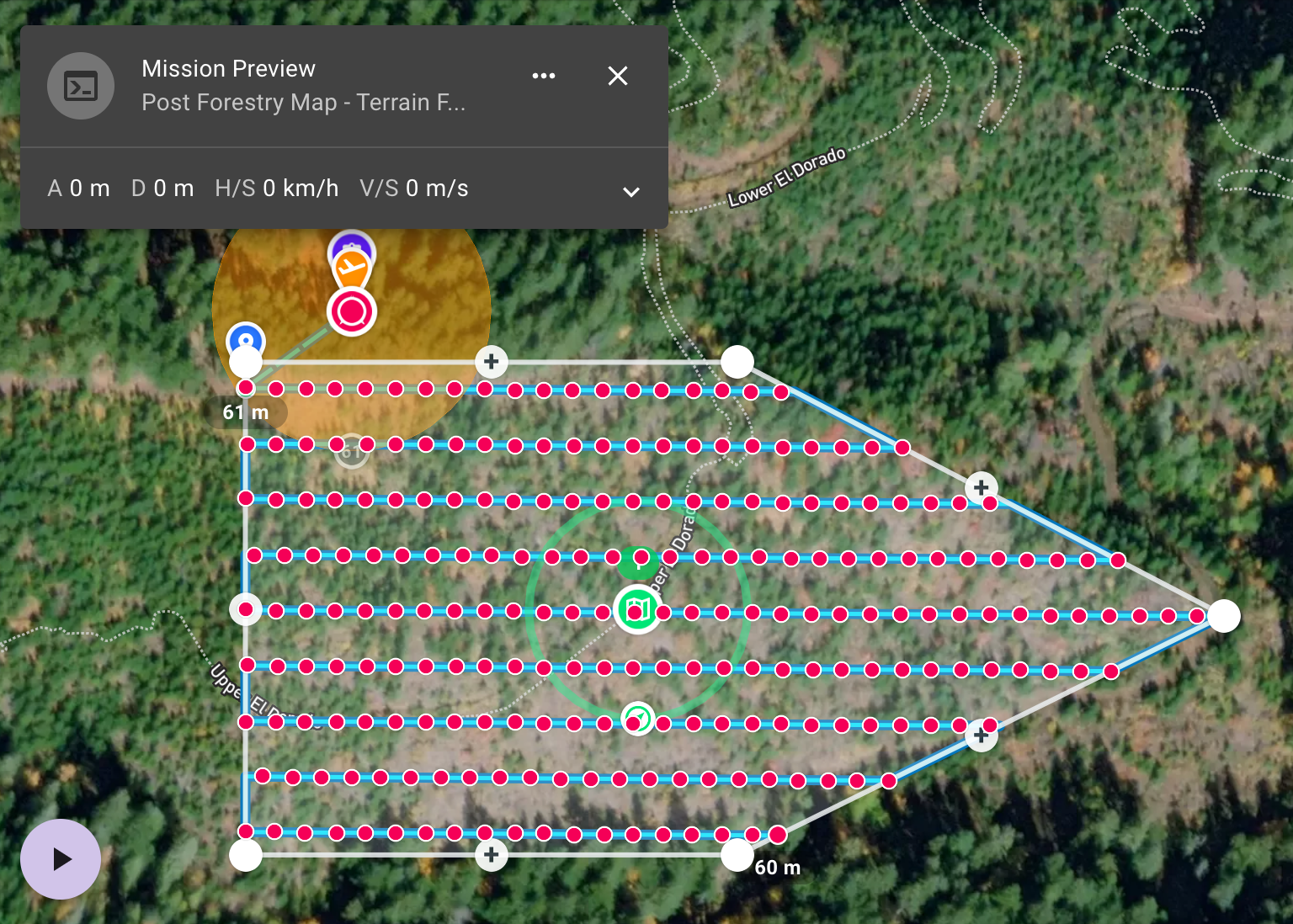
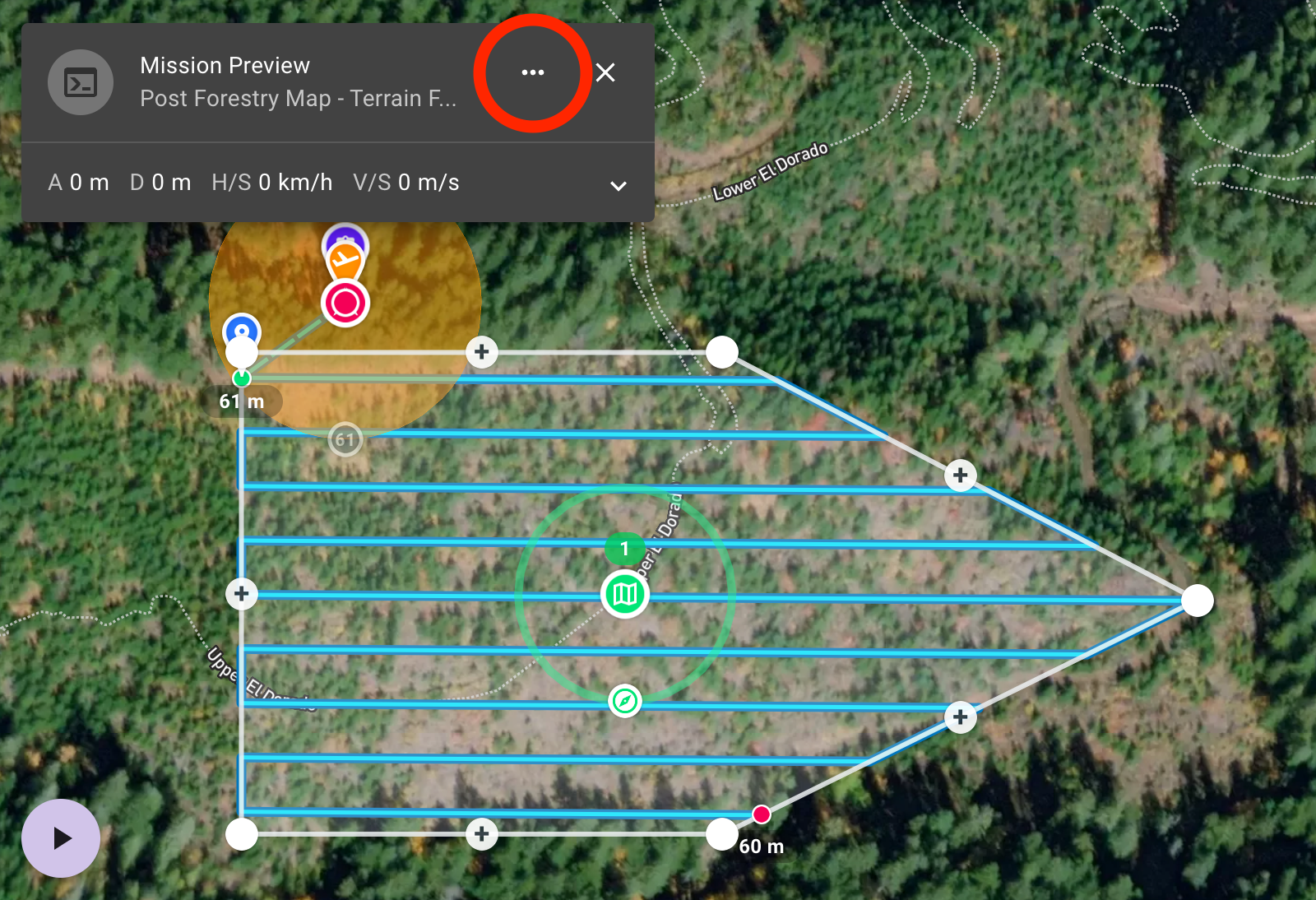
Step 1 - In the Mission Preview, Select (...)
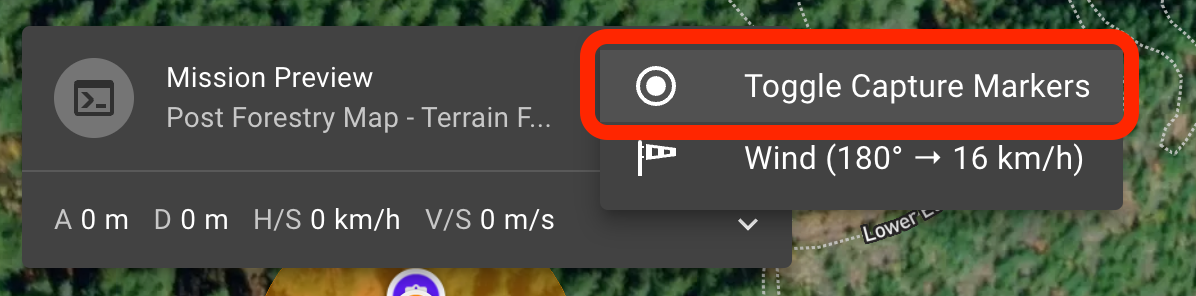
Step 2 - Select Toggle Capture Markers
Turn on capture markers in the mission preview to see the locations of data capture.
<%= block.description %>
<% } %>