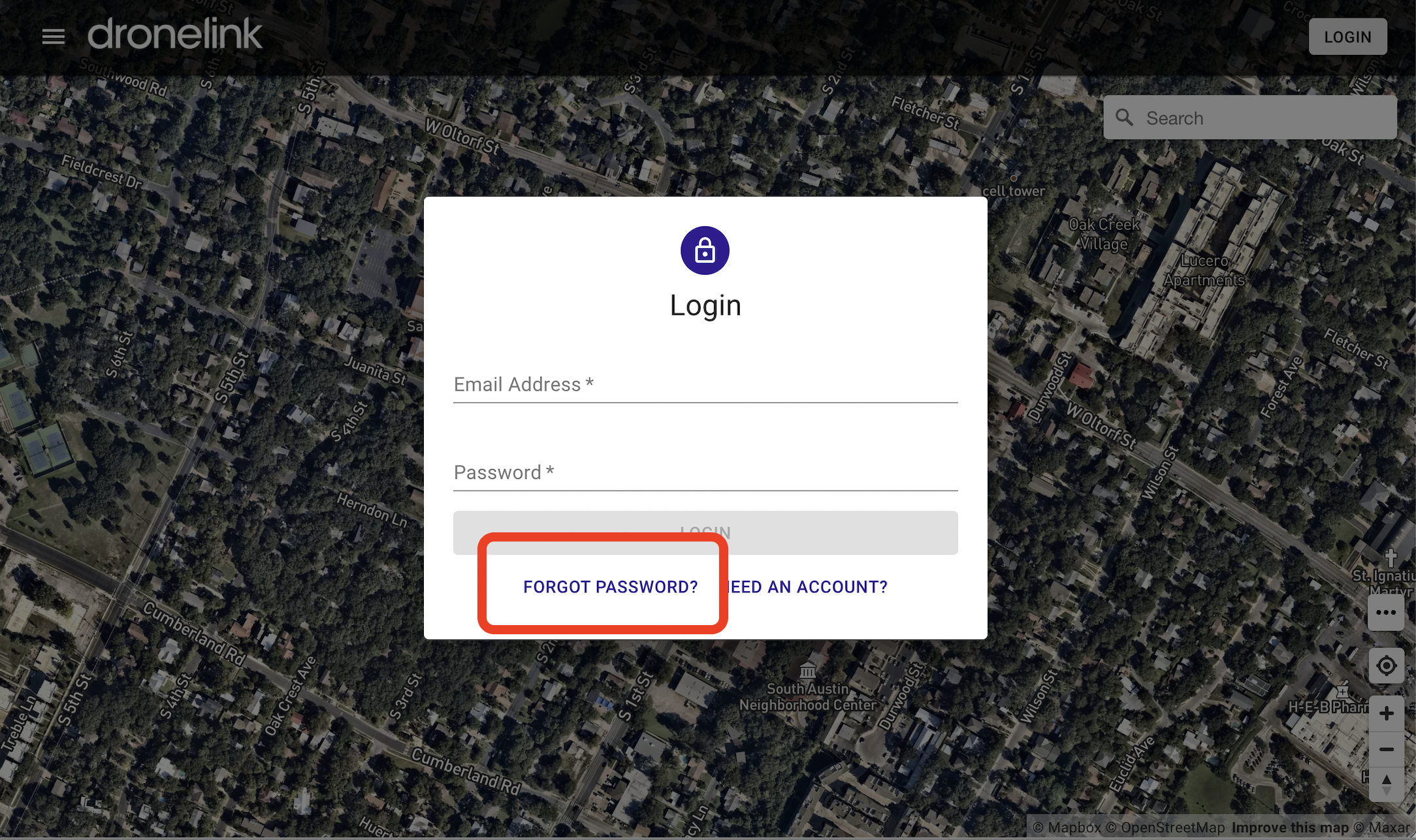
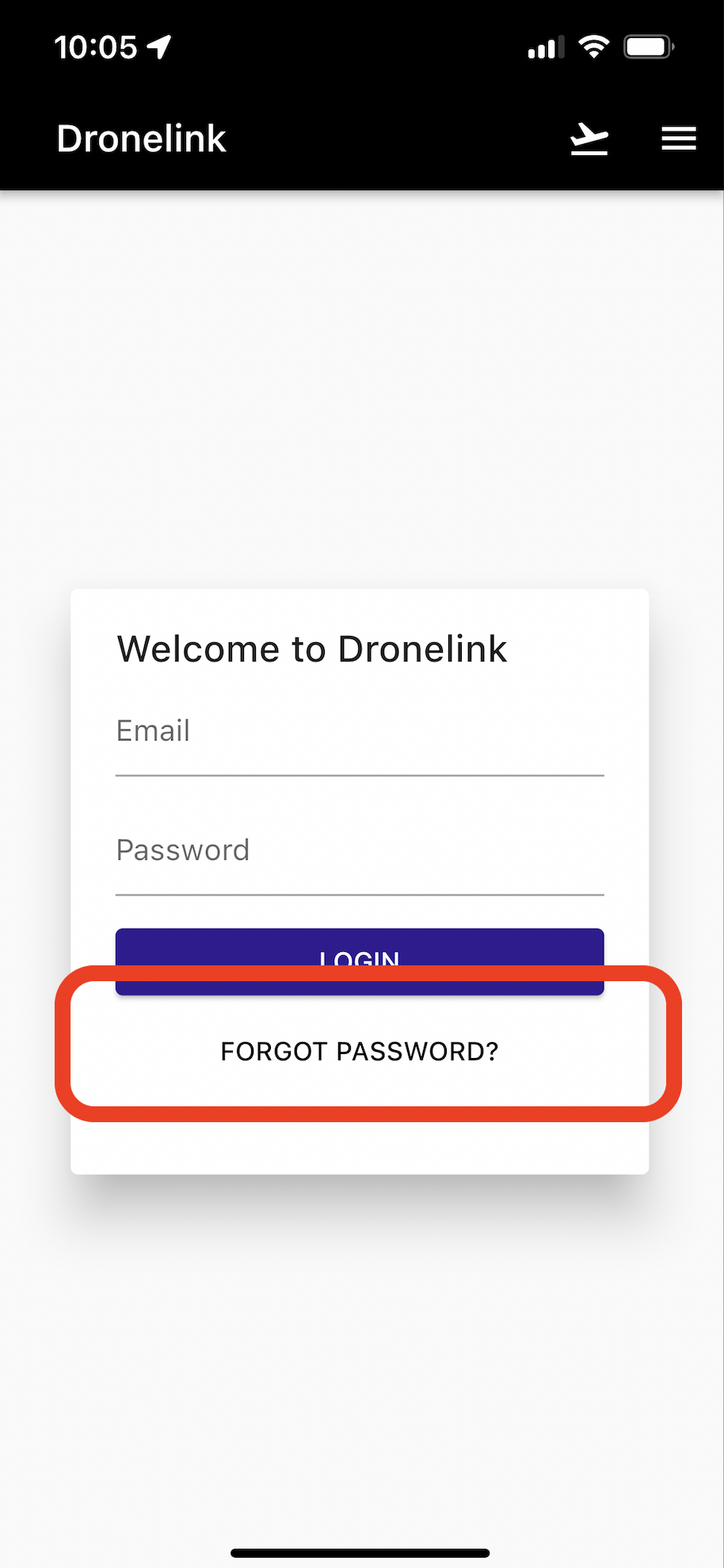
Step 1 - Select "Forgot Password?"
Either on app.dronelink.com webpage or from the Dronelink Mobile App
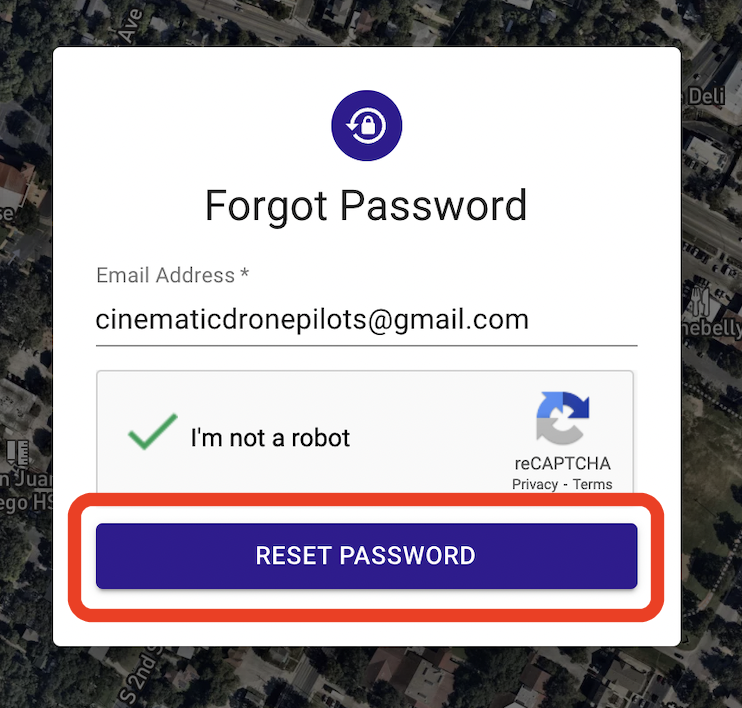
Step 2 - Type in your Account Email, Confirm you are Not a Robot
Step 3 - Select Reset Password
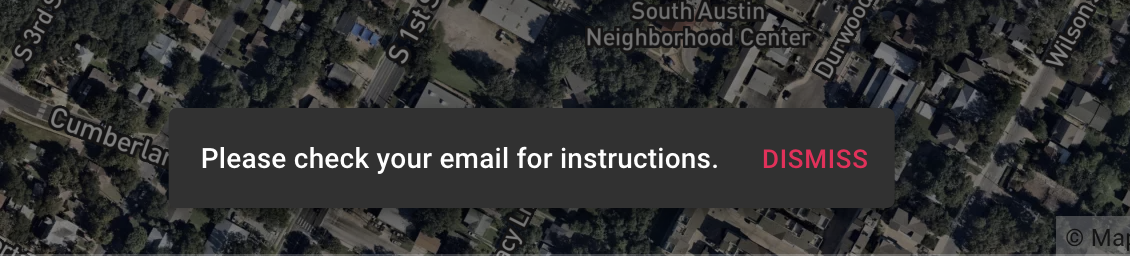
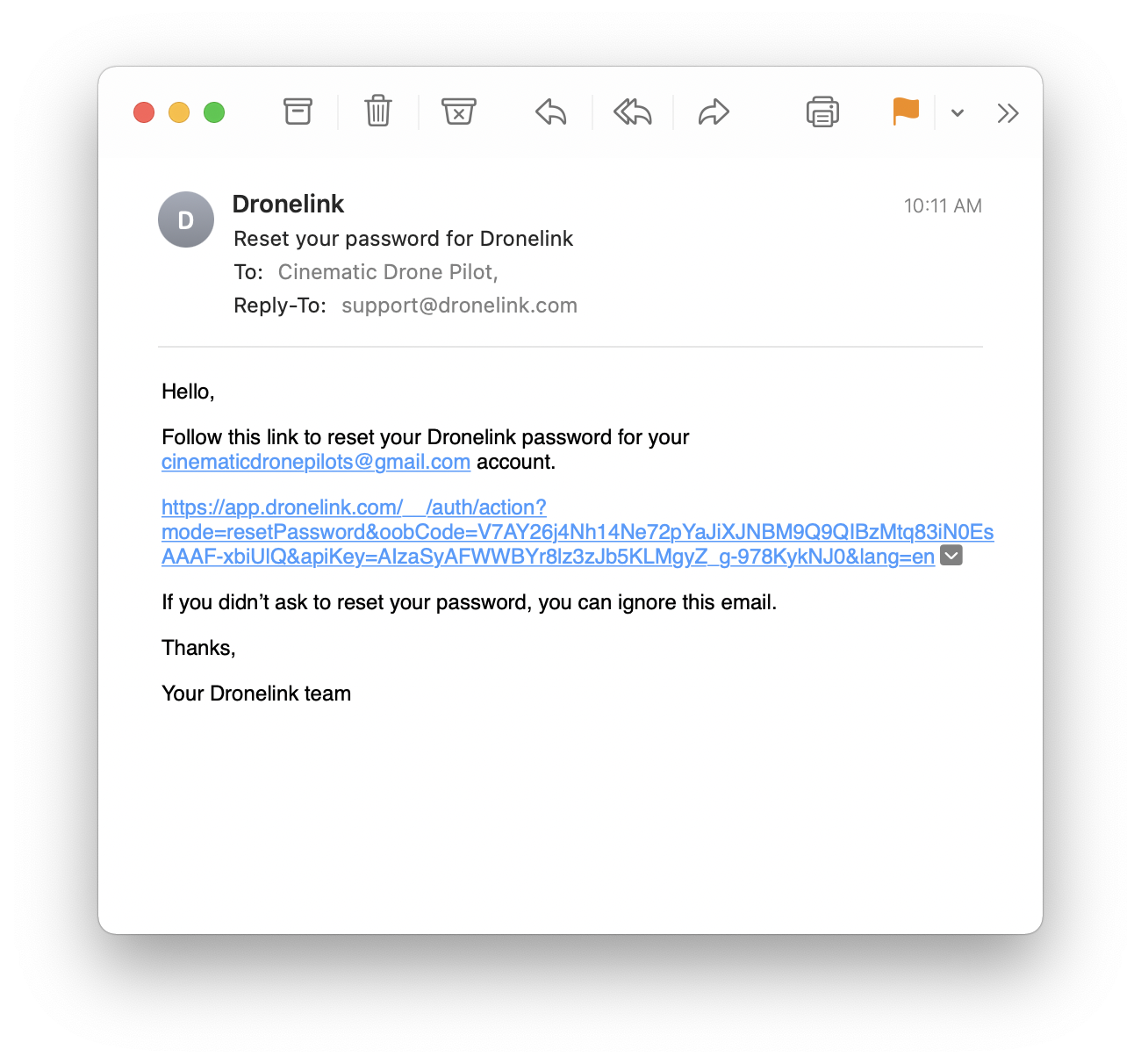
Step 4 - Check Email (and check spam folder) and Click Link
Email comes from noreply@dronelink.com
Subject is Reset your password for Dronelink
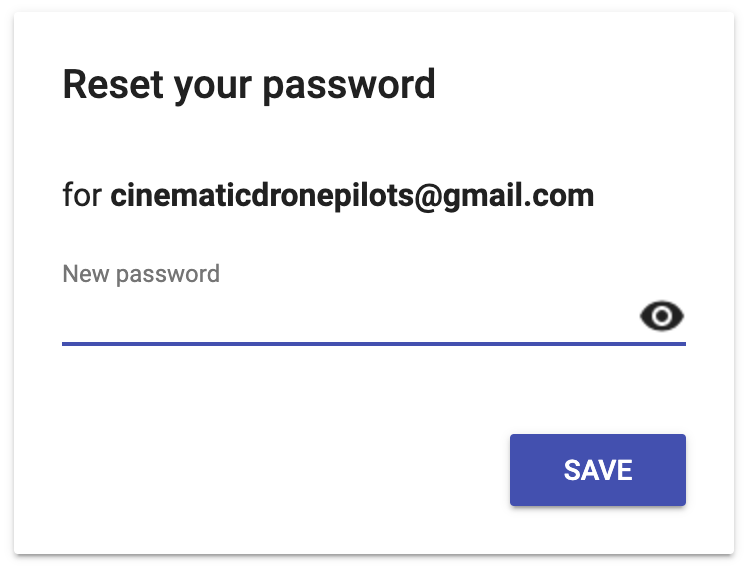
Step 5 - Set New Password and Select Save
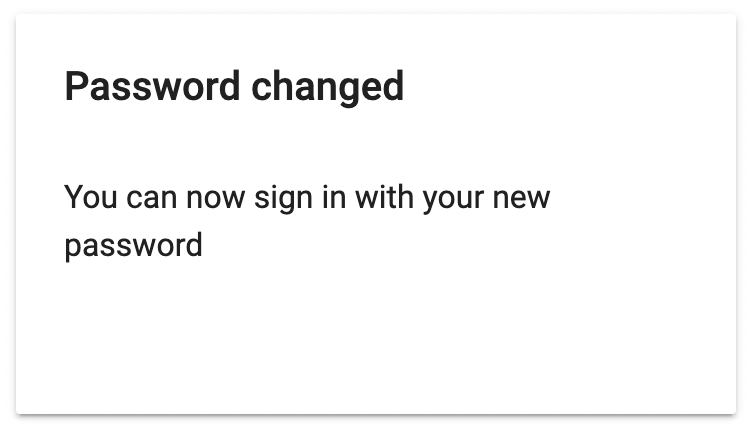
Confirmation message of successful password change
Step 6 - Login with New Password