BETA 4.0.0 (215) - iPhone XR

"Edit Plan" not possible in the iPhone app for all plans. Tried with the latest AppStore version, no problems.
Screenshot: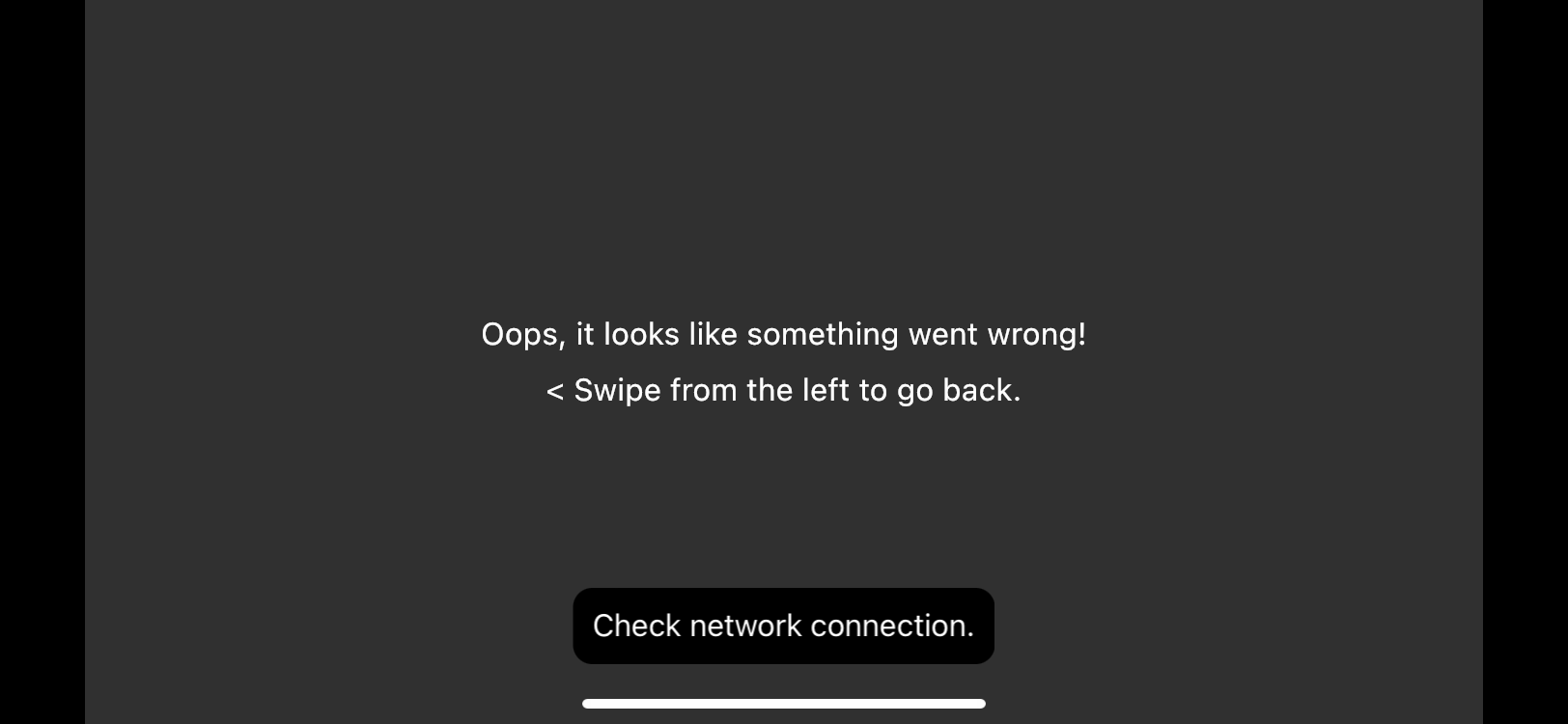
"Edit Plan" not possible in the iPhone app for all plans. Tried with the latest AppStore version, no problems.
Screenshot:
<%= block.description %>
<% } %>
Comments
7 comments
Thanks for the report - should be working now.
I had this happen a couple days ago. I just went through mission planner and loaded then edited that way. Also gave the same message when clicking on 3D preview when mission was loaded. I can confirm they are both working. 🤙🏼 Just a few more main things to get ironed out using Modern dashboard.
In Android it is not working, in version 215. it does not load missions or edit plan
Did you grant all permissions. Android devices need to go through all of them and allow permissions. I use an iPad and don’t need to do that but I believe you can check those in the Android device settings and allow any which were missed. If not just delete the Beta app and re-install and make sure you go through all of them. I think there is 11 total. If this doesn’t fix then DL will need to help further. Good luck.
Uninstall the app and install again but now can't login 😔
ready everything works normal 😉
🤙🏼 Enjoy..
Please sign in to leave a comment.