Drag a pin...is it just me?

Ok, I apologize for this but need a quick memory quick start here.
I am using Chrome and when trying to grab an orbit and move/drag it to change the radius, I cannot seem to click to get just that object to move, and instead drag the whole map. I have done this before...what am I doing wrong?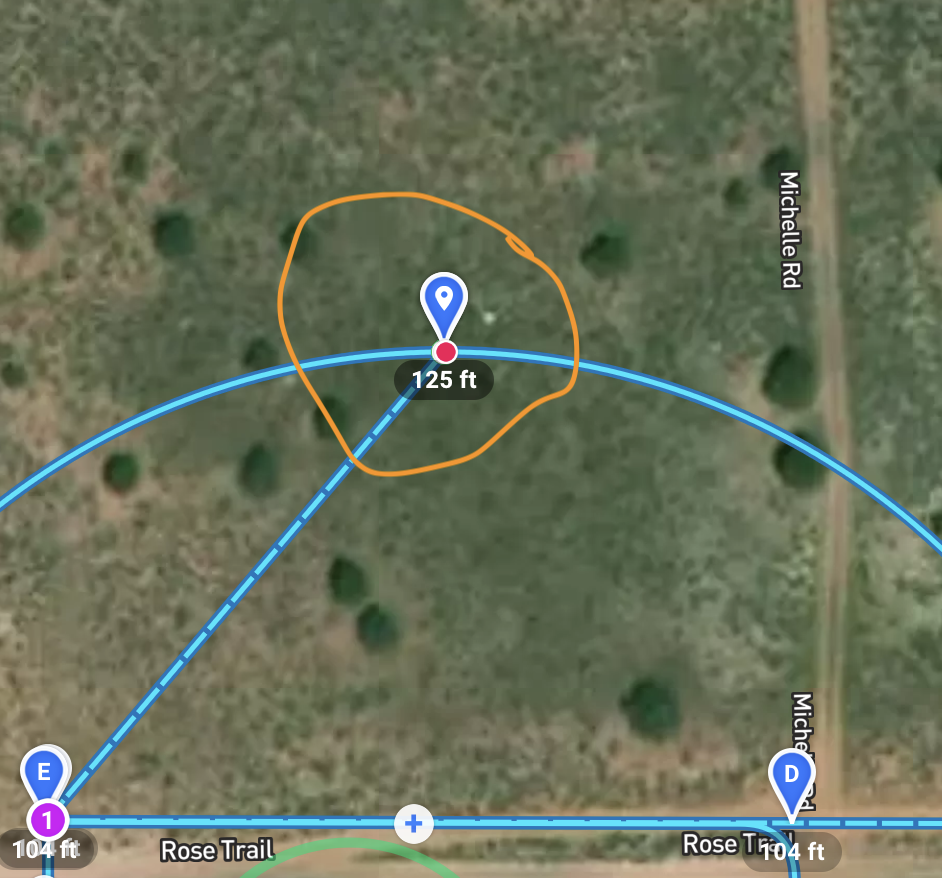
Comments
7 comments
Strange. Are you using a PC browser or the iPad ? If the iPad then you need to click the Orange lock in the bottom right area. Since you can drag the entire plan it’s probably not that though. If using a PC then I just tried and it works using chrome. Maybe try logging out of DL and back in.
It should work. Try refreshing the page - that sometimes clears up the gremlins.
Thank you barry and Mike. I think what I am learning is that if I move the pin for the orbit, I can do it once. Then to move (grab) it again, I have to exist, click different mission component, then try again. I think it's just me fighting with my browser. Not sure.
Still strange. I tried adjusting mine a few times to make it bigger, rotate etc. You may be right about the browser. Have you tried deleting all the junk files, cache etc. Have you tried with a different browser ? My PC is so slow when I change anything I need to wait for 5 to even 10 seconds for it to update anything. 😡
That is very weird. I have no problems adjusting it repeatedly and I'm also using a Chrome browser.
I deleted cache cookies etc just now, and then everything worked good....so maybe it was just me. All seems "normal". I wonder if it was one of my chrome extensions or something too....anyways, too tired to troubleshoot more. It's working and that is what matters. Thanks Barry and Mike!!!
Good to hear. 🤙🏼
Please sign in to leave a comment.