Air2s drone heading is not following path

Hello,
I just recently got the drone link app, and I am fairly new to this. I have created a waypoint mission with three points and have set the drone heading to the path but the drone just keeps facing straight forward, even though there is a curved path between B and C.
Path A - B is fine; the drone faces the path
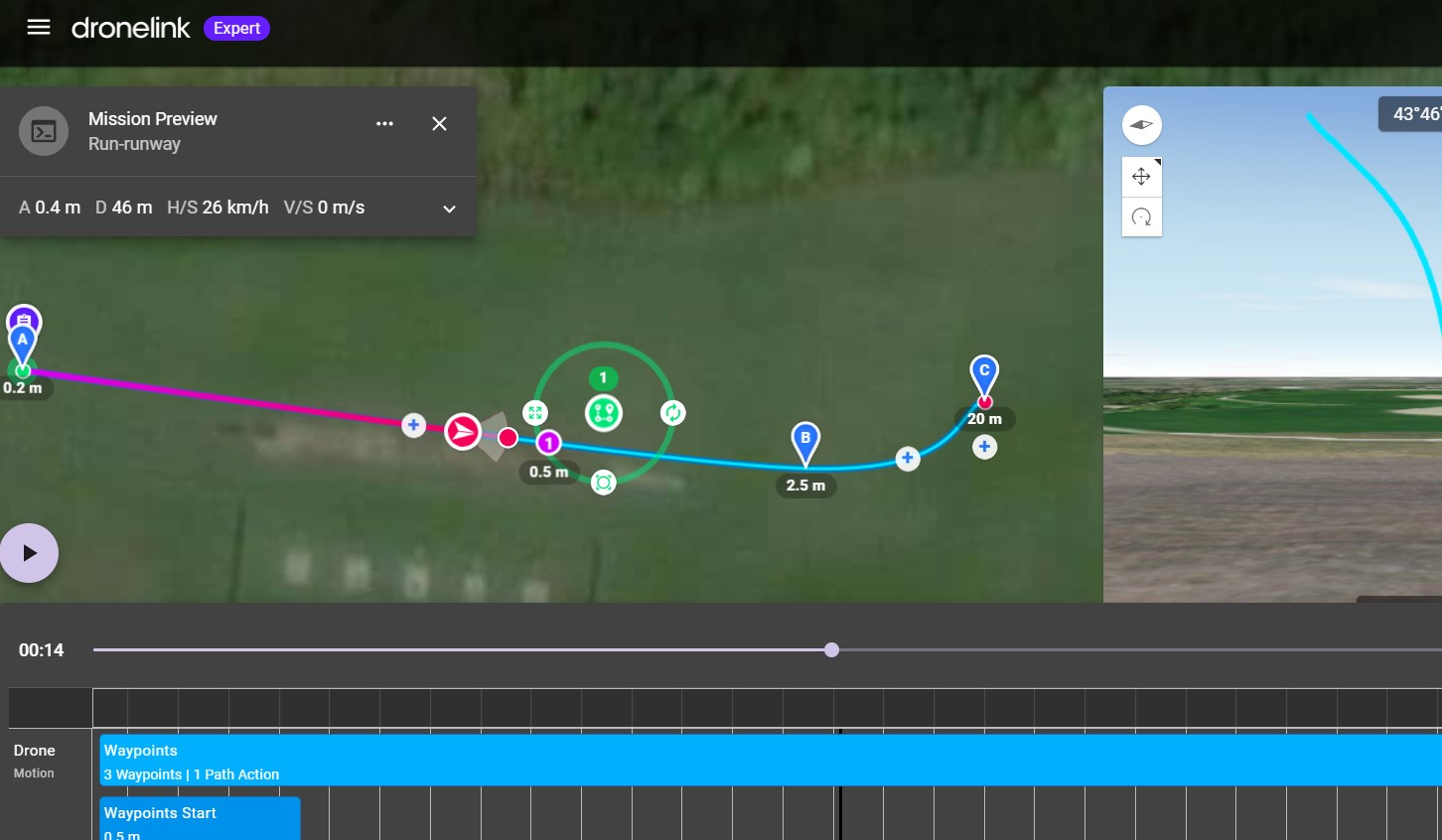
but when it comes to points B - C, the drone just faces forward and NOT the path
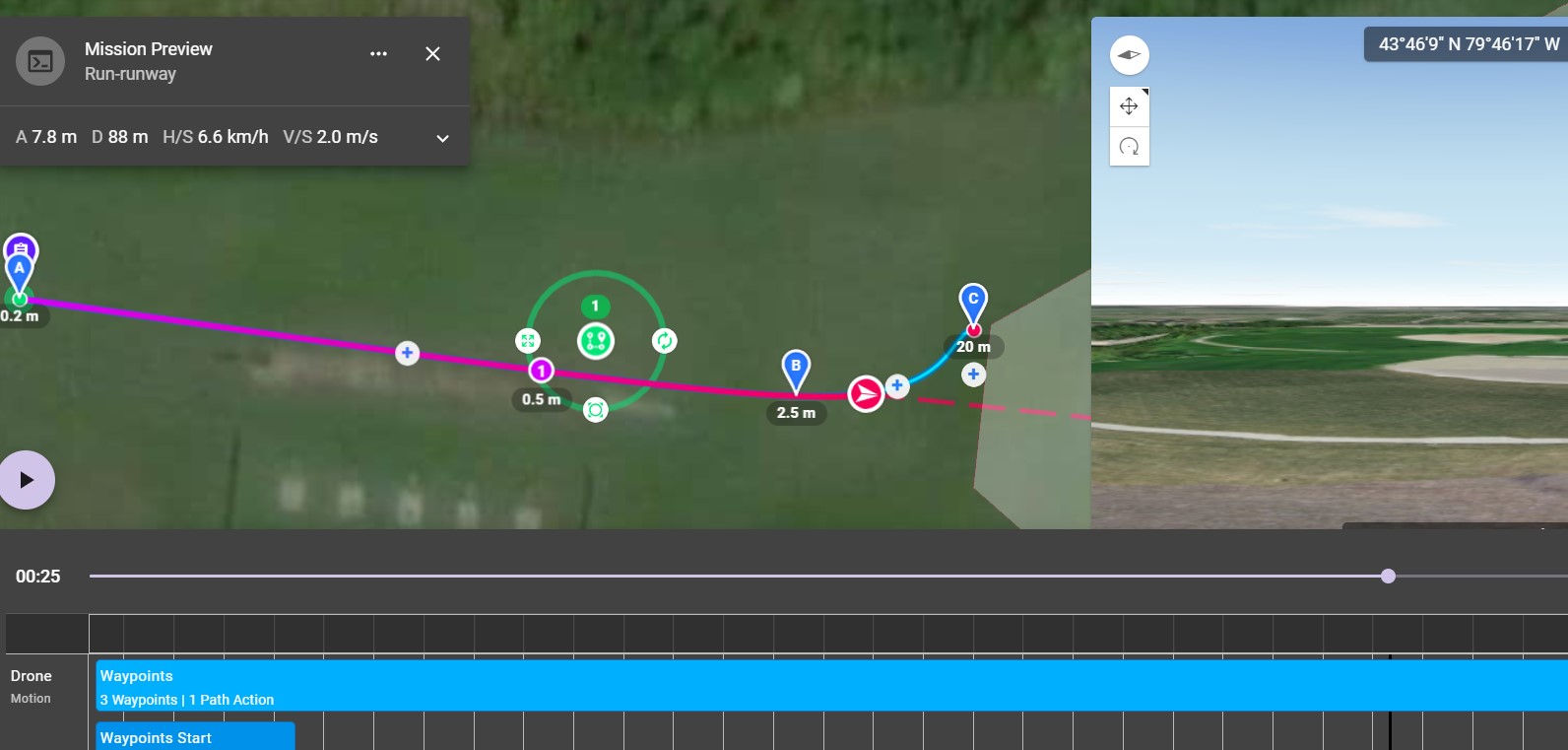
I haven't changed any of the drone heading settings. Because by default the drone should follow the path right?
please, any help would be greatly appreciated.
I am also attaching the link to this test project if it helps. Thank you
https://app.dronelink.com/ahsan-khan/my-first-project/plan/9gME2DpqOPD1l2GabFDk/NPNttzqLNI9h6qx1Kuwf
regards,
Ahsan K
Comments
2 comments
I don’t see where you set the drone heading.
I don't know if it is default or not but you have the drone rotation speed set to 0.1 degree/sec so the done cannot rotate fast enough to keep up with the flight curve. Go to settings for the plan and change the rotation speed to something higher, like 25 degrees. As the drone is flying really fast it needs to rotate quickly around the curve. The heading of the drone will only be set to the current path, not the curvature to come. You could also slow down the drone.
Please sign in to leave a comment.