Terrain Follow mission preview

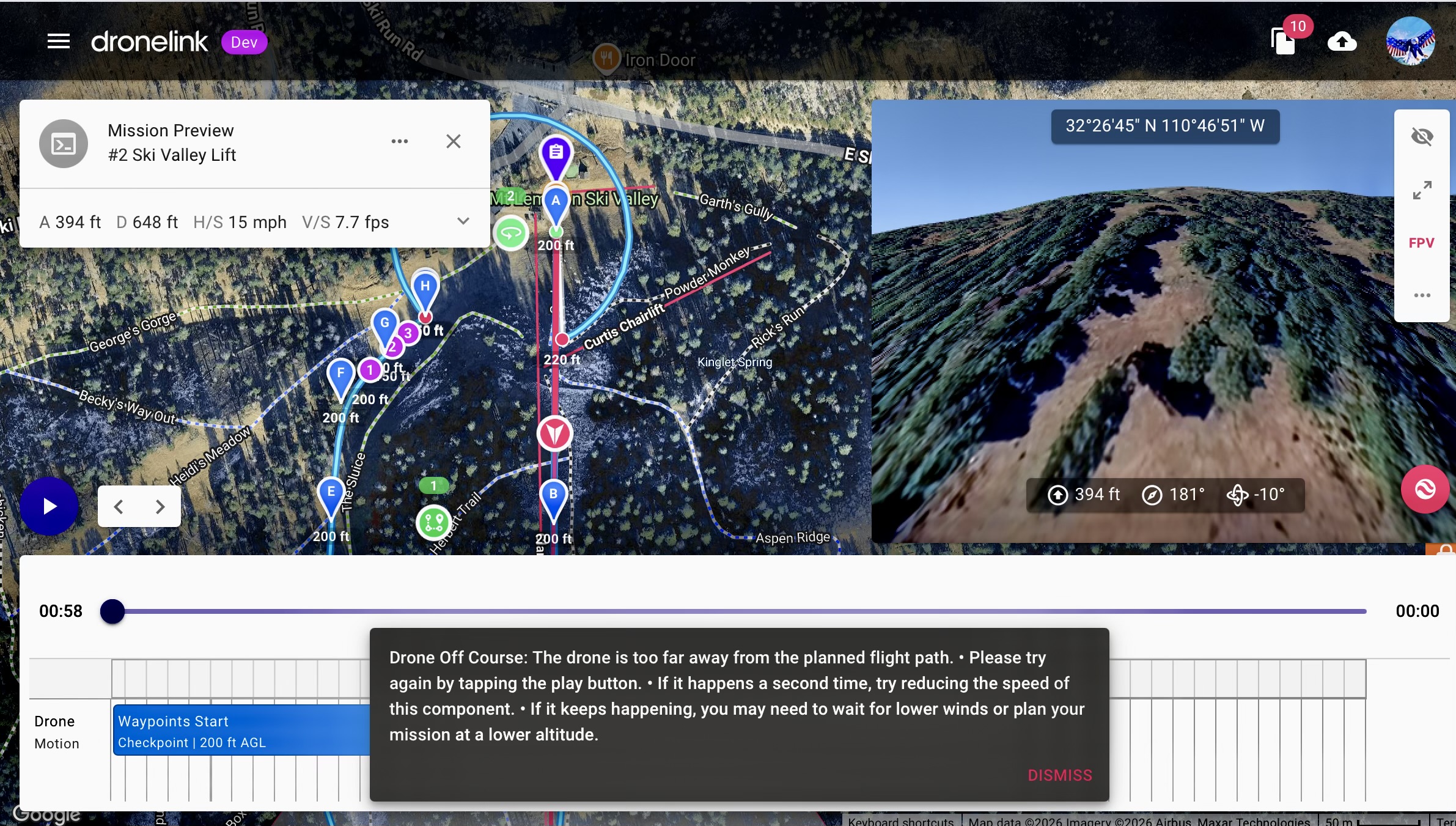
I created a couple waypoint path plans a while ago which are set to AGL but with the addition of Terrain follow with paths I switched one of these plans. The mission preview won’t load properly at this specific location. I found that if I move move it about 1 mile or more away it loads. I’ve seen this before several years ago but can’t remember why it does this and how to get it to load. If I switch to ATL or even AGL it loads. It’s not a big deal as I will not be going to that area until about October but would like to fly a couple missions there. Any suggestions ?
Comments
2 comments
If you change anything on the plan it should force it to go for the elevations again and work.
I tried that yesterday as well as most the usual suspects but didn’t work. Event tried creating a new plan with no luck which is strange. Anyway just tried again by moving one waypoint slightly and then saving it as a new version instead of current version and it works. I should have tried that yesterday but didn’t even think about it. Just one of those wonders of the techno world. 😜 Thanks.
Please sign in to leave a comment.