Include Google Map functionality for Oblique view by Action Shift Left Mouse Click, Slide Mouse.

For Web App - Include the standard Google Map functionality for getting the Oblique view by action = Shift, Left Mouse Click, Slide Mouse.
Its not working in Chrome, Edge or Firefox.
Here is expected view: 
Comments
5 comments
What are you expecting the waypoints and path and things to do?
To go world class, compare to the current Litchi Functionality - Completely interactive mission planning using 3D Google Maps views showing Paths, Waypoints, Shot Framing, etc. See samples: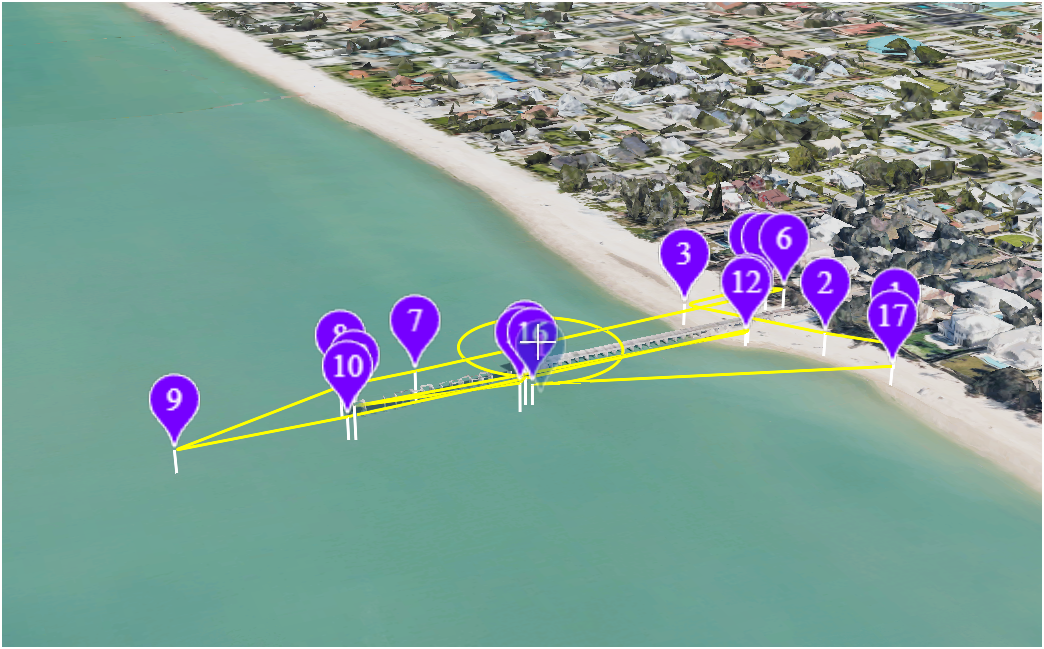
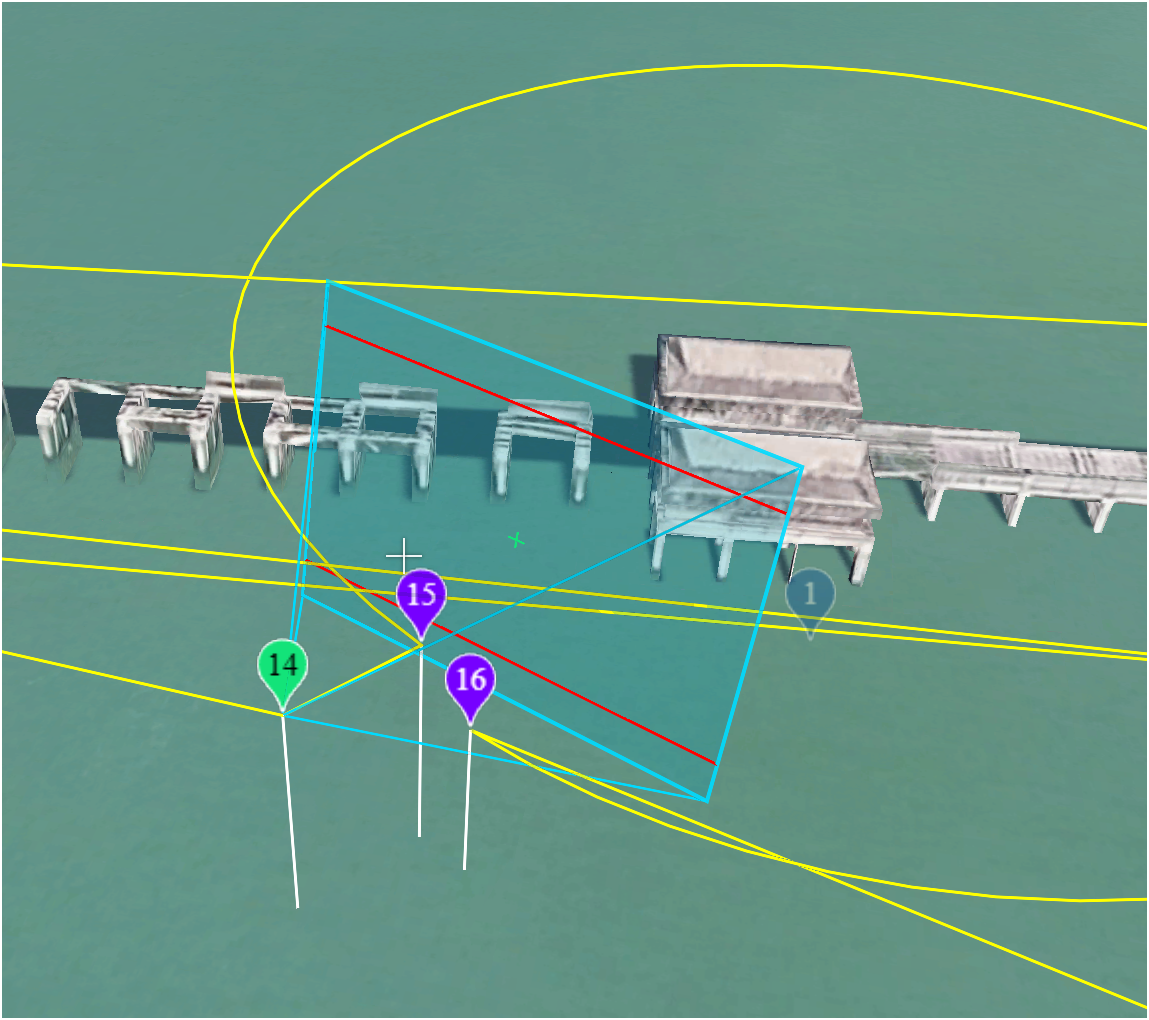
Assuming we updated the 3d view to use google (so you can confirm in 3d that you like your mission plan), does dragging the waypoints around in 3d actually get you anything or improve your user experience? Again, I am talking about a world where your 2d changes instantly show up in the current 3d window with google as the provider. This is an honest question, just trying to understand the pros and cons here.
Interactive 3d views (altitude, heading, pitch) are adjustable with mouse dragging, scroll wheel spinning. The actual editing / positioning of waypoints is in the 2D view. Mission simulation preview supports Interactive 3d views WHILE preview is running.
Check it out if you have Litchi.Its pretty elegant.
Going to track Google 3D here: https://support.dronelink.com/hc/en-us/community/posts/50379569245587
Please sign in to leave a comment.