Failing Google Maps Functionality

Right Mouse Click not bringing up Google popup in default Google Map view for browsers on Windows 11 laptop.
- Chrome - Version 146.0.7680.165 (Official Build) (64-bit)
- Edge - Version 146.0.3856.84 (Official build) (64-bit)
- FireFox - Version 149.0 (64-bit).
The Google Popup is not being presented. Here is the standard expected Google Map Right Click functionality:
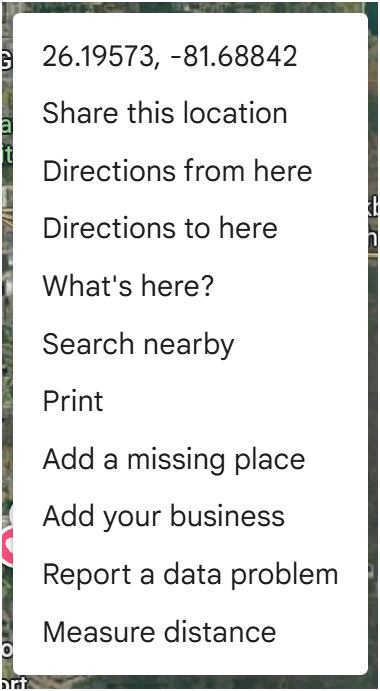
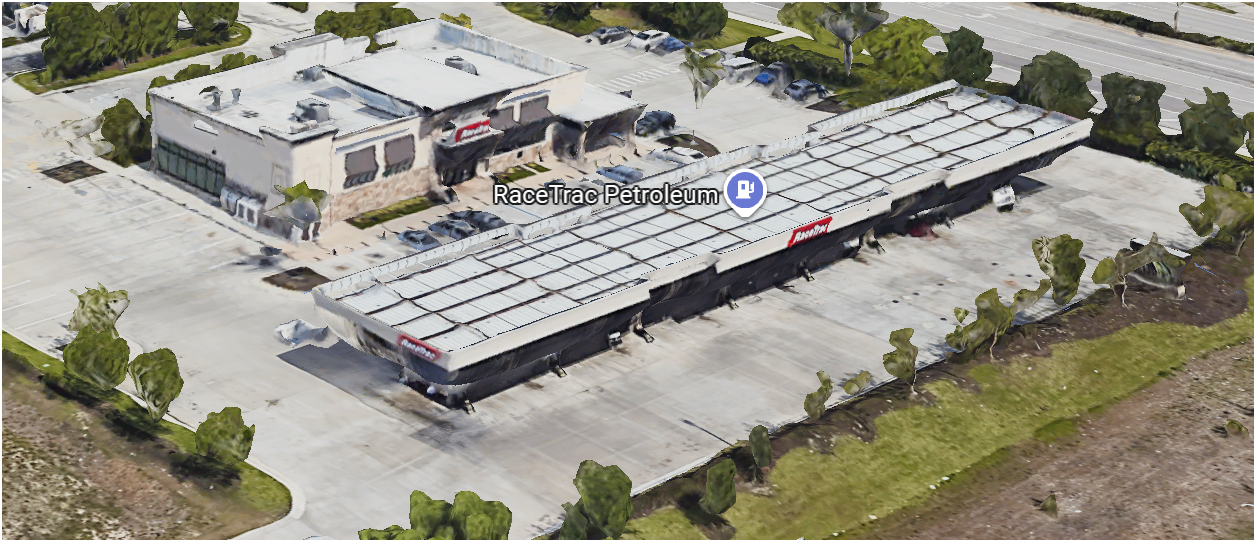
Also expected Google Map functionality is transition to Oblique view by Action Shift Left Mouse Click, Slide Mouse.
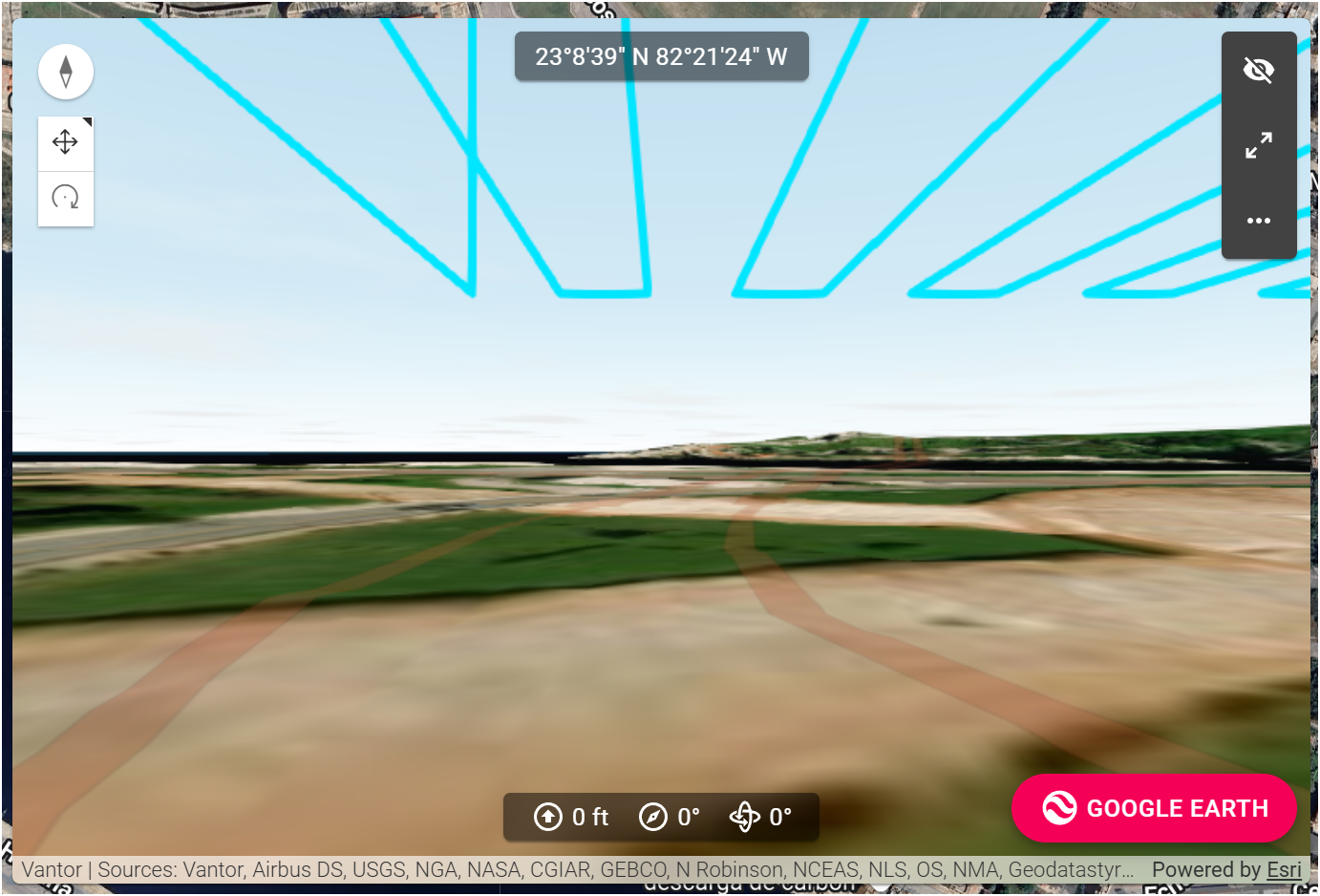
Lastly, The Mission preview screen is not defaulting to Google Maps. Google Maps is not even an available view.
Comments
1 comment
This is by design, as the context menu brings up the Dronelink mission planner specific options. Is there a specific option in the default popup that you are looking to have? If so: feature request.
Again, feature request, and please be clear about what you are expecting out of this feature and why you want it or why it would be useful.
The 3D has always been a separate thing from the 2D maps and uses Esri. The scope of the Google Maps integration only covered the 2D maps but feel free to submit this as a separate feature request.
Please sign in to leave a comment.