Mavic 4 Pro not showing up in the Online Mission Planner when selecting cameras

Hi
If this has been answered it's not easy to find.
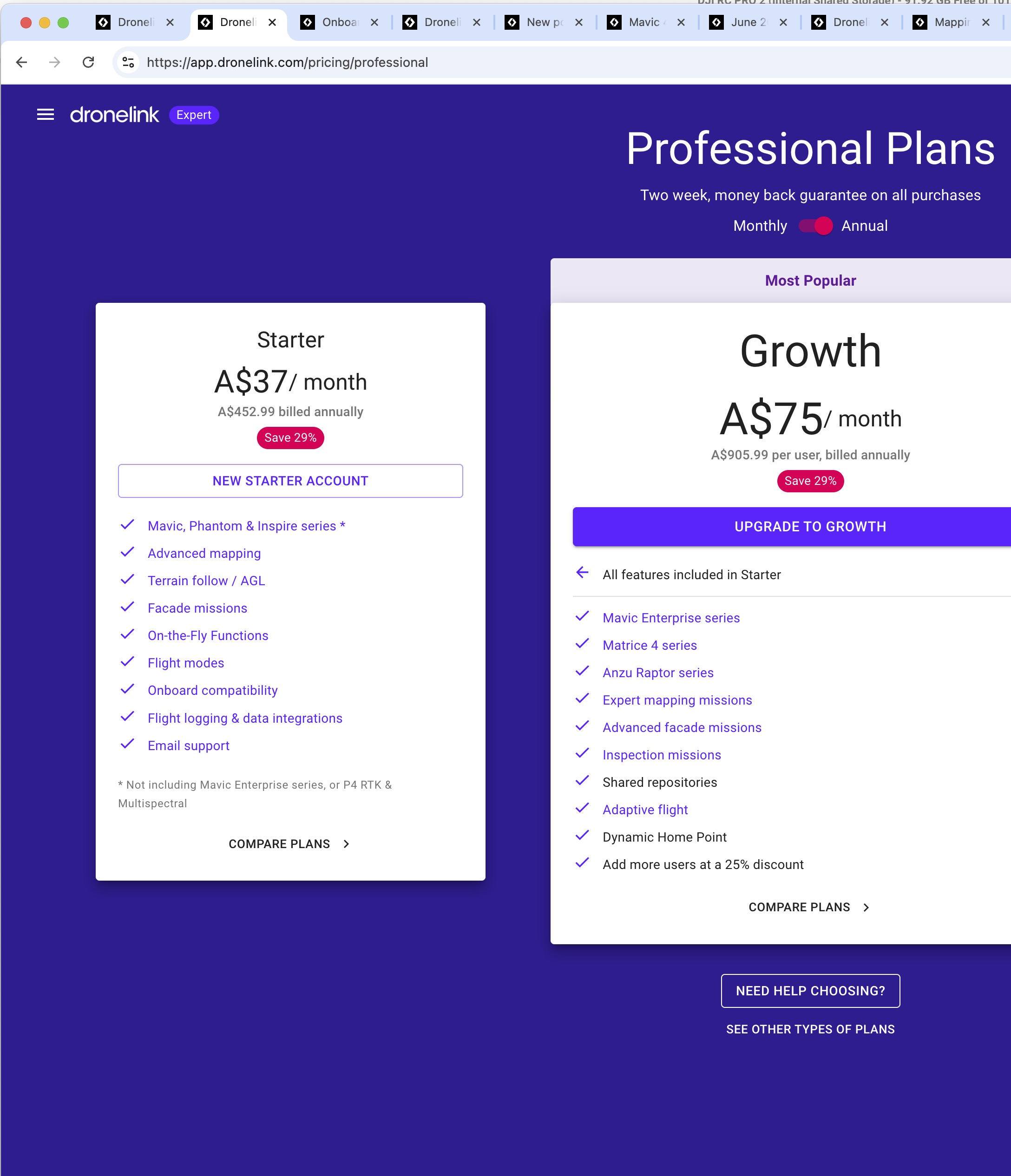
I just purchased a subscription that says it supports the Mavic series (After carefully checking the information on the website).
When I try to plan a mission the Mavic 4 Pro does not show up in the online mission planner and allow me to select a camera.
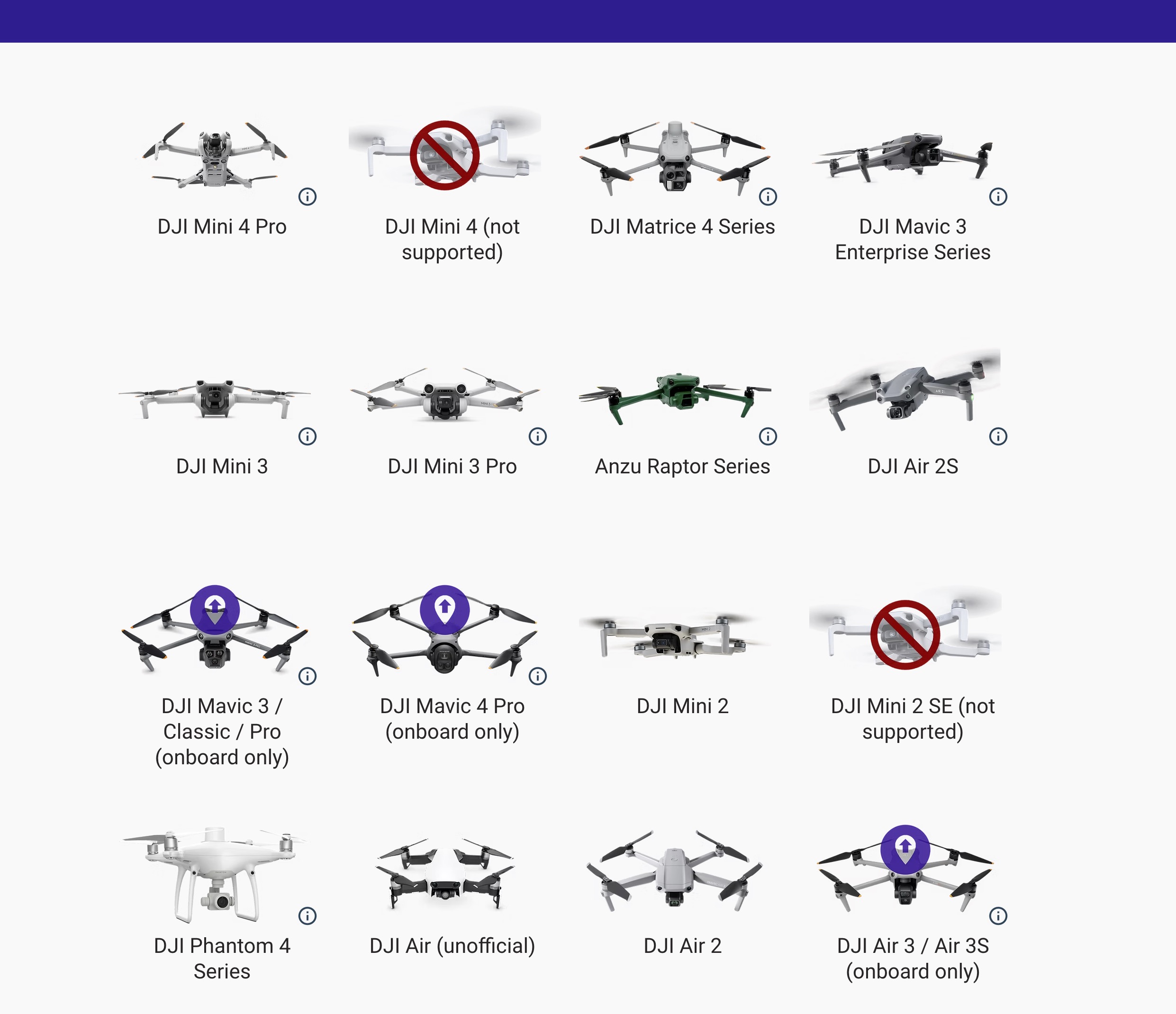
I am aware that this is an 'onboard' only supported drone, however for $400 I do expect to be able to select the correct camera and focal lengths and other data or be able to find a guide for set up in the case of this drone model.
If such a thing exists I would appreciate it of someone can share the link.
Can someone help please.
Thank you.
Comments
4 comments
Hi Elliot. I saw the other posting so not sure if you are going to use DL or request a refund. If you will be trying it out you can use the Mavic 3E or the Matrice 4E which has basically the same 4/3 sensor. Good luck.
Hi Mike.
Thank you I really appreciate the reply.
Unfortunately the Mavic 4 Pro has a 28mm lens not a 24mm so it's not just the sensor that makes the difference.
I tried making a custom drone profile by entering all the sensor data and focal length info etc , but there was no way to save it for ease of future use... and the interface also wigged out when I tried to enter custom waypoint intervals to stay under the 200 limit for the DJI controllers software.
After delving into everything I could find on the Dronelink site it became apparent that beyond setting a general waypoint path, Dronelinks online mission planner does not provide really any functionality on the Mavic 4 Pro owing to the limitations of the DJI Fly software and it's crippled waypoint system.
I think this means that Dronelink doesn't do anything different to any of the other mission planning tools that are online like Litchi and others... it looks like you can set a path, but need to trigger the camera yourself and also determine the speed needed etc through trial and error.... so not a lot of utility is provided.
I think saying that Dronelink is supported 'onboard' for this DJI model is 'gilding the lily' a fair bit. Perhaps for other 'onboard' Drone models it is better?
That said, I really appreciate the help offered on here otherwise.
Elliot
I can try to help more but if you won’t be using DL then probably not something you will need. Yes, The limitations of DJI Waypoints doesn’t help. A couple quick things. It’s easy to start capture for videos or photos manually and since you will need to set the camera in the Fly app before flight it’s not like it takes time. With that said, with a path component you can add an auto start capture for video or photo but needs to be done after you have converted it to a DJI Waypoints plan. Then it will auto start capture at beginning of the plan and then stop at end of mission. Anyway, there are limitations as you know due to DJI but overall it’s a way to utilize basic functions as stated in the support article. If you want to try and continue using DL I’m sure someone here on the forum can help or you can get support from DL via their email.
Also you stated you have the correct sensor sizes and lens focal size for the Mavic 4 Pro. Can you give them here so DL and other pilots will have them. At least they can be entered manually and would be helpful.
It does state its basic support. https://support.dronelink.com/hc/en-us/articles/4410621290387-Onboard-DJI-Waypoint-Missions-Convert-and-Export-to-KMZ
Please sign in to leave a comment.