Does someone know whether the drone altitude data in the logs uploaded to airdata for a flight are referenced to Ground or take off point? I'm trying to analyze a crash. Thanks
I don’t know much about the records. Airdata record’s CSV file show Lon/lat in decimal format and the altitude in both ATL and AGL are shown. Also Includes the actual elevation. Not sure if this helps.
Thanks Mike, In spite of watching tutorials and other videos, I'm still confused about altitudes. Don't know if the drone can record actual altitude or if that is determined by app. Btw going after drone again tomorrow. Failed for various reasons on first two attempts.
The drones altimeter is what indicates altitude from the actual take-off location, or some use above take-off location and the app is showing what that is. These drones can’t measure the AGL, above ground level while flying. That’s why when flying whether with DJI or DL app it may show a negative altitude if it flys below the take-off location. This happens when I fly from my driveway which is about 50’ above the street level and go lower. The DL AGL function is using ESRI mapping data of the terrain to keep it at the approx AGL altitude you set. The app still indicates what the altitude is from the take-off. Not sure if that helps. It can be confusing sometimes.
I completely forgot to mention, Airdata has an HD flight player for each flight similar to the DJI app. So you can see on the map where it was before disconnect. Of course it won’t show where after it lost connection but it will give location on map as a reference which you can zoom in on. Maybe it can help find it from its last point.
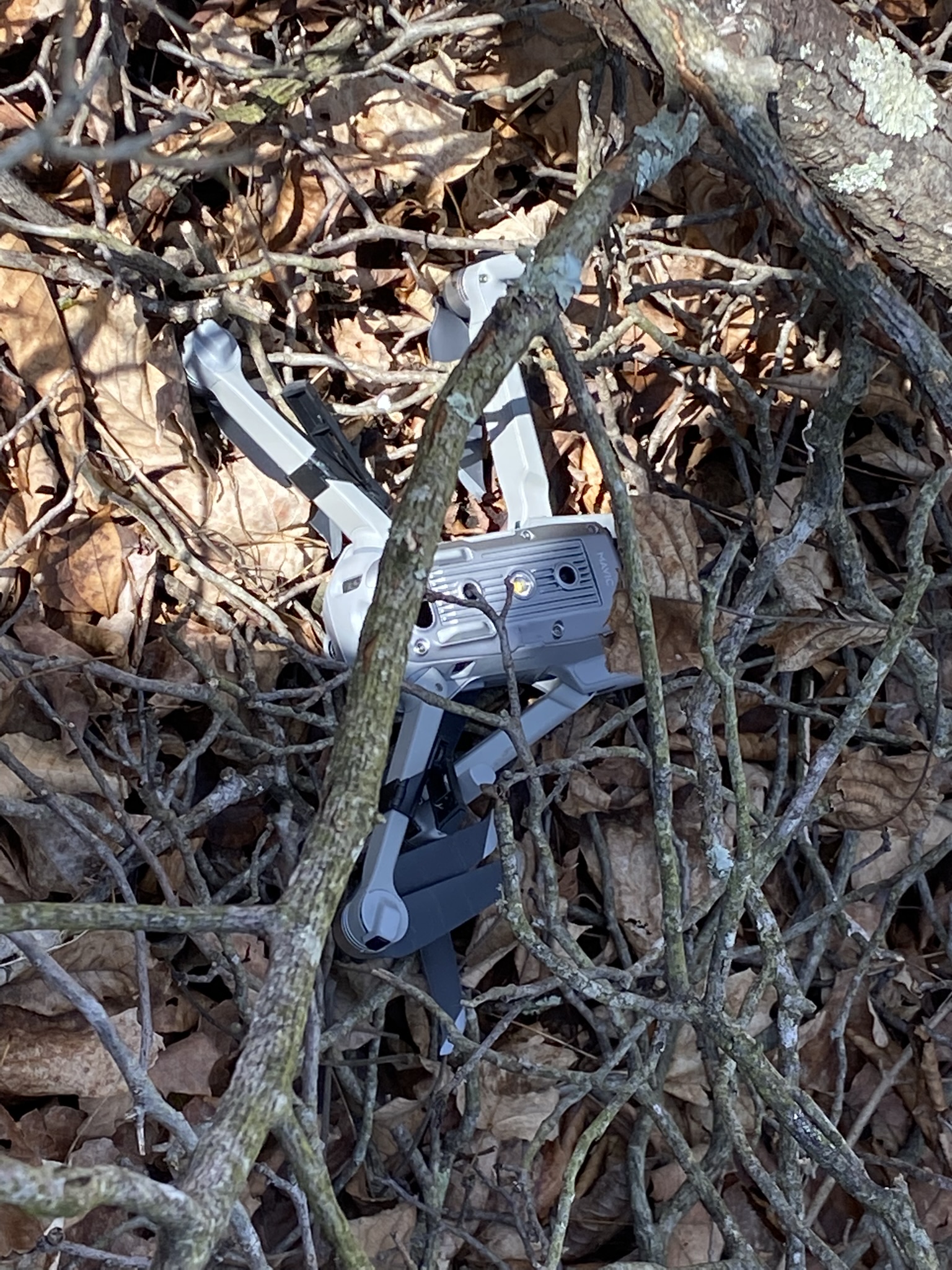
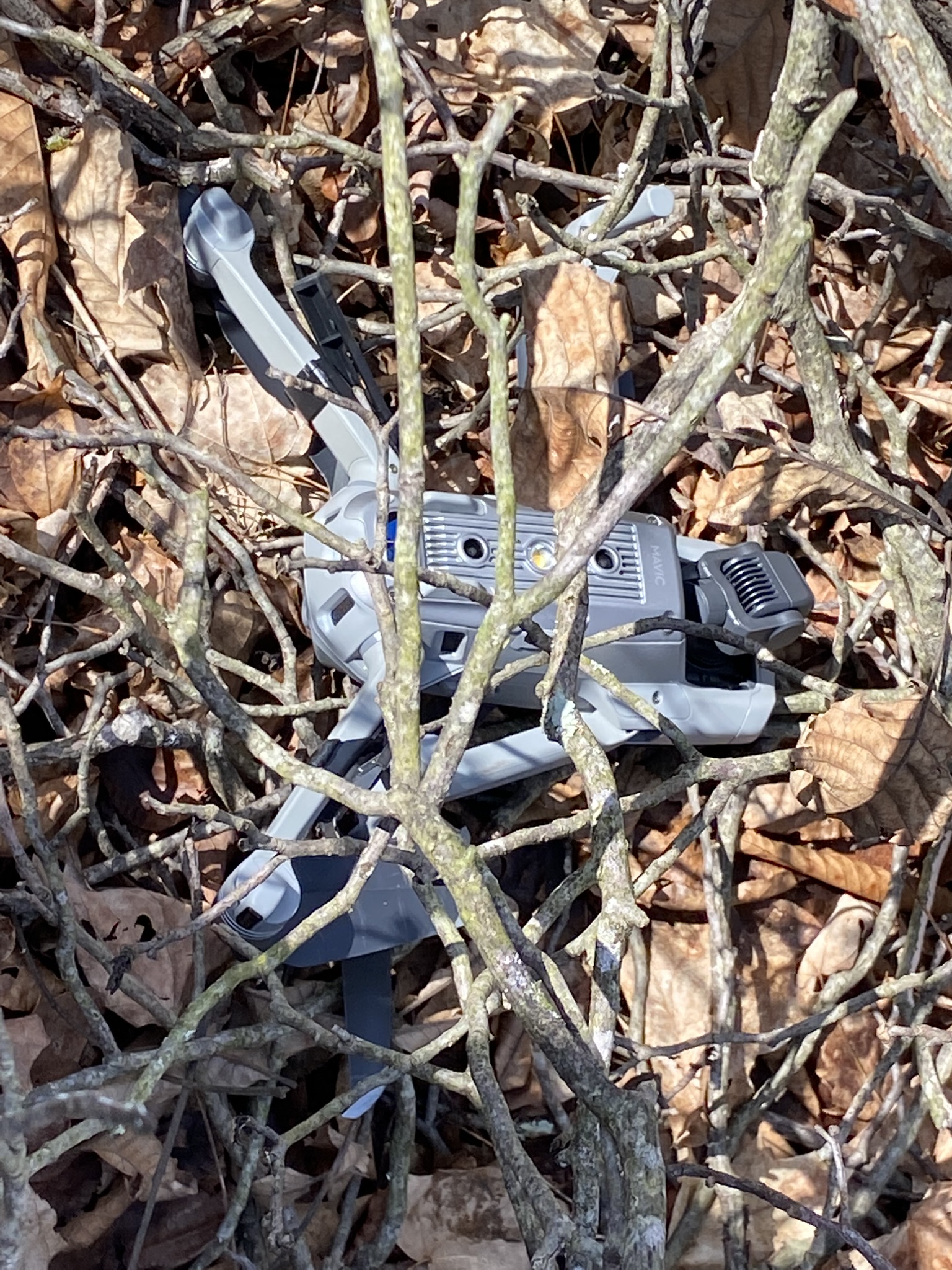
Recovered drone today, loss of telemetry was caused by collision with a very tall tree. Only damage was two front props and crack in lower Cover and lost two front landing gear extensions. Some water as the drone went through two bad storms.see attached taken before removed, it was a tree that was down. Used iphone and cachly to navigate to waypoint. Hopefully a dry out will get it in the air again.
Ouch. At least you got it back. If it got water inside there has a way to dry it out. Some use the desiccant packs and place in a cardboard box for a week or so. If it needs repairs behind your capability then you may not want to try. Good luck and I hope the cost isn’t too much.
Follow up on drone recovery. Only damage was broken prop and crack in bottom cover. Camera had water vapor behind lense (dried it out). It flies ok. For those interested here is a link to final seconds of flight, it had avoidance set to go around instead of hover, as it turns out I think that was a mistake.

Comments
16 comments
Does someone know whether the drone altitude data in the logs uploaded to airdata for a flight are referenced to Ground or take off point? I'm trying to analyze a crash. Thanks
I don’t know much about the records. Airdata record’s CSV file show Lon/lat in decimal format and the altitude in both ATL and AGL are shown. Also Includes the actual elevation. Not sure if this helps.
Thanks Mike, In spite of watching tutorials and other videos, I'm still confused about altitudes. Don't know if the drone can record actual altitude or if that is determined by app. Btw going after drone again tomorrow. Failed for various reasons on first two attempts.
The drones altimeter is what indicates altitude from the actual take-off location, or some use above take-off location and the app is showing what that is. These drones can’t measure the AGL, above ground level while flying. That’s why when flying whether with DJI or DL app it may show a negative altitude if it flys below the take-off location. This happens when I fly from my driveway which is about 50’ above the street level and go lower. The DL AGL function is using ESRI mapping data of the terrain to keep it at the approx AGL altitude you set. The app still indicates what the altitude is from the take-off. Not sure if that helps. It can be confusing sometimes.
It does Mike thanks
I completely forgot to mention, Airdata has an HD flight player for each flight similar to the DJI app. So you can see on the map where it was before disconnect. Of course it won’t show where after it lost connection but it will give location on map as a reference which you can zoom in on. Maybe it can help find it from its last point.
Recovered drone today, loss of telemetry was caused by collision with a very tall tree. Only damage was two front props and crack in lower Cover and lost two front landing gear extensions. Some water as the drone went through two bad storms.see attached taken before removed, it was a tree that was down. Used iphone and cachly to navigate to waypoint. Hopefully a dry out will get it in the air again.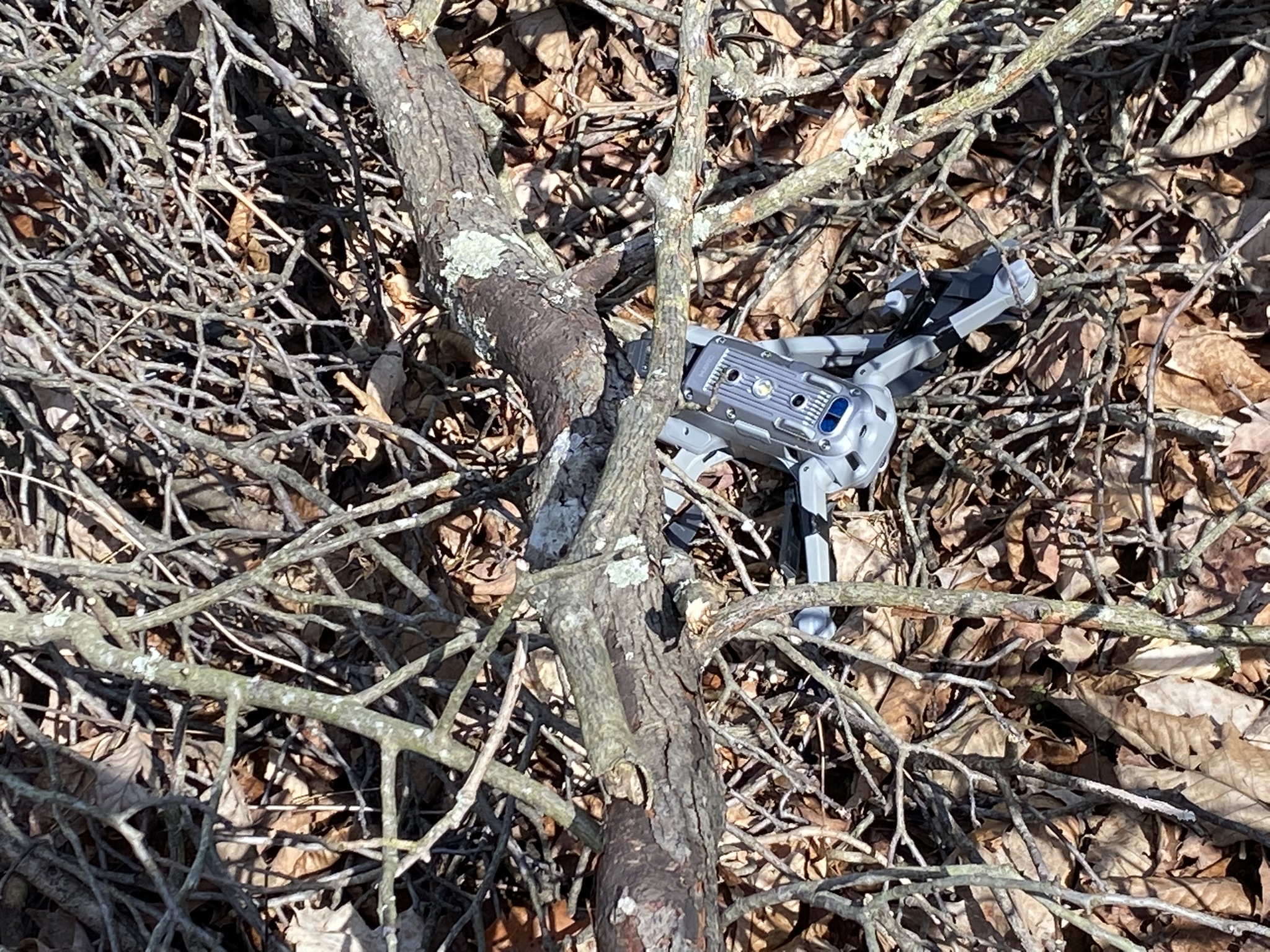
Ouch. At least you got it back. If it got water inside there has a way to dry it out. Some use the desiccant packs and place in a cardboard box for a week or so. If it needs repairs behind your capability then you may not want to try. Good luck and I hope the cost isn’t too much.
Looks minor. Where is the player on airdata?
Go to “my logs” and click on the flight. Select “notifications” and you will see the HD Flight Player.
Thanks, that will be very useful and I knew nothing about it
It took me awhile to figure out many of the features. 🤙🏼
Follow up on drone recovery. Only damage was broken prop and crack in bottom cover. Camera had water vapor behind lense (dried it out). It flies ok. For those interested here is a link to final seconds of flight, it had avoidance set to go around instead of hover, as it turns out I think that was a mistake.
https://drive.google.com/file/d/15HislVrt3Wj1WkUyicw8JXFiFMAAjAVn/view?usp=sharing
Is there a way to analyze the effects of winds aloft in the logs? Thanks
Yes. If you have them in Airdata (I think you do) there is a section in there that shows the wind during flight.
Thanks Barry
Please sign in to leave a comment.