
Popular Resources
-
<% blocks.forEach(function(block, index) { %>
-
<% if (imageHeight) { %>
<% } %>
<% if (block.name) { %><% if (block.html_url) { %> <%= block.name %> <% } else { %> <%= block.name %> <% } %>
<% } %> <% if (block.description) { %><%= block.description %>
<% } %>
<% }) %>
Comments
7 comments
The drones firmware is what controls the RTH, not the controller or app. By default when you create any plan in the Web app the action on finish is set to RTH. Also all settings stick across apps so anything that has been set in the DJI app it is saved in the drones firmware. Max altitude, max distance, RTH altitude etc.. So it doesn’t matter which plan you purchase. Make sure you download the correct version of DL mobile app for your drone/ controller.
The RC Pro only works with a small amount of drones so I’d check to see which ones are supported. I’d go through the DL support page and familiarize yourself with what is required and how to use the app.
https://support.dronelink.com/hc/en-us/categories/360001874574-General
Hi Mike
Thanks for the prompt reply. I have the mavic air2s which supports RTH to controller to either Drone location or controller, but to update return to controller I have to update manually rather than being dynamic so does that mean I will not ever be able to have dynamic RTH. I was hoping that since Dji released the sdk for the drone that dronelink and litchi etc would have written into their software Dynamic RTH for the drones
You can add a drone command in the plan to return to a specific location. You will need to know and enter the coordinates for this to work but it should be able to be done.
This solution is better because the RTH sometimes malfunctions when the flight height is below that of the starting point : https://www.youtube.com/watch?v=oRd-y8dIUPI
Only available in the Professional Growth Plan.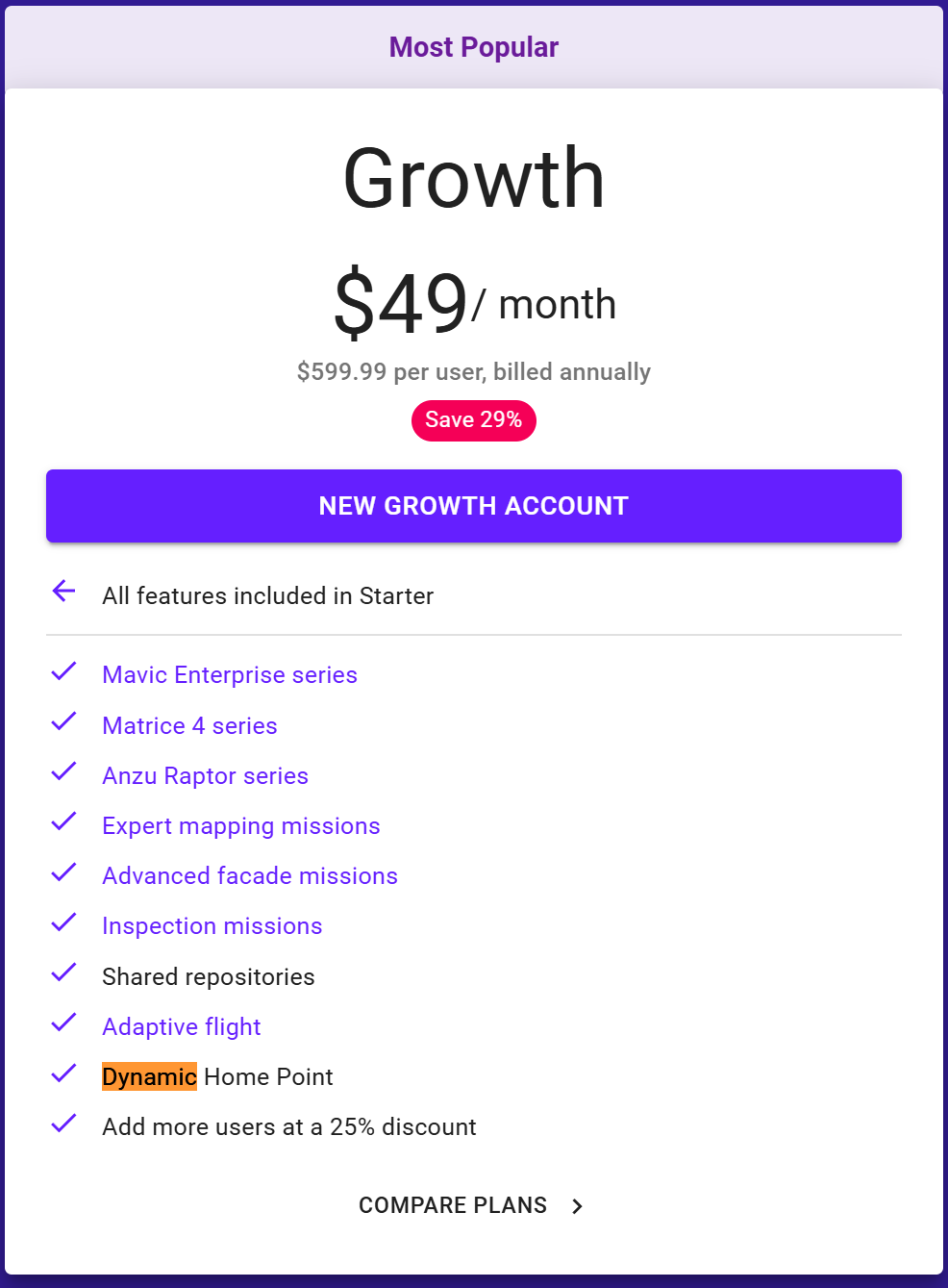
Question is about dynamic RTH to the controller which is different then Dynamic home point. Dynamic home point records the location every 5 seconds where the drone is. It does not record the controllers location which sounds like what he wants the drone to do. So a command to fly back to the controllers location or manually changing it in the DJI App are the only way I know of to do it.
Please sign in to leave a comment.