Home point accuracy

How I can set up correct home return point accuracy. The default accuracy is very bad (need a big park or stadium for automatic home return ).
For example, on Litchi you can set up easy 1 m accuracy and your drone come and land in the same sq foot, where was started.
How I can change it on Dronelink?
(DJI mini 2)
Thanks
Comments
16 comments
Please attach a screenshot of the setting in DJI Fly or Litchi.
Unless they have changed it, the only home point settings I am aware of in Litchi is to turn on or off dynamic home point.
There is a field called Max Location Accuracy, but that is not improving the accuracy, it is just setting what is the acceptable margin for error. As I understand it, if your expected accuracy (based on how many GPS satellites you have locked, etc.) is larger than the value you set there then the mission will not start.
If your RTH accuracy is bad, I would suggest waiting for more GPS satellites to lock before taking off.
If your RTH accuracy is so bad that it needs a large park then something else is at play here - were you flying manually and took off before the home point was set?
Another thought...if you have dynamic home point turned on and are using a device that doesn't have a GPS in it (e.g. many iPads) then the dynamic home point will be something very random based on cell towers. I fly a mission every 2 weeks where the tablet believes it is about a mile away.
Since I don't use dynamic home point there - that isn't a problem for me.
Already have made a screenshot, but will need a PC, as no attachment option here. I'll make a video to compare the hime return point accuracy Litchi and Dronelink and will upload it on YouTube in about 2 hours.
Attachments and other selections are on the top bar.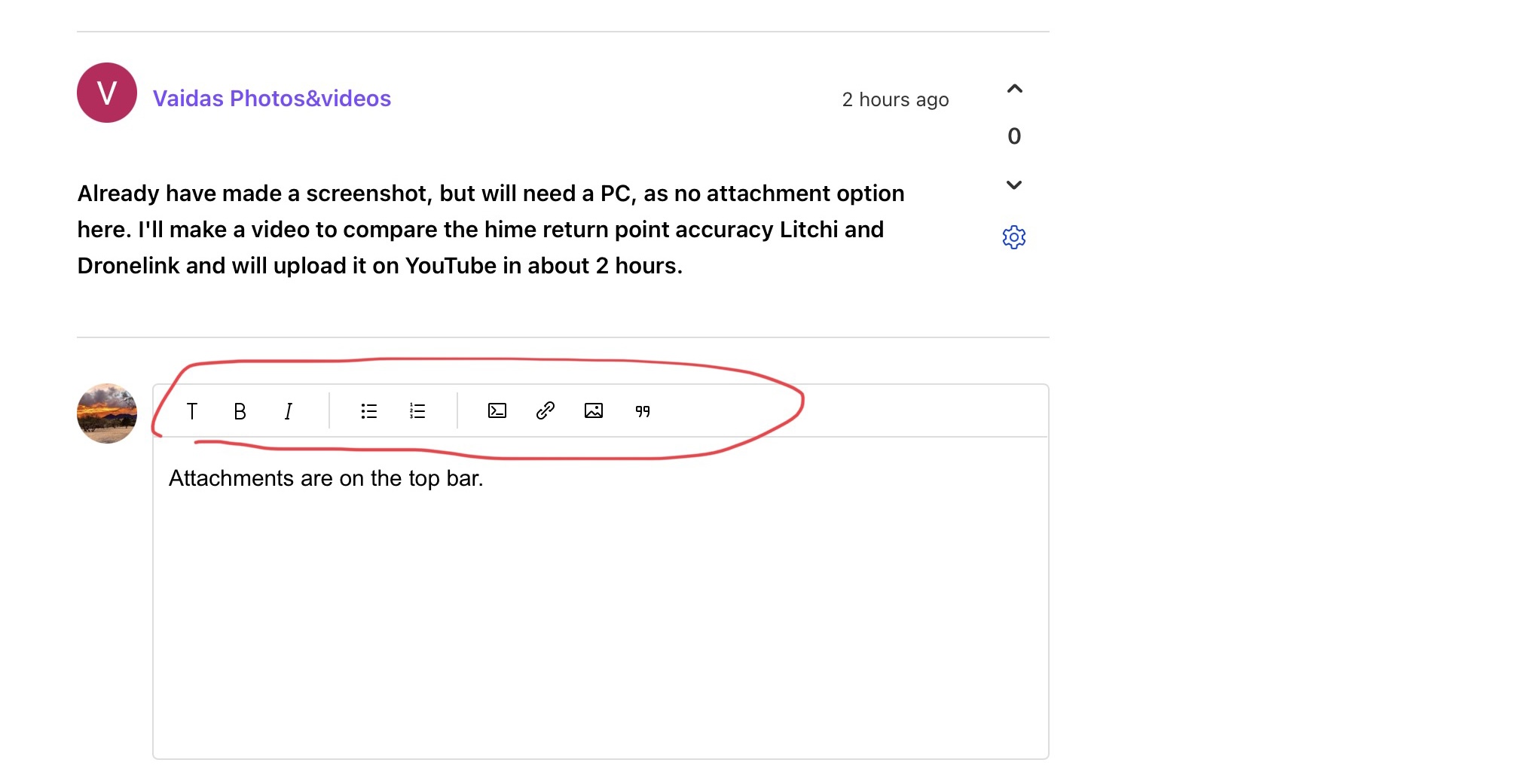
I Agree with Barry. Something else is wrong. I haven’t heard of this before and both my drones land within 6 feet or less every time. I have flown roughly about 900 minutes (15 hours) over the last year with DL and no issues. Very curious.
I’d refresh the firmware, calibrate IMU ,Compass etc. Go through everything first. Just a thought. Good luck…
Vaidas Photos&videos
The most useful video would not be of the drone flying, or even footage from the drone, but screen recordings showing Litchi running and DL running. And, most important, it should be from before take off to the end.
The most logical assumptions are:
If it's not either of those then there is something wrong with your drone because DL and Litchi do not affect RTH other than to allow you to change battery percentages and altitude.
I tried several flight tests again for comparison and filmed at the same time. The result was completely different than that morning. With both Litchi and Dronelink, the drone returned home in exactly the same way. But after a more difficult mission with Dronelink, the drone not only didn’t return home automatically, but also didn’t listen to the Home return key. I have returned the drone home manualy.
Of course, Litchi doesn’t go through complex missions like DL, which is why I prefer Dronelink. It may just be that DJI mini 2 is too week doing big missions. (too weak a drone probably). I will try to load more longer pauses into the mission so that the internal computer of the drone can recover during the flight.
I tried several flight tests again for comparison and filmed at the same time. The result was completely different than that morning. With both Litchi and Dronelink, the drone returned home in exactly the same way. But after a more difficult mission with Dronelink, the drone not only didn’t return home automatically, but also didn’t listen to the Home return key. I have returned the drone home manualy.
Of course, Litchi doesn’t go through complex missions like DL, which is why I prefer Dronelink. It may just be that DJI mini 2 is too week doing big missions. (too weak a drone probably). I will try to load more longer pauses into the mission so that the internal computer of the drone can recover during the flight.
If your drone is not reacting to the RTH button on the controller then there is something wrong - that should ALWAYS override any mission being flown regardless of software.
Do you have an Airdata account? Maybe you can upload the logs to that and look for possible problems such as connection issues, or something else
I have noticed the opposite to the OP, using DJI Fly the 'precision landing' is a bit flakey, but with DroneLink it always lands within a few cm of the exact take off position.
The more I use DL the more I like it, I dare say in the coming months I'll be trading up my Elite Hobby account for a Business Starter just for Terrain Follow.
Of course negotiating a new piece of software for what the 'Minister for War and Finances' (my wife) considers a toy is my true challenge!
Ben Catchlove Wait until you see how you can correct for GPS inaccuracies with the higher versions :)
https://vimeo.com/553828998
Damn you Barry for showing me more cool stuff !! As soon as I have clearance from the Minister I'm getting a Business Sub :)
Barry you are da man!! Had no idea on the GPS correction. Thank you.
Ben Catchlove LOL.
Since you're there you might as well watch the others - I add to them when I have time :)
https://vimeo.com/showcase/8938995
Fortunately, a lot of those features a free :)
Please sign in to leave a comment.