Home Page Structure and Missing Plans

Today my repo structure is different than it was yesterday, plus I can't find at least two plans (Elden_Construction, Dranesville_Construction). I've attached a screen shot of home page. In general, my home page doesn't seem to have a buttons to create new repos, to import plans (e.g., Litchi csv files), or other things I see in the tutorial videos.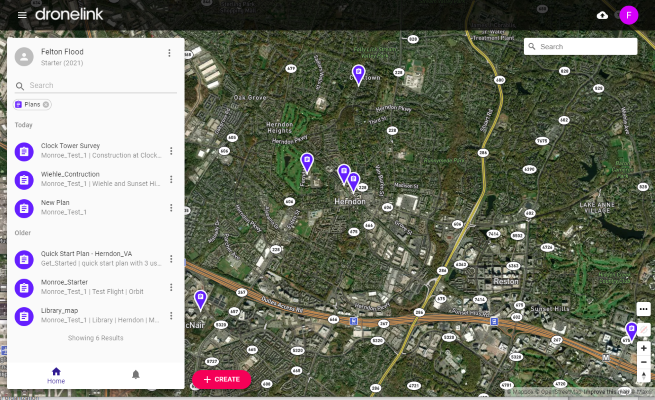
Comments
1 comment
I’m not sure if I’m fully understanding your issue. All of your plans should be in that list. However, Click on the “x” at top where it shows the plans. This will take you to the main screen to show the list with all the Repos, plans, missions and components. Choose which Repo you put it in and try that way. If not then try logging out and back in again.
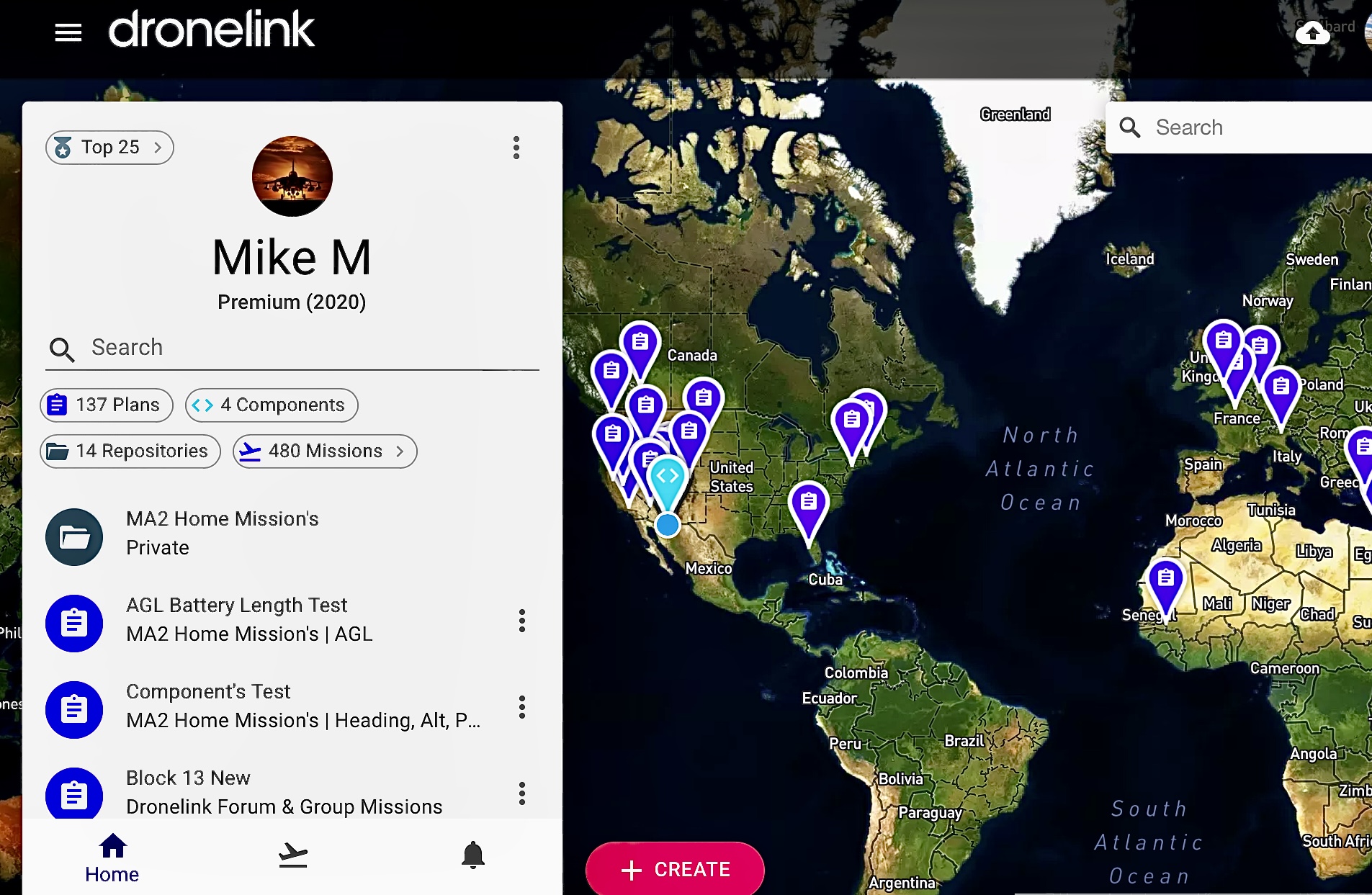
If you want to import, create a Repo or do other functions you need to click on the Create button on the bottom of screen. This will take you to the list of options you have. Maybe this will help.
Good luck. Mike…
Please sign in to leave a comment.