Mavic Pro Camera Start Capture | Not supported

Hi,
I've flown my Mavic pro using dronelink and my mobile phone (Samsung Note 20 Ultra) without any issues for a previous map in the same location.
However, starting to try to map the same area and other areas using new components and the drone will either start flying and taking pictures then come up with the error message when it takes a corner of the planned route or will show the error message from the start.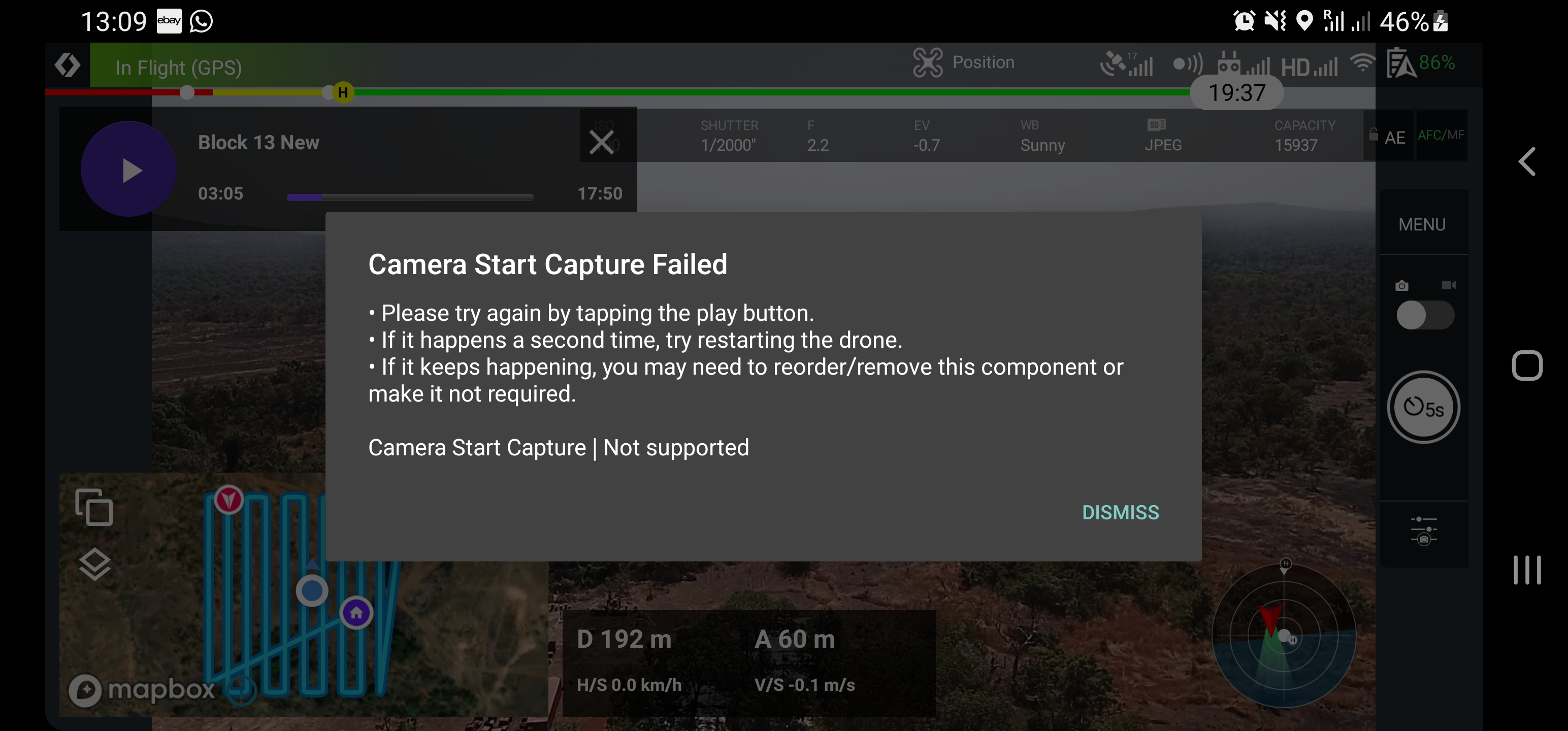
I have tried editing components and making a new plan without any success.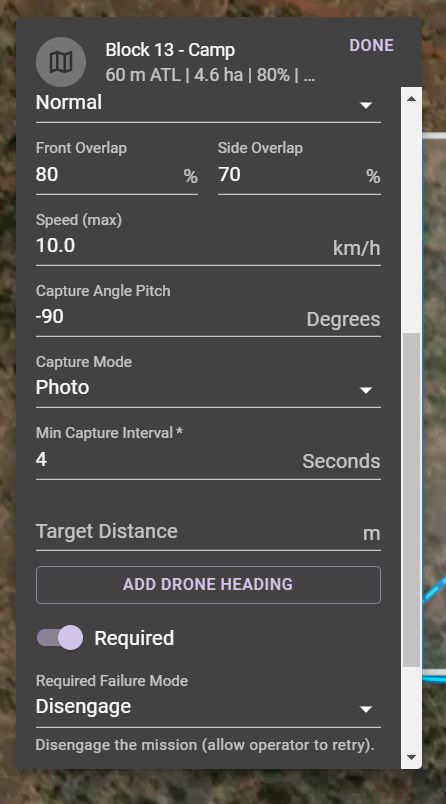
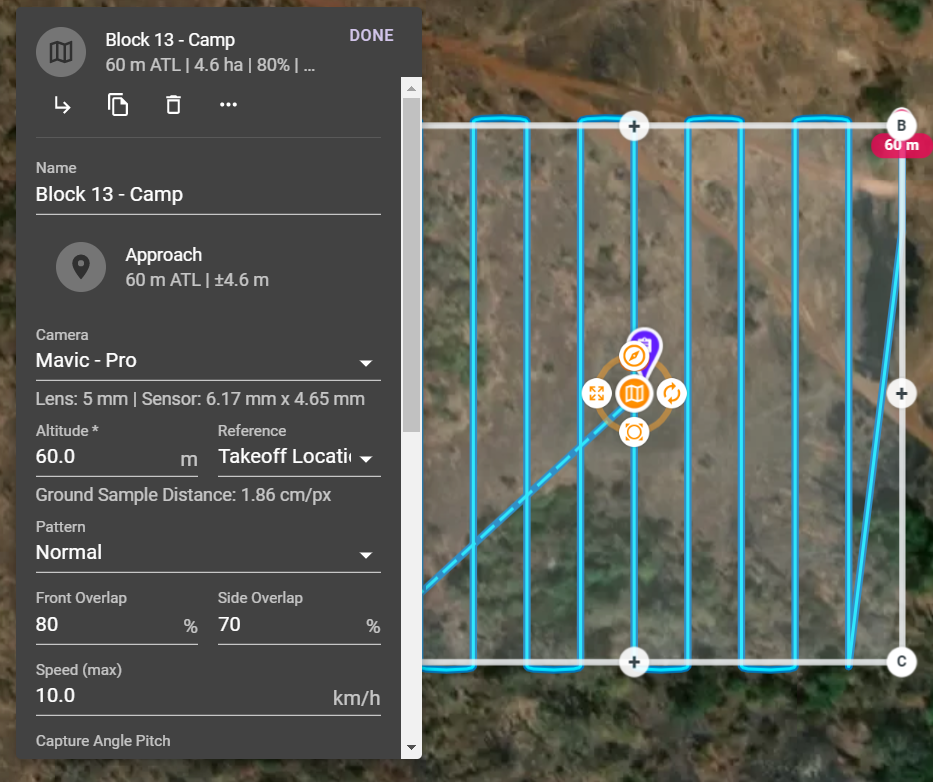
Have also tried restarting drone, and dronelink app (including pressing play on the mission when it stops, but I get the same error message again very shortly after) and drone is on latest firmware. Have noticed when I open and close the dronelink app when the error comes up the drone will fly a bit longer before the error shows up again as opposed to resuming the plan without closing the app first.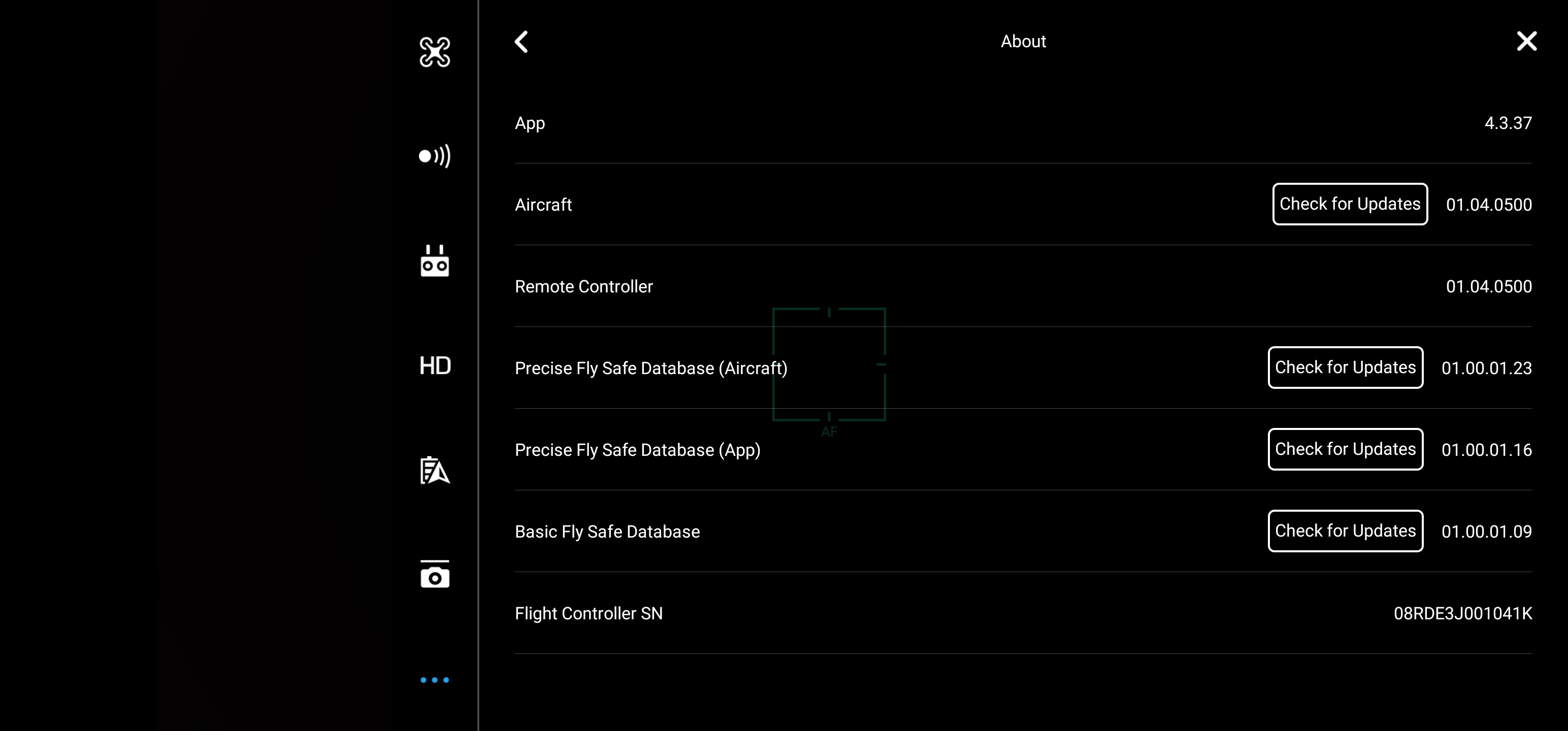
Pretty sure when attempting to restart the plan after an error has showed up the drone will stop taking pictures (previously set to 4s intervals) but still continue to fly the route.
https://app.dronelink.com/omar-amri/issue/plan/h8PsyppuaS3NSgqvTgFI/AlxMzW6qzt321HhWsUui
Comments
6 comments
This may not be the issue but check the Storage. Format the internal storage and SD card. It could just be a corrupted drive or Card. It won’t capture if it’s full or an issue with the storage.
Good Luck, Mike……
Hi Mike and All,
Formated the SD card and also recalibrated the camera (auto calibrate option) and the drone flew 3 plans without issue. Not sure what fixed it but it must have be one of the two.
My SD card had some pictures in it from a previous flight but was not near to max capacity- so not sure what the issue was in the end.
Will let you know if the issue shows up again, thanks!
Just an update following what I did to resolve the issue previously.
I've now flown the drone and mapped more than 20 plans with the drone (roughly 16 minutes per plan) and at first did not come across any issues but more recently about every 2 or 3 plans I'd get the same error show up. However, when I resume the plan the drone flys the route and takes pictures perfectly.
Not sure if this is OTT but I format the SD card before every flying session. Recently have had issues with the zoom on the camera suddenly not working and losing focus too, think this may possibly be related to the camera not being up to scratch.
I'll try calibrate the camera again and see how it goes.
Thanks,
Omar
Calibrated the camera once again and on the 1st and 2nd plan flying the drone it showed the error once each time but when the resume button was pressed everything continued as normal. Flew it flying a third plan and the start of a fourth and it didn't show any error.
I was not able to reproduce this.
Last message I'll probably comment on this post with the latest update on this error.
I still sometimes get this error when flying different plans. I think it may be related to the interval timer for the camera and the drone/software automatically starting the timer again once the drone has taken a turn before it follows the next adjacent path down/up from its previous path.
I tested manually changing the interval setting to manual input for taking pictures (on the app) then returning to the homescreen of the app which shows the paused plan, then opening the plan and starting it again. Most times this would fix the error but wouldn't always prevent the error from showing up again on the same plan once the drone and app has attempted to restart the interval timer automatically again to commence a new line.
Hope this information might be useful to someone in the future!
Thanks,
Omar
Please sign in to leave a comment.